Cutting Image Payloads: An Online Tool Roundup
Images remain the heaviest assets on most web pages, so trimming their byte count often delivers the biggest performance win available to a developer. The following browser-based utilities cover everything from a quick single-file pass to bulk conversion workflows, each with different trade-offs in format support, file limits, and where the processing happens.
General-Purpose Compressors
WebUtils Bulk Image Compress handles conversion to WebP, JPG, PNG, AVIF, and JXL, with adjustable quality and dimensions. Processing is done entirely in the client, though bulk jobs can run slowly, and the tool does not state any file-count or size caps.

Compressor.io optimizes JPEG, PNG, SVG, GIF, and WebP with lossy or lossless modes. The free tier caps uploads at 10MB per file; heavier files and custom compression settings sit behind the Premium plan. Because compression happens server-side, results come back noticeably faster than in client-side apps.
Imagecompresser.com accepts up to 10 simultaneous uploads in PNG, JPEG, WebP, JPG, or GIF. It advertises no per-image size ceiling, making it a candidate for handling a handful of very large assets.
Optimizilla applies lossy compression to JPEG, GIF, and PNG. It accepts up to 20 images and lets you tune the compression level and quality per image before downloading each result.
TinyPNG remains a straightforward option for WebP, PNG, or JPEG files, with a limit of 20 images at once and 5MB per file.
Format-Specific And Client-Side Tools
AnyWebP focuses on the WebP format: it converts WebP to JPEG, PNG, or ICO, and can turn nearly any format (TIFF, PSD, BMP, and others) into WebP. Customization is by file size or quality, and processing never leaves the machine. The project also ships offline native apps for Mac and Windows that support batch conversion.
Compressimage.io runs fully offline with no file-size or quantity limits, but restricts itself to JPEG and PNG. Custom controls cover compression level, output dimensions, optional WebP conversion, and a custom suffix on the resulting file name.
JPEG.rocks is a privacy-friendly, open-source optimizer that handles JPEGs entirely in the browser. No constraints are documented on file size or count, and you can adjust the quality of the output file.
JPEG Stripper trims unnecessary data from JPEG files. It processes one image at a time, which suits short runs of JPEGs more than bulk work.
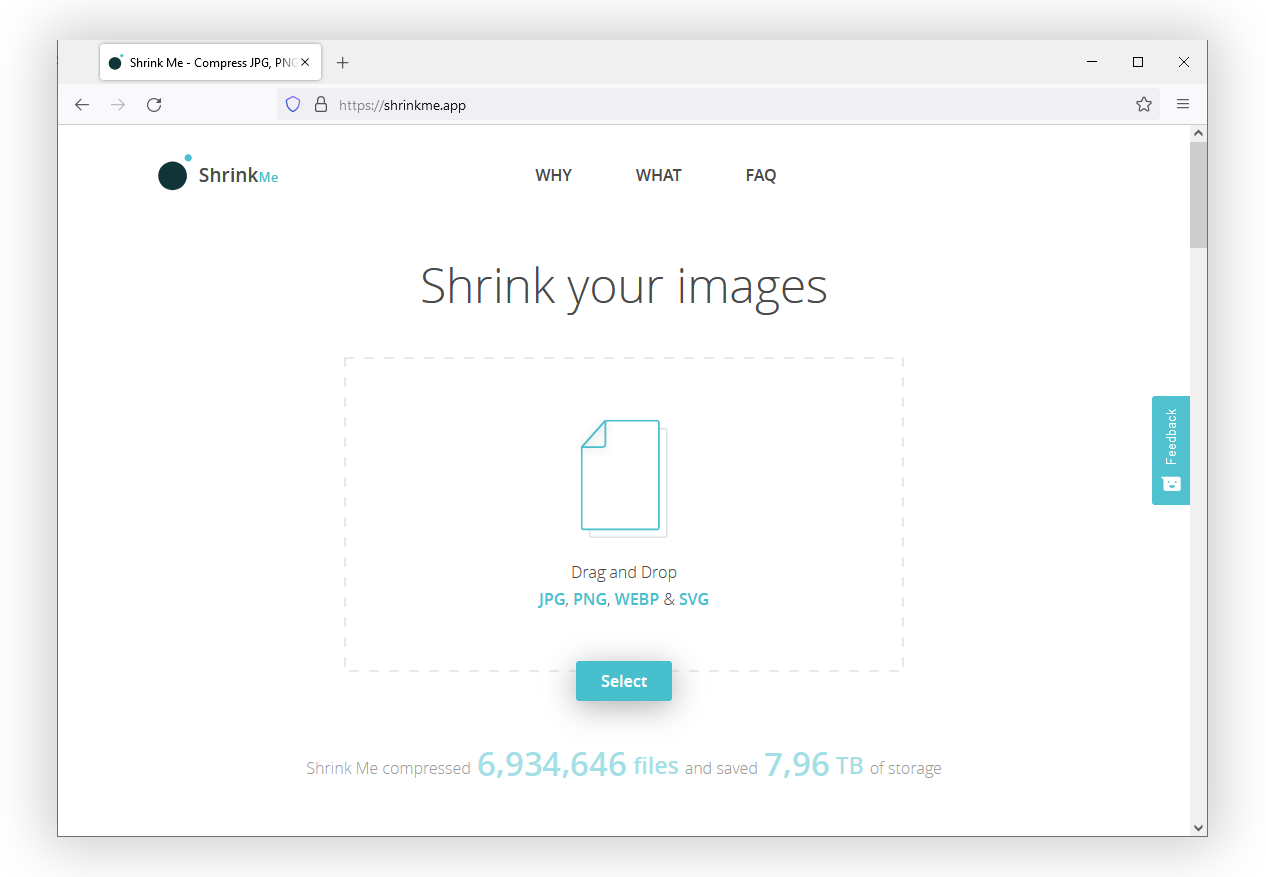
Shrink Me bulk-optimizes JPEG, PNG, WebP, or SVG images with no visible quality loss. There is no limit on files or sizes, though larger inputs naturally slow the pipeline.
Shrink Media works on PNG, JPEG, and WebP files up to 5000×5000 resolution, with interactive sliders for quality and dimensions. It also appears as an iOS or Android app. The web tool processes one image at a time but accepts a URL to fetch an image directly.
OptimizeImages shrinks SVG, PNG, JPEG, WebP, GIF, and AVIF, and can convert outputs to WebP or AVIF. Batch size goes to 30 files, with compression quality choices of recommended, medium, or ultra.
ImagesTool.com bundles a suite of image manipulation functions, including resizing, converting, and compressing. It supports JPEG, WebP, SVG, GIF, and APNG, runs client-side, and offers lossless or custom compression. There is no file-count cap, and you can upload files by folder or paste images directly.
AVPress steps outside still images to optimize video files and GIF animations. It handles a single file at a time with several configurable output settings.
AVIF Converter turns nearly any format into AVIF, the next-generation codec touted for better compression than WebP, JPEG, PNG, and GIF. File limits are not stated, but full browser support for AVIF is still pending.
Specialized Editing And Compression
Compressor.js offers roughly a dozen settings to control quality, size, mime type, and other parameters. Its constraint is speed of throughput: optimization runs one file at a time, which favors precision over batch resizing.
canvas.toBlob API to do the compression work.Squoosh comes from the Chrome Labs team. The web interface handles one image at a time, opening access to color palette reduction, compression method, quality level, and other advanced settings. The underlying engine is also exposed as an API or a command-line interface for bulk processing jobs.
SVGOMG targets SVG file size, acting as a graphical front end for the Node.js-based SVGO. Many SVG producers embed redundant metadata and instructions, and this GUI surfaces those cleanups in a visual interface.
Build-Time And Programmatic Options
Manual tools suit occasional adjustments or small sets of files. In larger projects, image optimization should hook directly into the build pipeline. Several options cover that territory:
- SVGO powers SVGOMG and remains the standard SVG optimizer as a Node.js utility.
- libSquoosh and Squoosh CLI expose the Squoosh engine as a JavaScript API and a terminal command, respectively.
- pngquant is a command-line utility built specifically for PNG reduction.
- esbuild-squoosh integrates the Squoosh engine with the esbuild bundler.
- imagemin is an older, currently unmaintained JavaScript project that optimizes images programmatically.
imagemin has spawned plugins for nearly every major bundler and task runner, including:
- rollup-plugin-imagemin for Rollup builds.
- parcel-plugin-imagemin for Parcel.
- grunt-contrib-imagemin for the older Grunt task runner.
- gulp-imagemin for Gulp pipelines.
- ImageMinimizerWebpackPlugin for webpack.
- snowpack-plugin-imagemin for Snowpack.
For native applications that need on-the-fly image processing, several C libraries are available:
- MozJPEG optimizes JPEGs, intended for use inside graphics programs and image processing tools.
- jpegoptim is a utility for JPEG file optimization.
- libvips is a general-purpose image processing library.
Formats And Utility Apps Worth Knowing
Several tools and resources don't fit a single category but could fill specific gaps:
- QOI — the Quite OK Image Format losslessly encodes images at sizes near PNG's, with 20–50× faster encoding and 3–4× faster decoding.
- JXL — a community site centered on the JPEG XL format rather than an optimizer itself.
- UPNG.js — the PNG/APNG codec behind Photopea, offering both lossy and lossless modes.
- Optimus — a desktop app supporting JPEG, PNG, and WebP compression and conversion.
- ImageOptim — a Mac app and Sketch plugin for reducing image file sizes.
- pngcrush — a legacy command-line compression tool for PNG files.
- Trimage — a cross-platform native app and CLI that optimizes JPEG and PNG images.
- PNGGauntlet — an older configurable app for Windows, Mac, and Linux that optimizes PNGs and converts other formats to PNG.
- Pngyu — a native application that puts pngquant to work on PNG files.