
WordPress refuses SVG uploads by default, and the reason is sound: SVG is a markup syntax with enough power to pull in external resources and execute JavaScript. Allowing it unconditionally would let even low-privilege users upload files that open the door to problems such as XSS vulnerabilities.
This article is specifically about getting SVG files through the media uploader so they can be used in post content and as featured images. Templates are a different matter — inline <svg> or SVG files referenced from your theme's CSS or markup work without any special handling.
Why the media uploader rejects SVG
The blocker is the MIME type check in the Media Library Uploader. Lifting it takes a single filter, placed in functions.php or a functionality plugin:
function cc_mime_types($mimes) {
  $mimes['svg'] = 'image/svg+xml';
  return $mimes;
}
add_filter('upload_mimes', 'cc_mime_types');
That gets the file uploaded, but display is another story. SVG often fails to render in the Media Library's image previews, the Featured Image widget, and sometimes the classic or Block Editor. A CSS snippet has traditionally been used to patch those views; in the author's case it no longer works, which is the reason for revisiting plugins.
Why a plugin is the better home for this
A one-line filter looks trivial enough to maintain yourself, but WordPress changes over time. Since core support for SVG is not on the table, a plugin is a sensible place for the work: it can adapt to quirks as WordPress evolves, and if enough sites rely on it, it should stay maintained.
Plugin recommendations
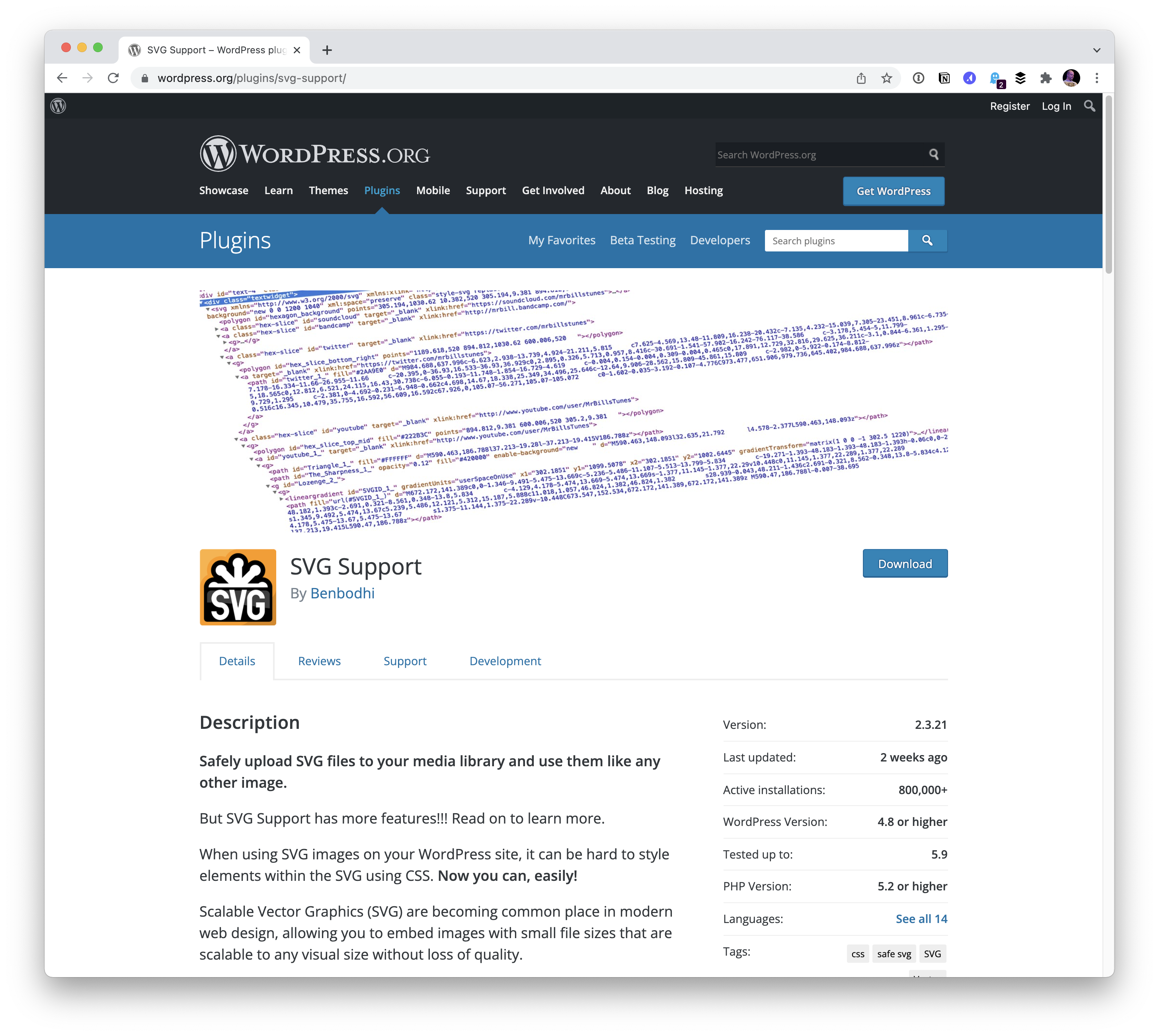
SVG Support
The author's current choice. Install, activate, and it works with no further configuration; a settings screen exists but isn't needed. One appreciated touch is that it asks permission before loading additional CSS on the front end — the author declines. A better design would show exactly what that CSS contains so it could be moved into your own stylesheet. The plugin also offers a setting to restrict SVG uploads to administrators, which is a sensible safeguard.
Safe SVG
For stronger safety, this plugin actually sanitizes SVG files on upload and optimizes them on the way in. It has not been updated in years, however.

On a site with tight editorial control over authors, the security features matter less, and the author prefers to handle SVG optimization personally — so this one suits sites whose owners have less technical expertise.
Also considered
Easy SVG Support exists, but it appears less polished than SVG Support and has not been updated recently, so it isn't recommended here.




