The Fullscreen API makes exactly one element of a page fill the screen, which is something the browser's own fullscreen mode cannot do. Combined with a dedicated CSS selector, it also gives you control over how the fullscreen state looks.
What browser fullscreen leaves out
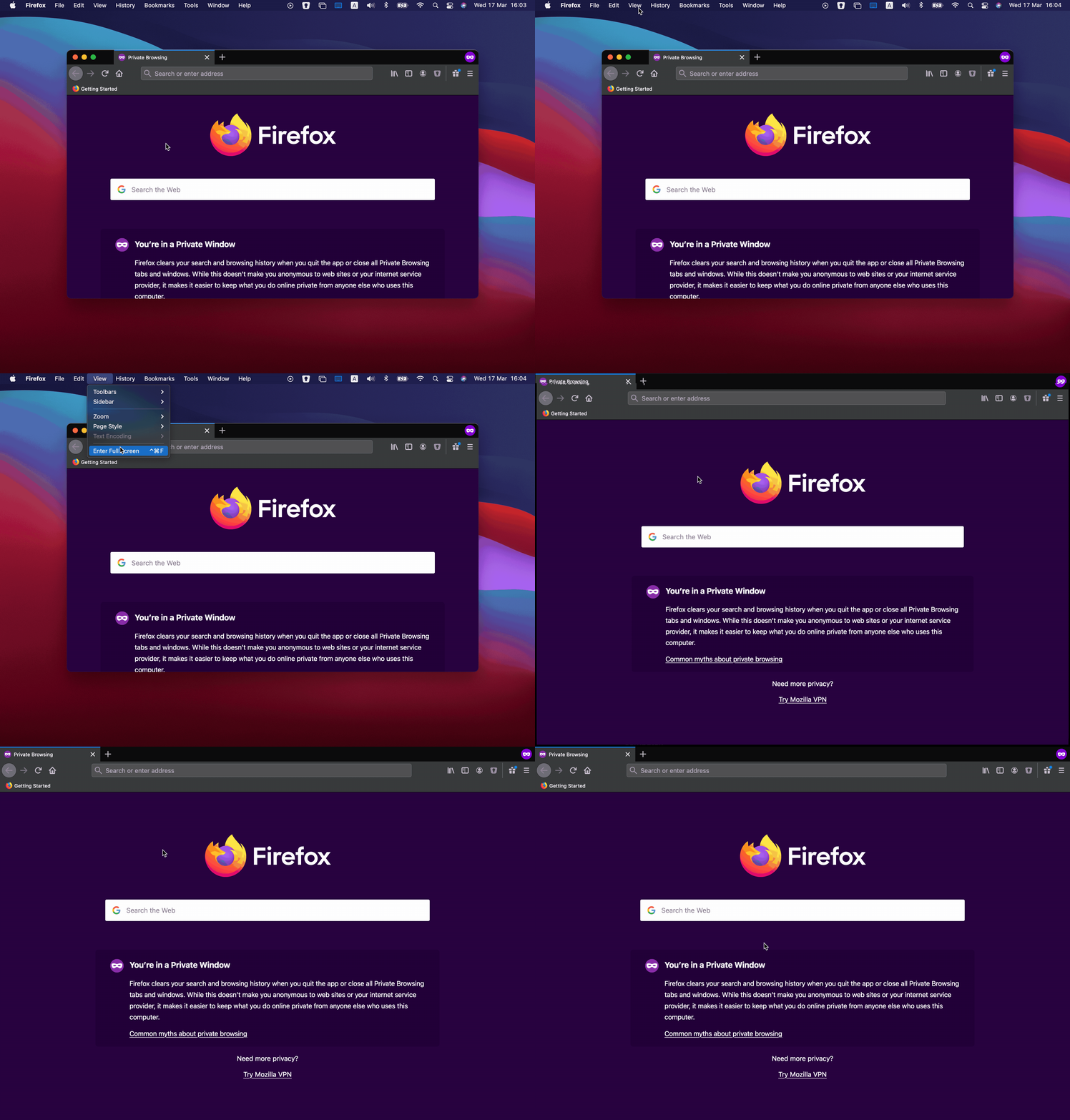
Every major browser already offers fullscreen: press F11 or ⌃⌘F (WinKey ⬆ on PC) and the window fills the monitor, with UI such as the window management buttons removed. That maximizes the space available to the document, but it applies to the page as a whole. Usually you want a single element — a video or a game, say — to go fullscreen instead. The API covers that case and adds:
- Fullscreening a specific element rather than the entire page.
- CSS matching of that element through the
:fullscreenpseudo-class, which checks whether a given element's fullscreen flag is set. - Explicit control over when fullscreen is entered.
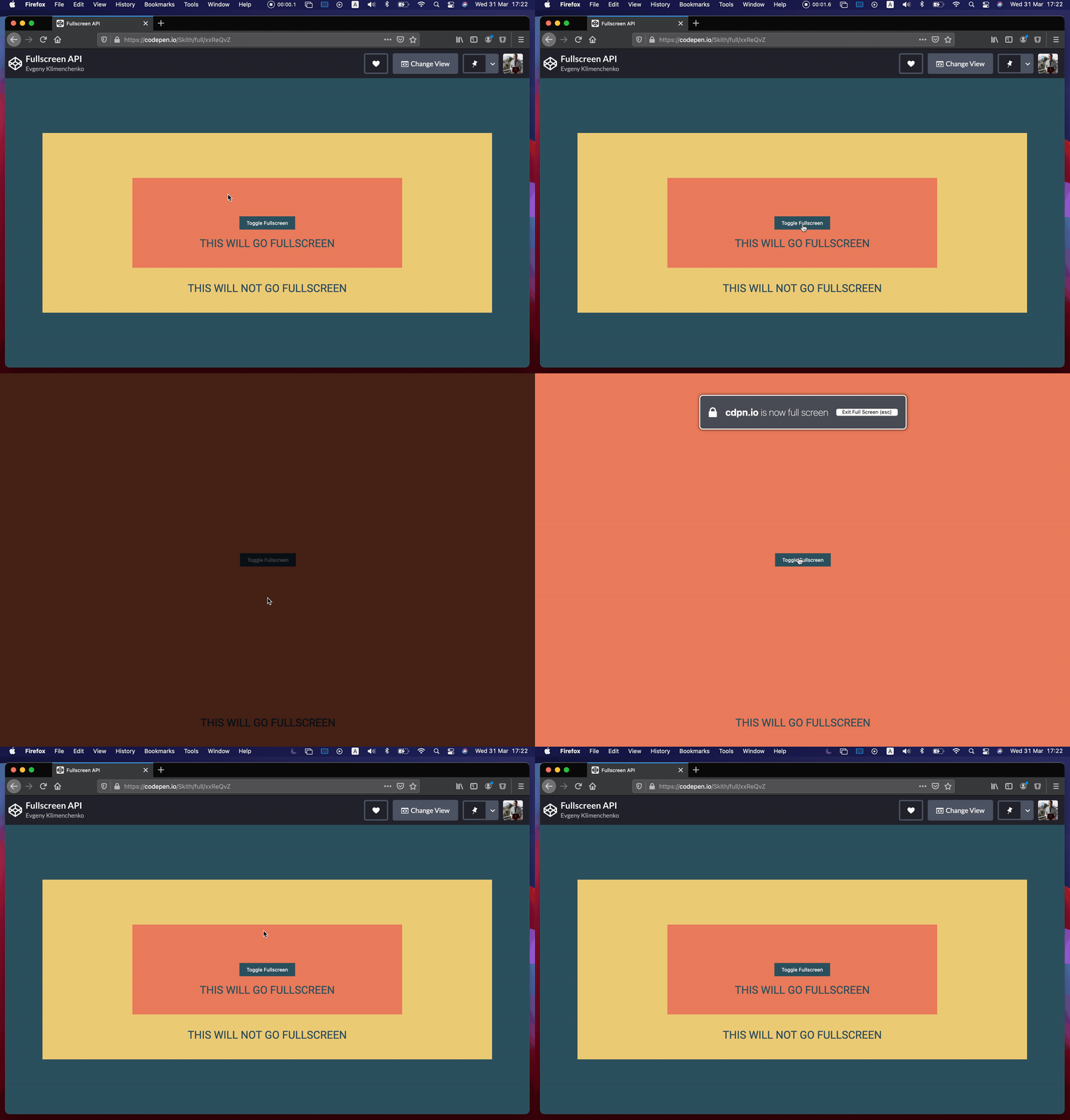
Entering fullscreen from code
The first step is picking the element that should be displayed fullscreen. From there, the work is to check that the element exposes the requestFullscreen() method and call it. Starting from a simple <div>:
<div id="fullscreen"></div>Select the element, verify the method exists, and invoke requestFullscreen:
let fullscreen = document.querySelector("#fullscreen");

if (fullscreen.requestFullscreen) {
  fullscreen.requestFullscreen();
}
Calling it on page load is rarely what you want. A button that toggles the mode gives you a conditional trigger:
<div id="fullscreen">
  <button id="button">Toggle Fullscreen</button>
</div>
let fullscreen = document.querySelector("#fullscreen");
let button = document.querySelector("#button");
button.addEventListener("click", () => {
if (!document.fullscreenElement) {
fullscreen?.requestFullscreen();
} else {
document.exitFullscreen();
}
});The toggle relies on document.fullscreenElement, which returns the element currently in fullscreen and null when nothing is. It is also worth checking document.fullscreenEnabled, a boolean reporting whether the Fullscreen API can be used in this browser at all — it may be missing entirely, or fullscreen may have been switched off by the user.
To leave the mode, call document.exitFullscreen(). Pressing ESC should always remain a way out, but this method lets you build your own exit path. It does not matter which element was fullscreen; after the call the page returns to window mode. The button handler above therefore tests whether fullscreen is already active and chooses between entering and leaving accordingly.
Targeting the fullscreen state in CSS
Because a fullscreen element can be matched in CSS, the :fullscreen pseudo-selector can style it:
#fullscreen:fullscreen {
  background-color: yellow;
}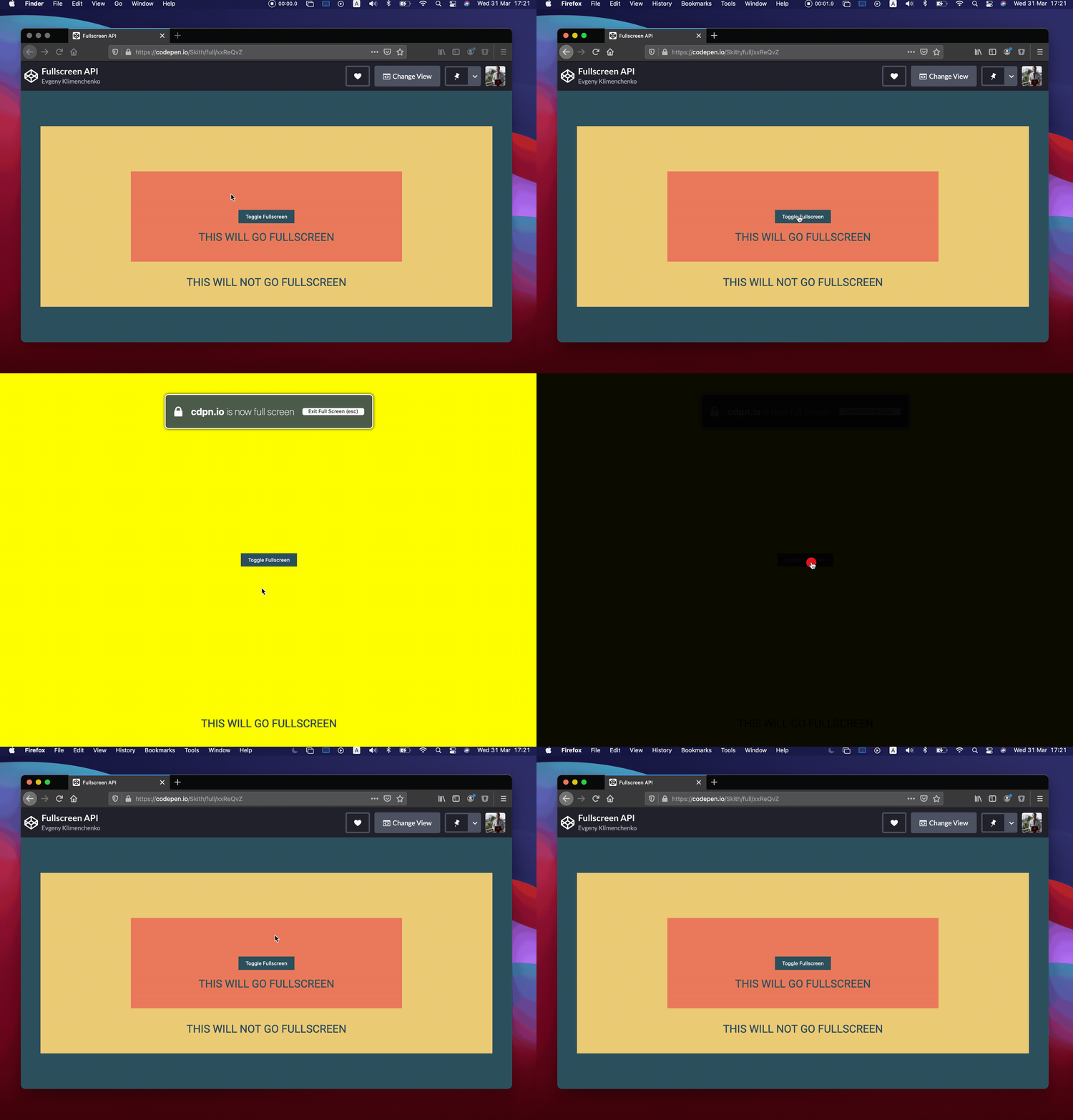
Only the #fullscreen div receives the yellow background, and only while it is in fullscreen mode. The limitation is that the selector cannot reach arbitrary elements: only the root element that is in fullscreen mode matches, and none of its children do. A rule like #button:fullscreen will not style a button inside the fullscreen element unless the button itself is the element being fullscreened. Some browsers need a prefix — Firefox uses -moz-full-screen and WebKit-based browsers use -webkit-full-screen:
#fullscreen:-webkit-full-screen {
  background-color: yellow;
}

#fullscreen:-moz-full-screen {
  background-color: yellow;
}
The backdrop behind the element
While in fullscreen mode, a pseudo-element renders directly beneath the fullscreen element. It is black by default, and its styles can be changed:
#fullscreen::backdrop {
  background-color: skyblue;
}
Fullscreen mode may not work inside embedded Pens, so run the final example outside the article.