
SVGator 3.0: A Full Workflow For SVG Creation And Animation
SVGator has evolved significantly since its early days as a dedicated animation tool for imported SVG files. With version 3.0, the application now functions as a complete environment for building SVG graphics from scratch and bringing them to life. It covers the entire production chain, from the first vector shape to the final exported and deployable animation, while leaning into format-specific features that generic vector editors often overlook.
This walkthrough follows a typical use case: building a custom loader graphic. The process spans drawing and styling the base artwork, layering different animation types onto it, and configuring the final export for web use. Drawing tools, vector editing, and the complete design feature set are available on the free plan; advanced animation options and additional exports fall under paid plans starting at $11/month.
Drawing The SVG From Scratch
The workflow starts with a new blank file; setting a distinct background color provides useful contrast while designing the foreground elements.
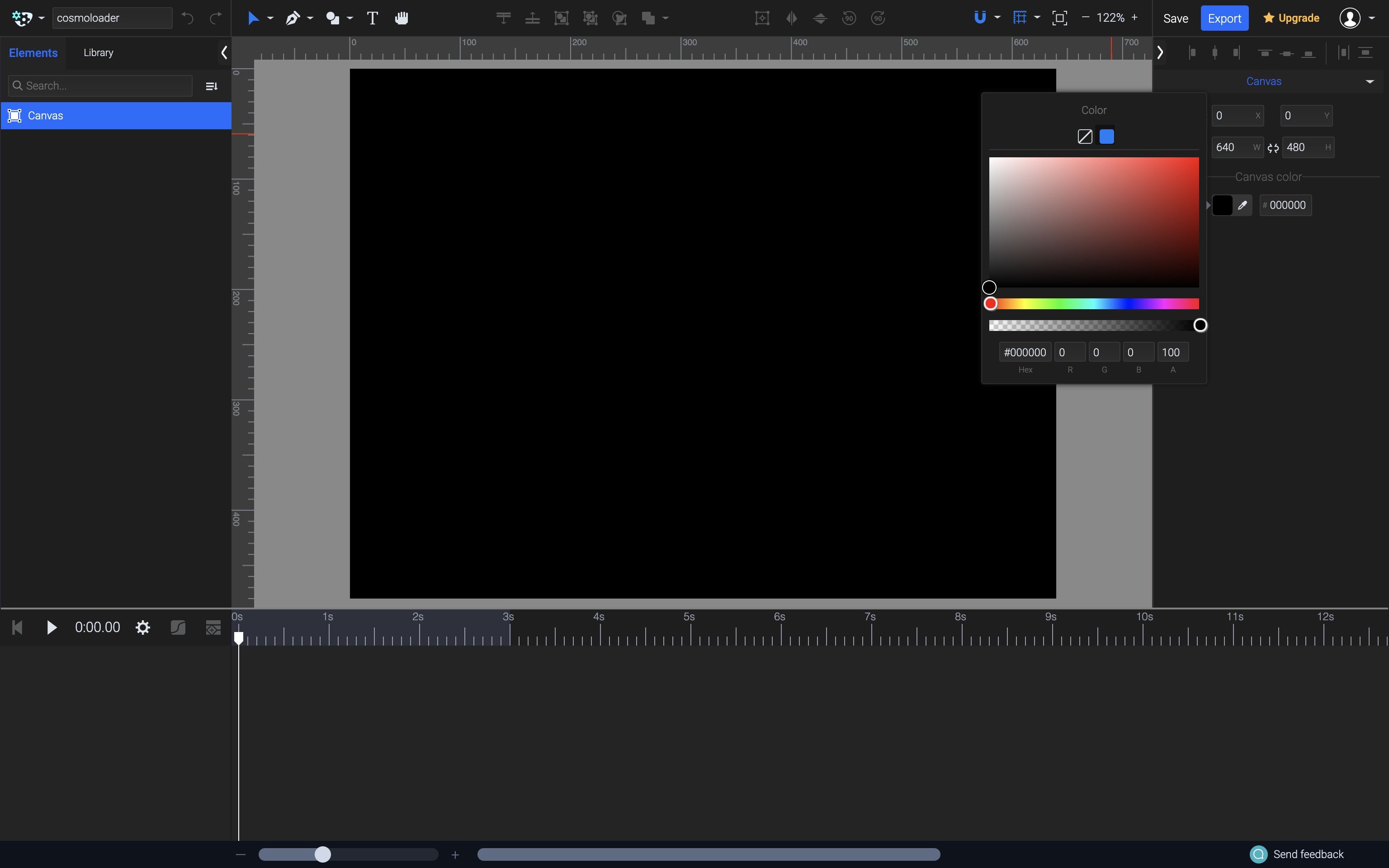
All standard SVG primitives — ellipse, rectangle, and polygon — are available in the toolbar, alongside Pen and Pencil tools for drawing free-form paths. Boolean operations can combine base shapes into more complex silhouettes. Guides, snapping, rulers, and a grid system help position and size elements precisely against one another.
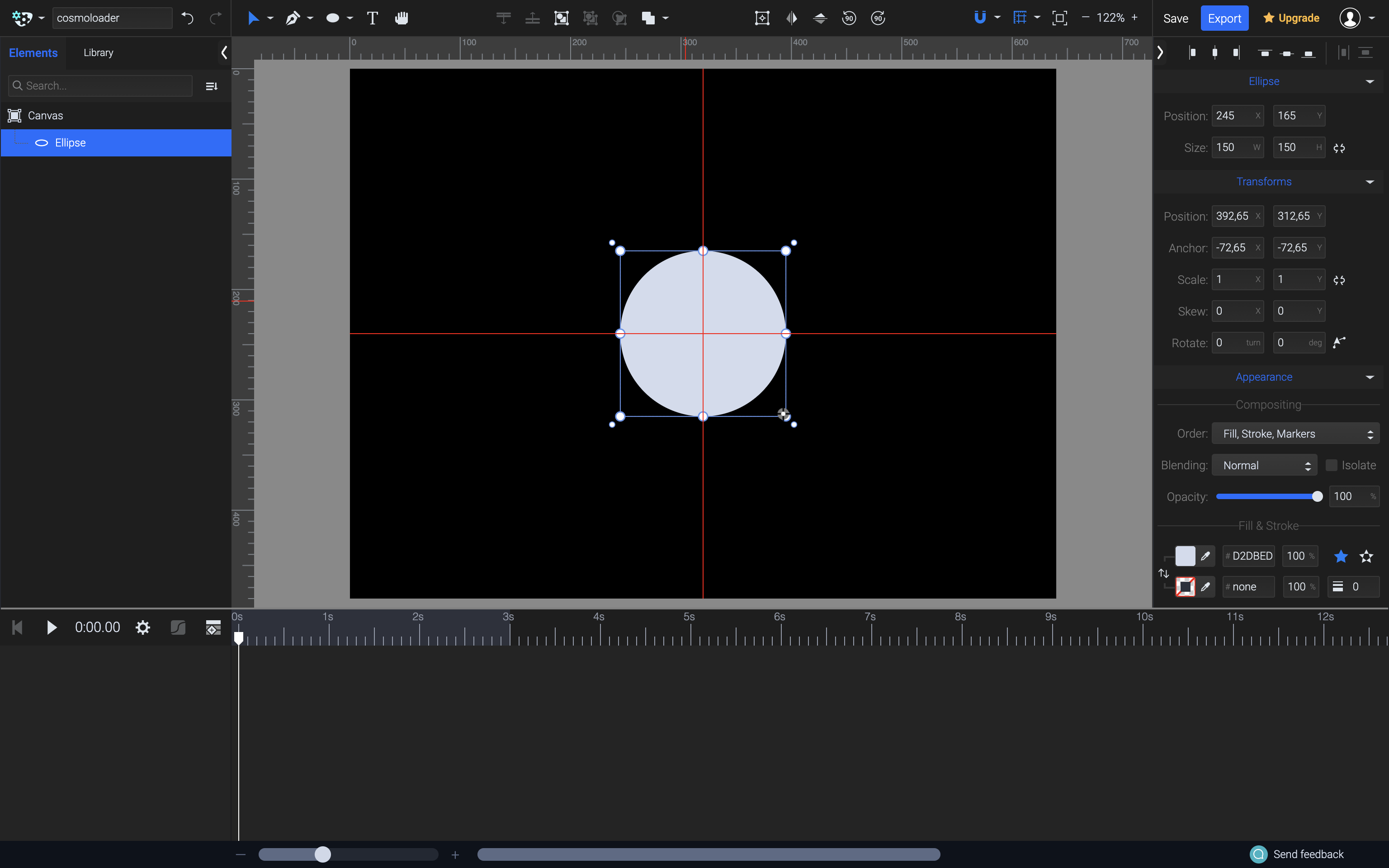
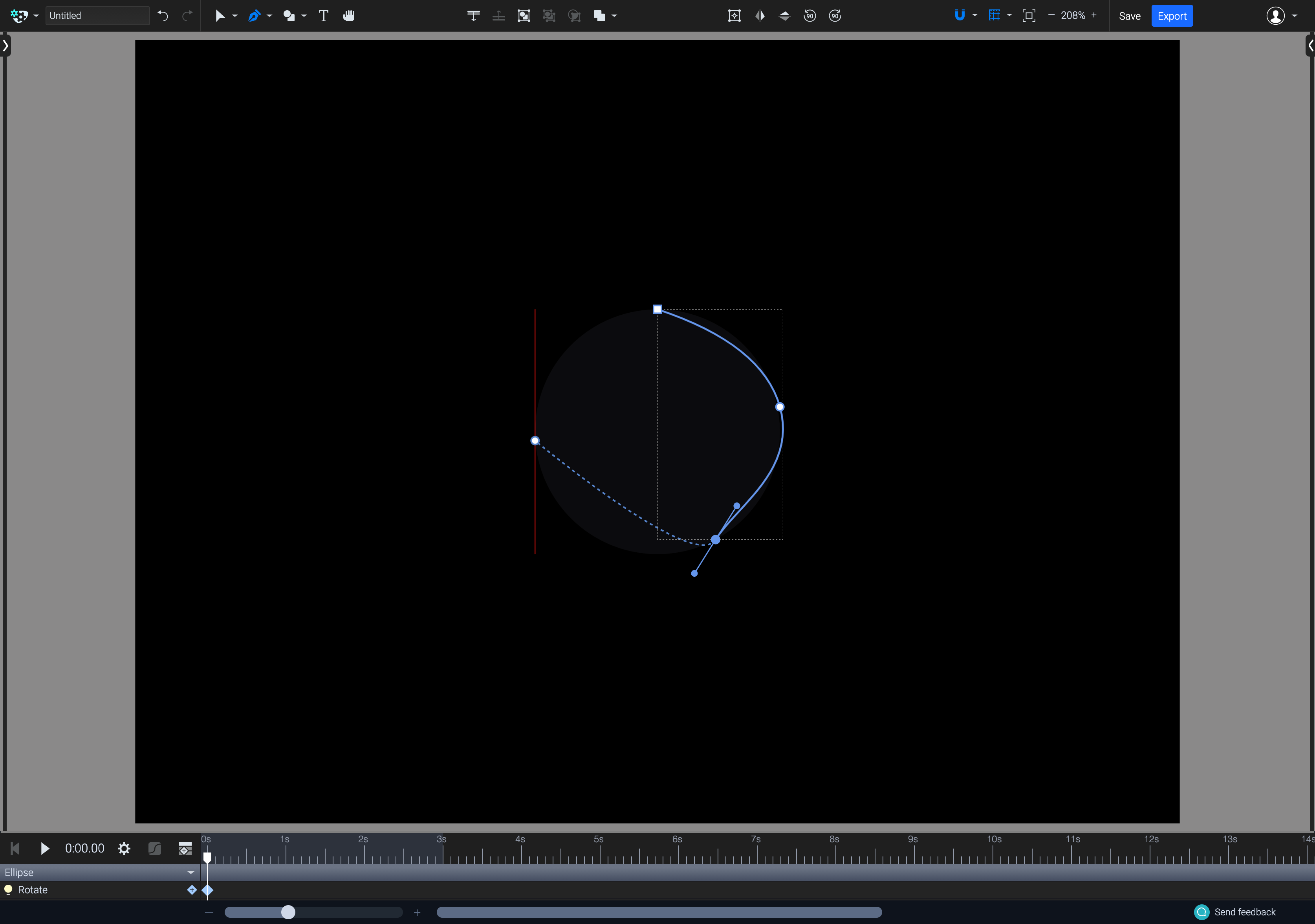
For a blob-style loader, an initial circle guides the outline. The Pen tool is ideal for tracing the first custom blob along that guide. Notably, the Pencil tool produces shapes with considerably fewer anchor nodes than equivalent tools in other applications. This has a twofold benefit: paths are visually smoother, and the final SVG files remain smaller since fewer data points get serialized into the export.
Styling With SVG-Native Features
SVGator’s main technical advantage appears during the styling stage. Universal vector suites output multiple formats, so their feature breadth gets constrained by what translates easily everywhere. Similarly, UI-focused tools are built around HTML and CSS limits. Since SVGator targets only SVG output, it can interface directly with the format’s advanced feature set.
This includes particulars like the spreadMethod attribute on gradients and native SVG filters — blur, drop shadow, and sepia — rather than CSS approximations. Very few tools in this price class reliably expose those properties. Drafting and styling happens with relative confidence that the on-canvas preview aligns with the rendered SVG output, as mentioned in the source materials.
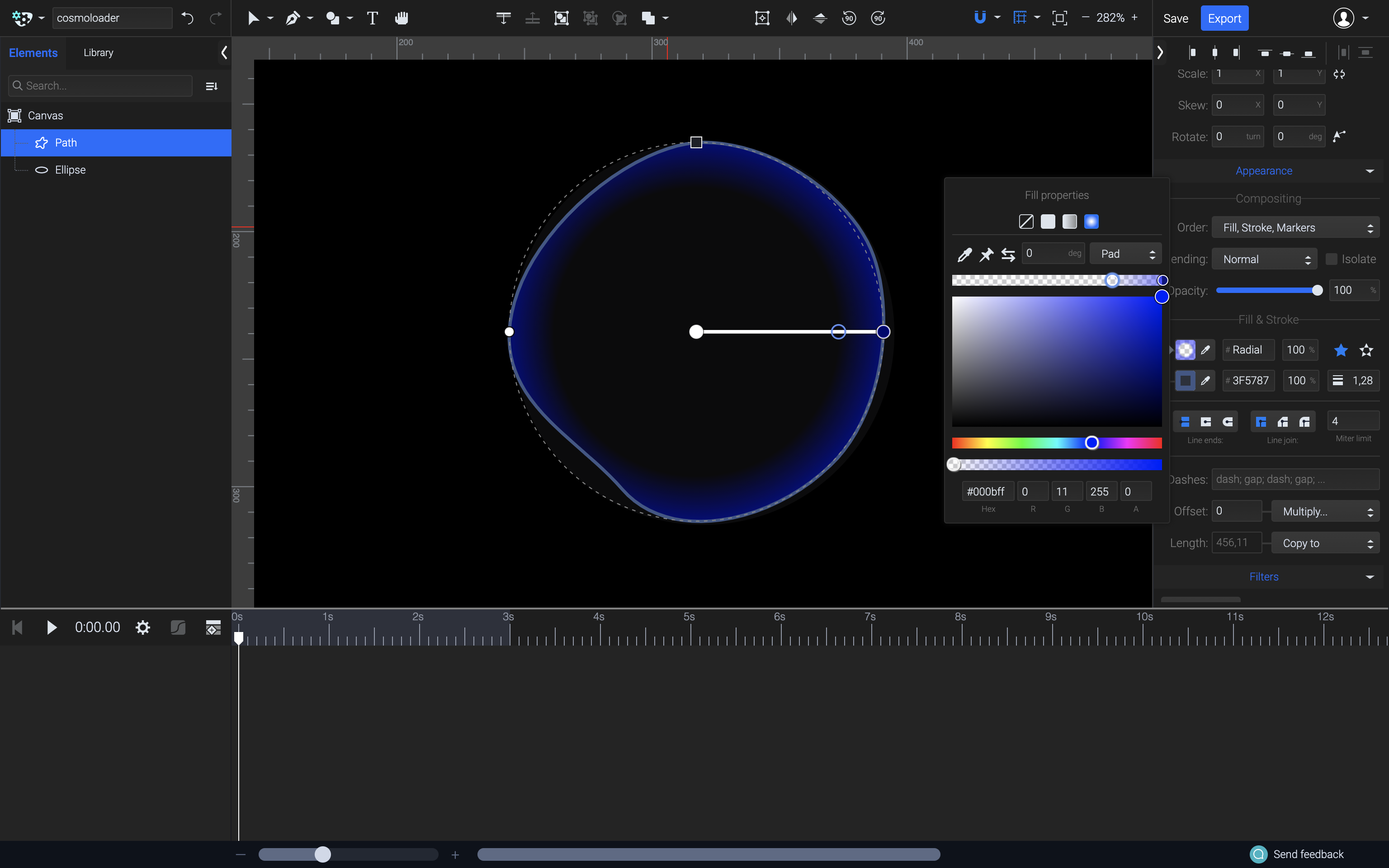
The sample blob design uses a gradient fill combined with a gradient stroke, plus a filtered blur effect set independently along two axes. Leveraging native SVG filters gives distinct control per-axis, something CSS filters do not.
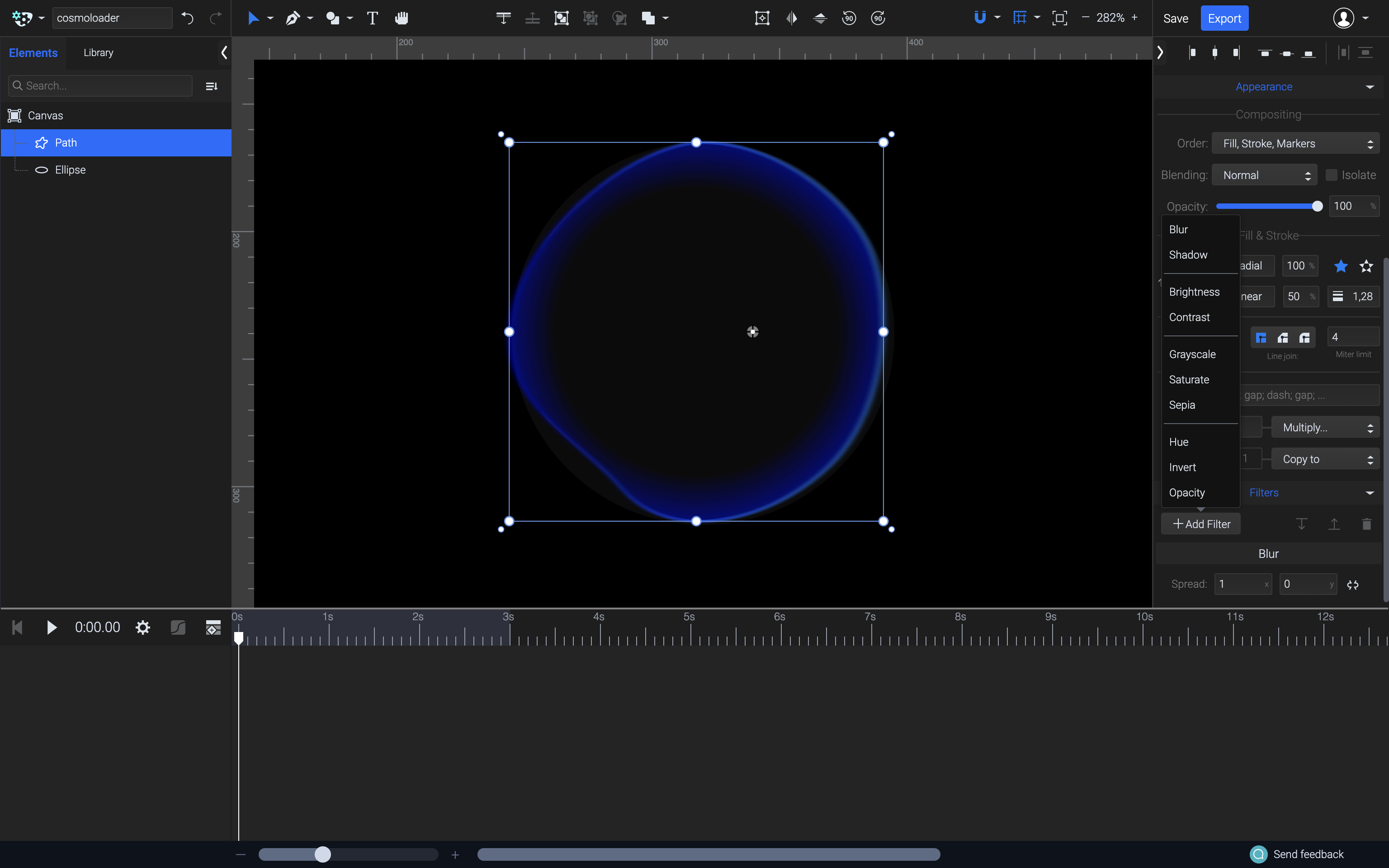
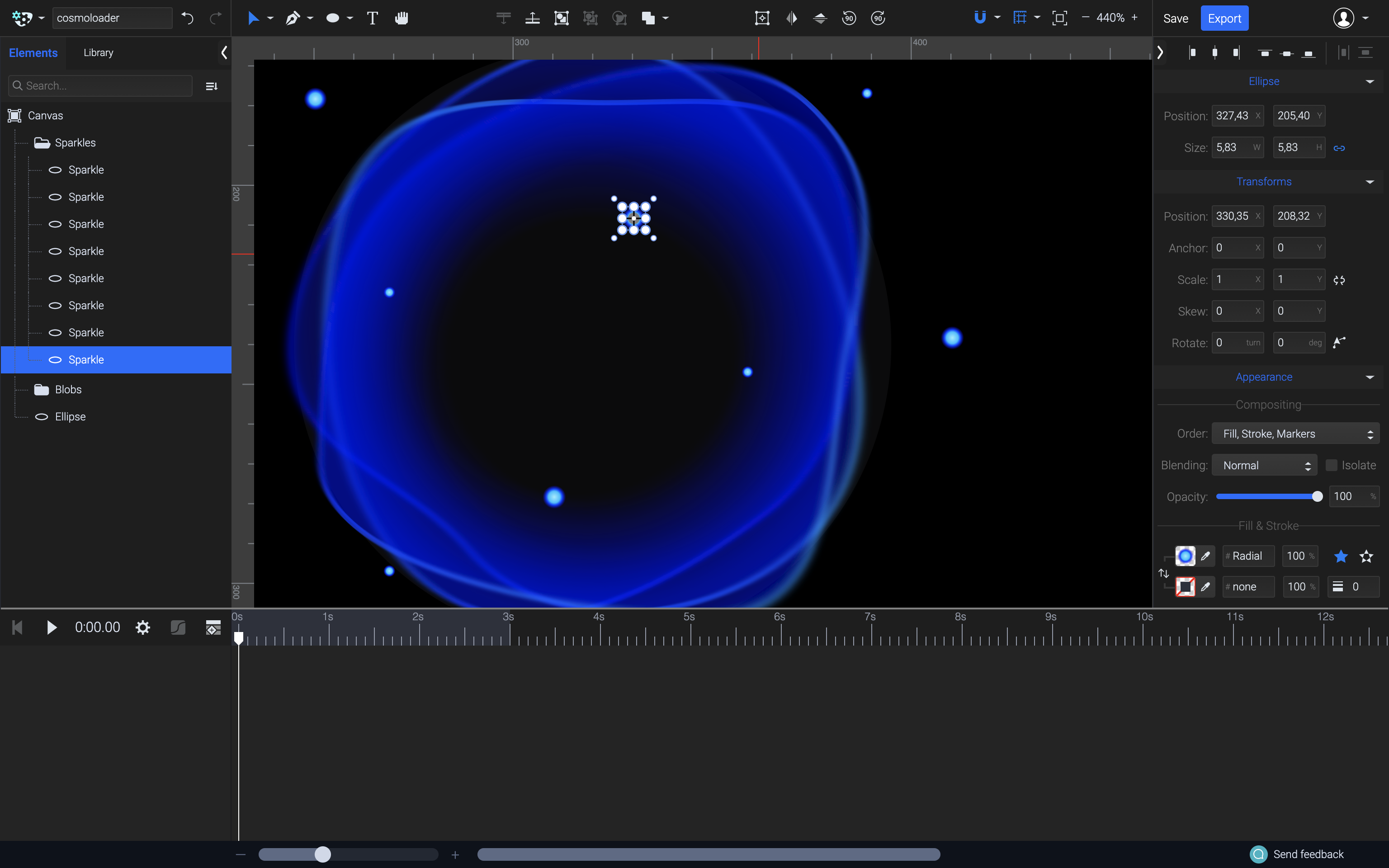
Repeating the same drawing process adds several duplicate blobs to the composition, with paths slightly edited using the Pen tool while preserving smooth lines. Additional sparkle dots, simple circles with gradient fills, provide focal accents around the larger forms.
Animation: Building Motion
Adding separate animation types is relatively modular per composition. Position, opacity, morph, and scale are treated as their own namespaces, cleanly separated on any given shape.
Orbiting Elements With Position Animators
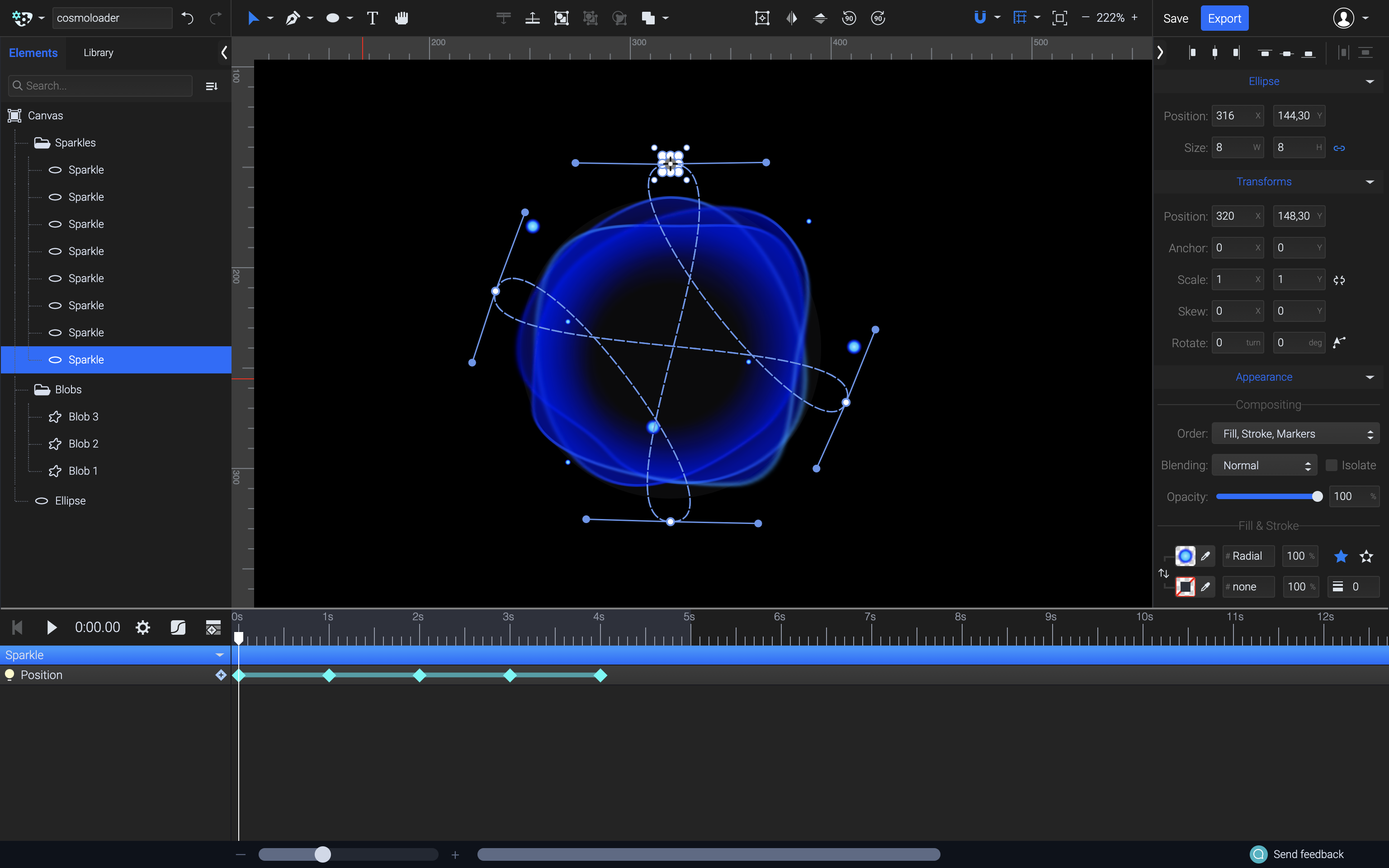
Each sparkle gets a Position animator. Motion path animation is performed live: the element moves along a user-defined physical space trajectory rather than relying on keyframe interpolation within a static layer. The geometry for that path can be edited exactly like any other vector path, allowing full creative control over the sequence.
This technique works to create the illusion of elements tending along a path in three-dimensional space. Adding Scale and Opacity animators on top of each sparkle reinforces that depth. A recommended tutorial if you’re finding edge cases is Motion Path Animation — Animate Any Object Along a Custom Path at the learned source.
The individual timing functions materially affect perceived realism. For objects wobbling in uneven elliptical orbits, Ease In Out derivatives work best: the elements slow down for the tight arcs and speed up on the long trajectories. Curves indicated in the animation editor here demonstrate that user “sharpening” of the bezier function was customized per layer to eliminate sudden visual catches.
Morphing Blob Layers
Applying a Morph animator to the main shapes produces continuous transitions between two distinct vector states. Setting a new keyframe and manipulating points using the same Pen tool only modifies the destination state, and playback progressively blends the difference.
Like position-based motion paths, fine-tuning the movements’ acceleration better avoids the blobby inconsistency many developers perceive as poor timing. As presented in the design notes, the same physical logic — close secondary state — is adjusted with easing functions to produce natural flowing movement without ending too smooth or snapped.
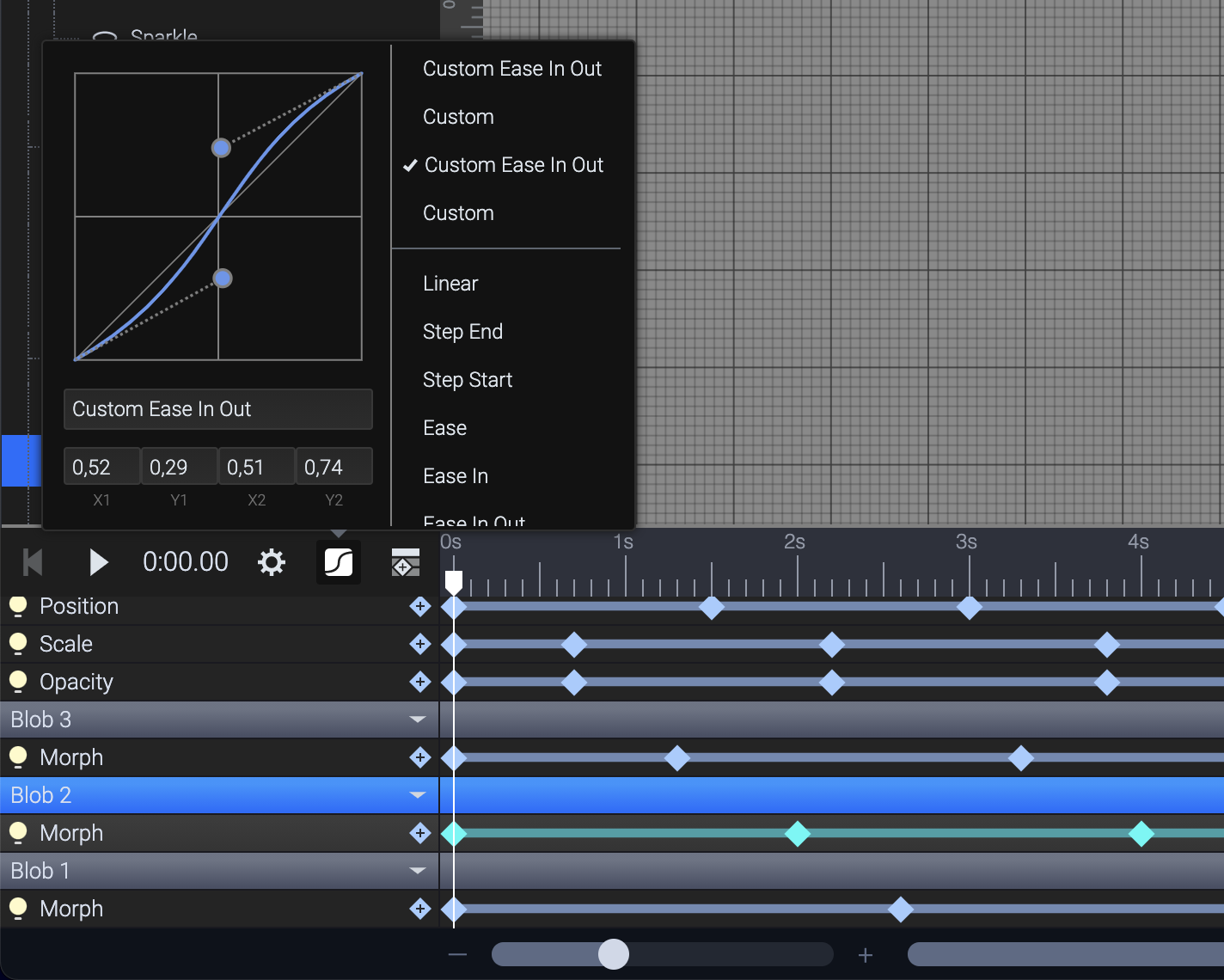
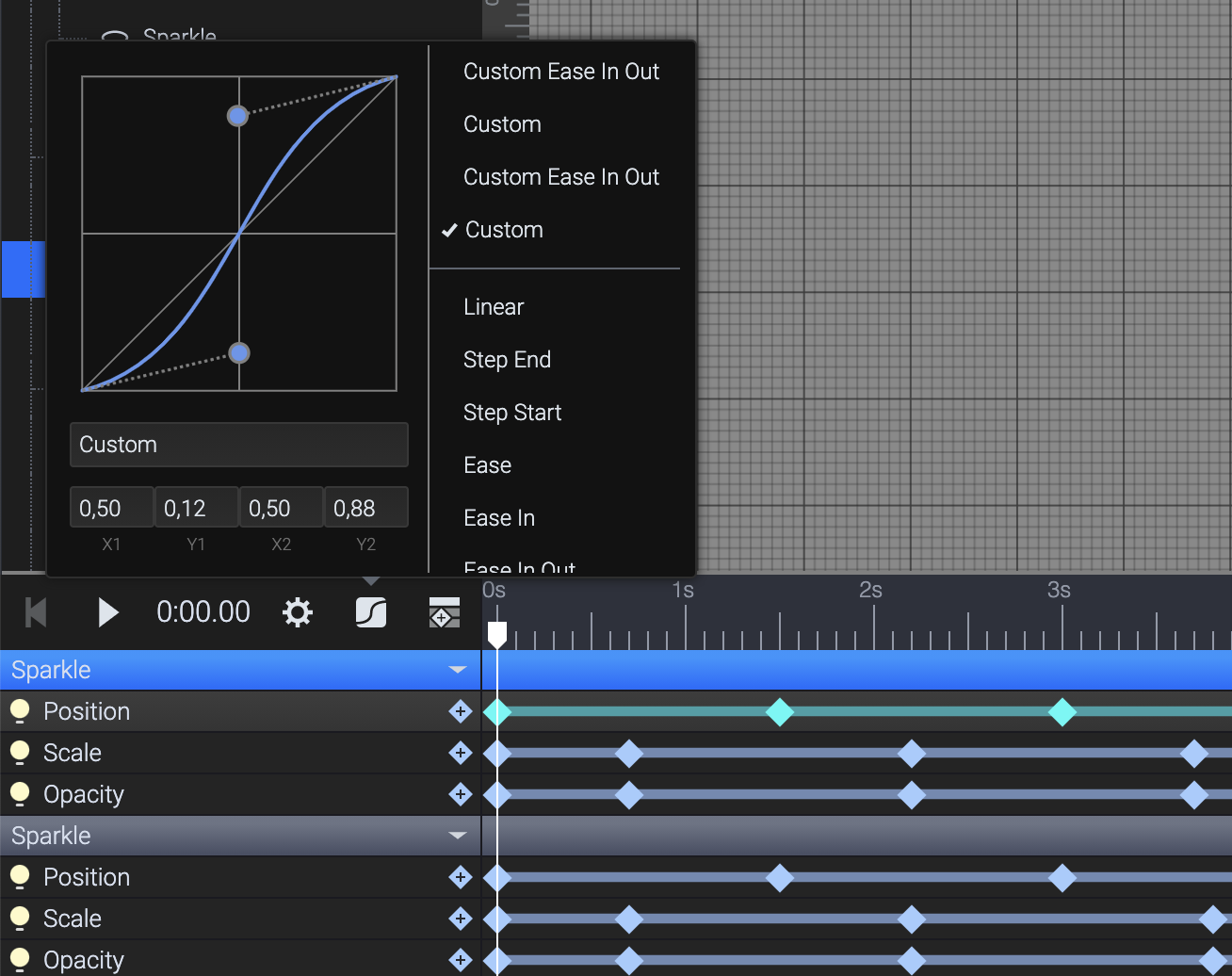
Advanced interactive timing examples refer to the vendor’s Advanced Morph Animation tutorial among SVGator’s documentation.
Preview And Browser-Based Export
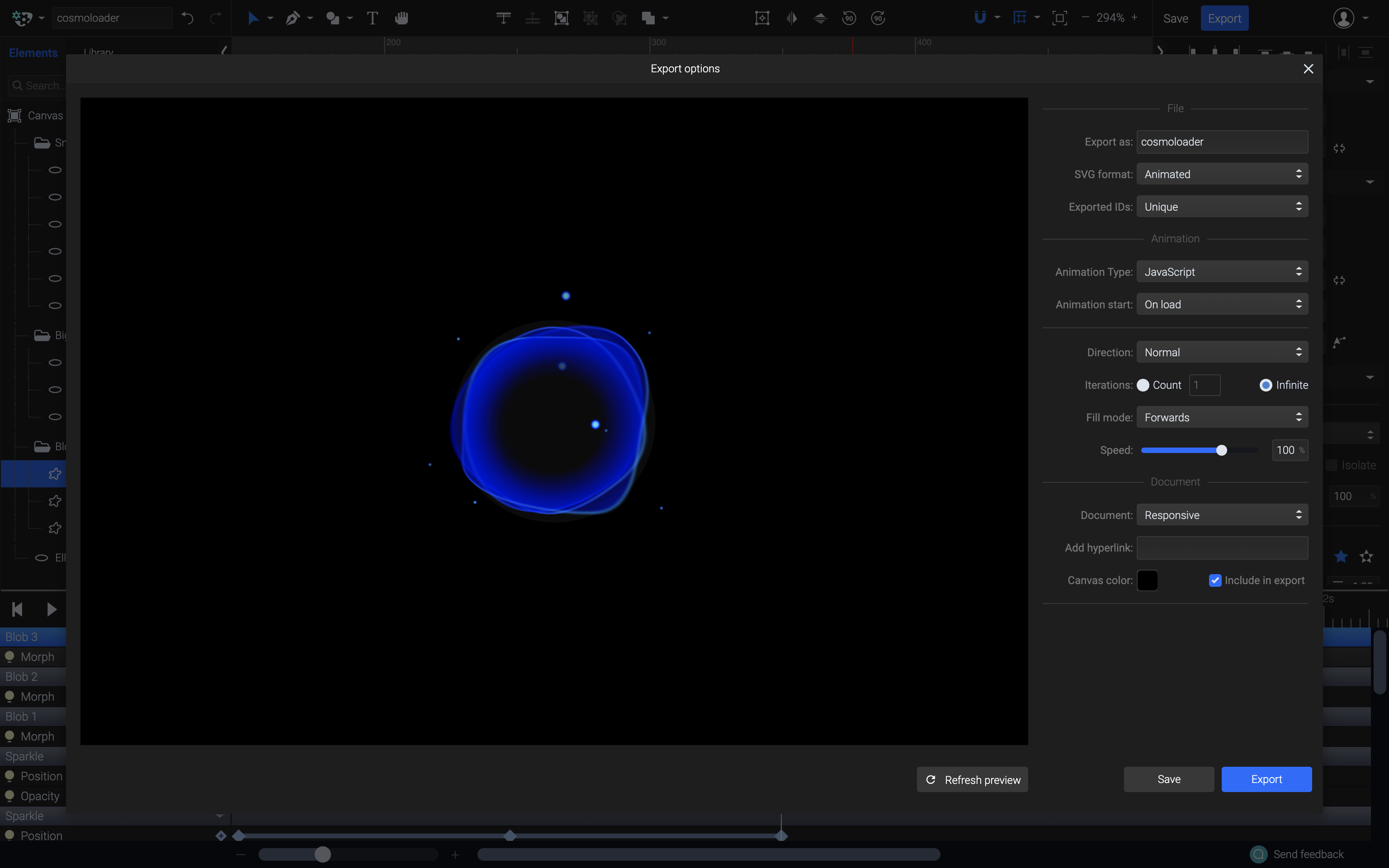
The most recent feature unification combines the live preview to test runtime changes and exported code accordingly. With the targeting of the animation engine, states display — including switching from visible to invisible based on additional criteria:
- Only affect and compress how player reacts to different container states;
- Full supporting tests for loop and action-control engine configuration, or instance load triggers.
Time needs to determine which triggers drive the file — simply on load or set off by gesture/state — plus control repeating dependencies. The export interface directly accesses local player parameters before final packaging, therefore improving resulting cross-browser outputs.
A live CodePen example of the finished loader illustrates the expected usage scenario implementations in actual web production.
Navigating The Remaining Graphics Pipeline
Practical SVG knowledge extends beyond the current sample, and both first-party onboarding and community-facing resources exist in depth. The SVGator tutorials provide short start-to-end workflows that outline parameter mapping; their in-app help center logs all product documentation, membership functionality, and accessible instructions. A previously published material dig is likewise valuable:
- Take advantage of the
motionanimations available through SVGator’s ready-to-run library, enabling path-driven behaviors with little ceremony. - Query the instance-dependent service conditions under published license and plan-level restrictions before deploying in production.


