

The Hook That Changed Functional Components
React 16.8, released in February 2019, introduced Hooks — an additional API that lets developers use state and other React features without writing a class. The API is fully opt-in, introduces no breaking changes, and works alongside existing code. Before the official release, Hooks were experimental, but now they are stable and recommended for React developers.
Hooks are built-in functions that allow developers to use state and lifecycle methods inside functional components. The underlying benefits go beyond simple state management:
- Improved code reuse and composition
- Better defaults for new components
- Sharing non-visual logic via custom Hooks
- Flexibility in moving up and down the components tree
The React team cited several motivations for introducing Hooks. Reusing stateful logic between components was difficult without changing component architecture. Complex components became hard to understand as they grew, since splits had to be forced based on lifecycle methods rather than related pieces of logic. And classes themselves added confusion — developers had to understand how this works in JavaScript, which differs from many other languages.
React's official documentation specifies two rules that must always be followed when using Hooks:
- Don't use Hooks inside loops, conditions, or nested functions
- Only use Hooks from inside React functions
The Four Core Hooks
Ten built-in Hooks shipped with React 16.8, but four are commonly used across most applications: useState(), useEffect(), useContext(), and useReducer().
Managing State With useState()
The useState() hook handles state inside functional components without requiring conversion to class components. Consider a simple age counter:
function App() {
  const [age, setAge] = useState(19);
  const handleClick = () => setAge(age + 1)

  return
      <div>
          I am {age} Years Old
        <div>
        <button onClick={handleClick}>Increase my age! </button>
      </div>
   </div>
}
The component stays concise and functional, avoiding the complexity of a class component. The hook receives an initial state as an argument. Using array destructuring, it returns two variables that you can name as you like: the first is the actual state value, and the second is a function for updating that state.
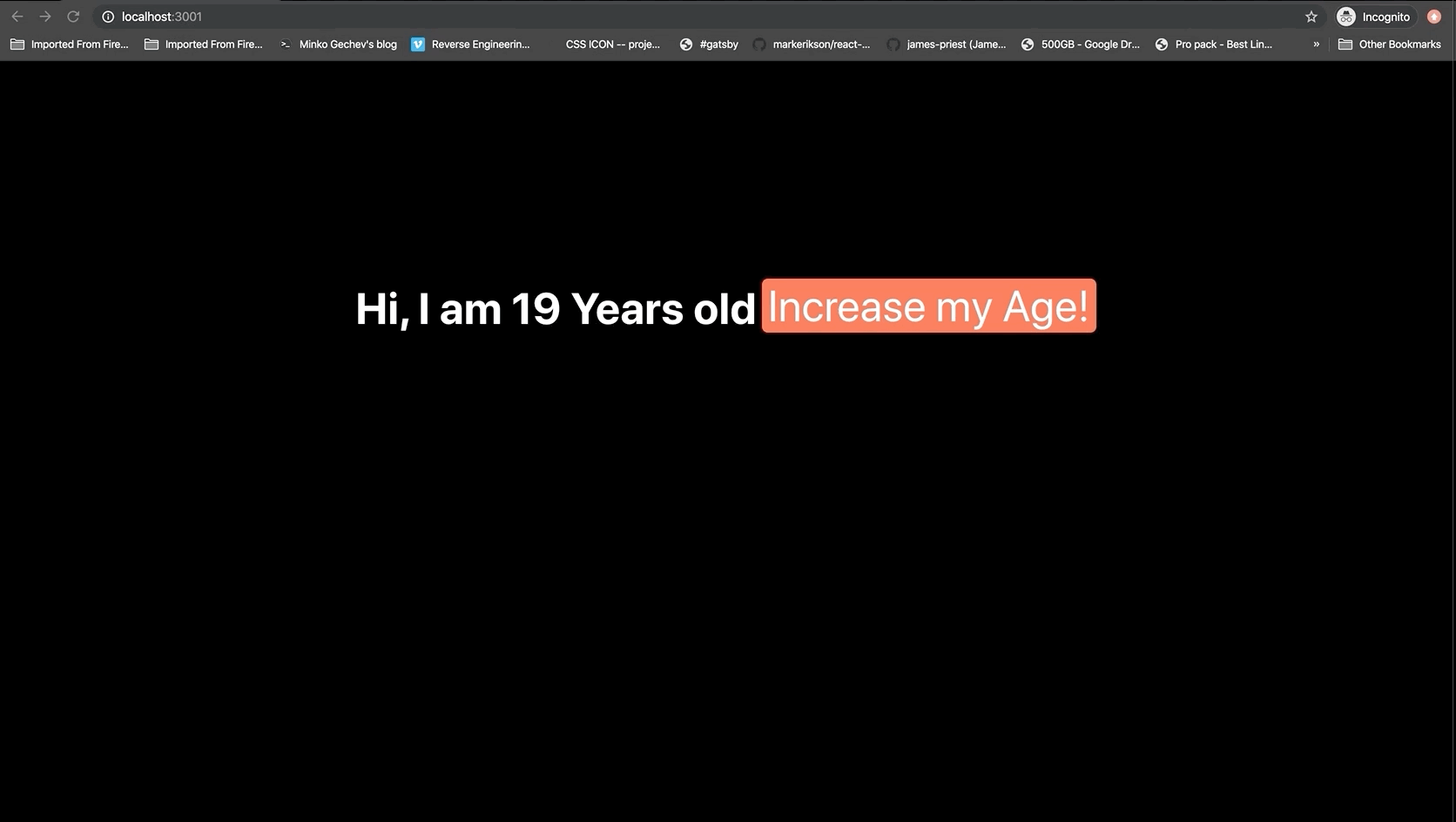
When rendered, clicking the "Increase my Age" button changes the state and the component updates just like a class component with state would.
Side Effects With useEffect()
The useEffect() hook accepts a function containing effectual code. Inside functional components, effects like mutations, subscriptions, timers, and logging cannot be placed directly or they would cause inconsistencies during UI rendering. Instead, the effect function executes right after the render appears on screen.
By default, effects run after each completed render, but you can also configure them to fire only when certain values change. This hook covers interactions with the Browser/DOM API, external API calls, and subscriptions. If you are familiar with React lifecycle methods, useEffect() effectively combines component mounting, updating, and unmounting into one function.
Here's a basic implementation:
Step 1: Set Up State
import React, {useState} from 'react';
function App() {
    //Define State
    const [name, setName] = useState({firstName: 'name', surname: 'surname'});
    const [title, setTitle] = useState('BIO');

    return(
        <div>
            <h1>Title: {title}</h1>
            <h3>Name: {name.firstName}</h3>
            <h3>Surname: {name.surname}</h3>
        </div>
    );
};
export default App
Step 2: Call useEffect
import React, {useState, useEffect} from 'react';
function App() {
    //Define State
    const [name, setName] = useState({firstName: 'name', surname: 'surname'});
    const [title, setTitle] = useState('BIO');

    //Call the use effect hook
    useEffect(() => {
      setName({FirstName: 'Shedrack', surname: 'Akintayo'})
    }, [])//pass in an empty array as a second argument

    return(
        <div>
            <h1>Title: {title}</h1>
            <h3>Name: {name.firstName}</h3>
            <h3>Surname: {name.surname}</h3>
        </div>
    );
};
export default App
Notice the empty array passed as the second argument to useEffect(). Since the call to setFullName has no list of dependencies, the empty array prevents an infinite chain of updates — which componentDidUpdate() would trigger. This makes the useEffect() hook act like componentDidMount, rendering once without re-rendering on every tree change.
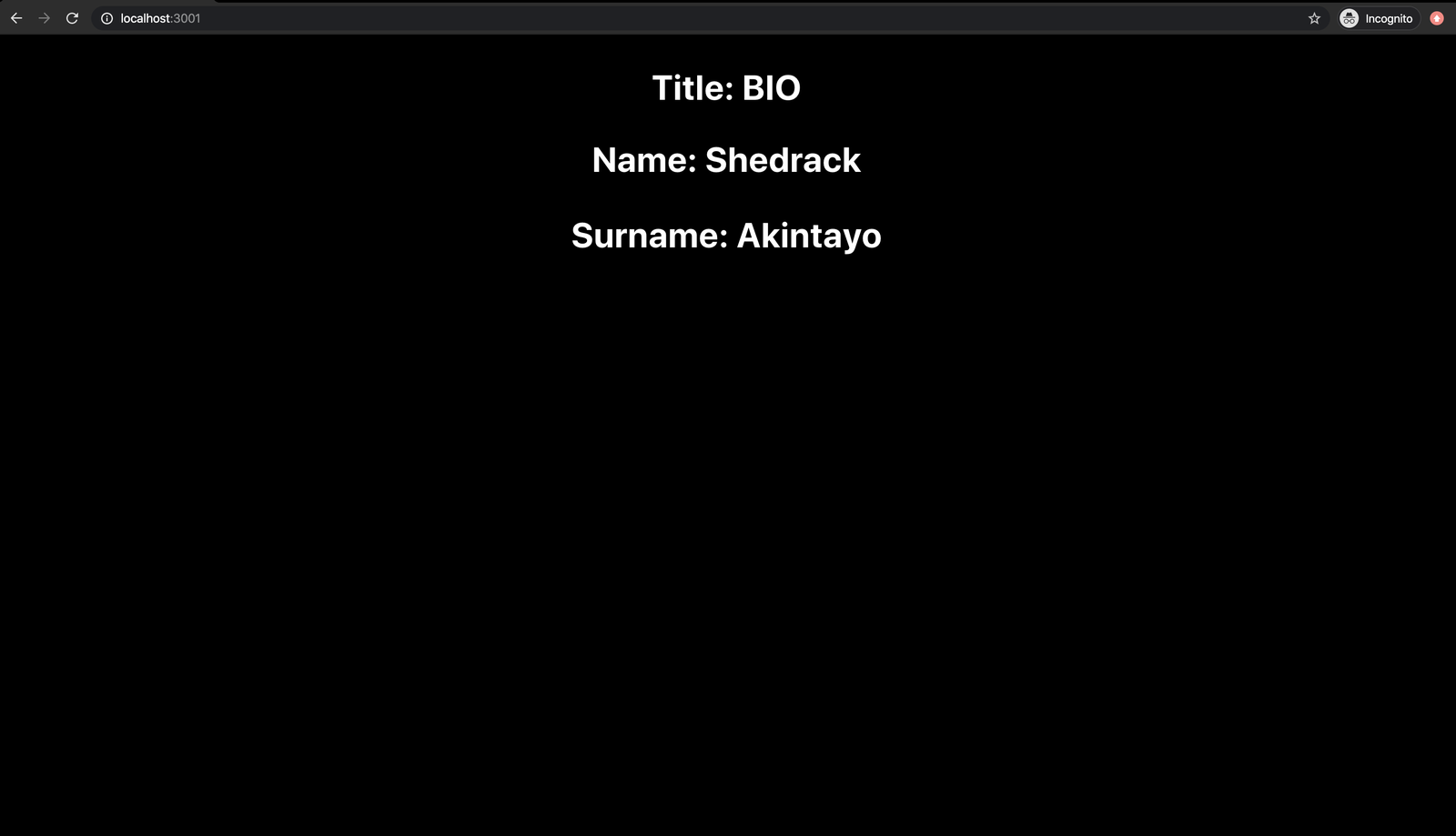
useEffect Hook (Large preview)The title property can also be changed inside useEffect() by calling setTitle():
import React, {useState, useEffect} from 'react';
function App() {
    //Define State
    const [name, setName] = useState({firstName: 'name', surname: 'surname'});
    const [title, setTitle] = useState('BIO');

    //Call the use effect hook
    useEffect(() => {
      setName({firstName: 'Shedrack', surname: 'Akintayo'})
      setTitle({'My Full Name'}) //Set Title
    }, [])// pass in an empty array as a second argument

    return(
        <div>
            <h1>Title: {title}</h1>
            <h3>Name: {name.firstName}</h3>
            <h3>Surname: {name.surname}</h3>
        </div>
    );
};
export default App
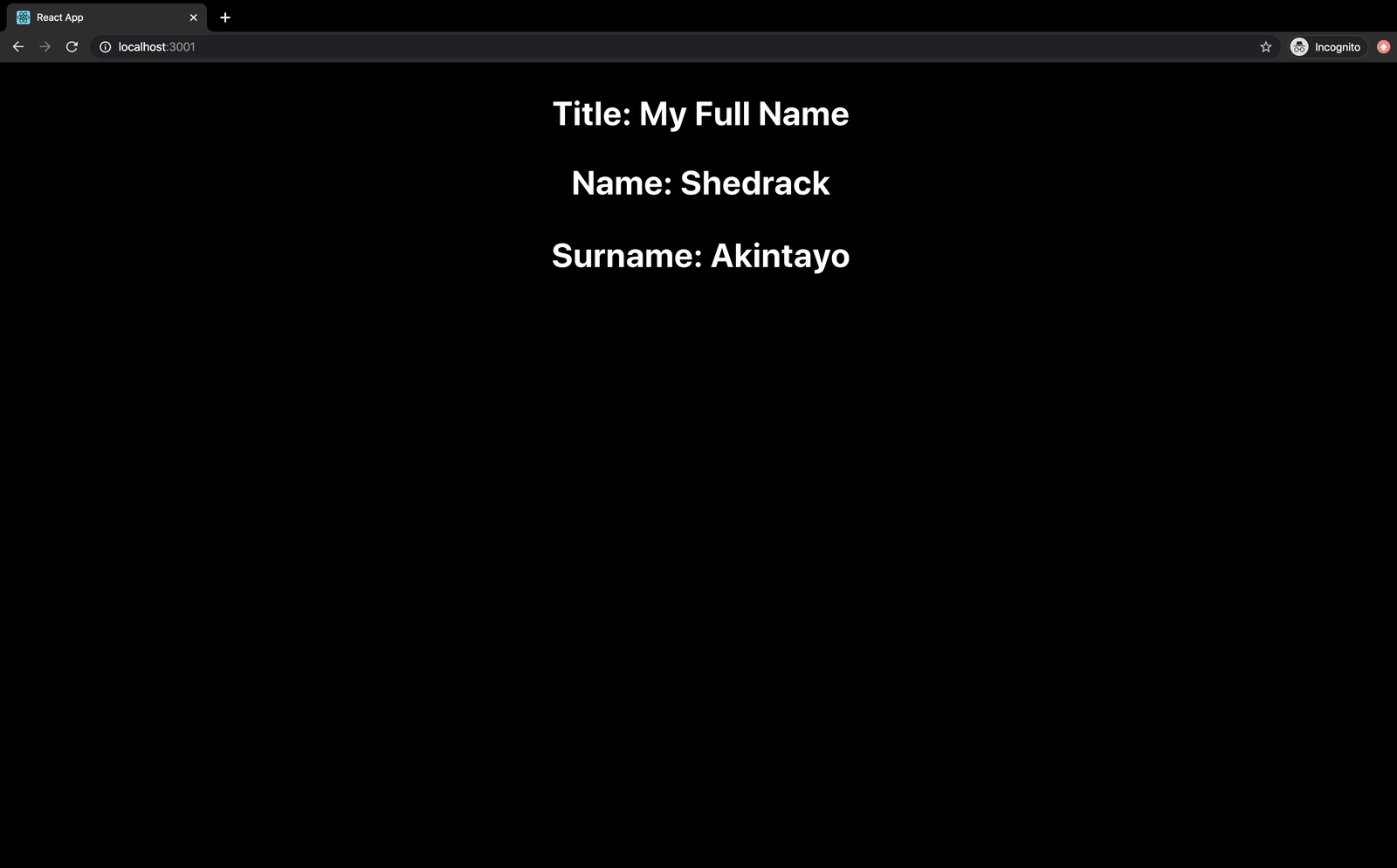
After the application re-renders, the new title appears:
Global State Access With useContext()
The useContext() hook accepts a context object — the value returned from React.createContext — and returns the current context value. This gives functional components easy access to app-wide context.
Before useContext, developers needed to set up a contextType or a <Consumer> in class components. The Context API itself shares data deeply throughout an app without manually passing props through multiple levels, and useContext() makes that process cleaner.
The Traditional Context API Approach
import React from "react";
import ReactDOM from "react-dom";

const NumberContext = React.createContext();
function App() {
  return (
    <NumberContext.Provider value={45}>
      <div>
        <Display />
      </div>
    </NumberContext.Provider>
  );
}
function Display() {
  return (
    <NumberContext.Consumer>
      {value => <div>The answer to the question is {value}.</div>}
    </NumberContext.Consumer>
  );
}
ReactDOM.render(<App />, document.querySelector("#root"));
This code creates a context called NumberContext that returns an object with two values: { Provider, Consumer }.
const NumberContext = React.createContext();The Provider value from NumberContext makes a particular value available to all children:
function App() {
  return (
    <NumberContext.Provider value={45}>
      <div>
        <Display />
      </div>
    </NumberContext.Provider>
  );
}
Then the Consumer retrieves that value — notice this component receives no props:
function Display() {
  return (
    <NumberContext.Consumer>
      {value => <div>The answer to the question is {value}.</div>}
    </NumberContext.Consumer>
  );
}
ReactDOM.render(<App />, document.querySelector("#root"));
Wrapping content in NumberContext.Consumer uses the render props pattern to retrieve and display the value. This works well for dynamic data, but it introduces nesting that can become confusing over time.
The useContext Rewrite
Rewriting the Display component with useContext simplifies things dramatically:
// import useContext (or we could write React.useContext)
import React, { useContext } from 'react';

// old code goes here

function Display() {
  const value = useContext(NumberContext);
  return <div>The answer is {value}.</div>;
}
You call useContext(), pass in the context object, and grab the value directly. Keep in mind that the argument must be the context object itself, and any component calling useContext will re-render whenever the context value changes.
Complex State With useReducer()
The useReducer() hook handles complex states and state transitions. It accepts a reducer function and an initial state, returning the current state and a dispatch function via array destructuring:
const [state, dispatch] = useReducer(reducer, initialArg, init);
This hook serves as an alternative to useState, and is preferable when you have complex state logic with multiple sub-values or when the next state depends on the previous one.
Additional Built-in Hooks
useCallback | This hook returns a callback function that is memoized and that only changes if one dependency in the dependency tree changes. |
useMemo | This hook returns a memoized value, you can pass in a “create” function and also an array of dependencies. The value it returns will only use the memoized value again if one of the dependencies in the dependency tree changes. |
useRef | This hook returns a mutable ref object whose .current property is initialized to the passed argument (initialValue). The returned object will be available for the full lifetime of the component. |
useImperativeHandle | This hook is used for customizing the instance value that is made available for parent components when using refs in React. |
useLayoutEffect | This hook similar to the useEffect hook, however, it fires synchronously after all DOM mutations. It also renders in the same way as componentDidUpdate and componentDidMount. |
useDebugValue | This hook can be used to display a label for custom hooks in the React Dev Tools. It is very useful for debugging with the React Dev Tools. |
Writing Custom Hooks
A custom Hook is a JavaScript function whose name is prefixed with the word use. Custom Hooks call other Hooks and let you extract component logic into reusable functions. They are ordinary JavaScript functions containing shared stateful logic that can be used across multiple components.
Here's an example of a custom Hook for infinite scroll, created by Paulo Levy:
import { useState } from "react";

export const useInfiniteScroll = (start = 30, pace = 10) => {
  const [limit, setLimit] = useState(start);
  window.onscroll = () => {
    if (
      window.innerHeight + document.documentElement.scrollTop ===
      document.documentElement.offsetHeight
    ) {
      setLimit(limit + pace);
    }
  };
  return limit;
};
This Hook accepts two arguments: start, the initial number of elements to render, and pace, the subsequent number to render each time. The defaults are 30 and 10, so you can call the Hook without arguments and it will use those values.
Using the Hook with an online API that returns fake data:
import React, { useState, useEffect } from "react";
import { useInfiniteScroll } from "./useInfiniteScroll";

const App = () => {
  let infiniteScroll = useInfiniteScroll();

  const [tableContent, setTableContent] = useState([]);

  useEffect(() => {
    fetch("https://jsonplaceholder.typicode.com/todos/")
      .then(response => response.json())
      .then(json => setTableContent(json));
  }, []);

  return (
    <div style={{ textAlign: "center" }}>
      <table>
        <thead>
          <tr>
            <th>User ID</th>
            <th>Title</th>
          </tr>
        </thead>
        <tbody>
          {tableContent.slice(0, infiniteScroll).map(content => {
            return (
              <tr key={content.id}>
                <td style={{ paddingTop: "10px" }}>{content.userId}</td>
                <td style={{ paddingTop: "10px" }}>{content.title}</td>
              </tr>
            );
          })}
        </tbody>
      </table>
    </div>
  );
};

export default App;
The code renders a list of fake data — userID and title — with the infinite scroll Hook displaying the initial batch of items on screen.
Wrapping Up
That concludes this walkthrough of the React Hooks API. The supporting repository for the project is available on GitHub for reference.
If you run into any snags while experimenting, the comments section below is open for questions.
References And Further Reading
To go deeper, the official documentation and a few community write-ups are useful starting points:
- "Hooks API Reference," React.js Docs
- "What Are React Hooks?," Robin Wieruch
- "How The
useContextHook Works," Dave Ceddia - "React Hooks: How To Use
useEffect()," Hossein Ahmadi, Medium - "Writing Your Own Custom React Hooks," Aayush Jaiswal, Medium
- "Easy To Understand React Hook Recipes," Gabe Ragland, useHooks(🐠)


