Shaders for beginners: signed distance functions
Shaders often look like a magic trick: complex, realistic or abstract animations rendered in real time, all from a few lines of code that run on the GPU. But the fundamental model is simpler than it appears. A shader is just a function that maps a 2D coordinate (and often the current time) to a color. The GPU runs that function for every pixel in parallel, which is why even elaborate effects update at interactive frame rates.
A natural first step is to play on Shadertoy, which provides a default shader to build on:
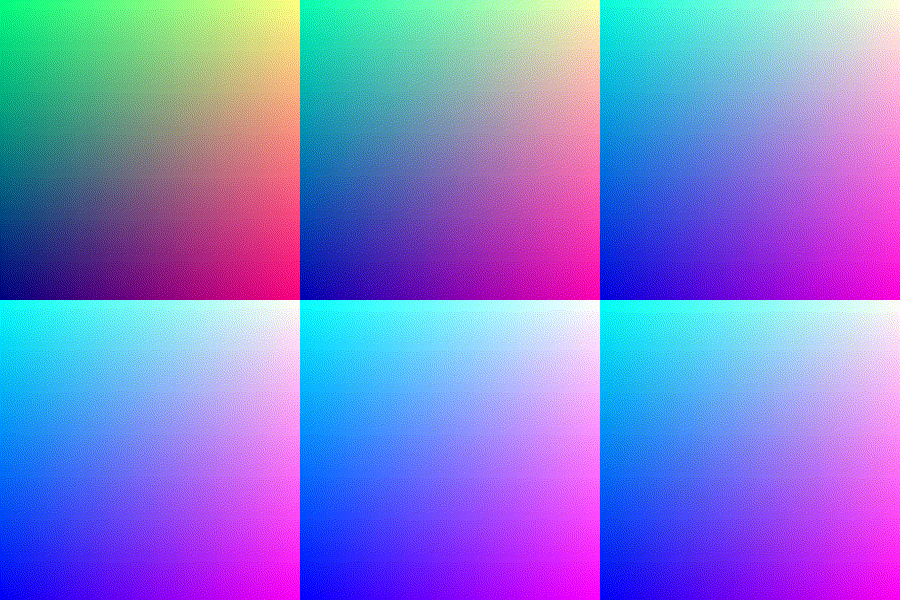
That default program already shows the core structure: you receive fragCoord as input and return a vec4 with the RGBA color for that pixel. You can also read iTime to make the output change frame by frame.
Why you need signed distance functions
A direct approach to drawing shapes uses a hardcoded if statement per shape. That works for something simple like a circle — computing the dot product of fragCoord with itself gives x^2 + y^2, and you color pixels inside the radius differently. But this style falls apart when you want anything complicated, especially 3D-looking scenes.
if (dot(uv, uv) < 0.03) {
    // code for inside the circle
} else {
    // code for outside the circle
}
Signed distance functions (SDFs) replace those branching tests with a different definition: for any point in space, the SDF returns how far that point is from the shape's surface. A sphere, for example, has a compact SDF as shown here:
float sdSphere( vec3 p, float center )
{
  return length(p)-center;
}
That approach has three practical advantages:
- It is simple to define a shape with a single continuous function.
- SDFs compose easily — operations like union, intersection and difference are just a few lines of math.
- Transforms like rotation, stretching and bending are straightforward to apply.
From SDF to a rendered animation
To turn an SDF into a visible spinning object, three basic steps are required:
- Define an SDF for the target shape (an octahedron, in the original example).
- Trace rays through the SDF so the scene can be shown on a 2D screen.
- Add color and shading to the surface, combining lighting with texture noise.
A particularly friendly walkthrough is the "SDF Tutorial: box & balloon" on Shadertoy. In
addition, this collection of SDFs provides ready-to-paste definitions for many primitives and the operations to combine them.
Speeding up iteration
Iterating through the Shadertoy web editor can become tedious, since every tweak needs a manual recompile. A command-line tool that watches a shader file changes the workflow:
shadertoy-render.py circle.glsl
That way, saving the file re-renders the output immediately.
Practice: modifying the tutorial code
A practical way to build skill is to copy the tutorial code, then alter it chaotically until the image behaves as intended. In the example of a shiny spinning octahedron, the modifications fall into a few categories:
- Swap
sdfBalloonfor ansdfOctahedrondefinition. - Add a rotation that depends on time so the shape spins on its own.
- Replace the flat color function with a shinier one that uses noise.
- Replicate the shape so many octahedrons appear instead of one.
Rotating the octahedron is nearly effortless once the SDF is in hand:
vec2 sdfOctahedron( vec3 currentRayPosition, vec3 offset ){
    vec3 p = rotate((currentRayPosition), offset.xy, iTime * 3.0) - offset;
    float s = 0.1; // what is s?
    p = abs(p);
    float distance = (p.x+p.y+p.z-s)*0.57735027;
    float id = 1.0;
    return vec2( distance,  id );
}
For sparkle, a noise function supplies variation over the surface. The original approach involved calling the noise with several scale factors and letting the output influence the reflected color:
float x = noise(rotate(positionOfHit, vec2(0, 0), iGlobalTime * 3.0).xy * 1800.0);
float x2 = noise(lightDirection.xy * 400.0);
float y = min(max(x, 0.0), 1.0);
float y2 = min(max(x2, 0.0), 1.0) ;
vec3 balloonColor = vec3(y , y  + y2, y  + y2);
The effect is driven by experimentation — multiplying parameters by 2 or 1800, changing coordinates, and watching the result until it looks right.
Next steps
For anyone curious about mathematics, shaders turn abstract formulas into direct visual feedback: multiplying an expression makes things bigger, smaller, faster or a different hue. That immediacy makes them an approachable playground for trigonometry, coordinate transforms and noise functions. Two resources are especially useful when getting started: the signed-distance tutorial for a complete rendering pipeline to tinker with, and the SDF reference list for shapes and combinators to insert into your own code.


