

Why Start From Scratch?
Setting up a development environment for a new project is rarely the fun part. Between build errors, dependency wrangling, and configuration drift, it is easy to lose hours before writing a single line of code. GitHub Codespaces addresses this by providing cloud-based, browser-accessible coding environments that are consistent across your team. Templates take this a step further: they bundle the tools, libraries, and settings you need into a repeatable configuration, so every clone or new project starts in a known-good state.
The built-in template library covers popular stacks like React, Django, and Ruby on Rails. But what do you do when your stack isn't listed? For Android development, no template was available—so creating a custom one turned out to be surprisingly straightforward.
Starting With a Blank Codespace
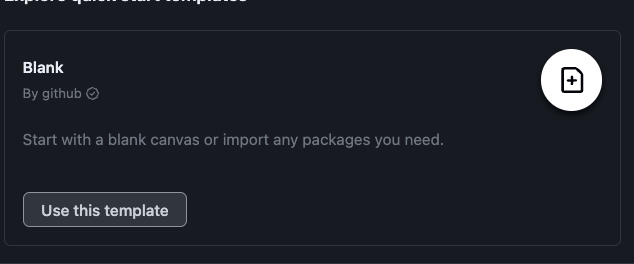
Head to GitHub Codespaces and select the "Blank" template. Clicking "Use this template" opens a fresh codespace in a new browser tab.
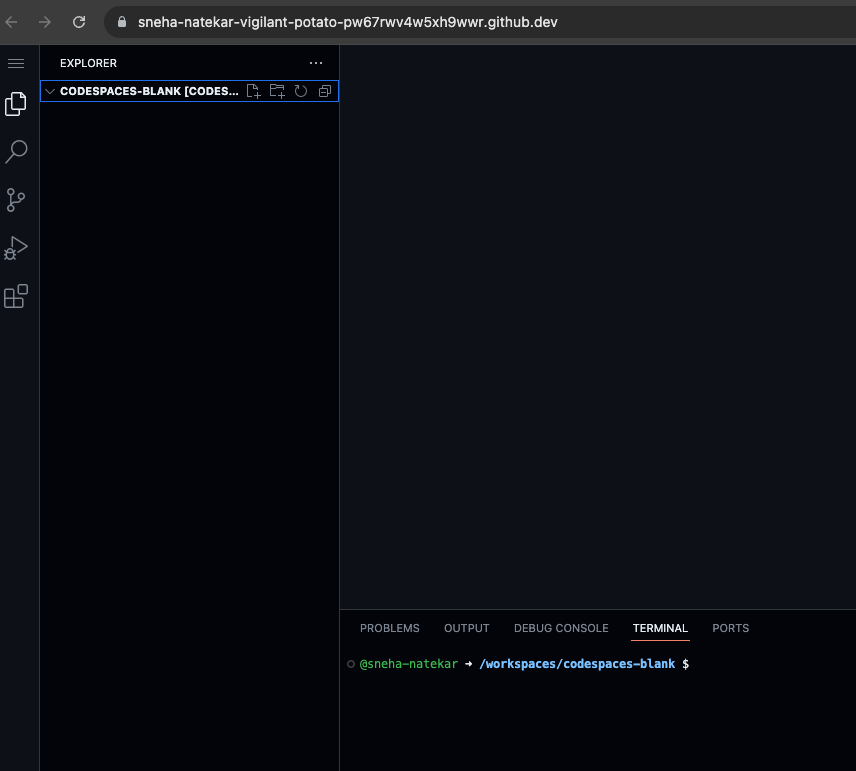
Codespaces get their own unique names—in the screenshot above, the environment is called "vigilant potato." If you step away and need to return later, you can find it again from github.com/codespaces in your list of running environments.

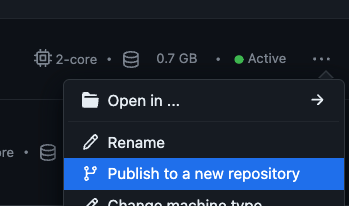
To make the environment reusable, click the three horizontal dots at the end of the row and choose "Publish to a new repository." This preserves your environment configuration (and any code you have added) in a fresh repository. Once created, the new repo can be found under your GitHub repositories. If you prefer to work with an existing repository instead, that connection can be made via the terminal.
Configuring the Environment
There are two complementary ways to customize a codespace: a devcontainer.json file or a Dockerfile. The former focuses on configuring the development environment within Visual Studio Code; the latter defines a custom Docker image that underpins the entire environment. Both are essential for tailoring a codespace to your project's requirements.
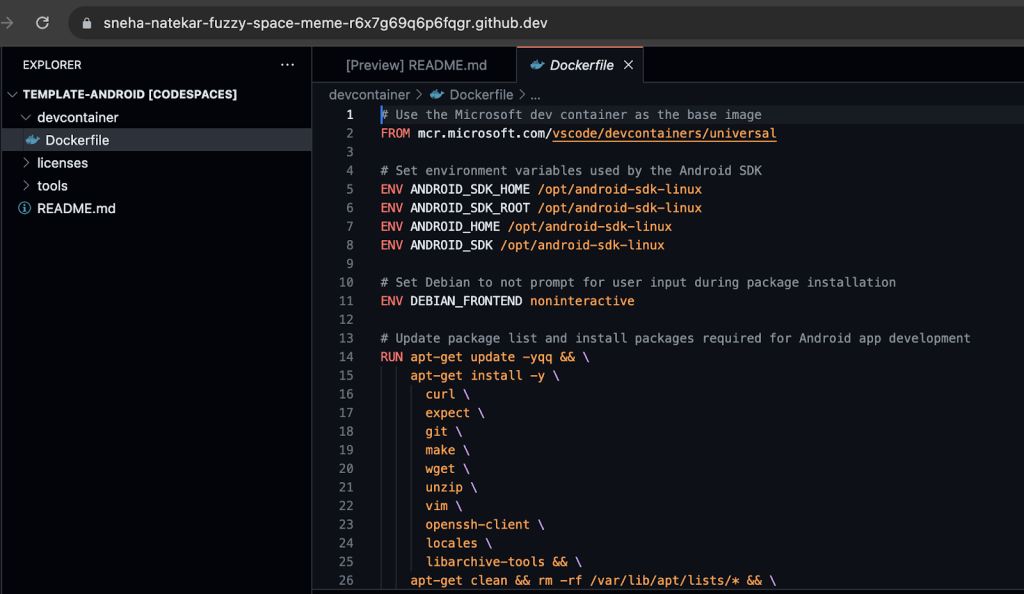
For an Android environment, a Dockerfile is required. Create the file at the root of the repository. The Dockerfile lets you define the base image, set environment variables, copy files, install dependencies, run commands, expose ports, and set the working directory or entrypoint—everything needed to pre-build your toolchain.
Once the Dockerfile is committed, opening the repository in a new codespace automatically builds the configured environment. The result is a portable, pre-built development sanctuary that follows the repository wherever it is cloned.
Android Setup in Practice
The following snippets show the setup steps in action.
Automating Android SDK installation# Update package list and install packages required for Android app development
RUN apt-get update -yqq && \
apt-get install -y \
curl \
expect \
git \
make \
wget \
unzip \
vim \
openssh-client \
locales \
libarchive-tools && \
apt-get clean && rm -rf /var/lib/apt/lists/* && \
localedef -i en_US -c -f UTF-8 -A /usr/share/locale/locale.alias en_US.UTF-8
Here, standard shell commands install the Android SDK as part of the image build—no manual downloads or dependency hunting required.
Setting environment variables# Set environment variables used by the Android SDK
ENV ANDROID_SDK_HOME /opt/android-sdk-linux
ENV ANDROID_SDK_ROOT /opt/android-sdk-linux
ENV ANDROID_HOME /opt/android-sdk-linux
ENV ANDROID_SDK /opt/android-sdk-linux
Environment variables required by the Android tooling are declared directly in the Dockerfile, so they are present before the environment ever starts.
Anyone cloning the repository gets a functional, standardized environment without setup steps. The same approach applies to other stacks; for instance, separate templates can be created for Java and Python work, each with their own pre-configured dependencies.
Reusable Environments, Gone in a Click
Using a blank template and a Dockerfile turns what used to be a day-long setup—downloading the Android SDK, configuring Java, setting variables, and maintaining library versions—into a one-time configuration effort. The resulting template can be reused, and the pre-built environment is recreated for every new codespace that starts from it.
Android developers can try the template referenced here or explore other templates from GitHub as a starting point for customization.


