

Standardize CI/CD with organization-level workflow templates
GitHub Actions has long offered preconfigured workflow templates when you create a new workflow. Those templates cover common CI/CD scenarios across popular languages plus general automation tasks. Now, enterprises and open-source organizations can define their own custom workflow templates and present them to members whenever they start a new workflow.
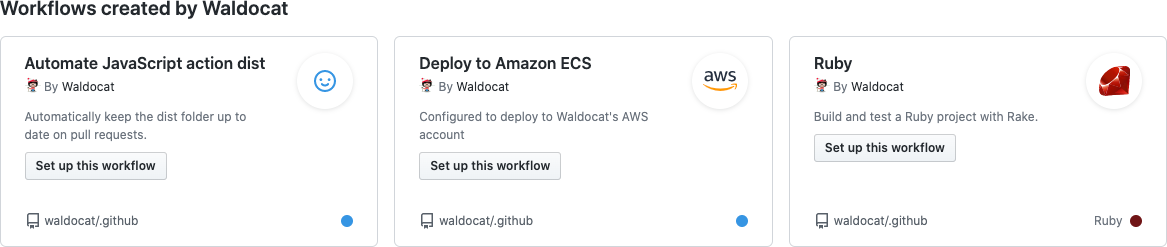
Defining templates in a .github repository
Organization workflow templates extend GitHub’s configuration-as-code model. Similar to issue templates, they live in a .github repository, which means they benefit from the same collaboration, review, and audit capabilities as any other code. Each template consists of a YAML file shaped like a standard workflow file, paired with a properties file that carries template metadata such as a description and an icon.
Suggesting the right template for each repository
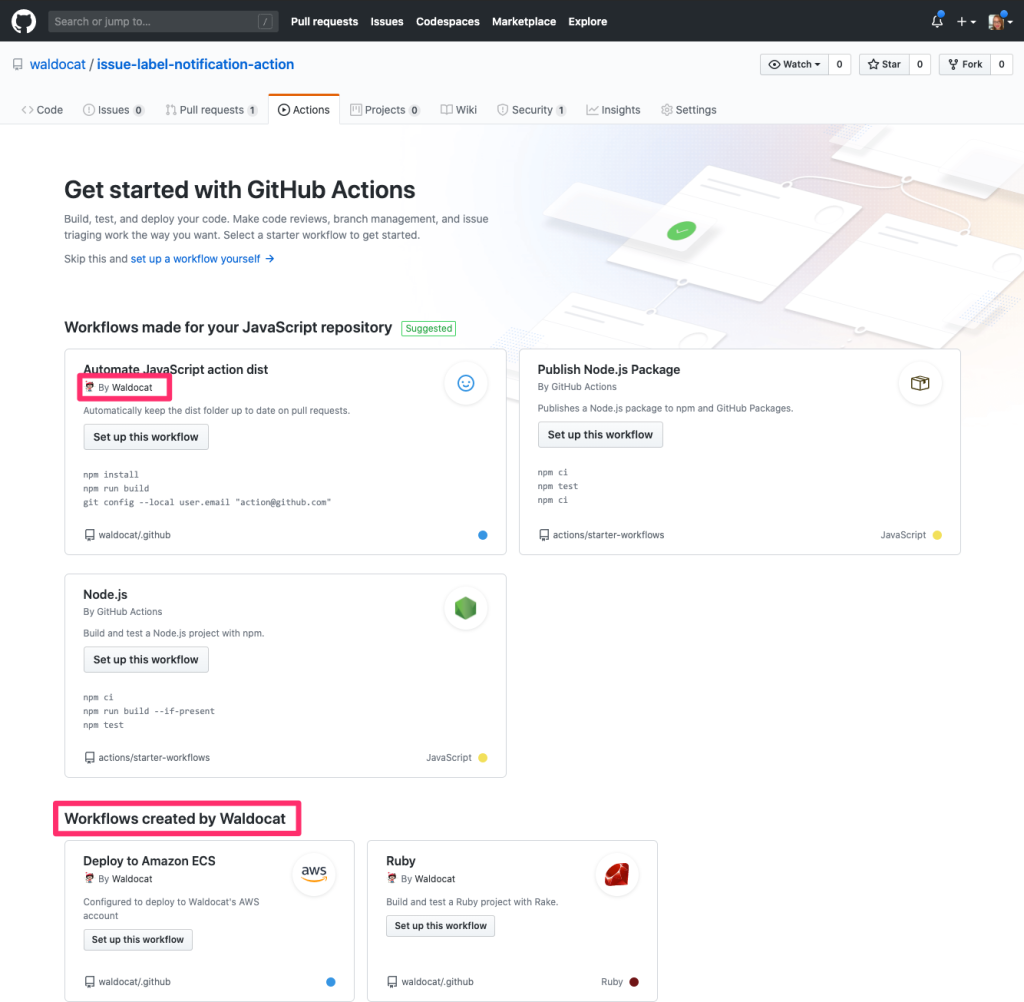
You can optionally declare which repositories a template fits best. While every organization member can browse all templates defined at the organization level, only those that match the target repository are promoted under a “Suggested” section in the GitHub interface.
Matching can be language-based. For example, you can designate a template as appropriate for Go projects, and it will surface as a suggestion when a user adds a workflow to a Go repository. You can also use regex expressions against files in the repository root. Setting “filePatterns”: “action.yml”, for instance, will suggest the template for repositories containing either JavaScript or Docker container actions.
Applying a template
Workflow templates can be used by any repository within the organization on enterprise accounts, or by any public repository across all GitHub plans. Template availability expands to private repositories when the organization is on an enterprise or GitHub One plan.
Matching templates appear under “Suggested”; all others are grouped under a section named for the organization.
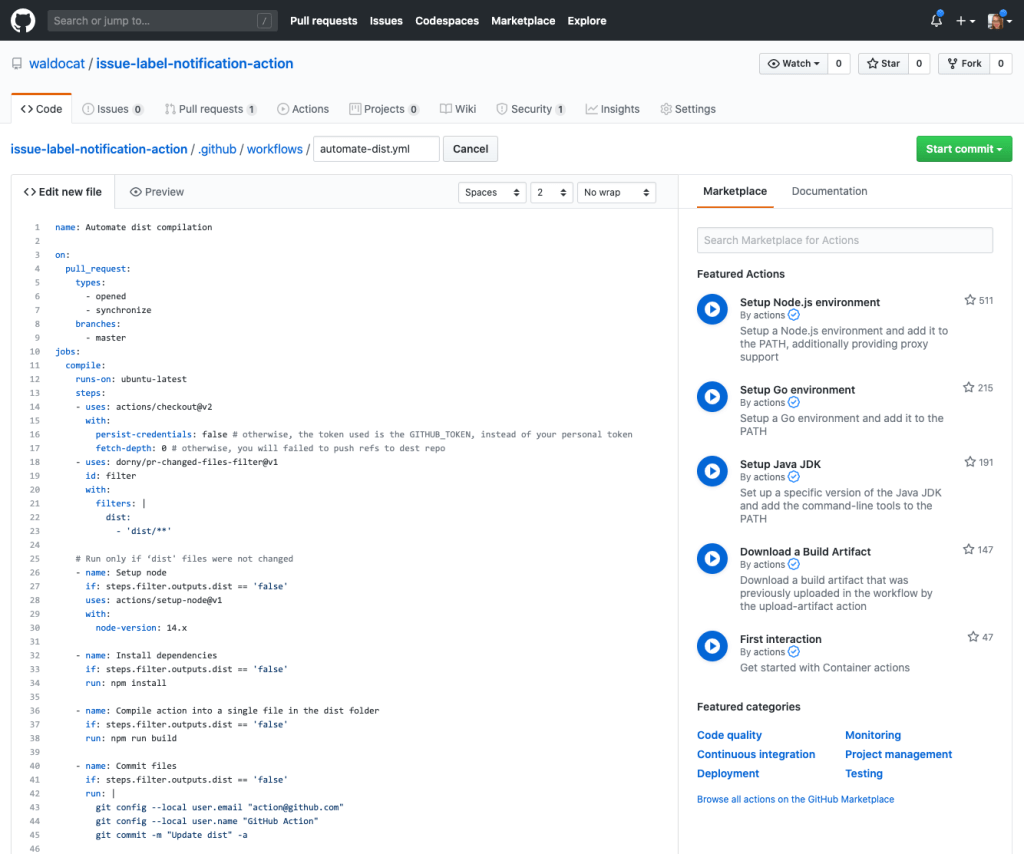
Clicking “Set up this workflow” opens the template in the editor, where you can customize it to fit your requirements.
Organization-level workflow templates give teams a consistent starting point for CI/CD and automation, reducing setup friction while keeping processes standardized across repositories.


