A keyboard built for shortcuts, not typing
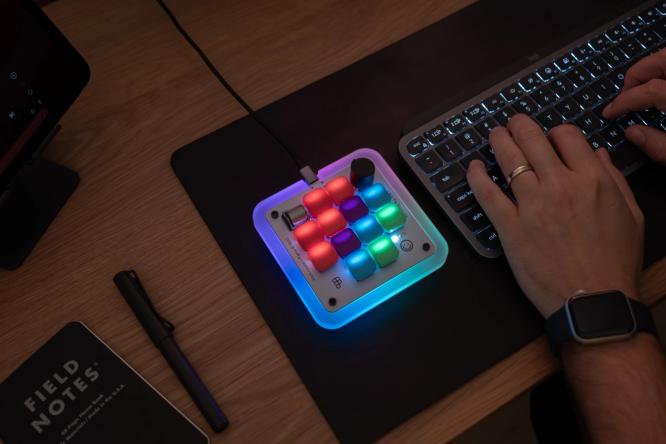
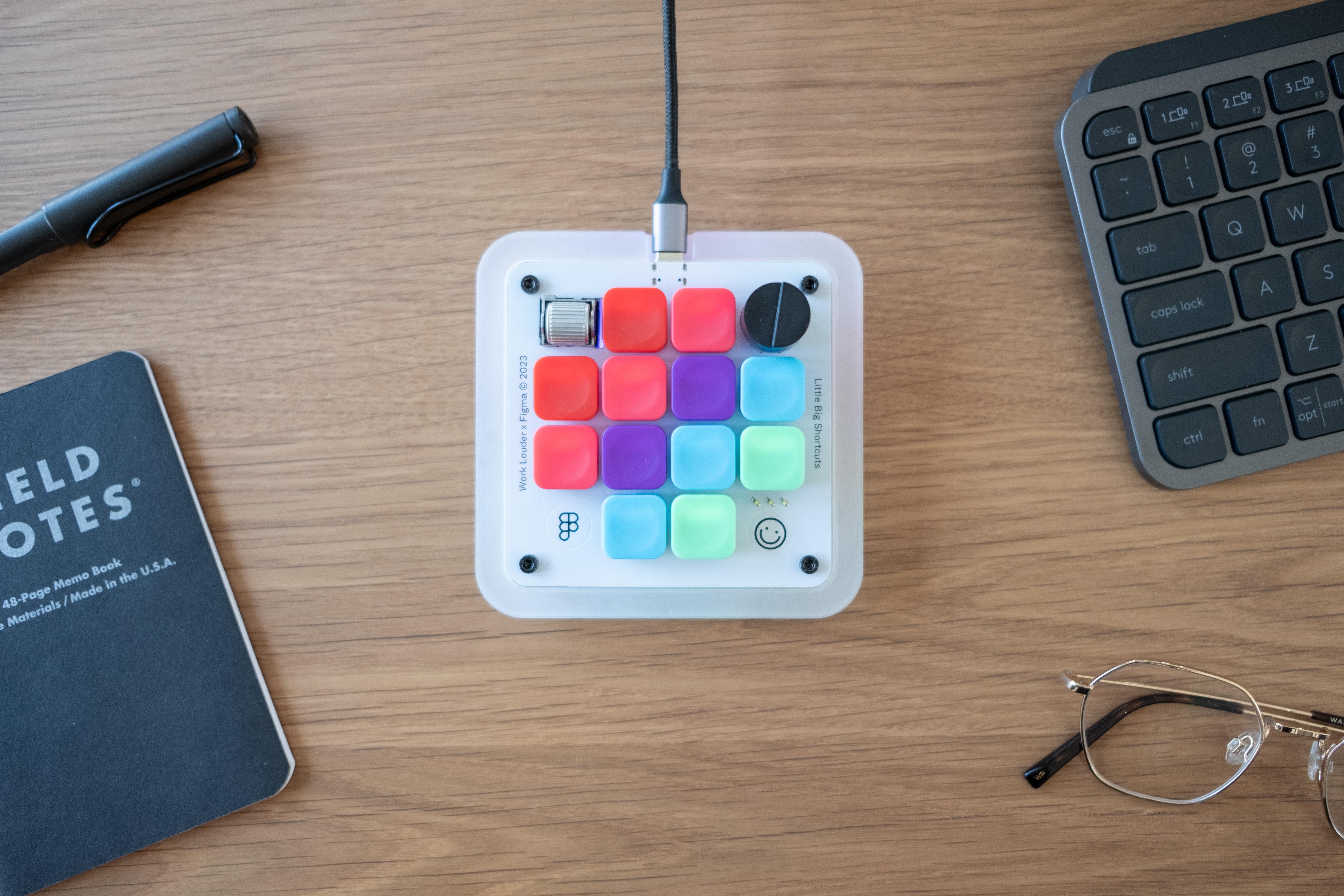
Most laptops ship with keyboards designed for one thing: typing. Creative work is different. In Figma, you’re mostly navigating a canvas with a mouse, and the shortcuts that speed up that work often demand finger gymnastics that standard layouts were never meant to handle. That’s the gap Figma and Work Louder set out to fill with a customized version of Work Louder’s Creator Micro keyboard.
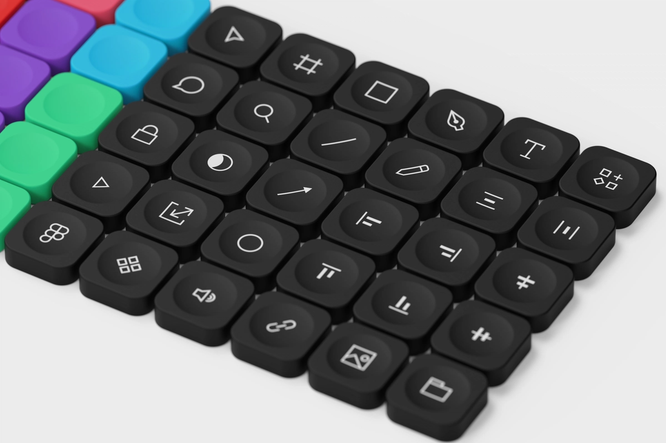
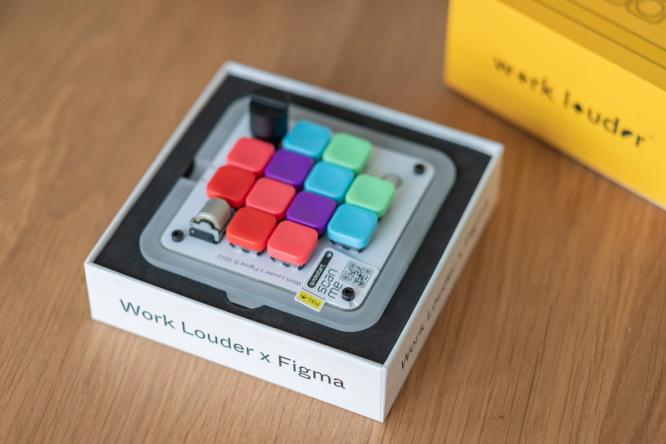
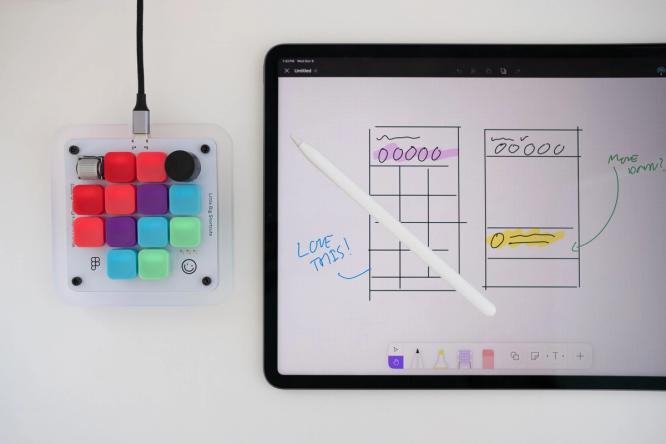
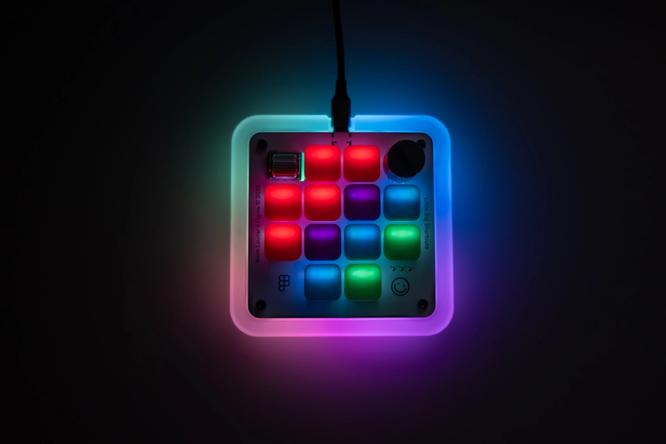
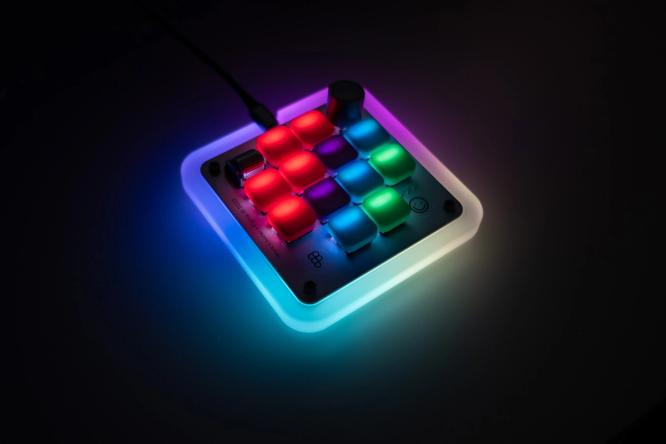
The collaboration isn’t a sign that Figma is moving into hardware, the company stresses. It’s a response to a community that already relies on mechanical keyboards—and, specifically, on their favorite Figma shortcuts. The customized Creator Micro works more like an alternative trackpad than a traditional keyboard, with 12 keys and two rotary encoders that map to a total of 48 different Figma shortcuts. That covers a meaningful slice of the 150-plus shortcuts available in the tool. The grid layout of the keys makes shortcuts easier to memorize, and the tactile buttons and dials provide physical confirmation that a command was sent without looking down at the board.
“Most people [using Figma] aren't typing; they're using their mouse, they're needing to navigate a file,” says Figma Product Manager Rob Bye, who developed the keyboard with the Work Louder team. The point isn’t to force anyone through hours of shortcut drills, he adds. “It genuinely should be more fun.”
From piano keys to button boards
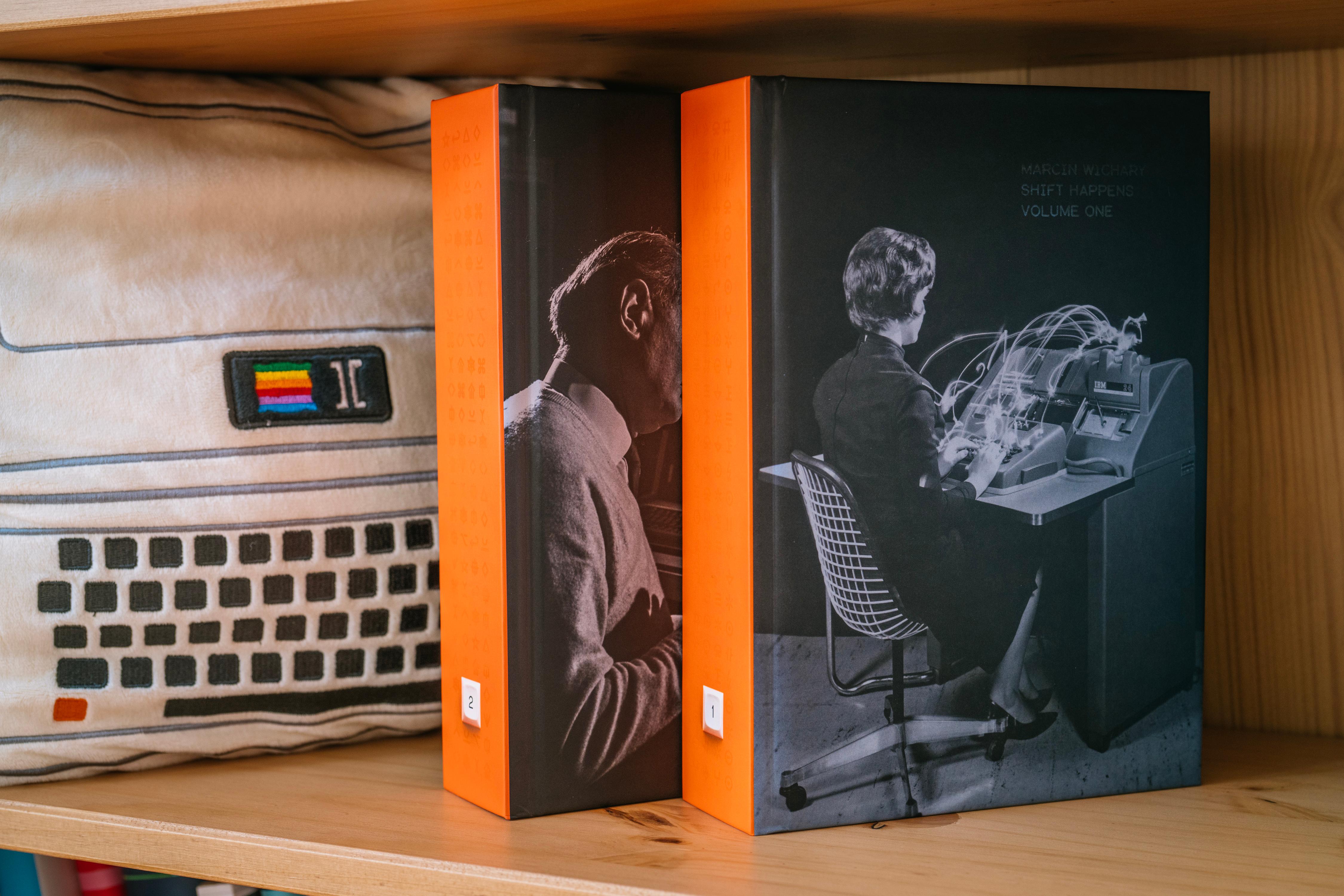
Figma Design Director Marcin Wichary, author of the two-volume keyboard history Shift Happens, points out that the QWERTY layout’s blandness is by design. “Throughout the decades it’s been asked to do so many more things, in so many settings, that it lost a lot of its personality to become versatile, and a lot of its quality to become ubiquitous.”
Keyboards started not as typewriters but as pianos. Early typewriter prototypes from the late 1860s looked like hacked piano keyboards, borrowing both the keys and the very word “key” from music. The first commercially successful typewriter, the Sholes & Glidden, launched almost exactly 150 years ago as a “button board” with only capital letters—but its layout is recognizably close to what sits on desks today. Even the labels we take for granted carry 19th-century baggage: shift originally described a literal shifting mechanism on the machine.
Mechanical roots, digital fallout
The first true mechanical keyboards arrived with 1960s mainframe computers, a century after the Sholes & Glidden. Early builders understood that keys had to handle data transmission codes, cursor control, and program operations, which is why function keys and shortcuts followed soon after. As computers shifted from data processing to word processing in the 1980s, they replaced typewriters as the default office tool—and the standard keyboard became ubiquitous.
A turning point came in 1985 with the IBM Model M, which set the template for how keyboards would look and feel. Its buckling spring technology used springs for tactility and sound, but also to distinguish a key touch from a key press, making it one of the first truly beloved mechanical keyboards. But as computers got cheaper in the following decade, keyboards did too—and quality suffered.
The mechanical era effectively ended in 2007. Two weeks before the iPhone launched, “The New York Times” noted the gamble underlying the device: “a mechanical keyboard” was conspicuously absent. Apple replaced the physical keyboard with a touchscreen, and the tactile keyboard industry collapsed. The typewriter-inspired sounds on the iPhone’s digital keyboard were illusions—simulations of mechanics that no longer existed. The keyboard’s tactility, Marcin says, was gone for good: “There was no looking back after 2007.”
Mechanical keyboards as a cultural touchpoint
Mechanical keyboards have moved well beyond enthusiast forums. TikTok videos tagged with mechanical keyboard switches have drawn more than 56 million views, and the r/MechanicalKeyboards community on Reddit counts over 1.2 million members. What started in the 2000s as a niche preference among gamers and programmers has grown into a broader movement centered on customization, craftsmanship, and a more deliberate relationship with the tools we use daily.
The appeal is partly nostalgic. Enthusiasts still hunt for vintage IBM Model M units on eBay, and unboxing videos of those boards remain popular on YouTube. But as Work Louder founder Marcin points out, it’s less about living in the past than about recovering what was lost when cheap 1990s keyboards and touchscreens took over. "Sometimes, we can get a little stuck in the past, but for the most part, it's about rediscovering the aspects of keyboards that we lost in the 1990s and imagining more modern, beautiful, or powerful versions of them," he says.
In an increasingly digital world...mechanical keyboards are also beautiful, tangible things that respond to the weight of our fingers.“In an increasingly digital world...mechanical keyboards are also beautiful, tangible things that respond to the weight of our fingers.”
For many, though, the draw is less about nostalgia and more about control. Mechanical keyboards let users swap parts, pick switches, choose layouts, and configure lighting or macros to fit how they actually work. "There's a connotation of intentionality," Marcin says. That flexibility extends to aesthetics: keycaps shaped like Scrabble tiles, Pac-Man characters, or slices of pizza bring a sense of play to the desk. But the benefits are practical too—mechanical boards tend to be more durable, more repairable, and more efficient for people who spend long hours typing.
In that sense, the mechanical keyboard is a quiet rebuke to both the beige uniformity of the 1990s and the flat glass of modern smartphones. It celebrates one of the most effective human-to-machine interfaces we have, while giving users the freedom to make it personal. With the Figma Creator Micro, the goal is to bring that same mix of joy, personality, and productivity to the desks of designers and creators—piano keys for creativity, typewriter keys for work, computer keys for precision, and now, a new set of keys for the way we design today.