
Plugins for Figma Slides: nine ways to speed up deck building
Figma Slides entered open beta last year as a presentation tool built on Figma's design engine. Since then, the pitch has been straightforward: bring the visual polish of Figma to slide decks without forcing a designer to touch every file. Now, plugin support has arrived for Slides, extending the same plugin ecosystem already available in Figma and FigJam. Some existing plugins already work with Slides, alongside new ones built specifically for it, covering everything from asset sourcing to pre-presentation cleanup.
Here is a practical rundown of plugins that cover the full slide workflow, from pulling in content to rehearsing the final run-through.
Stocking the canvas
IconScout
When a deck stalls because the graphics search is taking too long, IconScout offers millions of done-for-you visuals, including icons, illustrations, Lottie animations, and Unicons. You can recolor assets to fit a custom palette, and a reverse image search helps find visually similar options without naming what you’re looking for.

Mesh Gradient
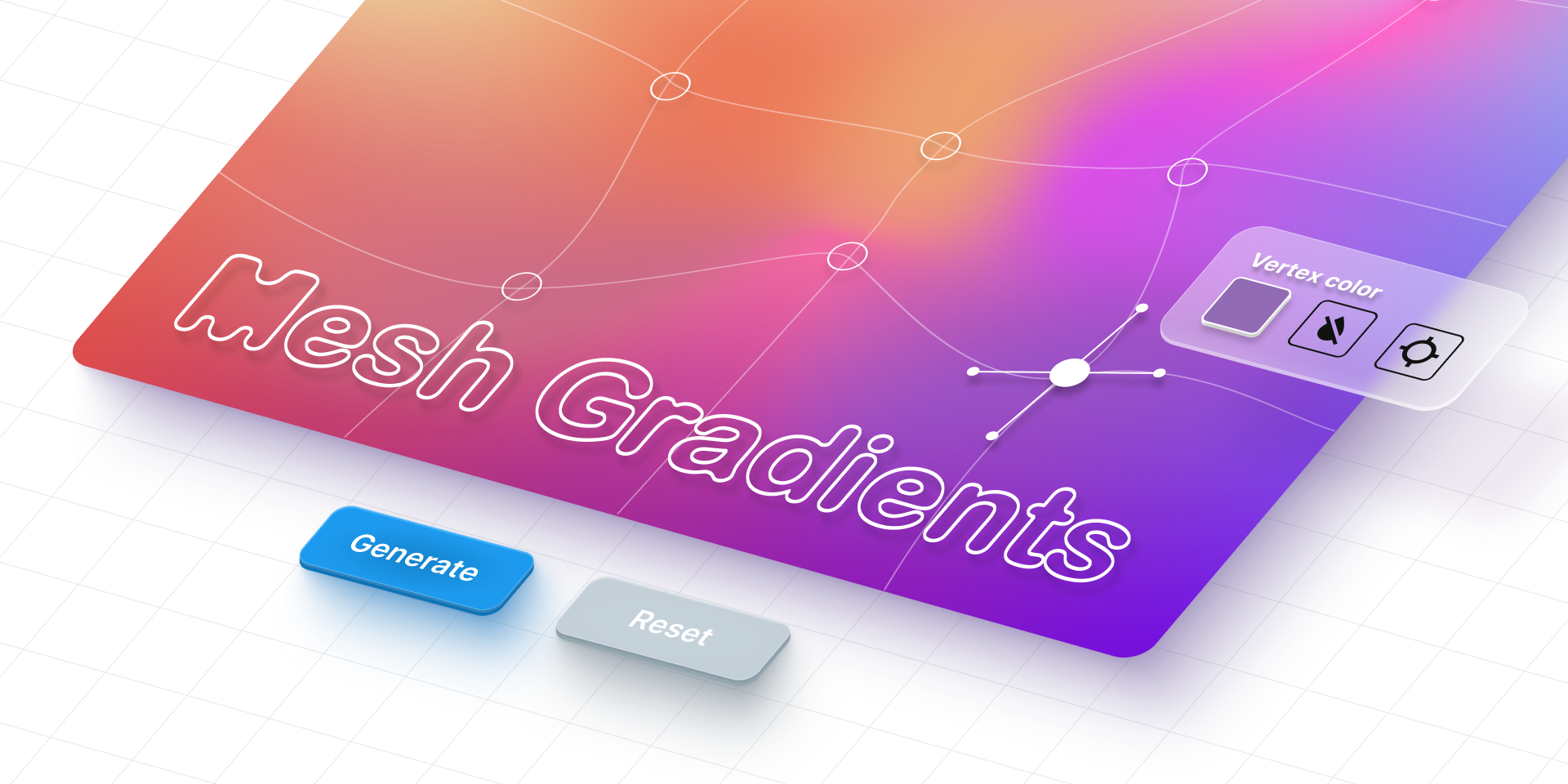
Flat color fills can make a deck feel generic. Mesh Gradient generates custom backgrounds by letting you manipulate the vertices and edges of a base grid. Changes render as live previews, and gradients you settle on can be saved or uploaded for further edits.
PDF.to.design
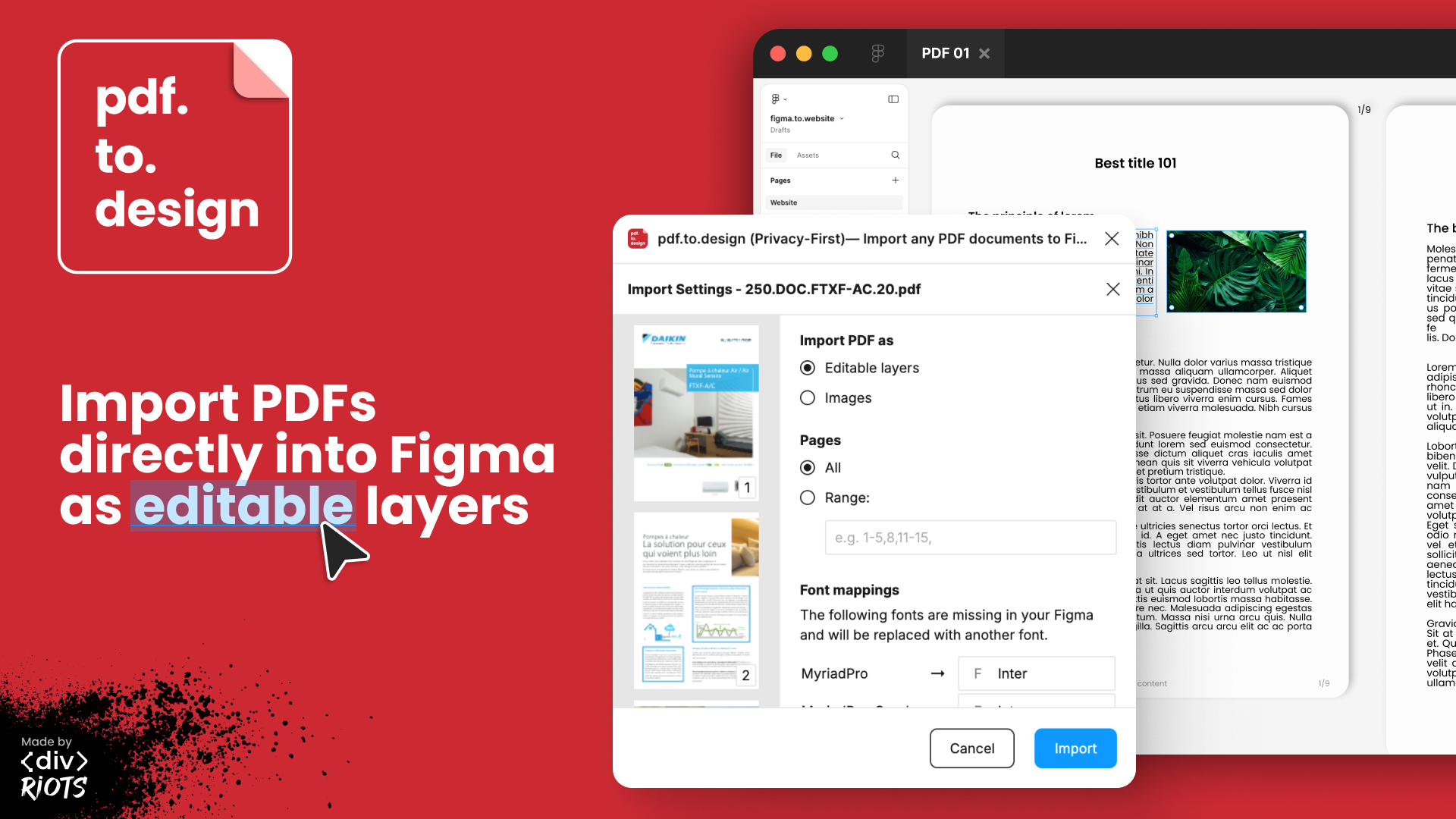
Pulling content out of a PDF usually means a lossy export or retyping text. The PDF.to.design plugin instead imports the whole document as editable layers, making it safe to lift whatever text or imagery you need. Files stay local on your machine, so there’s no risk of leaking proprietary material during the conversion.
Adding motion and polish
Jitter
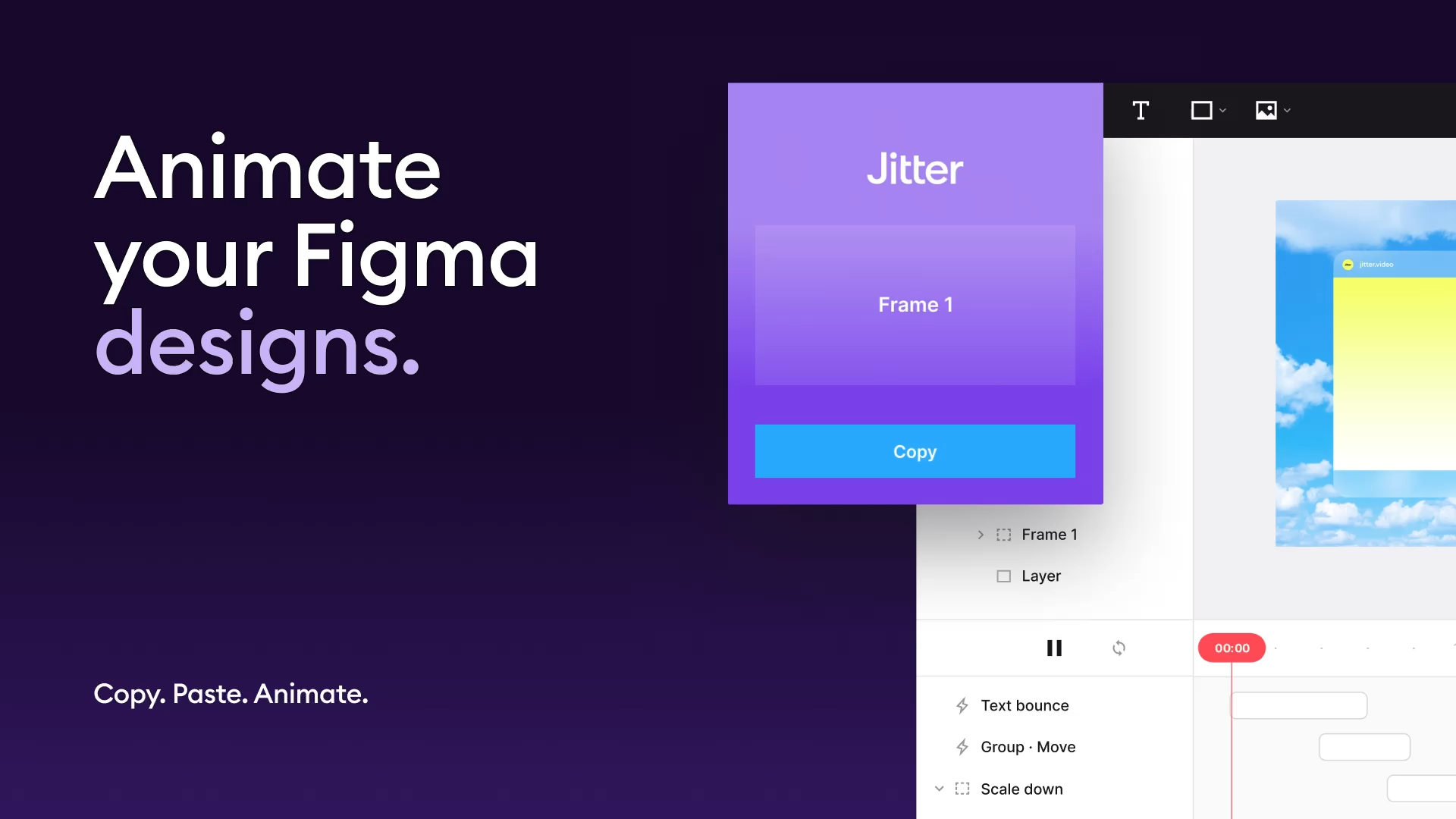
Animation can make a presentation feel alive, but building motion by hand is tedious. Jitter takes individual slides or an entire deck and animates text and images with configurable effect parameters, giving element-level control without leaving the design file.
UI Faces
Nothing humanizes user research or a UI mockup quite like a face. UI Faces stockpiles AI-generated portraits in styles from photorealistic and cartoonish to abstract, hand-drawn, and even an alien set for less conventional contexts.

BeatSync Video Maker
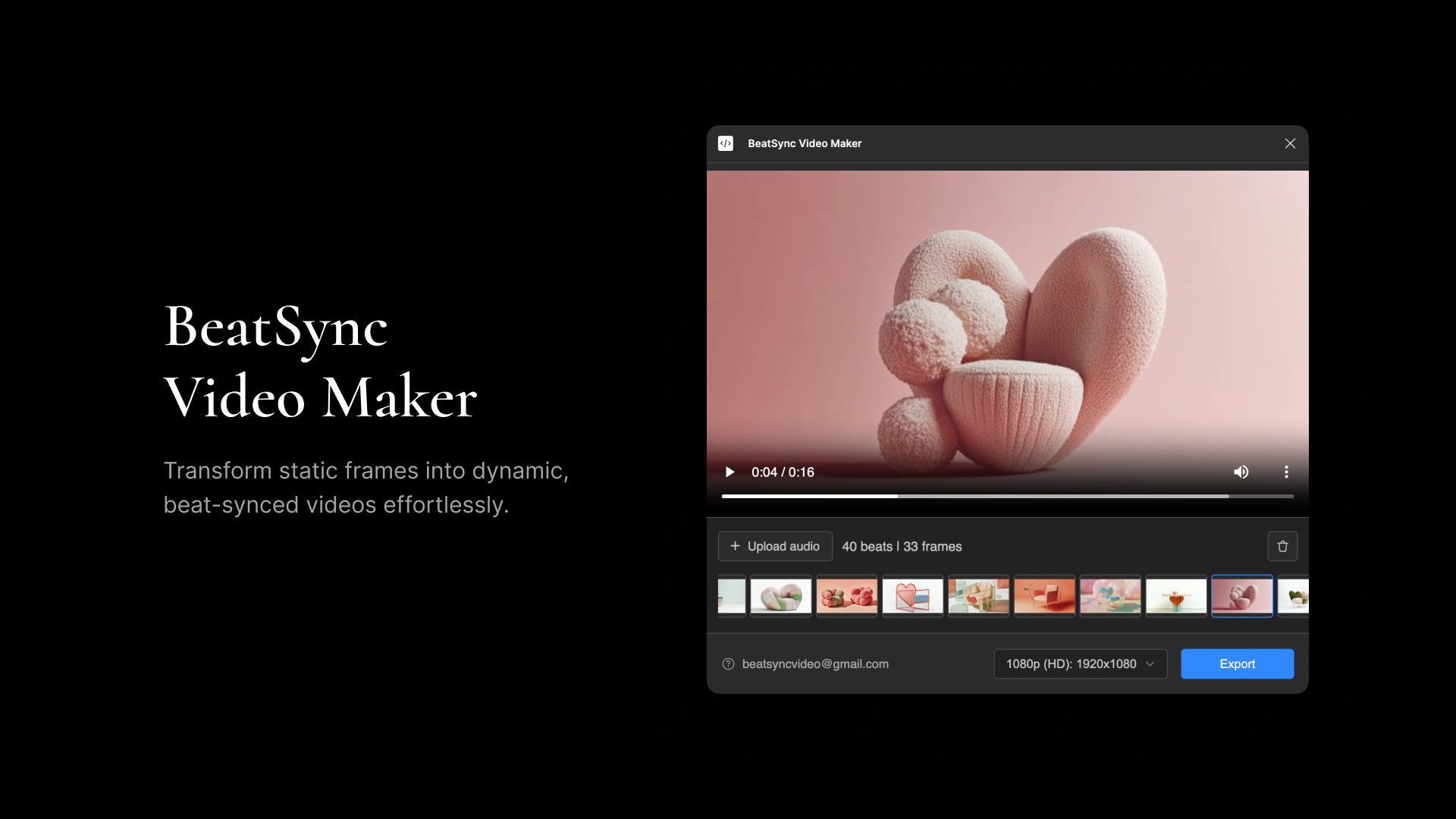
For a flashy opening or a closing sequence, BeatSync Video Maker lets you pick a track—either your own upload or one of the built-in tunes—and automatically aligns select slides to the parsed beats. The final video exports ready to share, or can be dropped into another presentation as a standalone closer.
Final prep before showtime
Clean Deck
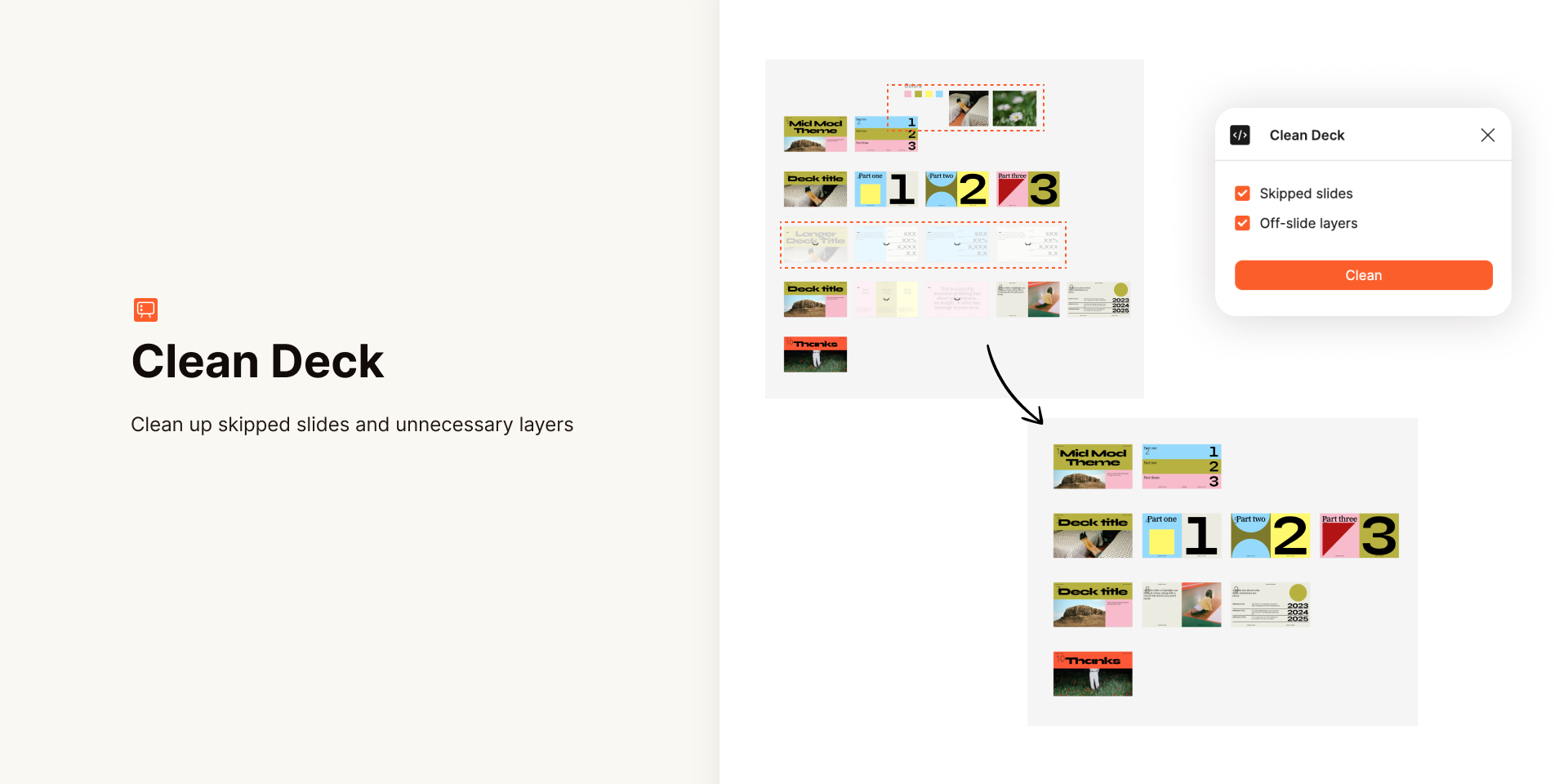
Building a deck is an inherently messy process: sections get shuffled in grid view, scrapped slides linger, and stray assets pile up on the canvas as reference. That clutter should not go to an audience. Clean Deck scrubs skipped slides and any layers parked off-slide, so a published template or live presentation starts tidy.
Rehearse
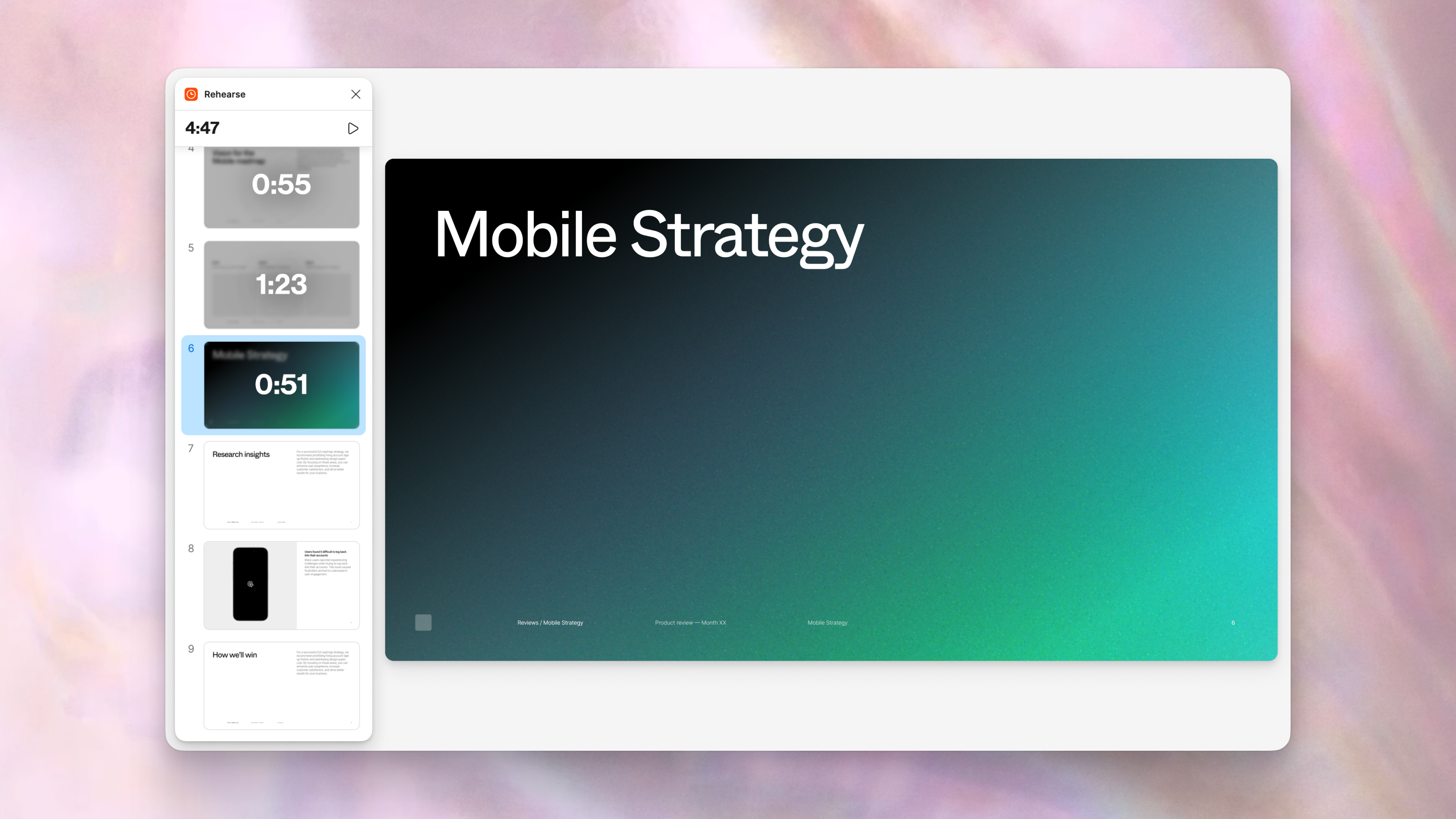
Dry runs are the cheapest insurance against running long. Rehearse times each slide individually and keeps a running clock of the full session, which matters even more when multiple presenters share the spotlight and each needs to know how their section paces.
Plugin development for Slides is open to the community via Figmas plugin docs, and new offerings continue to appear in the Figma Community listing for Slides. The entire set above slots into the existing design workflow, so a narrative stays polished from drafting to delivery.


