
Figma has announced two additions to the editor: Universal Search and Links. Both are aimed at the same problem—helping designers and their collaborators locate work and understand it once they find it—and the company credits the Web as the inspiration for its approach.
Filling a discoverability gap
Openness has been part of Figma's premise from the start; building on the Web, the company says, was partly a way to make design work reachable by anyone with a computer and an internet connection. That open model has drawn in collaborators from well beyond design—developers, product managers, researchers and marketers among them—and Figma reports that more than half of its users identify as non-designers.
Earlier efforts to support those mixed teams included reorganizing the workspace around people and context rather than folders and file names, with project, team and organization pages plus individual profiles. Those changes helped, but did not solve a scaling problem: the more work a team produces in Figma and the larger the team, the harder it becomes to find anything.
Searching beyond file names
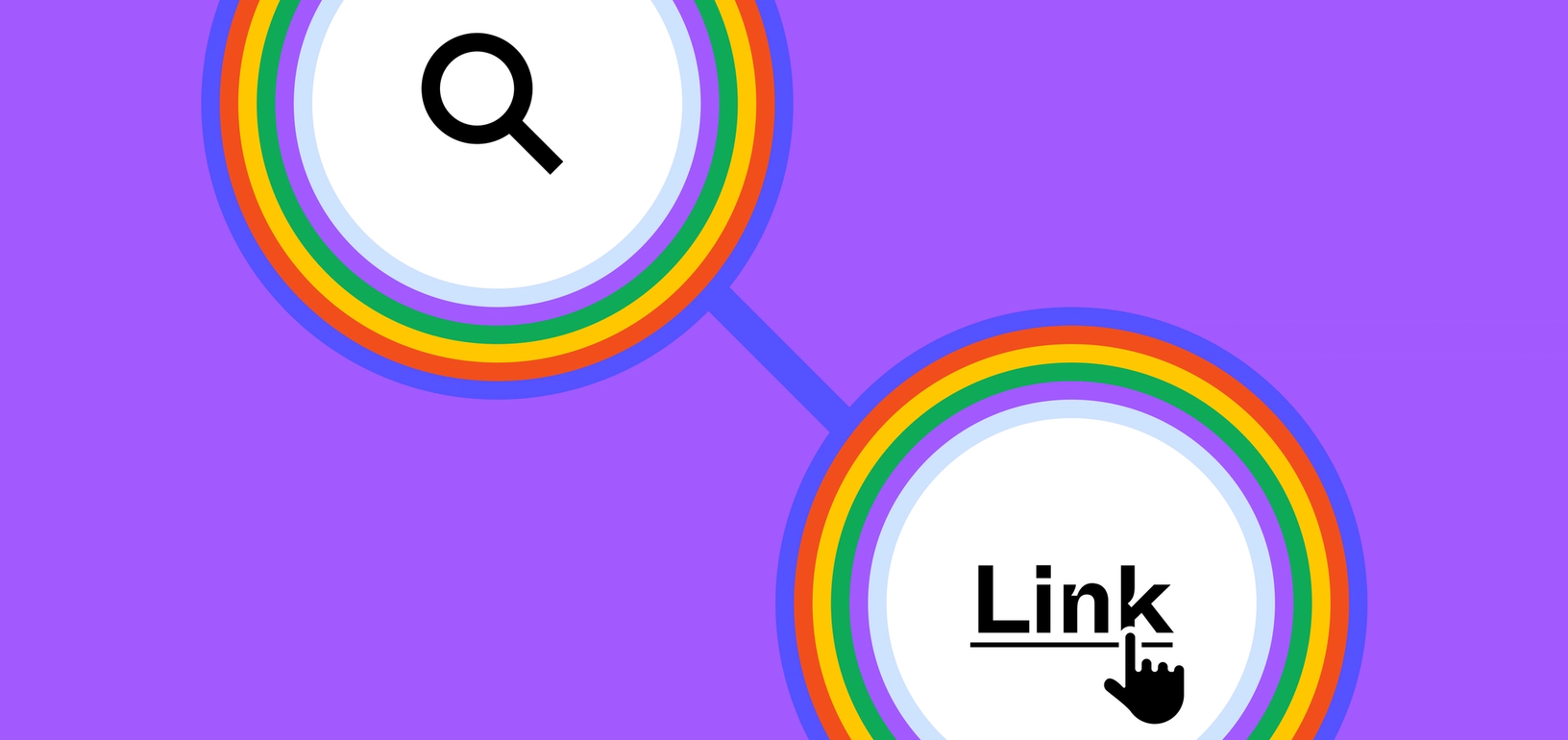
File search is not new in Figma, but it previously required knowing what a file was called. Universal Search widens the query to projects, teams, people and private plugins as well. Results surface across all of those categories as the user types and can be filtered down to a single category. Participants in the Figma Community beta will additionally see community files, publishers and plugins in their results.
The feature was rolled out over several weeks and is now available to all Figma users.
Links for orientation and context
Finding a file is only half the problem; collaborators then need to navigate it. Links let designers point teammates to any page or frame inside their files. Figma describes two patterns from its own use: a clickable table of contents that steers a new visitor around a design file, and a single index collecting the docs and resources that relate to a project but live outside Figma—a PRD, for example, or background on the user persona behind a feature.
By pulling that material into the file, Links are meant to let a design file serve as the single source of truth for its project. A Links playground file is available for anyone who wants to see how the feature works.