
Branching, introduced in beta in April, is now broadly available on the Figma Organization plan. Figma has published a best practices guide covering how and when to use it; what follows is the reasoning behind the feature and how it was built.
Why real-time collaboration needs an escape hatch
Figma was designed as a multiplayer tool, and in most cases that real-time model works in its favor: there is no question of whether you are in the right file, because everyone is in the same file. The trouble is that the design process gets messy, and at scale it gets messier. Unapproved changes find their way into code, work gets overwritten, and teams struggle to distinguish work in progress from designs that are ready for production.
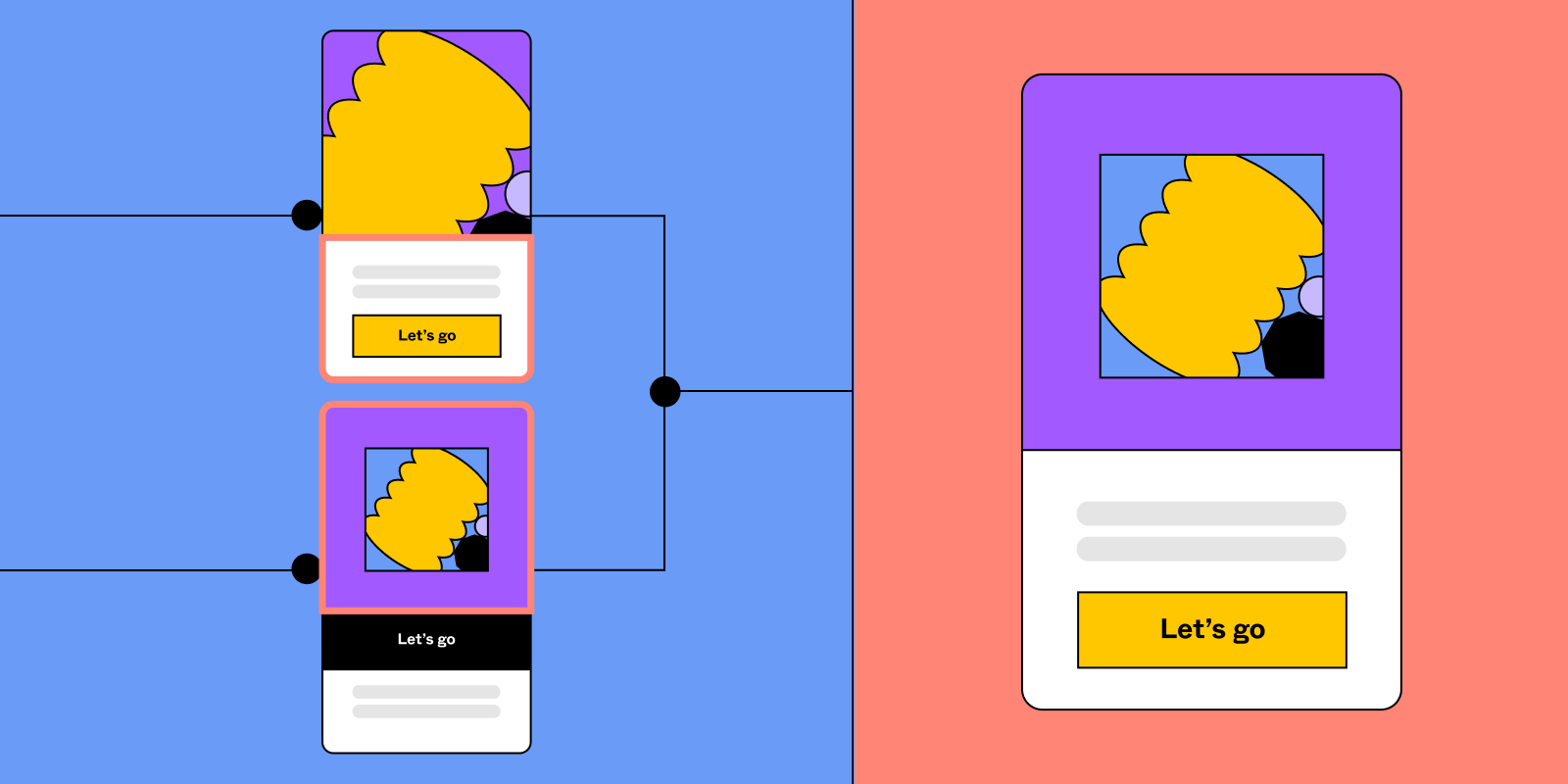
A branch is an exploratory space where designers can try ideas without touching the main file until the work is ready and approved. Branches are particularly suited to preserving the integrity of approved designs while leaving room for experimental or iterative work, such as contributing to a design library or previewing work for stakeholders. When a more structured workflow is needed, the main file can serve as a single source of truth.
Adapting a software idea to the cloud
The concept is borrowed from software development, but with an important difference. In software, changes to files are local, stored on the machine you are working on. Figma is online, so changes live in the cloud.
As design teams grew, more and more of them asked for better version control, and Figma weighed how branching should behave in its own environment. Should multiple people still be allowed in the main file simultaneously? What about inside a branch? And could any of this be done without adding too much complexity for designers?
Simplicity as a design constraint
Rather than follow earlier tools, Figma built branching specifically to complement multiplayer collaboration in the cloud, adopting simplicity and consistency as first principles. The aim was a single mental model for versioning that covers both branching and multiplayer.
Consequently, the main file remains multiplayer, and a branch behaves like a regular Figma file. Access control and permissions for editors and viewers are unchanged. The team prioritized the sanctity of user data so changes are safe regardless of what happens, and deliberately kept extras to a minimum—there is no branching from a branch.
The hard parts were not the obvious ones
Keeping the model simple did not make it easy to implement. Merge conflicts are the difficulty one would expect, and they are hard, but other edge cases were less obvious: what happens when the file changes underneath you while you are reviewing a merge, or when your connection drops halfway through one? Ensuring users are never left in a bad state was among the problems unique to building branching into a multiplayer environment.