
Figma Community opens to everyone
Over the next two weeks, Figma is rolling out its Community to all users. The launch follows a beta period during which thousands of creators published files — design systems, icon packs, wireframes, and other resources — for anyone to inspect, reuse, and remix.
During the beta, Figma iterated on the design and feature set while large organizations like Microsoft, Google, and Mixpanel developed full design systems and kits. Individual creators also contributed collections of reusable artwork, animated prototypes, and even playable board games.
Once the Community reaches your account, you will be able to search and browse files, explore tags, claim your profile handle, and duplicate files. Publishing files still requires joining the beta. To help you get started, the Figma team highlighted six creators and the files they've published.
The files to watch
Material Design Baseline Kit by Jessie Z
Jessie Z, a designer on Google's Material Design team, built the kit to address two needs: a solid starting point for new design systems and enough flexibility for varied use cases. The resource is split into two parts. The first, "Material Theme," lets users customize typography and color palettes and see how those changes affect components, states, and example layouts. The second is a more traditional stickersheet.
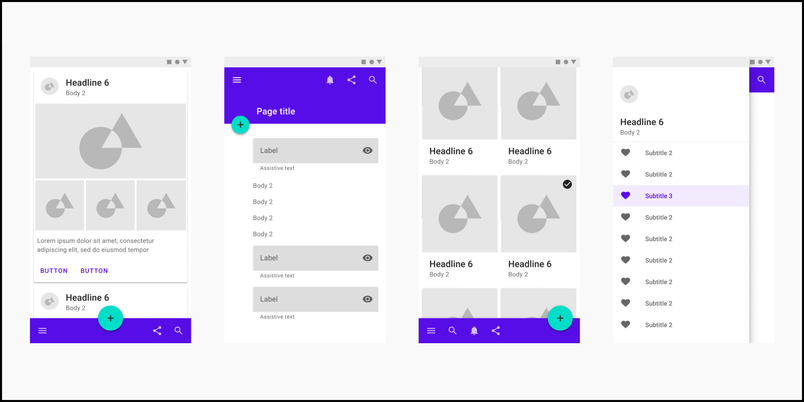
According to Jessie, the kit is intended as a canvas for exploring component customization, visualizing (and learning about) Material's design guidelines, and defining a brand's visual identity.
Open Figures by Bonnie Kate Wolf
Bonnie Kate Wolf, an illustrator at Oura, built Open Figures as an illustration library for Blush. Earlier work at companies like Square focused on modular systems that let product designers self-serve illustrations; for this library, Wolf had creative freedom to develop a new style independent of any company's design guidelines.
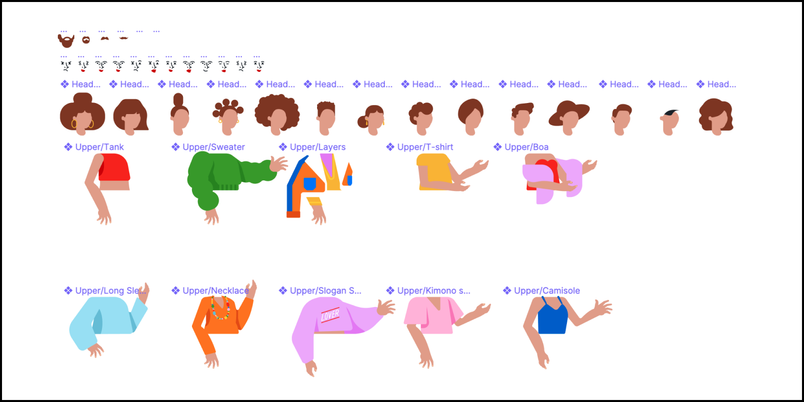
The library is designed for use in product storytelling, presentations, or personal projects. Wolf noted that creating the illustrations reinforced the need to design with accessibility and inclusion in mind. To keep every top swappable across characters, dresses and long jackets had to be excluded so the wheelchair user character would work with all combinations.
Spotify Ways of Working by Barton Smith and Cliona O'Sullivan
Barton Smith, Associate Principal Product Designer, and Cliona O'Sullivan, Global Head of Design Operations, worked with Spotify's Figma working group to share how the team structures and organizes its work in Figma. The file responds to a common problem: there's no established model for organizing design work in Figma, and the lack of one is a pain point at many companies.
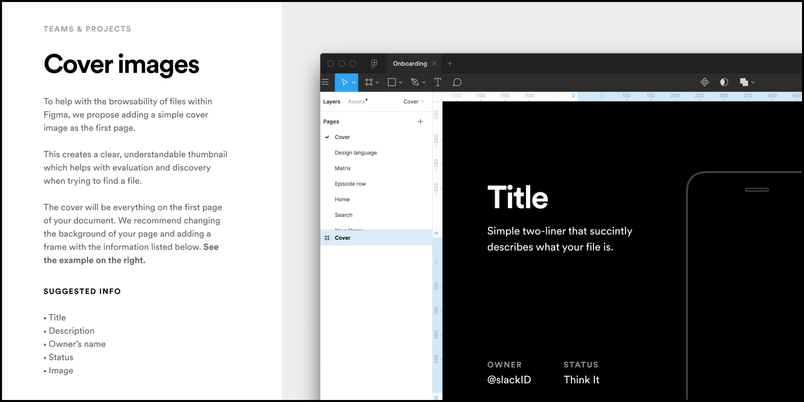
Spotify is already revising its own structure as the design team provides feedback, but Smith and O'Sullivan hope the published approach helps other teams reconsider their workflows. As they wrote, "you can't collaborate on work you can't find."
Remote Design Sprinting by Victoria Leontieva
Victoria Leontieva tested this remote-friendly design sprint with her team while at Microsoft. When the pandemic made remote work the norm, her team encouraged her to share the template more broadly. Leontieva developed the resource to help teams run remote design sprints with more confidence and to foster closer connections among remote colleagues.
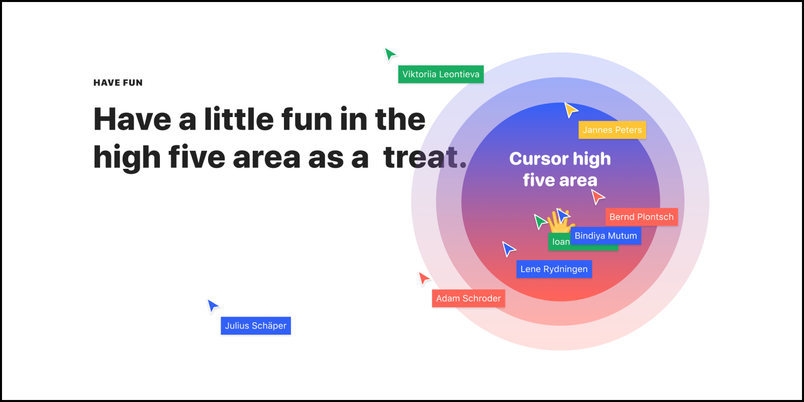
Auto Layout Icebreakers by Miguel Cardona
Miguel Cardona, who teaches New Media Design at the Rochester Institute of Technology, created Auto Layout Icebreakers as a digital take on flash cards to help him learn students' names. The activity uses repeatable steps and pre-made components so students can introduce themselves virtually, as part of a class session conducted over video conferencing.
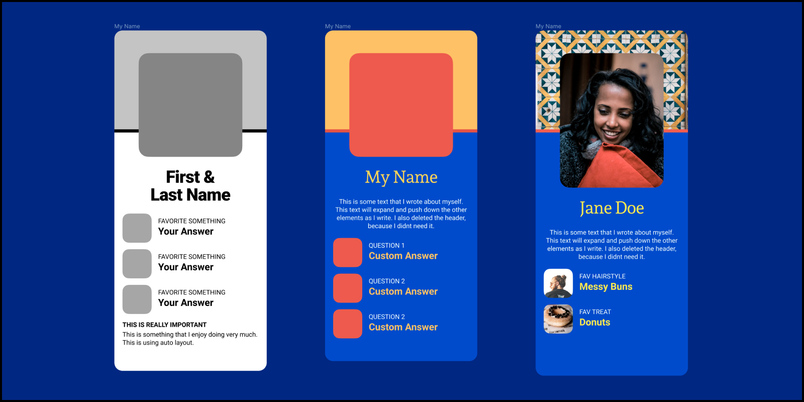
Cardona encourages other instructors to adapt the activity to their students' experience level with design tools: "Ultimately, I want people to be inspired to customize it to their own needs or group activities."
Figmabble by Ryan Tauss
Early in the pandemic, Ryan Tauss, a Senior Product Designer at Tide Cleaners, noticed games appearing in the Figma Community. After finding a Scrabble board in his closet, he replicated the components in Figma and published Figmabble, a crossword board game.
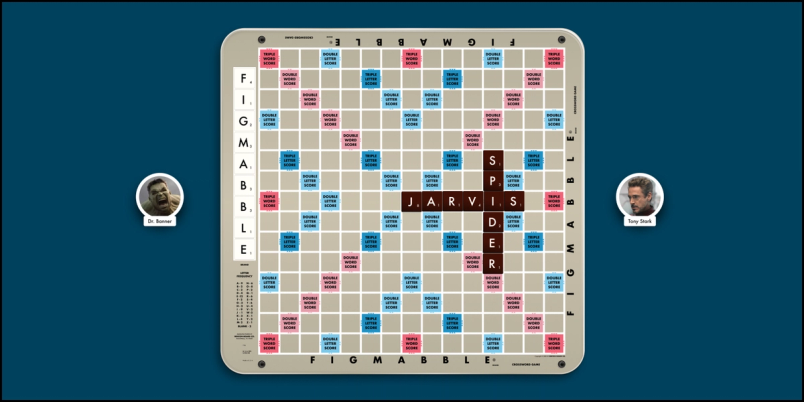
Tauss sees the game as evidence that Figma can be more than a product design tool: "Figmabble is an example of how Figma can be a fun creative canvas that isn't limited to product design."
When the Community appears in the left navigation, you can browse its files and profiles. To publish your own resources, sign up for the beta.


