What Figma announced at Config 2023
Figma used its Config 2023 conference—attended by more than 8,000 community members in person, with thousands more online—to roll out Dev Mode, variables, advanced prototyping, and a set of workflow improvements. The company frames the releases around a single goal: building a design tool for the whole product team, not just designers.

Dev Mode: a workspace built for developers
Figma's argument is that design and development optimize for different things. Design favors fast iteration and ideation, while production work has to account for maintenance, reuse, and composition. Design systems have acted as a shared language between the two sides, but until now Figma itself was built for the design end of that spectrum.
Dev Mode adds a workspace inside Figma aimed at developers working on the same infinite canvas. In it, developers can:
- Understand and translate designs to code faster
- Connect to their tools and codebase through plugins such as Jira, GitHub, and Storybook
- Track what still needs to go to production
- Inspect files next to their code using Figma in VS Code
Dev Mode is in beta and free for everyone through 2023, with post-beta pricing published alongside the feature list.
As design systems have expanded to cover multiple themes, platforms, products, and brands, they have grown more complex. Teams have managed that complexity with multiple libraries, large component sets, and bespoke plugins—and none of the resulting designs were connected to code.
Variables address this with value types for color, number, text, and boolean that can be reused across designs for theming and tokens. Aliasing and scoping give variables context for the whole team, while variable modes hold different values—light and dark, for example—that toggle between design themes. Plugin and REST API support is included so variable creation and management can scale.
Something that can be simple is not always simple at our scale. When you want to change some button spacing or you want to change iconography, we are affecting millions of lines of code, over ten products.“Something that can be simple is not always simple at our scale. When you want to change some button spacing or you want to change iconography, we are affecting millions of lines of code, over ten products.”
Prototyping that reacts to data
Prototyping in Figma has historically been slow and complicated; Figma cites users building uneditable prototypes, switching to other tools, or skipping prototyping altogether until designs were coded.
There’s so much that goes into designing a feature. A static image can only convey so much, so when you build something and an interaction is triggered in your own hands, it’s kind of revolutionary.“There’s so much that goes into designing a feature. A static image can only convey so much, so when you build something and an interaction is triggered in your own hands, it’s kind of revolutionary.”
With variables, designers can build prototypes that update dynamically. Interactions can reference and modify variables through mathematical expressions and conditional logic—similar to an Excel formula—so a prototype can, for instance, set a number variable x to x+10 on each click, or navigate to frame 1 if variable x is set and to frame 2 otherwise. The Config release includes variables, conditions, and expressions for advanced prototyping, plus usability changes: in-context editing and an inline preview that lets you edit a design and play back its prototype in the same view.
Smaller changes to daily workflows
- Auto layout gains wrapping and min/max height and width settings.
- Font picker now supports search and filtering, and previews font names in their own typeface.
- File browser makes it easier to locate files and projects shared by external teams.
AI investment and the Diagram acquisition
Figma has been staffing up its ML team and investing in early development, and it has acquired Diagram to push that work further. Diagram was founded by Jordan Singer, a long-standing Figma community member who has spent years building third-party AI-assisted tools on the platform. The plan is to deliver AI capabilities across the Figma platform. Figma's stated view of AI in design: it will help people express themselves visually, speed up workflows, and let anyone produce a good first draft—though turning a draft into a world-class product still depends on the designer.
Education: from beta to general availability
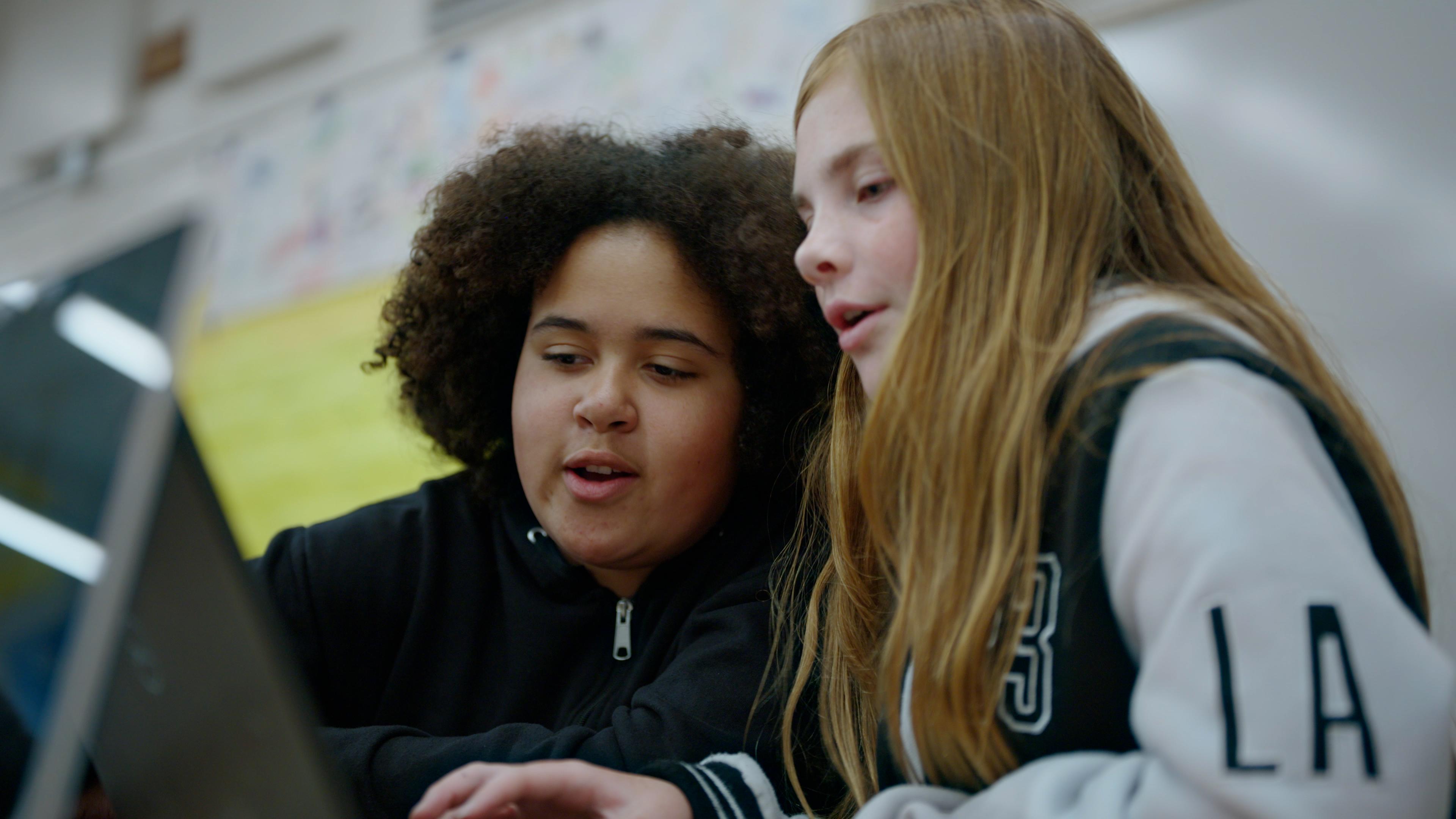
Figma has offered its products free to students and educators since its early days and says it will continue to do so permanently. A beta partnership with Google Chromebooks brought Figma and FigJam to students aged 13 and up in classrooms; Figma worked with 50 schools and 10,000 students to understand their needs. That partnership now moves to general availability, letting any classroom in a US school district use Figma for free. The program also expands for the first time to students of all ages across the US and Japan—the latter marking Figma's first localized UI.