

Making GitHub Global Campus work for every developer
GitHub Education has spent the past several months auditing and updating GitHub Global Campus, the hub where students and teachers access the program's tools, resources, and offerings. The goal: bring the portal into closer alignment with accessibility standards like the Web Content Accessibility Guidelines (WCAG) and remove barriers that could keep some users from fully participating.
Work on the portal began with an audit from GitHub's Accessibility team, which includes testers with firsthand experience using assistive technologies. Their feedback drove a cycle of design and code changes, followed by testing and iteration to land on solutions that work for the widest range of users.
Structural fixes under the hood
Much of the work on GitHub Global Campus involved cleaning up the underlying HTML so assistive tools and keyboard navigation behave predictably. That meant:
- Reviewing heading structure so content hierarchy is logical and skimmable.
- Ensuring links are links and buttons are buttons, so interactive elements announce themselves correctly.
- Adding semantic tags to simplify navigation and interaction across pages.
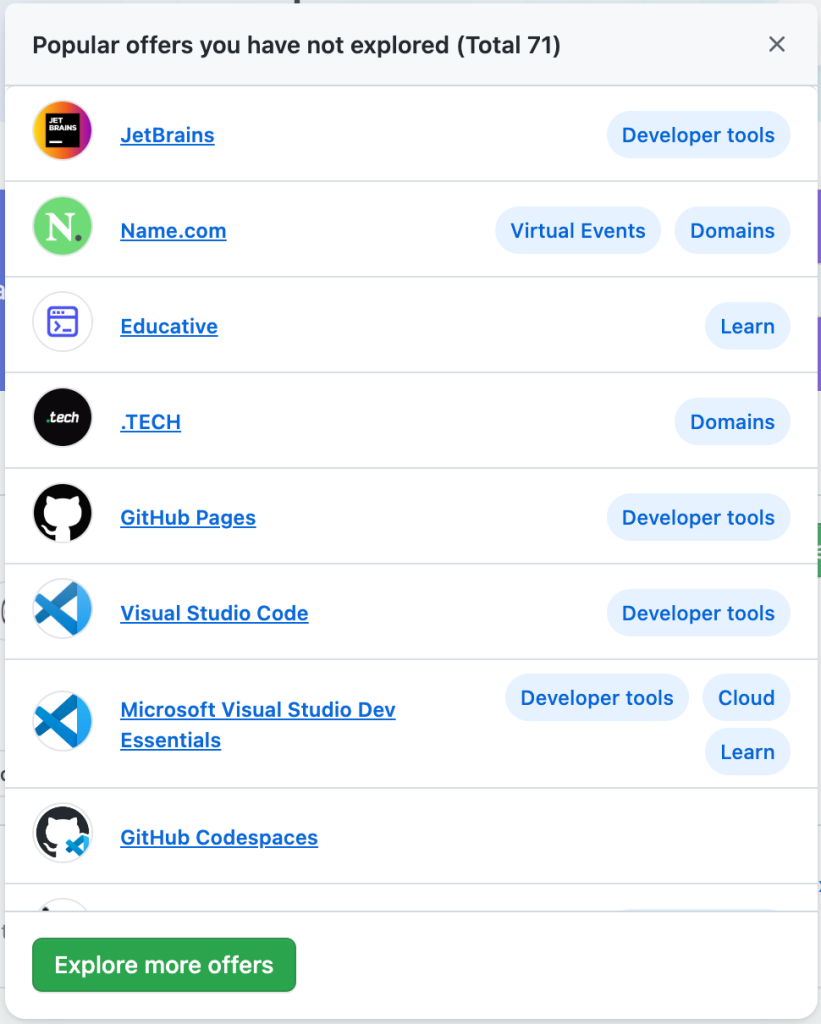
The codebase now also leans more heavily on components from Primer, GitHub's open source design system. That brings the accessibility features already built into the rest of GitHub to Global Campus and makes the portal feel more consistent with the platform overall. A good example: modal windows now trap keyboard focus, land users on the close button when opened, and return them to their previous spot on the page when dismissed. Users navigating visually may not notice this change, but for those on keyboards it's a meaningful improvement.
Preventing regressions
The accessibility push at Global Campus is part of a broader effort across GitHub Education. Going forward, linters will run automated checks to catch accessibility issues before they ship, while engineers keep collaborating with the Accessibility team on issues that only human testing can surface. Lessons from this round of work will extend across all GitHub Education products as the team works toward a more inclusive platform.
How to weigh in
Details on GitHub's broader accessibility work are available at accessibility.github.com. Feedback on the experience can be shared in the Accessibility Feedback category on GitHub Discussions. Those interested in contributing directly can review the documentation or the Primer Design System, both open source projects that shape the product.


