
Prototypes get teams closer to the real thing—holding a design in hand, clicking through screens, and sensing how a flow feels—which is why device frames matter. Following inline preview at Config 2023, Figma has now brought device frames directly into the editor, part of a broader prototyping release that also includes faster interaction duplication and quicker flow deletion. Product Designer Chia Amisola and Software Engineer Jediah Katz explain how the frames were built.
Bringing presets into the canvas
Device presets have long existed in presentation view, and their popularity prompted the team to move phone, tablet, and watch frames next to the design itself. The goal, as prototyping product designer Nikolas Klein put it, was tactility: “We wanted the device to feel tangible in the editor. You have to be able to grab it, resize it, and move it to where you want it.” That meant going beyond a static image to a dynamic frame that resizes the way a design would on a real device.
Input came from the community plus a cross-functional team spanning engineering, design, product management, and marketing. Three principles guided the work: seamless integration into the design process, realistic representation of diverse devices, and intuitive interaction with device hit targets.
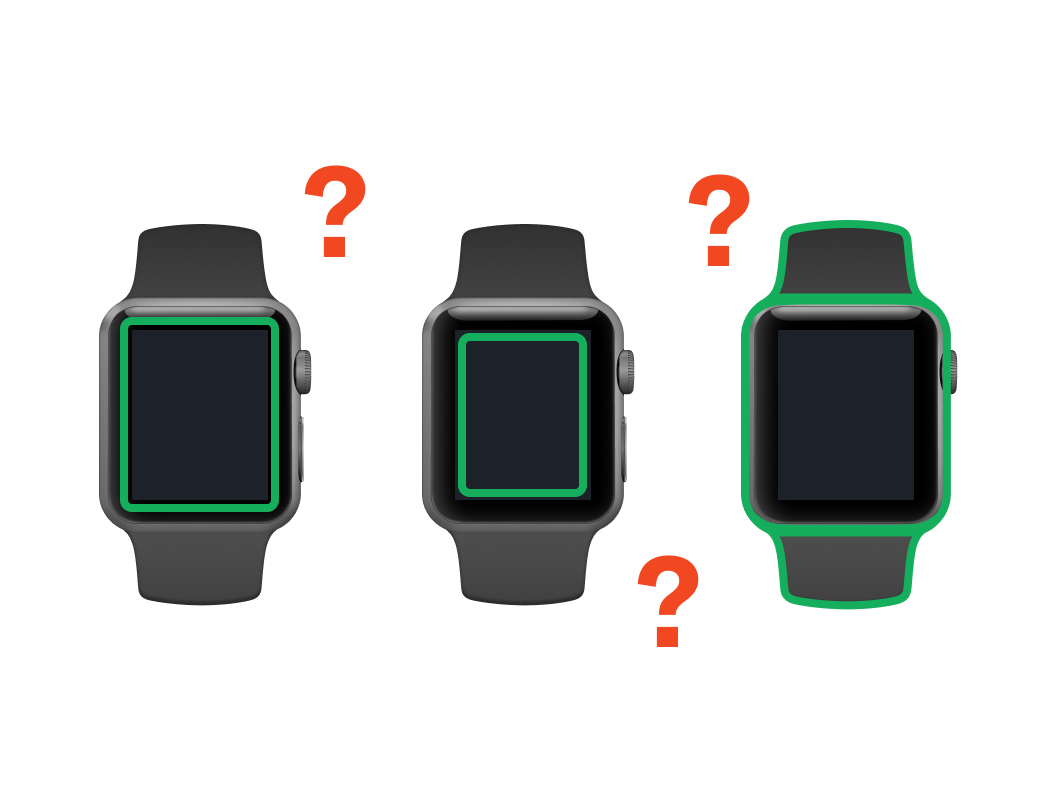
Fitting many shapes into one small frame
Space constraints in the inline preview led the team to focus on mobile, tablet, and watch devices, leaving out personal computers as too large. Depicting the full range meant accommodating a notch—a small indentation on a smartphone display that houses the front-facing camera and sensors—alongside tablets, square and round bezels, and non-rectangular forms like watches. Users were to drag frames by the bezel and resize from edges and corners, so each shape needed careful attention to feel malleable well beyond presentation view.
Why SVGs won
Each device model also demanded its own interaction rules. A dynamic island, for instance, can’t serve as a drag surface because doing so would block prototype interactions. The team ended up crafting 50 unique hit targets, carefully calibrated per device.
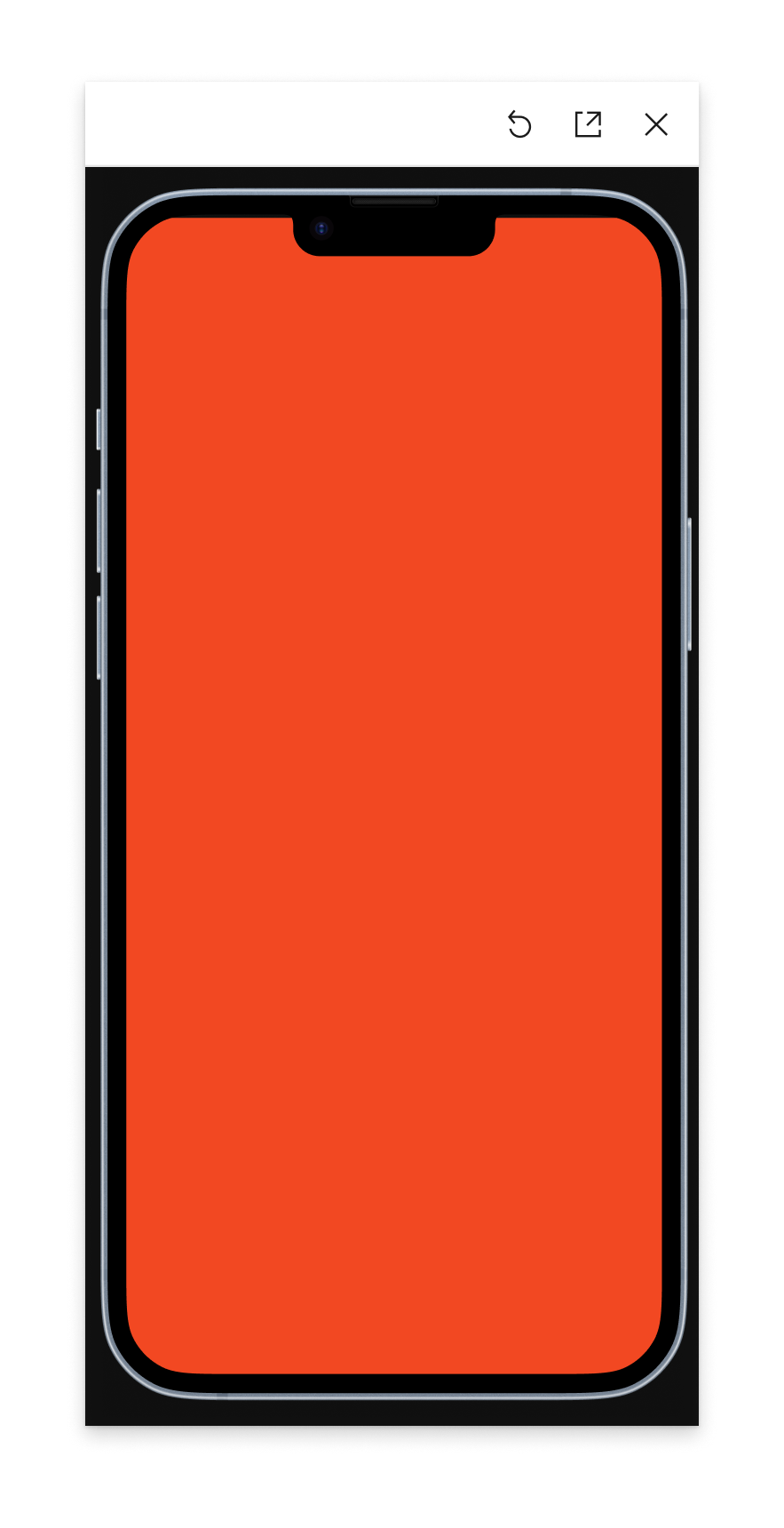
Getting there took experimentation: manually specifying shapes in CSS, or checking for transparency (device frames are implemented as raster images). SVGs—XML-based vector formats for 2D graphics that support interactivity and animation—proved the clear answer. Frames could be drawn accurately inside Figma via its SVG export, and once flattened to a simple path, SVGs have built-in hit detection with mouse handlers, letting the editor distinguish a click on the bezel from one on the screen.
Every SVG carries two parts: a red shape marking where users can click and drag, and a green outline marking the resizable area. The resize target stays a consistent 16 pixels wide for clarity, while the draggable target scales with the device.
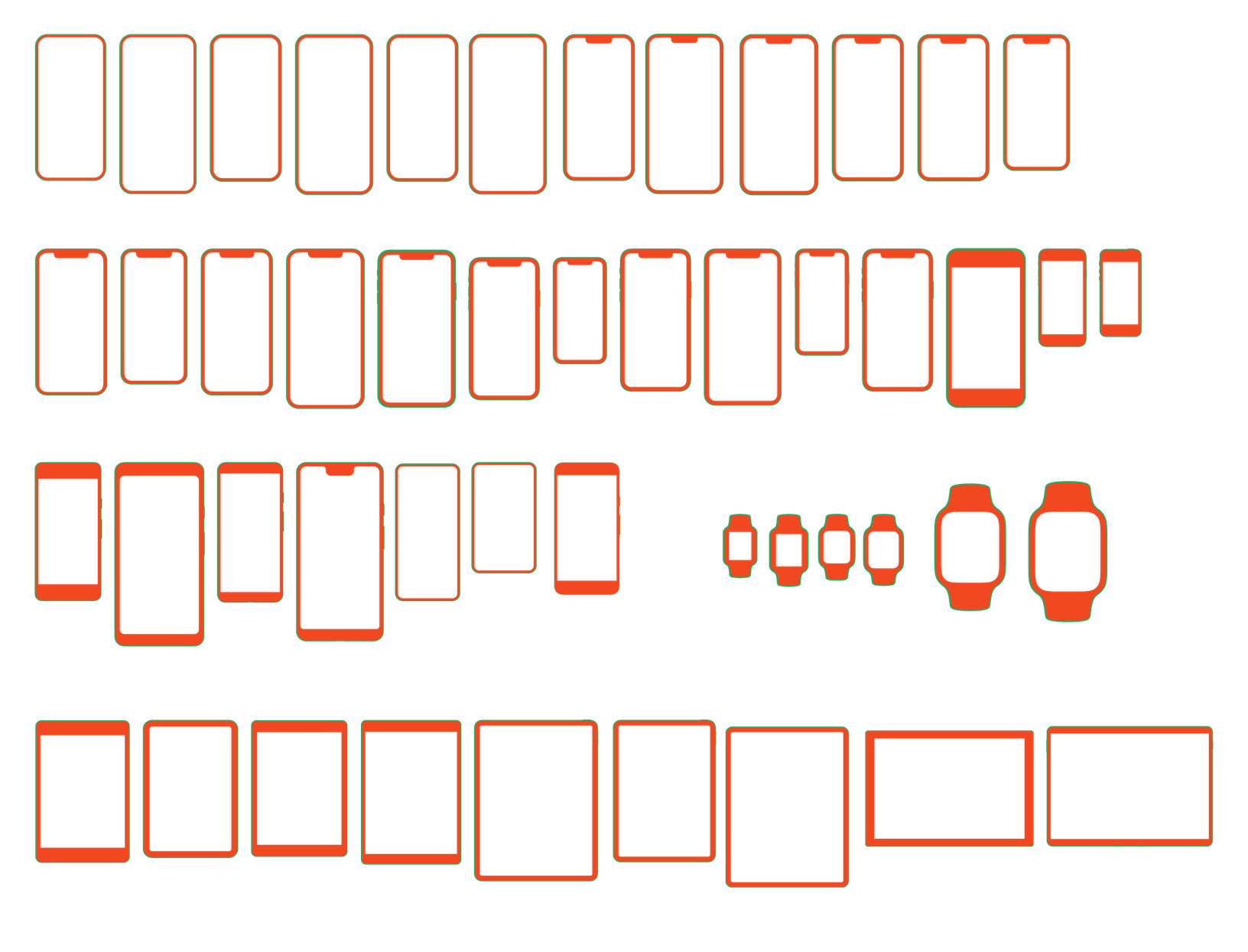
Semi-automating the targets
Hand-drawing 50 touch targets was unappealing. Product Designer Keeyen Yeo maintains a file of high-quality frames drawn manually as new devices are announced; Jediah built a bespoke internal plugin that uses those frames and heuristics—such as the ratio between inner and outer frames—to extrapolate screen and bezel areas. It handled most existing devices, but complex designs like watches still needed manual work.
The plugin also adjusted parameters such as the thickness of resizable areas, letting the team simulate how frames would behave in Figma—testing the fidelity of a feature that provides fidelity. Chia drew hit targets by hand where needed. The process is more boutique than factory, with each new device added manually, but it suits the current scope: only a handful of frames ship per year.
A mirror held up to Figma
The project pushed engineers and designers to build custom internal tooling for rendering devices, blending technical precision with close attention to where users actually touch a design. It also had a self-referential streak—the team found itself building prototypes within prototypes, using Figma to improve Figma. Software Engineers Sakura Rapolu, Moe Amadou, and Paras Sanghavi also contributed.