
Scoping: Define The Problem First
A workshop lives or dies by the clarity of the problem it addresses. If the problem cannot be named, the session will fall apart. Start by stating the issue in negative terms — risk of…, lack of…, low…, prefixes un and in. Phrasing it this way keeps it a genuine problem rather than a disguised solution you are pushing. Write it into the agenda so that when the conversation drifts, everyone can return to it with, “What problem are we trying to solve?”
Before committing time and resources, confirm that a workshop is the right instrument. Workshops are not for delivering information — a meeting does that more efficiently. Use a workshop when you need to:
- Align people by exposing contradictions and letting opinions be exchanged, not just announced;
- Reach agreements on a joint action plan, vision, or set of principles;
- Engage people so they feel invested in the topic;
- Have fun while doing hard intellectual work.
Gather Existing Knowledge
Problems rarely surface in a vacuum. Someone has probably already investigated the topic, and you want to leverage that rather than have participants reproduce known facts from scratch. Otherwise you invite complaints like, “If only I knew you would need this, I would prepare it properly,” or, “We already have it — here is a Confluence link.”
Before the session, do everything you can to prepare inputs:
- Pre-fill the workshop canvas with available facts;
- Build a structure where participants add their information;
- Place reference material on the canvas borders;
- Send pre-reading — documents, Loom videos, questionnaires.
Define The Output And The Long-Term Outcome
Planning a workshop means thinking backward. Visualize the ideal deliverable first, then compose the agenda around it. The artifact depends on the problem:
- Unclear next steps → an action plan;
- Scattered effort → a priority list;
- Parallel projects and dependencies → a roadmap;
- Broken workflows → a guideline;
- Conflicting opinions → a vision document;
- Missing understanding → a visualization or storyboard.
Consider asking who will use the deliverable and how — whether it serves the participants or a larger audience, is used once or repeatedly, or is meant as a final artifact or an invitation for further contribution.
Workshops can also leave a lasting mark on the team, beyond the immediate artifact. Ask what feeling people should take with them: greater transparency, better alignment and trust, or a new way of working. Optionally, consider what other initiatives could build on this workshop’s success — whether it can be scaled to other teams, serve as a role model, or lead into a follow-up session.
Choosing Participants
Even the strongest facilitation technique fails if the wrong people are in the room. First, list the expertise areas required — technical skills like engineering, data science, or QA; UX disciplines like design, research, or content; or operational functions like marketing, finance, and customer support. A workshop on feasibility needs engineers; a session on user experience needs researchers, product managers, and designers.
When selecting specific individuals, weigh three factors:
- Topic promoters — those who have consistently pushed the subject forward;
- Domain experts — the go-to people, who are often not the highest-ranking professionals;
- Local context — if the same role is represented regionally, consider involving people from markets where the business is struggling or especially profitable.
Decide whether you need decision-makers, knowledge-keepers, or both. Hands-on people who touch the topic daily can provide and structure detailed information, though they may lack the big picture. Managers are better at analyzing trade-offs and making decisions but may not be reliable sources of precise facts. If the team is large, a co-facilitator helps: in online sessions they can rejoin disconnected participants, tidy up stray sticky notes, and undo accidental edits; offline they handle fallen notes, brief late arrivals, and draw out quiet attendees. Look for a trusted teammate with prior workshop experience and, for virtual formats, solid tool proficiency.
Balance And Grouping
Decide how many representatives each function needs. A narrow workshop can legitimately skew — a technical feasibility session might be three-quarters engineers, and a product roadmap session may lean on PMs. But if the goal is co-creating a solution to a broad problem, balance product, design, research, engineering, operations, marketing, support, and data analysis equally.
Effective collaboration happens in groups of three to five. Larger teams should split into workgroups, organized either around separate aspects of the problem or working in parallel on the same issue and comparing findings. The required roles shape the split: a sketching exercise benefits from a designer in each group, while pain-point mapping should place a support or operations specialist in every group. If you are running the complete workshop, continue with participant dynamics and the exercises that make the session productive. If you joined this article partway through the full checklist, review the earlier sections on scoping and participant selection before proceeding.
Formatting the Session
Once the problem statement and participant list are locked in, the next decision is how to structure everyone’s time. The format will shape everything from tooling to the length of individual exercises.
✅ Online, offline, or hybrid?
The right call depends on several factors:
- Topic complexity and how much time it will demand;
- Whether the team can gather offline without significant travel;
- Secondary goals, like an informal get-together afterward;
- Team size and the physical or virtual space required.
The main formats each have trade-offs:
- Online works best for sessions under 3–4 hours; beyond that, “Zoom fatigue” sets in and attention drops. For complex topics, split the work into multiple shorter sessions rather than forcing a single marathon day.
- Offline is the default preference whenever the team is already collocated or can be brought together affordably. These workshops can stretch over several days and pair well with after-hours activities.
- Hybrid is the most fragile setup. It succeeds only when participants are roughly evenly split between remote and in person. If ten people sit in a room and two join remotely, the remote participants will struggle to stay engaged and may quietly drop off.
✅ Digital tool or paper canvas?
The chosen format influences how exercises are executed.
- Digital tools work for both online and offline settings. Pick something the team has already used — FigJam, Miro, Mural, Whimsical, or similar — because a familiar or simple tool saves precious workshop minutes.
- Paper canvases and colored sticky notes suit offline sessions and non-tech-savvy groups. They create a tangible sense of contribution, but you’ll spend time after the workshop decoding and digitizing handwritten output.
✅ How do you get people to show up prepared?
People’s satisfaction is shaped by their expectations, so setting those early is essential. If attendees don’t know why they’re coming or what to expect, even a well-designed workshop can fail before it starts.
Use channels the team actually checks. If nobody reads email, put the announcement in Slack or a shared document instead.
Share the following ahead of time:
- Agenda: major stages, breaks, and meal times (no need to spell out every exercise);
- Tool instructions: if the software is new to some participants;
- Pre-reading or topics: when attendees should arrive with certain data or have begun thinking in a particular direction.

Drafting the Agenda
Choosing Activities
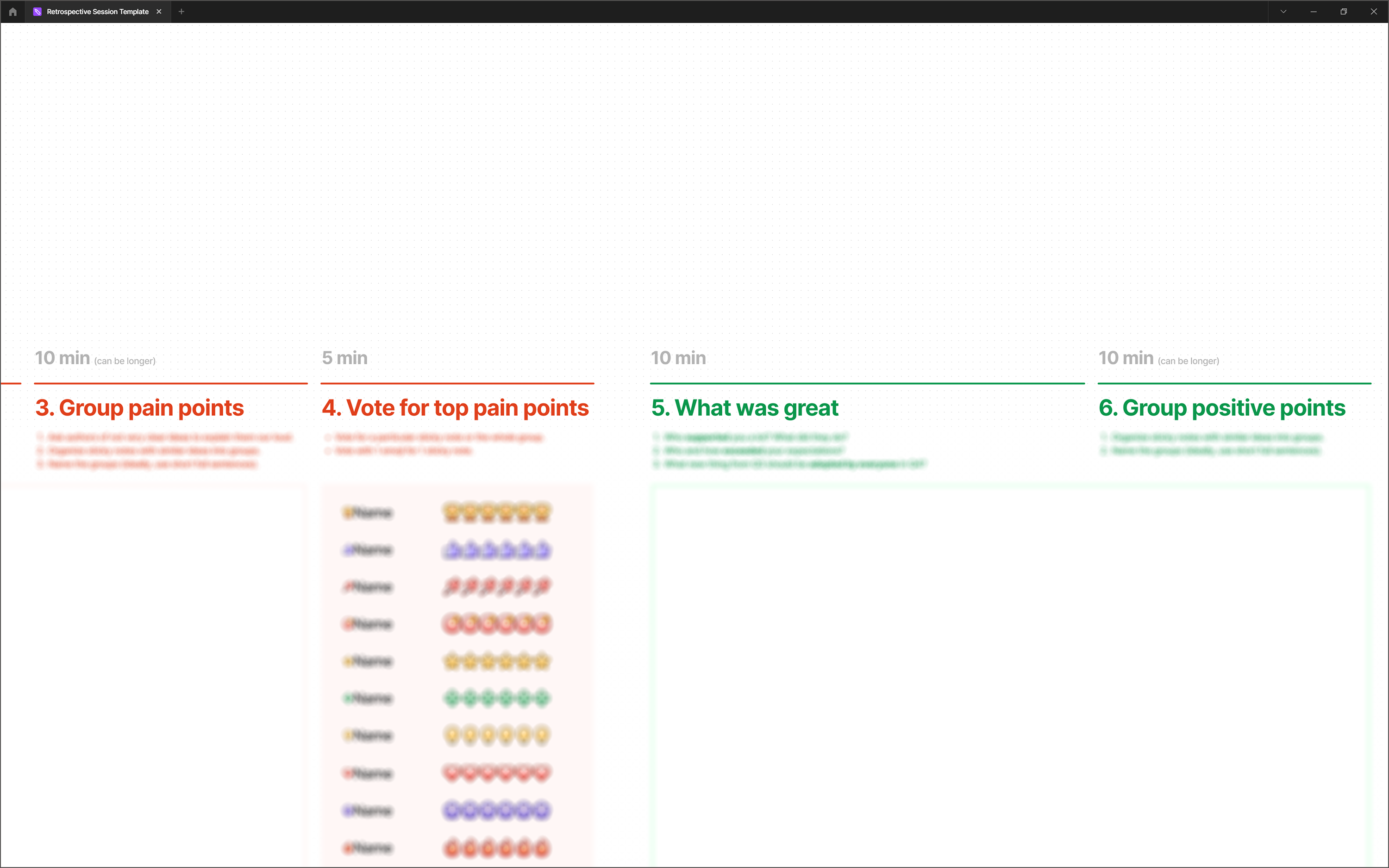
What will participants actually do? Start with a high-level description of the session, not the granular steps. It might sound like this: “Vote on pre-filled UX issues, take the top three for brainstorming, generate ideas, vote on the strongest ones, sketch the winners, then vote on sketches for prototyping.”
Another instance: “Write feedback on team collaboration in a matrix, group the positive and negative items by theme, rank issues from minor to major, and assign owners to the top five.”
✅ Define each exercise — Once the overall flow is set, decide on the mechanics. How many sticky notes per person? Do you need to provide example inputs to keep submissions formatted? How many votes does each participant get, and in what order?
✅ Estimate activity durations — The simplest exercises run 15–20 minutes, more complex ones 40–50. Build in time for instructions before each activity and synthesis afterward. Add padding for stragglers and the mental transition into workshopping mode. Accurate estimates come only after observing your team’s actual pace over a few sessions.
✅ Plan for levity — Auxiliary activities keep energy up:
- Ice-breaker or check-in: a light exercise to fill time while early arrivals come in, help people get acquainted, or set a creative tone.
- Warm-up or energizer: brief, often physical, interruptions between concentrated work sessions, such as stretching or movement.

Pacing and Structure
✅ Input: Where does the data come from? Each exercise should flow logically from the last. If you want votes on critical product problems, the list must exist first — either generated in a prior exercise or pre-populated by you on the canvas.
✅ Output: Where does the result go? Check that every step feeds the next. If information from one stage never gets used again, participants will rightly ask why they produced it.
✅ Canvas design — A well-structured visual guides better contributions:
- User journeys, storyboards, and timelines for chronological material;
- Matrices or rating grids for priorities and comparisons;
- Tables, blueprints, and maps for interconnected data;
- Mindmaps for hierarchies.

Planning for Trouble
Prevention beats damage control. Workshops involve many moving parts, so the facilitator needs backup plans ready. Expect skepticism, delays, and technical failures as a matter of course.
⚠️ Participants are skeptical or resistant.
Prevention:
- Run one-on-one interviews beforehand to surface concerns.
- Send a survey on expectations and urgent needs.
- Ask for expectations at the start, then compare them with the outcome at the end.
- Share examples of successful workshops run with other company teams.
If it happens:
- Identify the underlying concern and adjust if appropriate.
- Ask a domain, product, or discipline manager to explain why the activity is necessary.
- Note that participants had the agenda in advance and could have raised objections before the session broke for the day.
⚠️ The timeline is slipping.
Prevention:
- Politely cut off tangential discussion and refocus on the goal.
- Keep off-topic ideas in a visible “parking lot” so nobody feels dismissed.
- Break the large team into working groups to avoid slow, repetitive debate.
- Review past workshops for real durations of similar exercises.
If it happens:
- Cut or compress the least critical steps.
- Announce the delay at least 30 minutes before the scheduled finish.
- Wrap up the current exercise cleanly, summarize interim results, and schedule a continuation.
⚠️ The online tool stops working.
Prevention:
- Use a robust tool with solid reviews.
- Share a test canvas beforehand so participants with unusual setups can verify everything works.
If it happens:
- Wrap up the last completed step and plan a follow-up session.
- If the remaining exercise is simple, open a blank canvas in another tool and proceed.
⚠️ Key people are absent.
Prevention:
- Brief all major stakeholders individually on why their presence matters.
- Pick a time slot confirmed to work for the essential attendees.
- Follow up with anyone who hasn’t accepted the calendar invitation.
If it happens:
- With last-minute rejections, reschedule immediately.
- If people simply don’t show, either reschedule or run a reduced session to gather preliminary input from whoever is present.
⚠️ A hidden problem emerges mid-workshop that undermines the plan.
Prevention:
- Choose a substantial problem the team would need to address regardless.
- Confirm topic and format with key stakeholders early.
- Share the goal and agenda on channels where people will actually notice and can push back.
- Be ready to justify each participant’s inclusion, to yourself and others.
If it happens:
- Close the session and commit to scheduling a more relevant activity.
- Repurpose the current workshop if the canvas and expertise of the room fit the newly revealed problem.
⚠️ People’s attention wanders.
Prevention:
- Don’t leave the room or call unattended for long stretches; even a lengthy exercise should have check-ins about every 20 minutes.
- Weave moments of humor or play into tasks.
- Set aside space for jokes and tangents so the energetic participants have a sanctioned outlet.
- Clarify beforehand that multitasking is off the table; if someone has an urgent conflict, they can step away and return.
If it happens:
- Run an energizer or announce a short break.
- Remind participants that the goal is to finish on time and avoid a second session that costs everyone more hours.

When Planning Pays Off
Design workshops are rarely about the exercises themselves. In an ideal world, close-knit teams that already share values and language would not need them. But when trust is still forming or people from different backgrounds are coming together, workshops become the mechanism for building shared understanding.
The single most important factor in a workshop’s success is involving the right people. Everything else — the agenda, the canvas, the schedule — serves that core goal. Keep that priority in mind while working through the practical checklist below.
Problem Framing
- Pick the topic and state the problem clearly.
- Verify that a workshop is genuinely the best tool for the situation.
- Review existing information related to the subject.
- Prepare the known facts to share with participants.
- Decide what concrete deliverable the session will produce.
- Consider whether that deliverable will be useful and meaningful for the team.
- Think about the long-term impact of the workshop on team dynamics.
- Identify other initiatives that could build on the workshop’s outcomes.
Choosing the Participants
- Determine which areas of expertise must be represented in the room.
- Shortlist potential attendees based on their knowledge and prior experience.
- Invite decision-makers and knowledge-keepers whose presence matches the workshop goal.
- If facilitation demands more than one person, assign a co-facilitator.
- Maintain balance by inviting a comparable number of representatives from each role or function.
- For larger teams, plan ahead for productive group dynamics.
Format and Logistics
- Choose the format and timeline that fit the problem’s scope and the team’s availability.
- Pick a digital workshopping tool if you intend to go paperless.
- Find a suitable way to invite participants and set expectations about what the session will cover.
Agenda and Canvas Design
- Write a one- or two-sentence summary of the overall workshop flow.
- Detail each exercise according to the session’s objectives.
- Budget time for every exercise as well as auxiliary activities.
- Keep ice-breakers and energy boosters ready as backups.
- Ensure each exercise relies on the output of the one before it.
- Articulate how each exercise leads logically into the next.
- Select or design a canvas — the visual structure used to collect and organize the team’s input.
Anticipating Failure Points
- Some participants may be skeptical and resistant to the workshop concept from the start.
- The schedule may slip beyond the planned time.
- The online workshopping tool might fail during the session.
- Critical stakeholders could be unavailable despite prior confirmation.
- Midway through, you may uncover a hidden problem that fundamentally shifts the original plan.
- Attendees may lose focus or become distracted as the session progresses.


