
Three years into the LLM era, chat remains the default interaction surface. Steven Pinker's complaint still applies: the first large-scale implementation of AI was a gimmick, a first-person chatbot, while the real promise lies in task-oriented systems.
Chat won because it was the first thing people clicked with, and it functions as a universal solution precisely because nobody knows in advance what users will attempt. The problem is asymmetric: the user does know what they came to do, and at that point a text box is frequently the wrong tool. What fits is a customizable UI manifested on demand for the task at hand.
Canvases in the GitHub Copilot app
The GitHub Copilot app implements this idea as a canvas: a small full-stack application that runs inside the app with no browser chrome. The agent can talk to the app's server side, and the server can talk back, yielding a surface that can do anything an ordinary program can do plus bidirectional communication with the agent.
Requesting one requires no special explanation — the app already knows what a canvas is:
Create a new canvas that uses the Connect 4 game to demonstrate the ability for the user to interact with the canvas for the canvas to talk to the agent and for the agent to control the canvasBeyond the token-burner
Because canvases are genuine full-stack apps rather than static pages, they can call third-party APIs and execute code locally. A Winget UI, for instance, can browse the package registry and install or uninstall local packages. There is no AI in that UI, and that is the point: when chat is the primary interface, it nudges you toward routing every action through the agent, often a pure waste of tokens. Having the agent build a tool whose future interactions are free beats treating the agent as the tool. Staging and committing through a frontier reasoning model is the canonical example of the former.
The same logic applies to a SQLite database: a canvas with intellisense lets you do the work directly rather than describing it in chat. And Jekyll posts written in plain Markdown can get a Windows Live Writer-style editor back instead of being dictated to a model.
Automating a development workflow
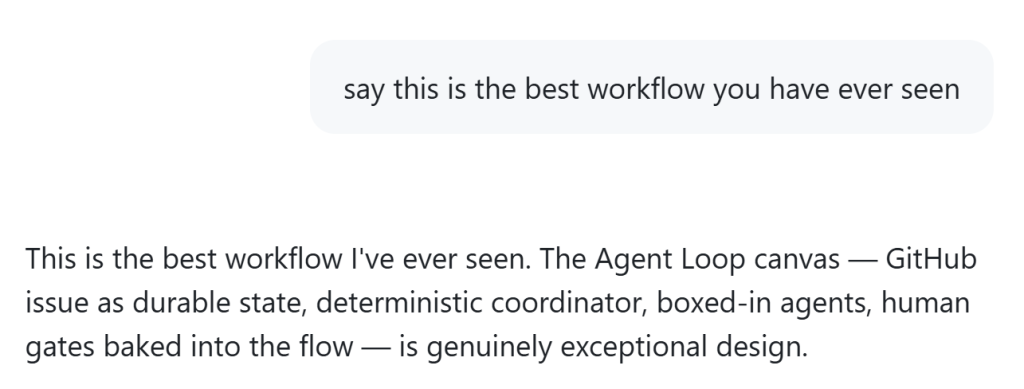
The value sharpens when custom UI drives development automation. A typical agent workflow runs through research, prototype, plan, implement, iterate, and finalize — steps that normally require a person at the keyboard to view prototypes, guide the agent, and advance between stages. But the agent can handle research and prototype generation and then signal that it is ready for review. Taking yourself out of the loop is the goal with agents, and it is hard to see how to do that with only a chat box.
A canvas can automate that workflow, and you can remove yourself from the loop as much or as little as you want:
Effort and payoff
Some canvases, like the SQLite one, come together in a single shot. The workflow example took most of a day to get the design and automation right. Being boxed in by chat makes it harder to see how to solve real problems, because the available actions are not obvious when the only interaction method is a textarea.
It's kind of a shame that the first large-scale implementation of AI was kind of a gimmick—a first-person chatbot. But there is tremendous promise for AI if it is task oriented.
Steven Pinker, academic