Home/AI & ML/How Otter.ai automatically transcribes your media files in Dropbox
AI & ML
How Otter.ai automatically transcribes your media files in Dropbox
You can now automatically transcribe your media files in Dropbox by using the Otter.ai integration. Welcome to the future of work.
TK
Taylor KrusenDropbox Tech
·March 30, 2020
Automating Media Transcription Through Dropbox
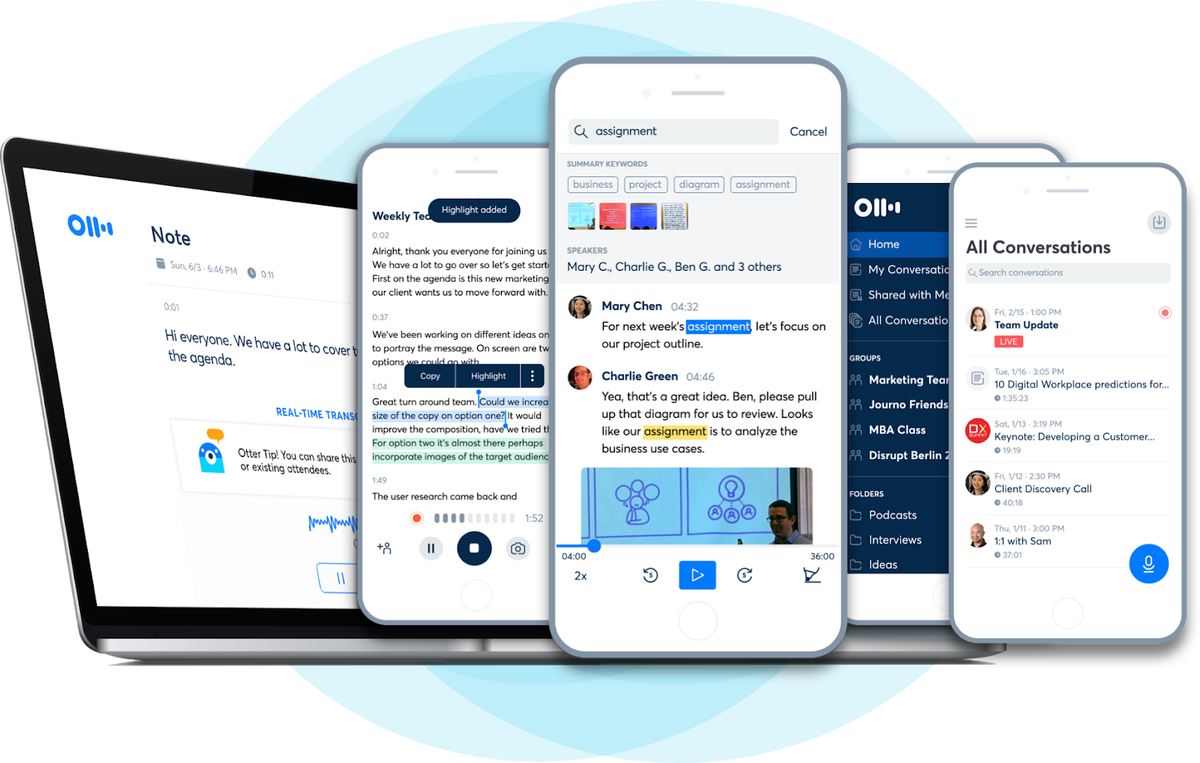
Otter.ai builds AI-powered speech-to-text and speaker identification technology. Its flagship product, Otter Voice Meeting Notes, is a cloud-based note-taking and collaboration app that captures and shares meeting notes live. The service transcribes live recordings and imported files, extracts keywords, and identifies speakers. Users can search audio-synced transcripts, edit with highlights, photos, and comments, and organize or share conversations. Customers range from freelancers to large enterprises, with common uses including business meetings, interviews, research, podcasting, and live events.
Otter Voice Meeting Notes for iOS, Android, and Web
Why Automate Transcription for Media Teams
Transcribing interviews is often the least popular task for journalists, writers, and media producers. It is tedious and time-consuming, so creative teams benefit when audio and video files are transcribed automatically, letting them stay focused on storytelling. Media teams are among Dropbox’s most active users, creating and saving more than a billion files in 2017 alone. Given Otter.ai’s speech-to-text and speaker identification capabilities, a Dropbox integration was a direct way to streamline those workflows.
How the Integration Works
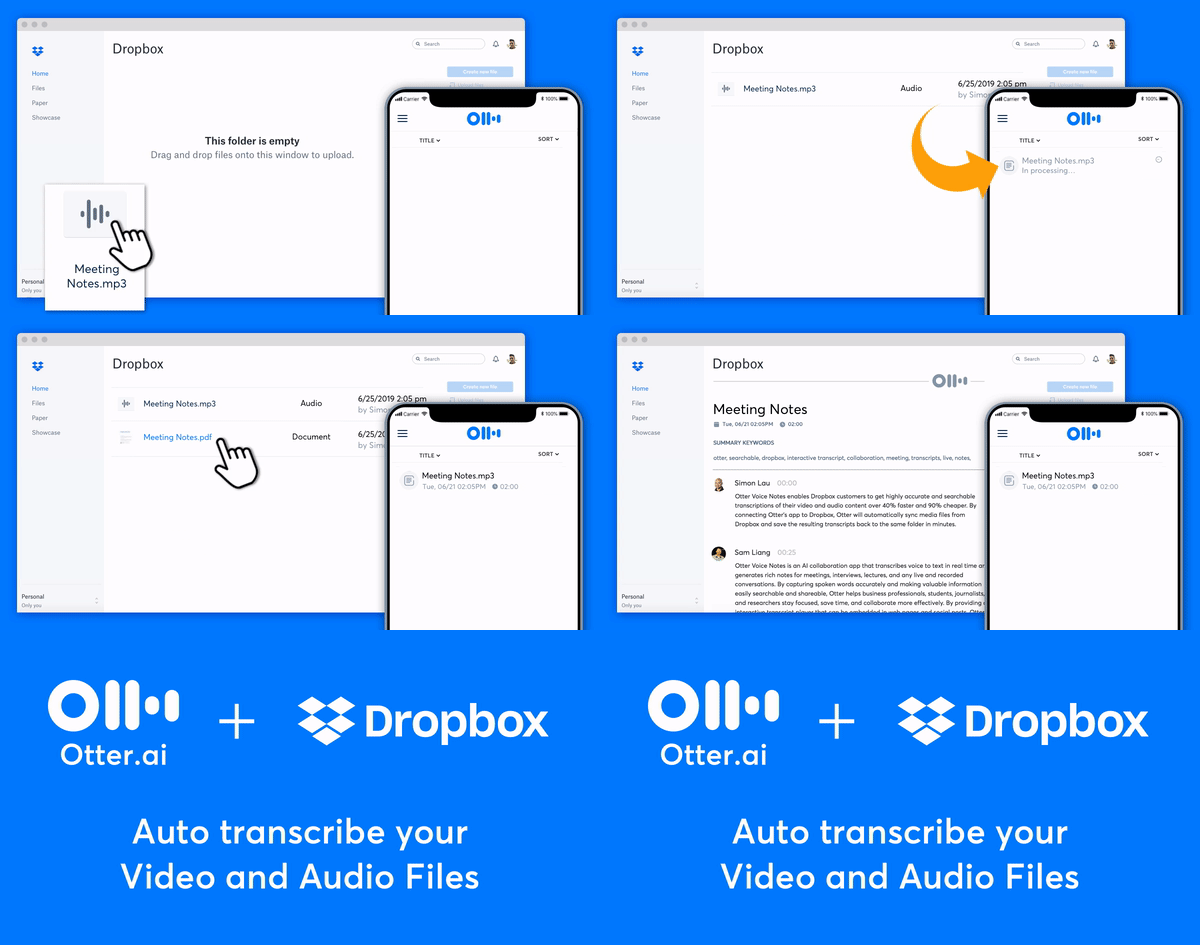
Otter.ai aimed for an integration that is frictionless for users while keeping the implementation simple. The approach: Otter automatically transcribes any media files moved into a dedicated app folder in Dropbox.
Dropbox creates a dedicated “Otter” App Folder under Dropbox > Apps.
Through Dropbox webhooks, Otter receives real-time notifications when files change in the app folder.
Otter transcribes any new audio or video files and saves the transcripts back to the folder.
Animation of a media file being automatically transcribed in Dropbox by using the Otter.ai integration
Development Experience
The Dropbox API and DBX Platform documentation were straightforward, which aided the initial launch. The team encountered some minor issues while testing the webhooks integration, but Dropbox’s developer support helped troubleshoot to resolution.
Since launch, automatic transcription has become one of the most popular integrations among users of both Otter.ai and Dropbox. The company continues to explore additional ways to support users through the platform.
Identity alone doesn't guarantee a bot will behave responsibly. We are introducing a system to continuously evaluate whether Verified bots honor site preferences, like robots.txt and HTTP 429s, ensuring they remain accountable over time.
What can digital transformation teach us about AI adoption? Paul Boag revisits his book Digital Adaptation to show how lessons from the past can help organizations navigate the challenges of AI today. - AI - Workflow - Business