

Copilot as a second pair of eyes
Code review and refactoring are essential parts of keeping a codebase healthy, but they're also easy to postpone when you're focused on shipping features. GitHub Copilot can handle a first pass at both, whether you're working in your editor or reviewing a pull request on github.com.
Refactoring—restructuring code without changing its behavior—is where Copilot Chat shines. If you have a function that has grown long and hard to follow, highlighting it and sending the prompt please provide refactoring suggestions in Copilot Chat will produce recommendations. Copilot may break the code into smaller pieces, optimize logic, or align variable names with your conventions. Click Apply in editor to have the changes written back to your file automatically.
You don't have to limit Copilot to a highlighted selection. Open a whole component in your editor and ask Copilot Chat for improvement suggestions across the file:
How can I improve this code?Copilot will return several suggestions, and you can ask it to explain each step in more detail before applying them. Since Copilot is generative, the exact suggestions you get may differ from what others see in demos.
You can also ask more targeted questions. For instance, to make data fetching logic reusable across components, start a new chat conversation and request a custom hook that centralizes the logic:
How can I extract the data fetching logic into a custom hook?Copilot will generate refactored code that extracts logic out of the component into a new hook directory usable across the app. To follow through, save the changes into a new file via … > Insert into New File, import the hook into your component, and remove the old code.
If you're worried about redundancy, just ask Copilot to scan for it:
Is there any redundant code in this file?Copilot will point out duplicated or unnecessary code, and you can review and apply those suggestions to clean things up.
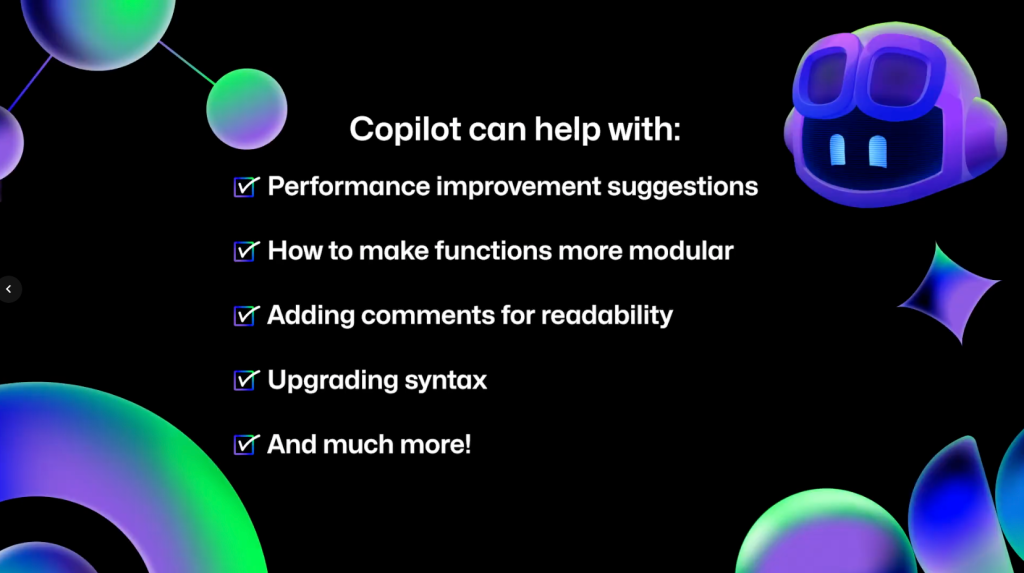
Beyond these examples, Copilot Chat can also suggest performance improvements, help make functions more modular, add comments, or modernize your syntax. Ask a direct question and see what it offers.
Copilot reviews on github.com
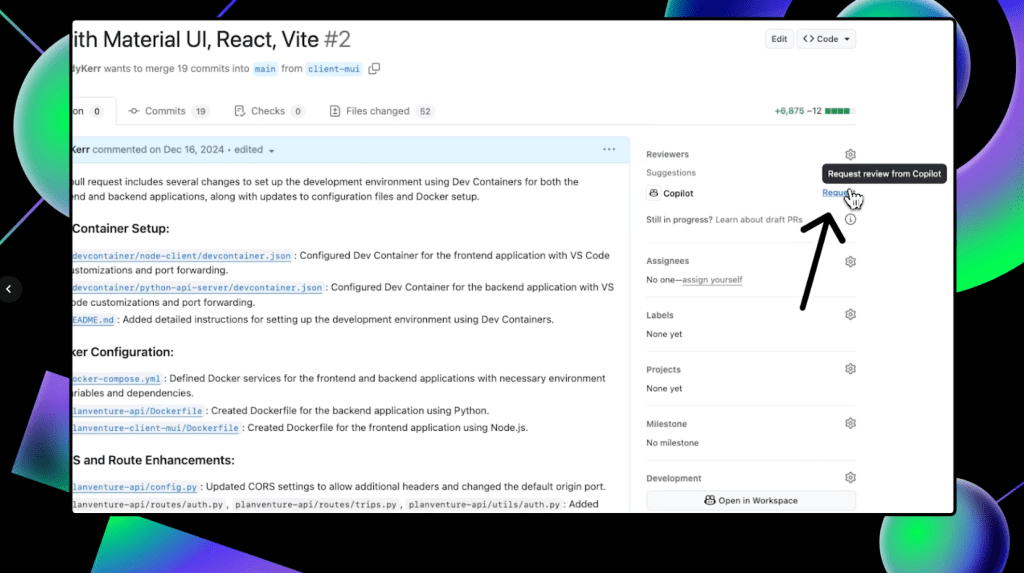
With the proper access, you can request Copilot code reviews directly in a pull request on github.com. Under the Reviewers section in the top-right corner, Copilot appears as a possible reviewer. Click Request to have it review your code.
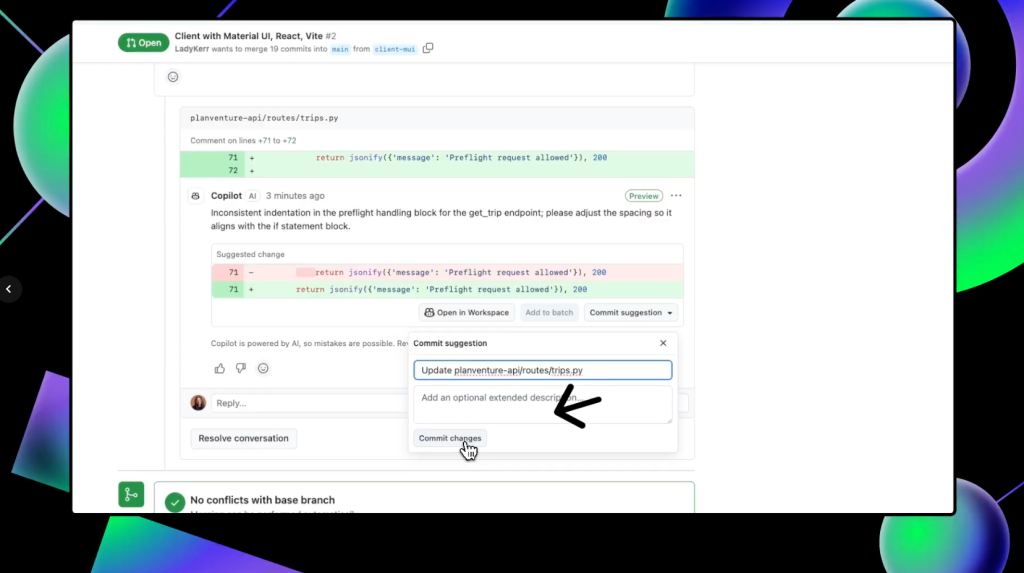
When the review completes, scroll down in the pull request to see Copilot's suggestions. Note that Copilot always leaves a Comment review, never an Approve or Request changes, so its reviews will never be required nor block merges.
To accept a suggestion, click Commit suggestion at the bottom of the individual comment, then Commit changes in the context menu to update the pull request. If you have multiple suggestions to incorporate, you can use Add to batch to group them into a single change.
After integrating changes, request another review from Copilot by clicking the circular arrows next to its name in the Reviewers box. This makes Copilot a useful preliminary review step before you ask your team for a final sign-off.
What Copilot covers—and where it stops
Copilot's contribution to code review and refactoring falls into five areas:
- Automated suggestions: Improvements and optimizations surfaced as you review code.
- Consistency checks: Support for consistent naming and function structure that aligns with your standards.
- Refactoring assistance: Actionable suggestions for simplifying complex functions or reorganizing the codebase.
- Error detection: Identification of potential bugs or inefficiencies you might have missed.
- Comment support: Generation of readable comments for others—or yourself later.
Those capabilities come with caveats. Copilot depends entirely on the context you provide, so unclear or poorly documented code will yield weaker suggestions.
It is also not a stand-in for a thorough human review. Copilot can catch many issues, but you should always verify its suggestions against your project's goals, coding standards, and organizational policies before applying them.
For more depth, the GitHub documentation covers improving code readability and maintainability, refactoring for performance optimization, using Copilot code review, and configuring coding guidelines for reviews. Copilot is available to try for free, and questions can be directed to the GitHub Community forums.


