

A field fix from a phone: Copilot coding agent plus GitHub Mobile
Sometimes the fix you need most is the one you can't make from your desk. In a recent incident, a critical feature on a website started throwing errors just before a high-visibility demo. The developer was away from their laptop, and rolling back wasn't an option because it would remove functionality essential to the presentation. The only tool at hand was a phone.
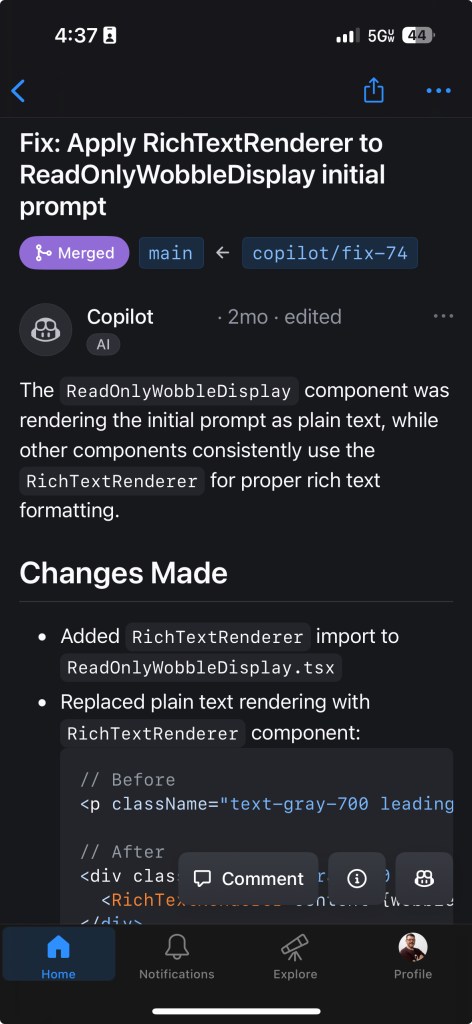
Instead of heading home, the developer used two GitHub features together: the GitHub Copilot coding agent and the GitHub Mobile app. From the phone, they scanned recent pull requests and spotted a likely cause—a PR that had introduced markdown rendering and a rich text editor. They created an issue describing the problem, referenced the suspicious pull requests, and assigned the issue to Copilot coding agent. Repository-level copilot-instructions provided the agent additional context.
Within six minutes, a notification arrived: Copilot had generated a pull request with a fix. The developer reviewed it immediately from the phone, approved it, and automated GitHub Actions workflows deployed it to production. By the time the developer reached their car, the issue was resolved and the demo could proceed.
Why instructions files matter
Custom instructions are guidelines and rules that shape the results you get from Copilot. Repository custom instructions give Copilot coding agent, Copilot Chat, and Copilot code review important context about your project: its core purpose, tech stack, architecture constraints, coding standards, testing strategy, dependency management, observability, documentation, and error handling. The file lives at .github/copilot-instructions.md at the root of your repository, and it applies to all chat requests for that repo.
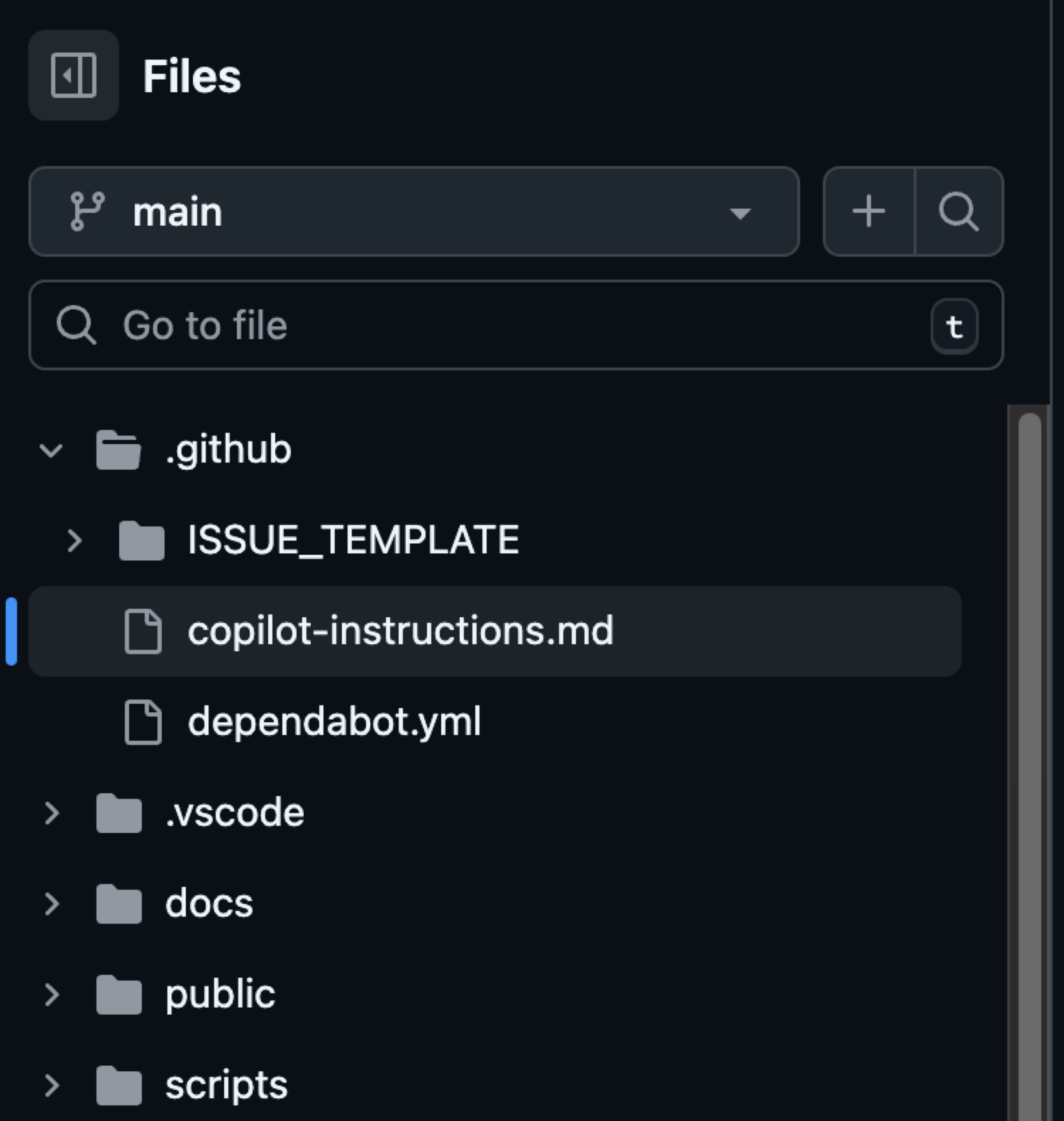
Here's an example of an instructions file you might see in .github/copilot-instructions.md. Remember to tailor these to your project.
# Copilot Instructions

- Use Next.js App Router with React and TypeScript across the project.
- Use pnpm for all package management commands (not npm or yarn).
- Use Tailwind CSS v4 with a mobile-first approach; enhance with sm:/md:/lg:/xl: as needed.
- Prefer shadcn/ui components before creating new UI; place shadcn/ui in src/components/ui and shared components in src/components/shared.
- Always use next/link for internal navigation and next/image for images.
- Prefer server components by default; add "use client" only when needed (event handlers, browser APIs).
- Implement server actions where appropriate; place them in src/lib/actions.
- Put utilities in src/utils and Supabase utilities in src/utils/supabase; define shared types in src/types.
- Write tests with Vitest for critical business logic and components; place tests in __tests__ directories.
- Follow Next.js performance best practices and implement proper error boundaries and error handling.
- Use environment variables (NEXT_PUBLIC_ for client exposure); keep secrets server-side only.
- Use Vercel for deploys and GitHub Actions for CI/CD with pnpm scripts (pnpm dev/build/test).
- Keep code idiomatic: functional components + hooks, async/await for async, and idiomatic Next.js/React patterns.

## Folder structure reference (high-level)

```text
.
├─ app/                         # Next.js App Router: route groups, page.tsx, layout.tsx, loading.tsx, error.tsx, route.ts
├─ public/                      # Static assets served at /
├─ src/
│  ├─ components/
│  │  ├─ ui/                    # shadcn/ui components
│  │  └─ shared/                # Shared app-specific components
│  ├─ lib/
│  │  └─ actions/               # Server actions ("use server") and server-side logic
│  ├─ utils/
│  │  ├─ supabase/              # Supabase client utilities (server-side)
│  │  └─ index.ts               # General utilities (example)
│  └─ types/                     # Shared TypeScript types
├─ __tests__/                    # Vitest tests (or co-located __tests__ near source)
├─ docs/                         # Project documentation
└─ .github/                      # Workflows, issue templates, Copilot instructions
```

### Directory-specific conventions

- app/: Follow App Router conventions (page.tsx, layout.tsx, route.ts, loading.tsx, error.tsx). Use the Metadata API for SEO.
- src/components/ui: Prefer existing shadcn/ui components; extend consistently if needed.
- src/components/shared: Reusable app-specific components; keep presentational components server-rendered if possible.
- src/lib/actions: Mark server actions with "use server" and keep client-only imports out.
- src/utils/supabase: Reuse a shared Supabase client; do not re-instantiate ad hoc clients.
- __tests__: Use Vitest; write descriptive, focused tests for critical logic and components.

## Commands

- pnpm install — Install project dependencies.
- pnpm dev — Start the Next.js development server with hot reloading.
- pnpm build — Create a production build of the app.
- pnpm start — Run the production server locally from the built output (if defined).
- pnpm test — Run the Vitest test suite.
- pnpm lint — Lint the codebase (if defined in package.json).
- pnpm typecheck — Type-check the codebase using TypeScript only (no emit), if defined.
- pnpm format — Format files with Prettier (if defined).
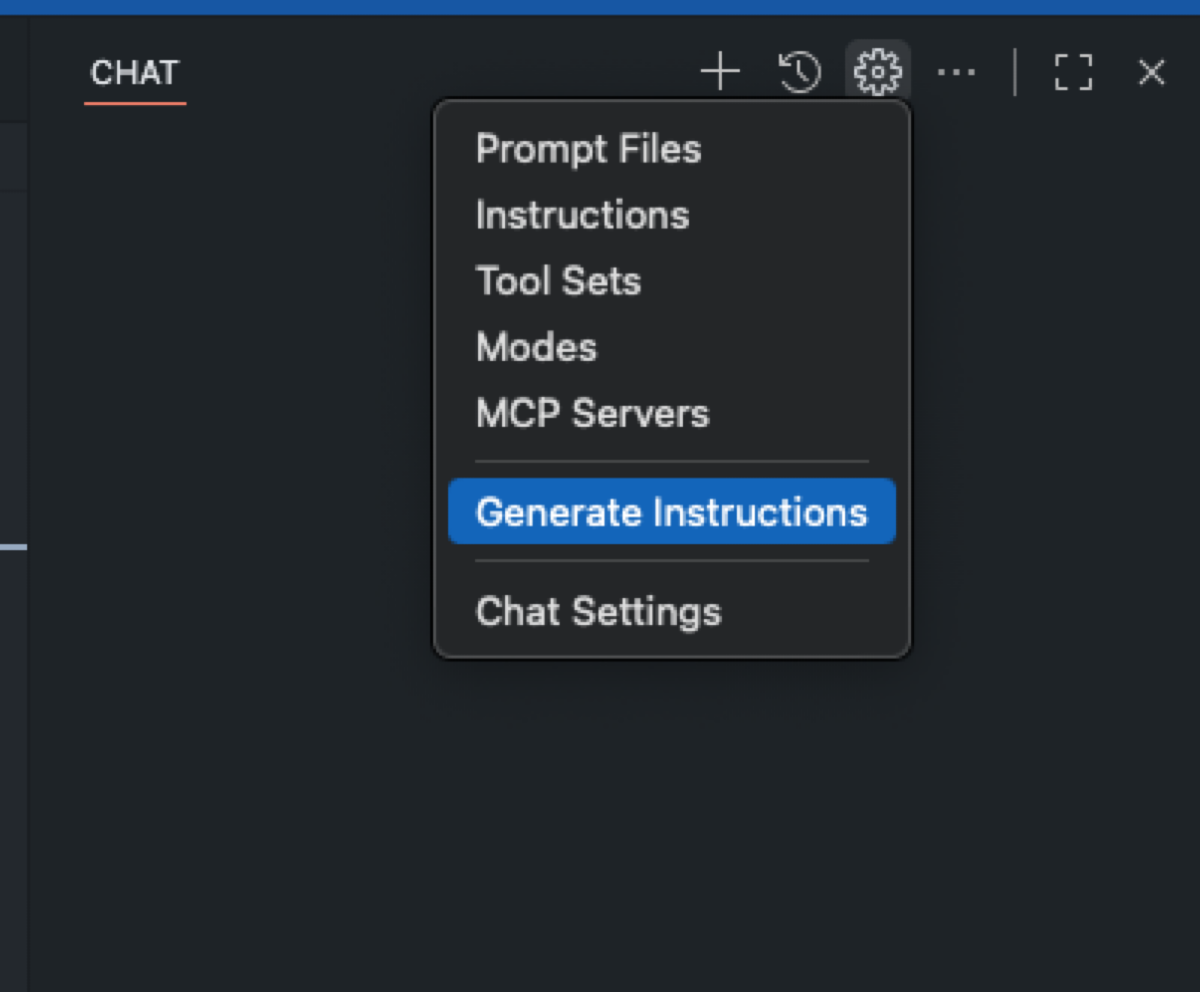
If you don't already have an instructions file and are using VS Code, navigate to Configure Chat and choose Generate Instructions.
In addition to repository-wide custom instructions, you can define path-specific custom instructions using the applyTo keyword to target only the directories, file patterns, languages, or task contexts that matter. These files live in the .github/instructions folder.
---
applyTo: "src/components/ui/**/*.tsx,src/components/shared/**/*.tsx"
---

- Prefer existing shadcn/ui components; check for an existing component before creating a new one.
- Style with Tailwind v4 using mobile-first classes; add responsive variants for larger screens.
- Use Lucide React icons (import from 'lucide-react'); avoid inline SVGs unless necessary.
- Ensure accessible interactions (keyboard focus, ARIA where applicable) and touch targets ≥44px.
- Avoid client components unless interactivity is required; keep pure presentational pieces server-rendered.
- Co-locate component tests in __tests__ where applicable; use Vitest.
Community-contributed instruction examples and prompts are available in the awesome-copilot repository. Well-written instructions provide concrete rules, standards, and preferences—and visibly improve the quality and relevance of Copilot's output.
Treat Copilot coding agent like a teammate
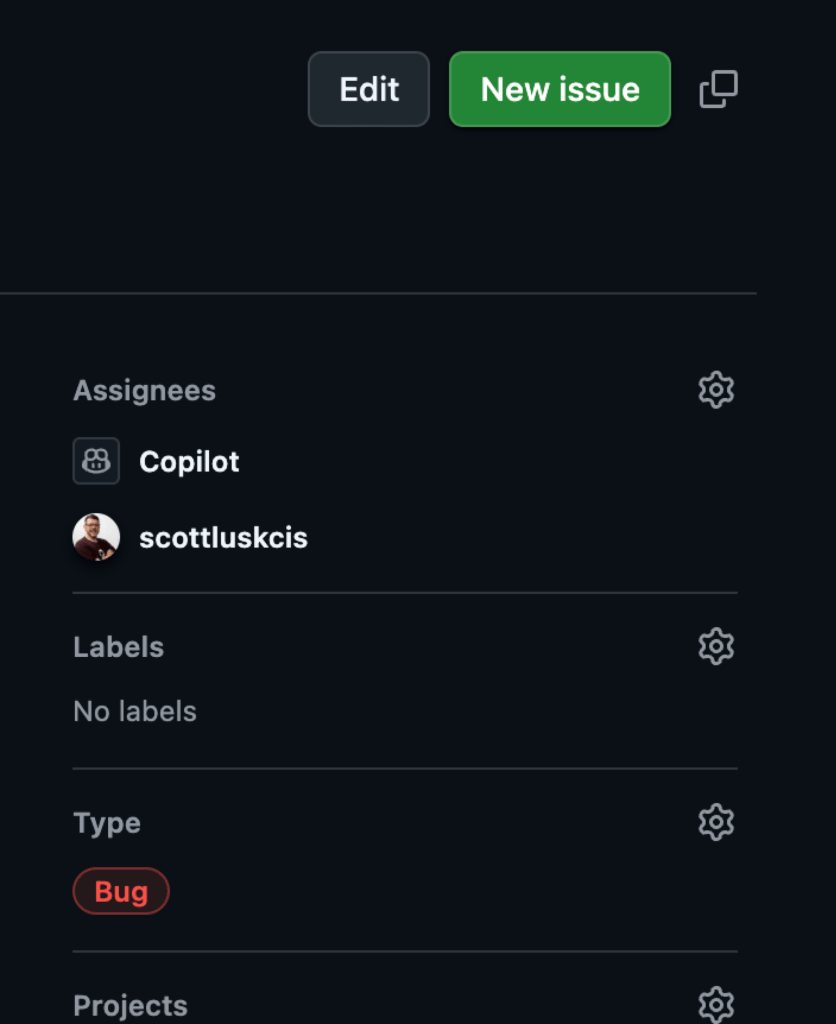
Assign Copilot to an issue, create a pull request, and track Copilot's sessions in your repository to understand what this teammate does best. When you create an issue to assign to Copilot, make sure the description gives the right context, is intentional about what it aims to accomplish, and is well-defined. You don't have to repeat anything already covered in your instructions file.
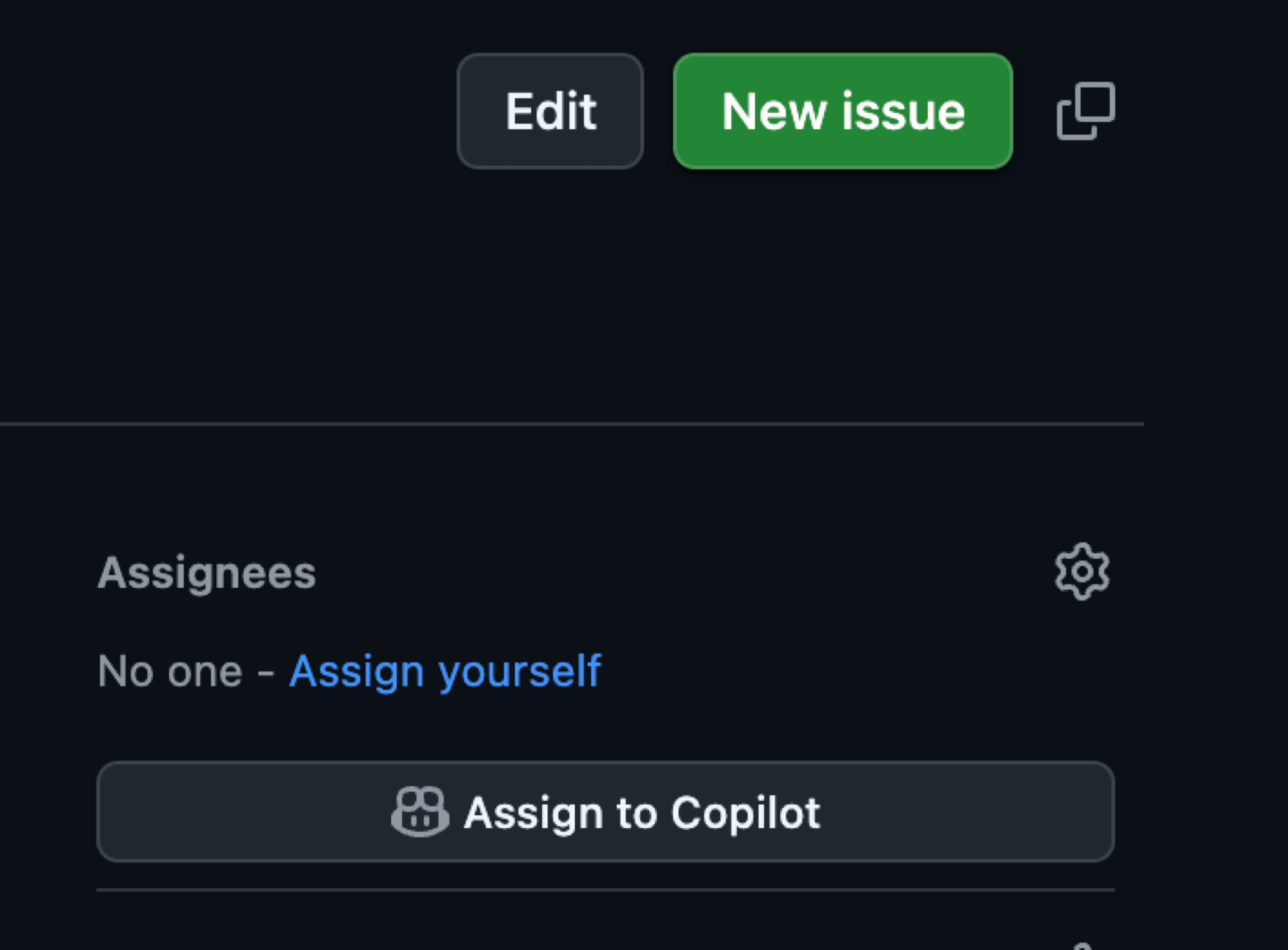
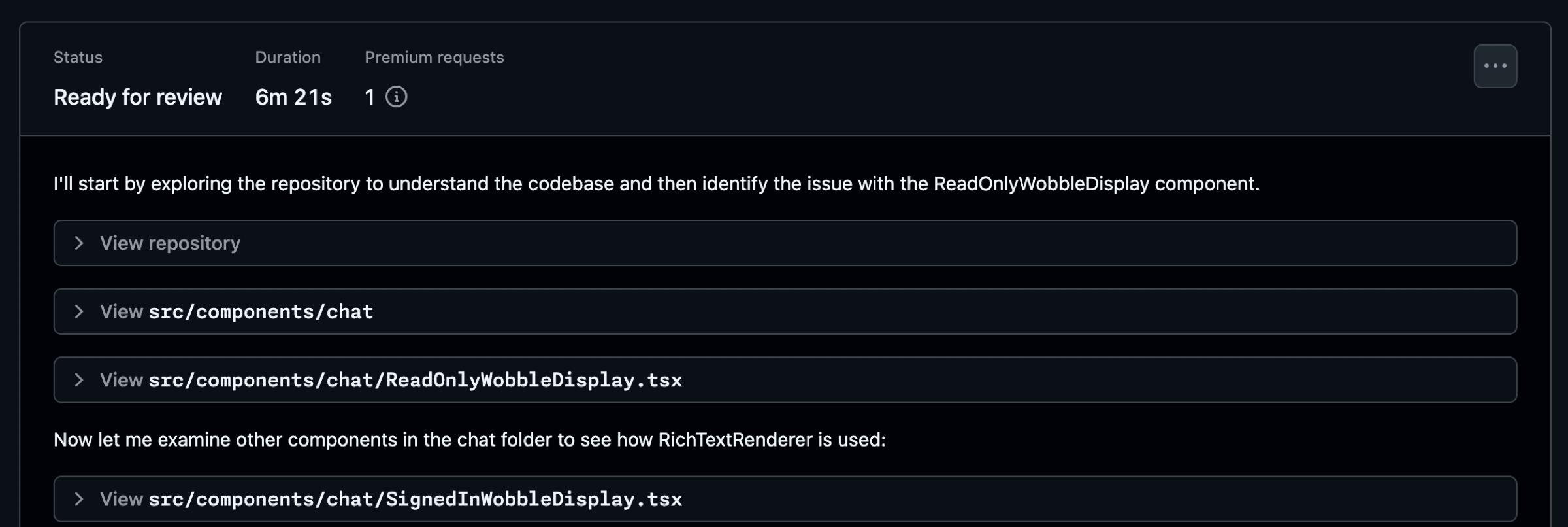
While Copilot works, you can view the session to see how it's approaching the issue. In the incident described above, Copilot diagnosed the problem and requested a pull request review in just over six minutes. Watching how Copilot works helps you refine your approach and tweak future issues.
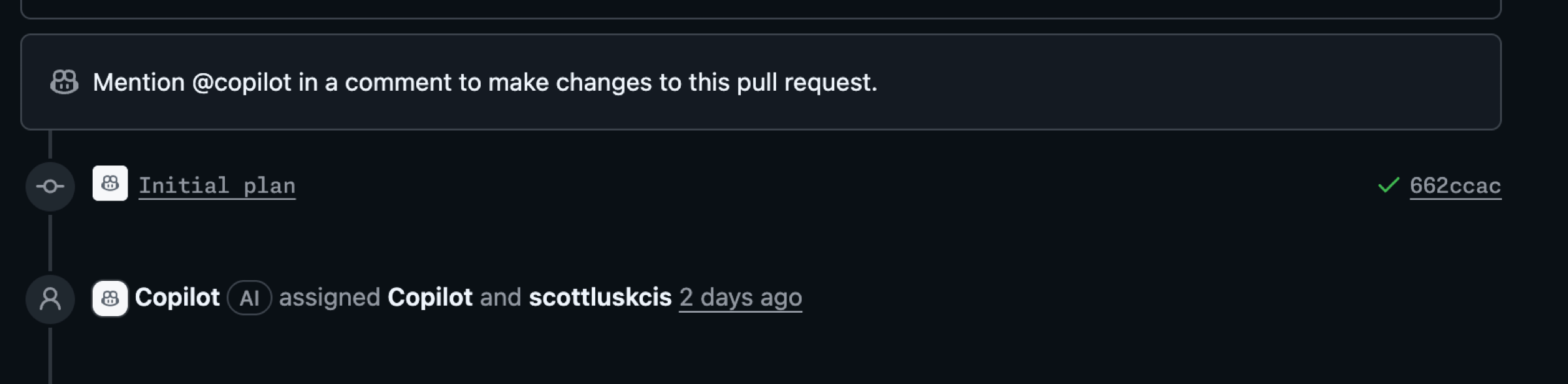
Always review the work yourself. Use @copilot in comments to ask for changes—don't rubber stamp the pull request.
IssueOps and automations
IssueOps turns GitHub Issues into a controlled command interface for automation. Structured commands trigger GitHub Actions workflows that parse arguments, enforce auth and guardrails, run operational tasks like deploy or provision, and write results back to the issue for auditability.
An issue template for bugs helps provide details and context quickly. Templates are placed in the .github/ISSUE_TEMPLATE folder in your repository.
name: "Bug (Copilot Coding Agent-ready)"
description: "Report a bug with details so Copilot can propose a fix via PR."
title: "[Bug]: <short summary>"
labels: ["bug", "triage", "copilot-coding-agent"]
projects:
  - "my-org/1234"
assignees: []
body:
  - type: markdown
    attributes:
      value: |
        Thanks for reporting a bug! This template collects the details Copilot’s coding agent needs to propose a fix.

  - type: input
    id: environment
    attributes:
      label: Environment
      description: OS/Browser, device, app version/commit, and environment (local, preview, production).
      placeholder: "macOS 14, Chrome 126, iPhone 13; commit abc123 on preview"
    validations:
      required: true

  - type: textarea
    id: steps
    attributes:
      label: Reproduction steps (concise and deterministic)
      description: Provide a minimal, reliable sequence.
      placeholder: |
        1) Go to /app/<path>
        2) Click <button>
        3) Enter <value>
        4) Submit
        Expected: ...
        Actual: ...
    validations:
      required: true

  - type: textarea
    id: expected_actual
    attributes:
      label: Expected vs. actual behavior
      description: Describe exactly what you expected and what actually happened, including any error text.
      placeholder: |
        Expected:
        - ...
        Actual:
        - ...
    validations:
      required: true

  - type: textarea
    id: context_links
    attributes:
      label: Related context and references
      description: Link related issues/PRs, error monitoring (Sentry, logs), designs, or documentation.
      placeholder: |
        - Related issue: #123
        - PR that introduced regression: #456
        - Design reference: <Figma link>
        - Monitoring: <Sentry link>
    validations:
      required: false

  - type: textarea
    id: screenshots
    attributes:
      label: Screenshots or screen recordings (links)
      description: Optional, but very helpful for UI bugs.
      placeholder: "https://user-images.githubusercontent.com/... or Loom link"
    validations:
      required: false
An IssueOps-style approach gives you a solid foundation to start from and accelerates work, especially when paired with Copilot coding agent.
The combined effect
Combining GitHub Copilot coding agent with GitHub Mobile—enhanced by precise instructions and IssueOps automations—lets you address critical fixes from anywhere, without sacrificing review quality. The tools themselves are useful individually; together they enable a workflow that keeps momentum even when you're away from your primary machine.


