

A CLI tool for emoji-perfect launch posts
Social media launch posts often follow a familiar pattern: a list of highlights, each one prefixed with a perfectly chosen emoji. But when you're shipping quickly, stopping to hand-pick an emoji for every line item slows you down. During a recent Rubber Duck Thursday stream, the GitHub team built a small tool to solve exactly that.
Emoji List Generator is a terminal application that turns a plain text list into a clipboard-ready, emoji-decorated version. You paste or type your list, press Ctrl + S, and the formatted result lands on your clipboard—no emoji research required.
The project combines three packages:
@opentui/corefor the terminal UI@github/copilot-sdkfor the AI-backed emoji selectionclipboardyfor clipboard access
Building it with the Copilot CLI
The team started inside the GitHub Copilot CLI in plan mode using Claude Sonnet 4.6. The prompt described the desired behavior in plain language:
I want to create an AI-powered markdown emoji list generator. Where, in this CLI app, if I paste in or write in some bullet points, it will replace those bullet points with relevant emojis to the given point in that list, and copies it to my clipboard. I'd like it to use GitHub Copilot SDK for the AI juiciness.Rather than producing a plan immediately, Copilot asked clarifying questions first—about the tech stack and which libraries to use, with a suggestion for OpenTUI coming from chat participants. That dialogue produced a complete, reviewable plan.md file.
Implementation followed in Autopilot mode with Claude Opus 4.7, which had just reached general availability. A few minutes later, the terminal UI was functional.
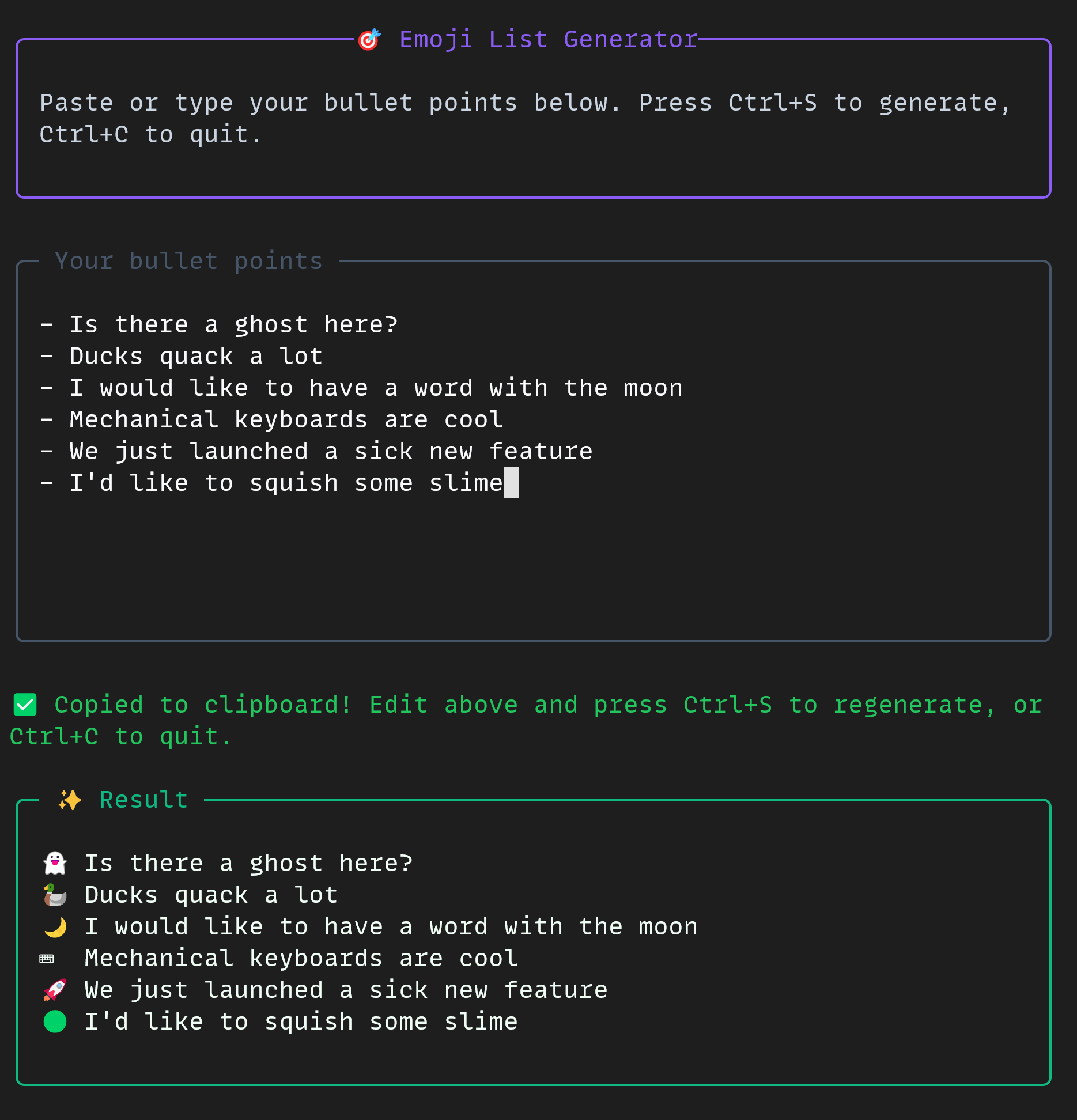
Pulling together the right tools
Despite the project's small scope, the workflow exercised several elements of the Copilot CLI in combination:
- Plan mode for the design phase, with clarifying back-and-forth
- Autopilot mode to drive the implementation hands-off
- A multi-model workflow, switching models between planning and coding
- The
allow-alltools flag for permissive command execution - The GitHub MCP server for repository integration
The finished emoji list generator is free and open source. If you want to build something similar, the docs for the GitHub Copilot CLI and the GitHub Copilot SDK are a good place to start.


