Terminal Emulators and Workspaces
For many developers, the default terminal that ships with their operating system is just the starting point. A range of alternative emulators, multiplexers, and remote shell tools exist to replace or extend that baseline experience.
iTerm2, the successor to iTerm, is a macOS-focused terminal replacement offering split panes, robust search, autocomplete, instant replay, and extensive configuration options. Hyper takes a different approach: it is an Electron-based app for Mac, Windows, or Linux built with web technologies (HTML/CSS/JS), with dozens of themes and plugins available. On Windows, cmder serves as a portable console emulator, created to fill what its authors saw as a gap in quality options for that platform.

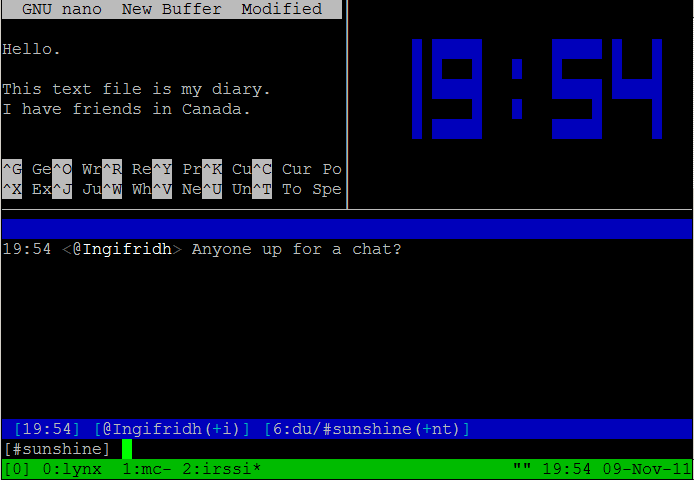
Tabby, formerly known as "Terminus", is a customizable cross-platform terminal for local shells, SSH, serial, and Telnet connections. It supports split panes, smart tabs, and customizable hotkeys. Zellij is a terminal workspace that provides the core multiplexer functionality of tmux while also supporting extensibility through panes, tabs, and plugins.
Remote and Mobile Terminals
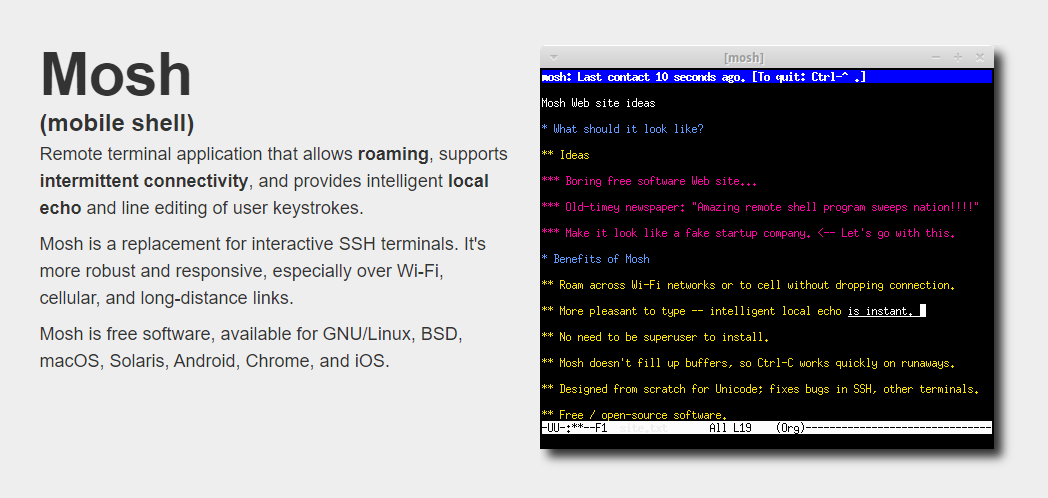
For those working over less-reliable connections, Mosh is a remote terminal app (mobile shell) for interactive SSH usage that handles weak WiFi, cellular networks, and other unstable links gracefully. Eternal Terminal is another remote terminal option inspired by similar popular projects.
a-Shell brings terminal functionality to iOS with file and directory control, Apple Shortcuts compatibility, multiple windows, and more. eDEX-UI is a fullscreen, cross-platform terminal emulator and system monitor styled heavily after science fiction movie interfaces, particularly Tron: Legacy.
Shell Alternatives and Task Organizers
Fish Shell is a command-line shell for Linux, macOS, and Windows that offers auto-suggestions, tab completions, 24-bit color, web-based configuration, and syntax highlighting. If you prefer a more structured approach to recurring tasks, Ten Hands is a cross-platform terminal app described as the simplest way to organize and run command-line tasks across multiple projects, and tmux remains a widely used terminal multiplexer for Unix-like systems, allowing you to switch among programs in a single terminal and detach/reattach sessions.
Terminal Enhancements and Utilities
Once the primary workspace is set up, a variety of utilities can improve productivity, add functionality, or make the experience more visually pleasant.
Shell Configuration and Autocomplete
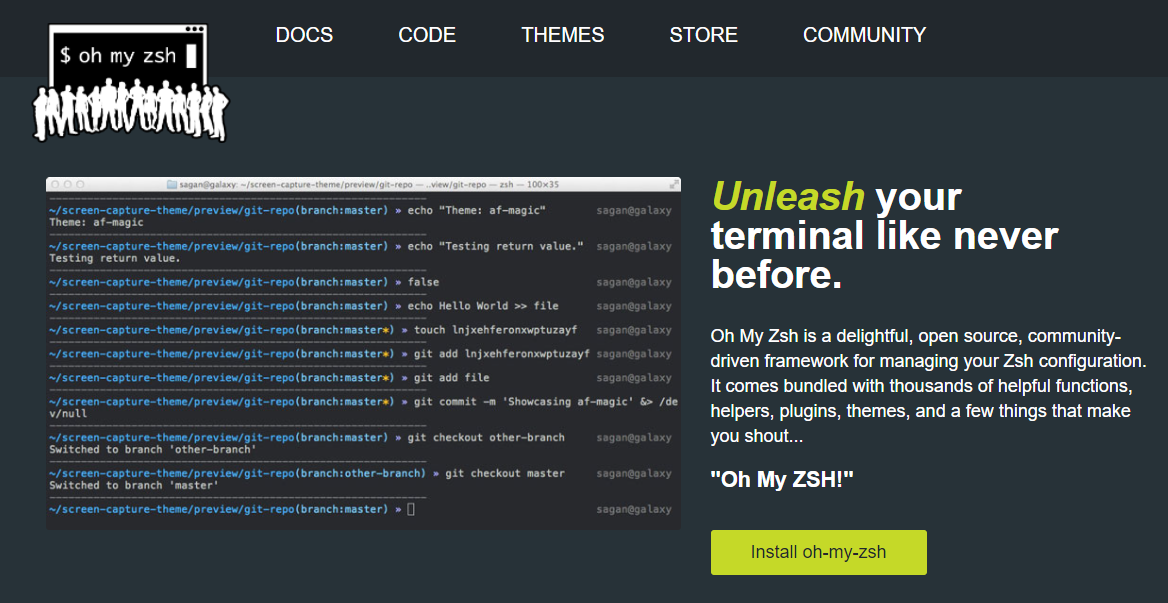
Oh My Zsh is an open-source, community-driven framework for managing Z Shell configuration. It ships with thousands of functions and helpers, 300+ plugins, and 140+ themes, working best on macOS or Linux but also usable on Windows via Cygwin or WSL2. Fig adds VSCode-style autocomplete to existing terminals, with support for Git, npm, Kubernetes, Docker, AWS, Google Cloud, and other CLI tools.
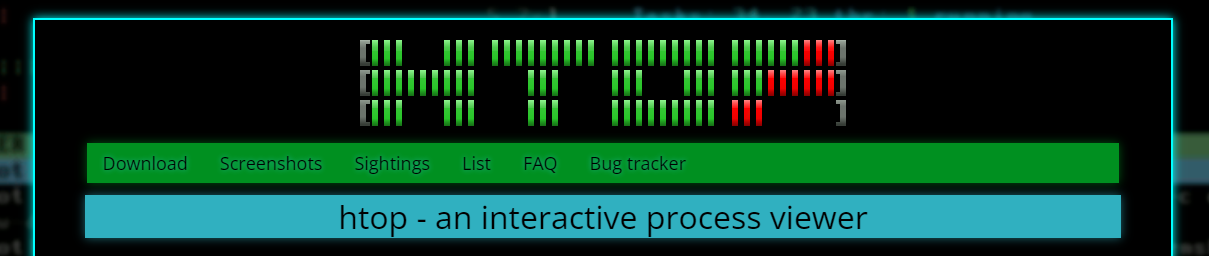
fzf is a fast, portable fuzzy finder for the command line, and htop is an interactive process viewer (originally Linux-only, now cross-platform) that improves on the top command. gtop is another enhancement on top, providing a system monitoring dashboard that requires Node.js and offers partial Windows support.
Diffing, Recording, and Sharing
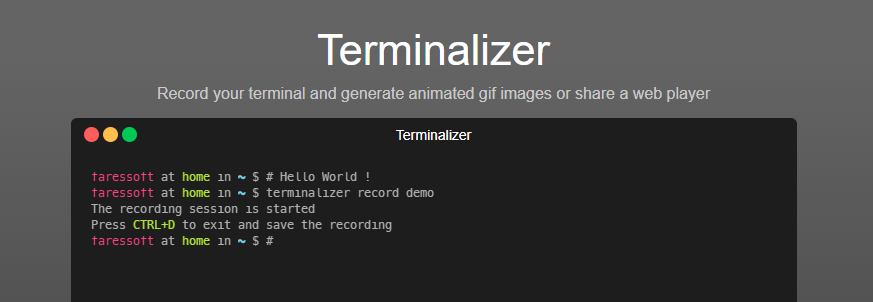
icdiff is a terminal-based diff tool that uses colors to present file differences more visually. Streamhut enables real-time terminal sharing without any installation — just run one of two commands — which is useful for team collaboration, interviews, or teaching. Terminalizer records terminal sessions for sharing as animated GIFs or via a web player, while Asciinema (not available for Windows) records output as plain text animation rather than video, allowing viewers to select and copy text from recordings.
Terminal themes can make the workspace feel more personal. Shell History is a macOS app (not free) that integrates with Bash, Zsh, or Fish, letting users organize history in "notebooks" and sync via iCloud.
GitHub Workflow and System Dashboards
The GitHub CLI is the official cross-platform command-line interface for GitHub, bringing pull requests, issues, and related tasks into the terminal. For more elaborate displays, DevDash is a highly configurable terminal dashboard that can pull data from Google Analytics, GitHub, Feedly, shell commands, and more.
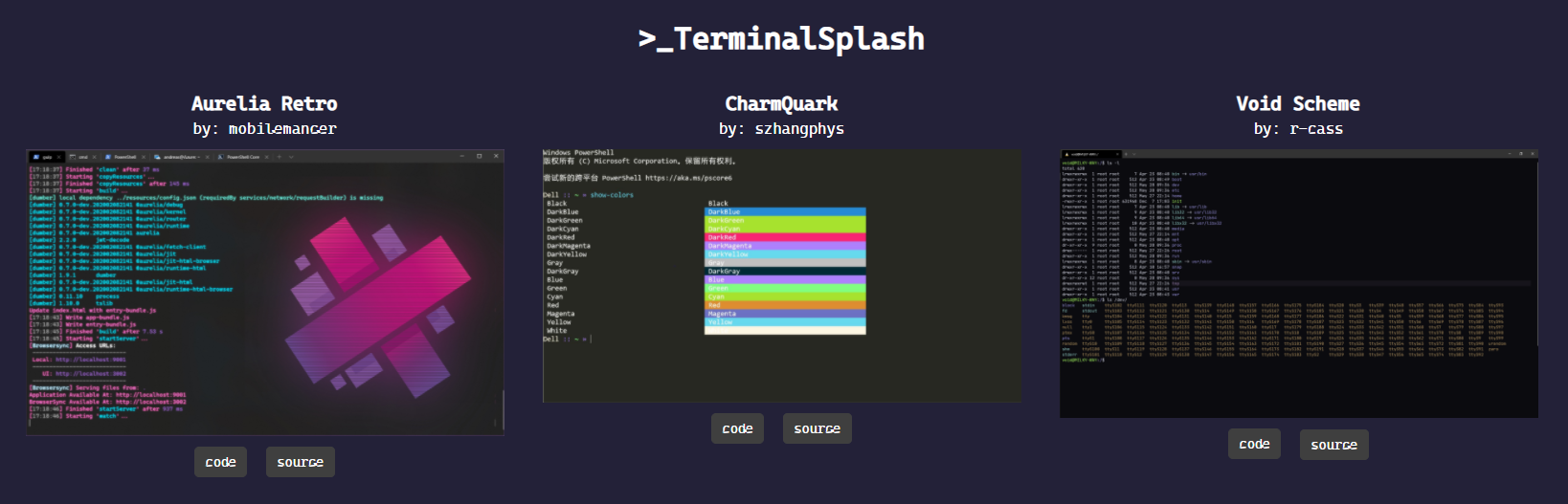
TerminalSplash functions as Unsplash for terminal themes: users can choose from over 200 submitted themes or contribute their own.
Honorable Mentions
ora— An elegant terminal spinner.tiny-care-terminal— A small dashboard that tries to look after you while you work.theme.sh— A shell script for setting terminal themes with 270+ preloaded options.
Building Command-Line Applications
Beyond ready-made tools, several libraries and frameworks help developers write their own command-line apps and scripts. These range from Bash-focused testing to JavaScript-based approaches.
JavaScript Frameworks
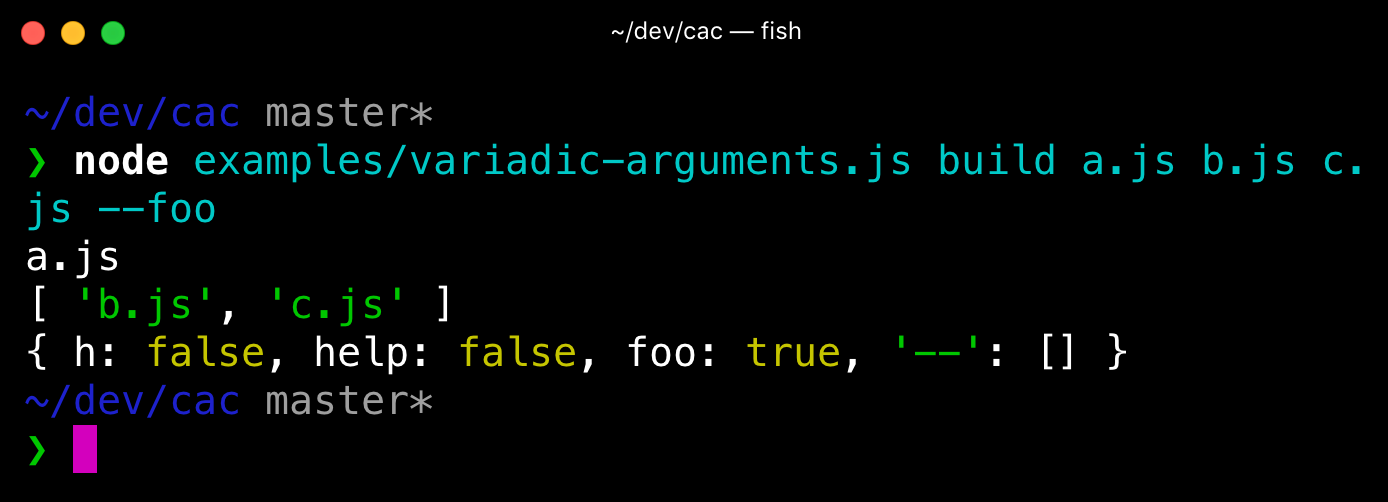
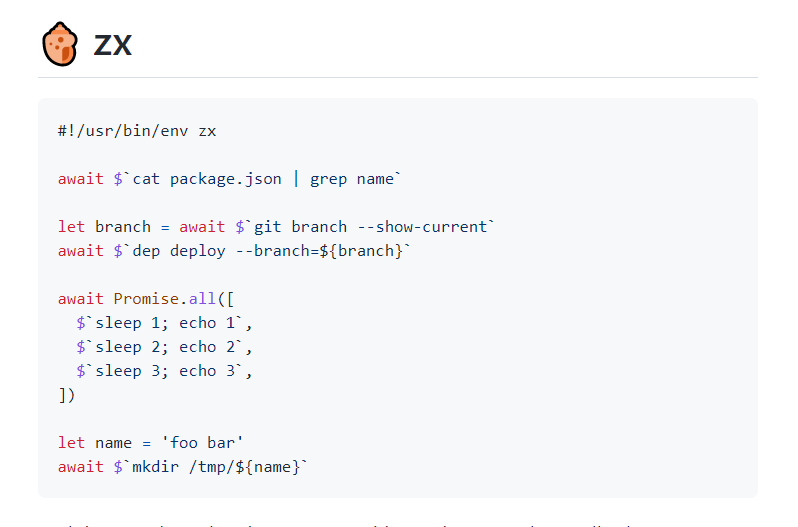
Command And Conquer (cac) is a lightweight JavaScript framework for building command-line apps and has been used to create several Node.js scaffolding tools. zx, developed by engineers at Google, provides an alternative to Bash that lets developers write command-line apps in JavaScript, featuring an API to call executables, capture output, and handle errors.
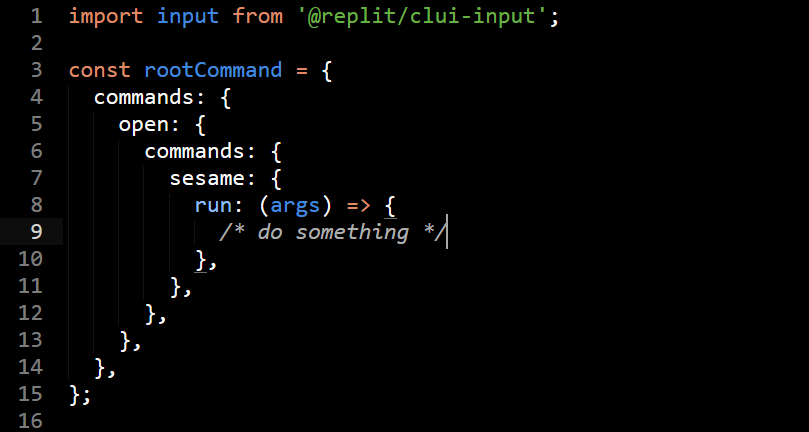
CLUI is a JavaScript API with utilities for building command-line interfaces with context-aware autocomplete, targeting terminal-like applications users interact with.
For those who prefer keeping shell scripting but want more modern tools, Bashō (mentioned in honorable mentions below) also "lets you write complex shell tasks using basic JS to mix with shell commands and scripts", as also noted in the source article.
Bash Testing and Beyond
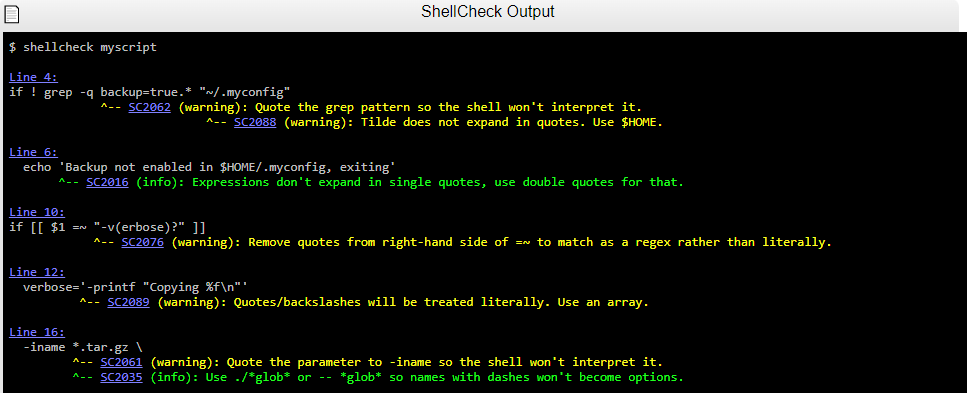
Bach is a Bash testing framework capable of testing scripts containing dangerous commands such as rm -rf /, and it offers APIs (@mock, @ignore, @mockallto) to mock commands. ShellCheck is a shell extension that helps find bugs in shell scripts.
present is a Markdown-based presentation tool designed specifically for the terminal, with support for colors, effects, and pre-recorded playable code blocks as slides.
Honorable Mentions
import— A fast and easy-to-use module system for Bash and other Unix shells.Bash Infinity— A modular, lightweight library and boilerplate framework for writing tools using Bash.
With the right set of tools, terminal work can be significantly more efficient, whether the goal is faster navigation, better visualization of data, or more robust scripting environments.
Terminal Utilities For Everyday Workflow
Outside of development-specific tooling, a number of command-line utilities exist to help with common tasks such as note-taking, file sharing, and project organization.
Notes, Tasks, And Project Visibility
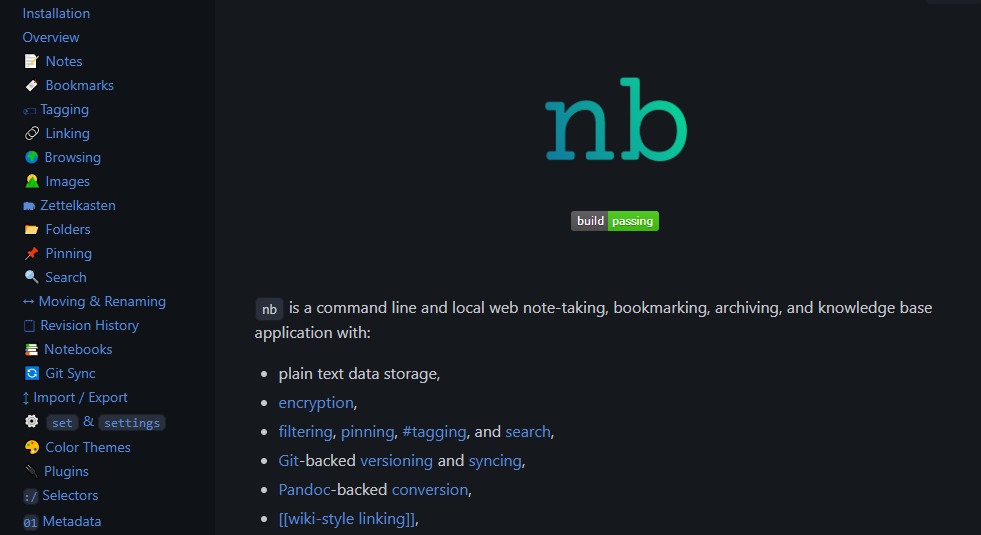
For managing notes and bookmarks from the terminal, nb offers plain-text storage, Git-based versioning, wiki-style linking, encryption, and theme support. It also includes local web note-taking and archiving capabilities.
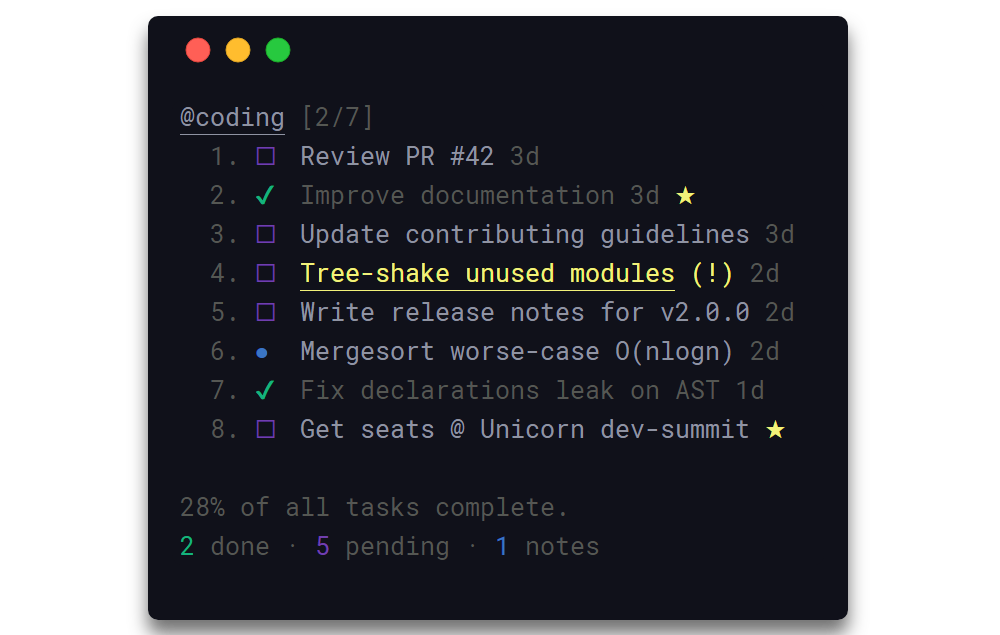
Taskbook is another option for staying organized, providing a fast interface for managing tasks, boards, and notes directly in the terminal. It supports search and filtering, and allows you to specify a custom storage location for your data.
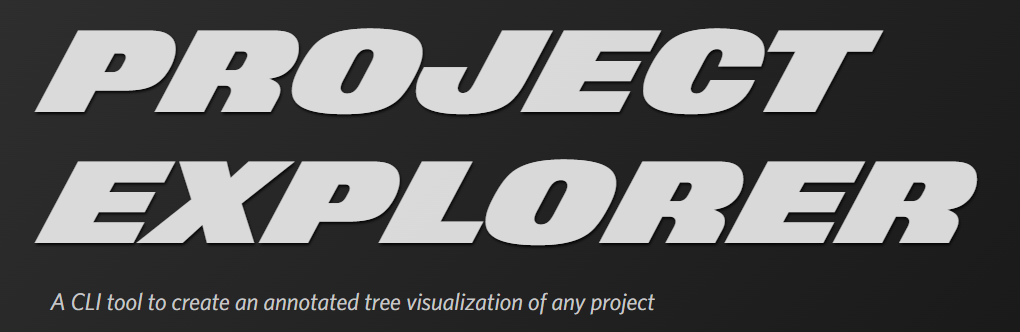
When you need to see the structure of a codebase quickly, Project Explorer is a CLI tool that generates a tree visualization of an entire project. This can be useful for onboarding new developers or getting your bearings in unfamiliar code.
Documentation And Cheatsheets
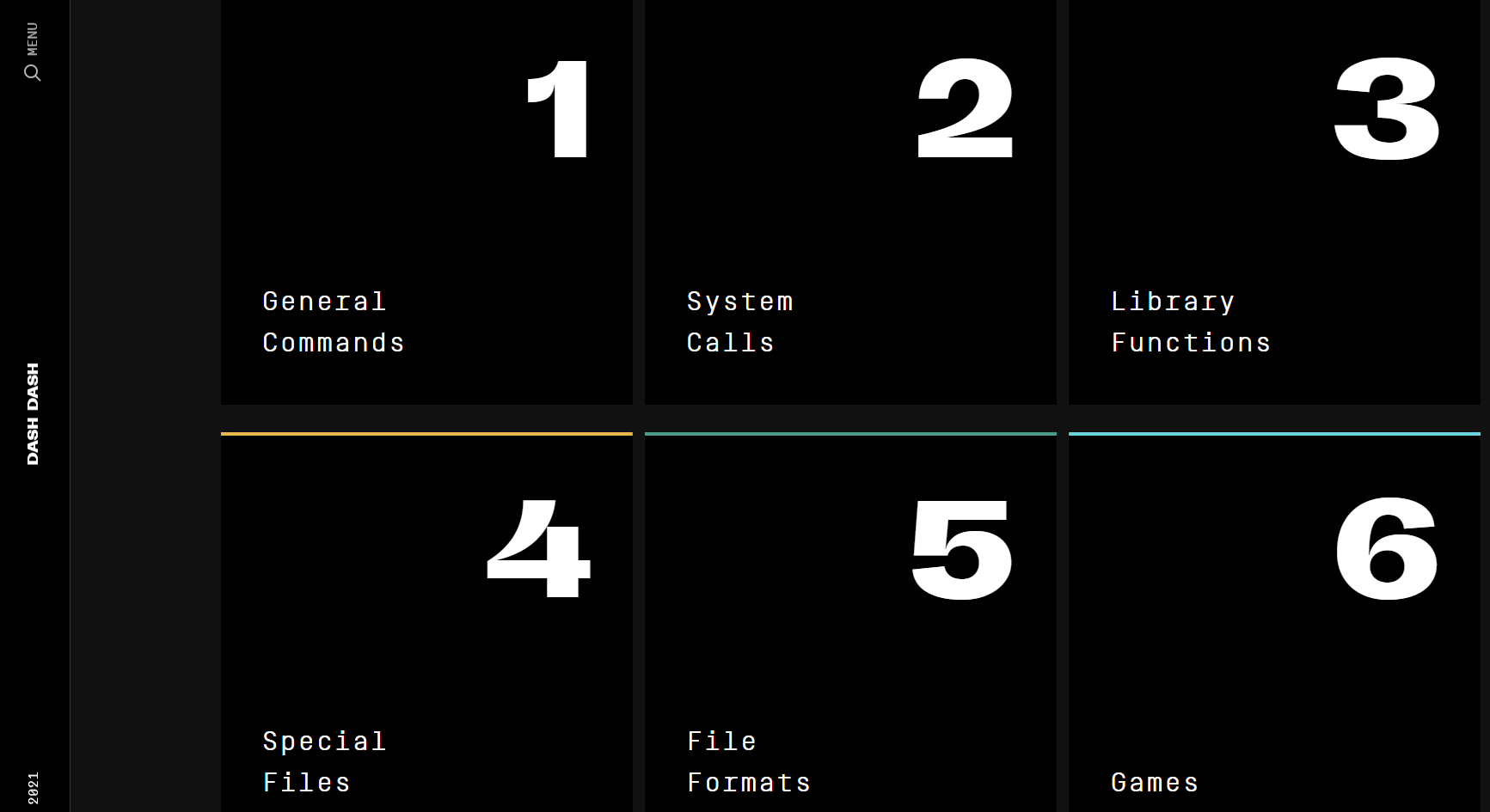
Learning native terminal commands can be daunting. Dash Dash addresses this by presenting Unix man pages in a more readable format. The online documentation site aims to make the command line more approachable for users who are not yet familiar with it.
navi takes a different approach with an interactive cheatsheet tool. You can browse community cheatsheet repositories or build and import your own, then quickly access the commands and syntax you need from within the terminal.
File Management And Sharing
Cloud storage is a common part of modern workflows, and Rclone lets you manage files across more than 40 services, including Amazon S3, Dropbox, Google Drive, and Azure. Its open-source command-line interface mirrors familiar Unix commands for cloud storage.
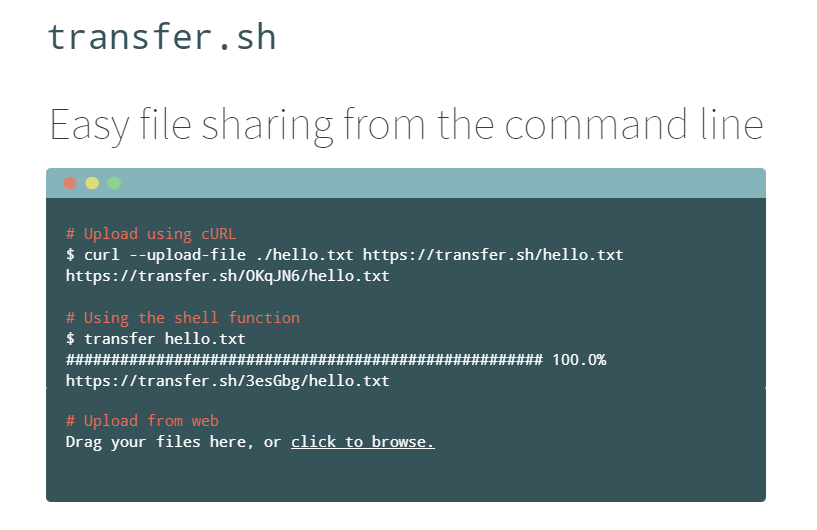
For a way to move files without copying to your local system first, transfer.sh enables quick file sharing directly from the command line. The service supports a number of destinations, such as Amazon S3, Google Drive, and Storj, alongside the local file system.
Other Noteworthy Tools
The ecosystem goes well beyond the tools listed above. These additional utilities are worth evaluating for your own workflow:
ack
A search tool built for programmers, offering a more efficient alternative togrepwhen working across large source trees.goto
A shell utility that includes auto-completion to help you navigate frequently used directories.bashupload
Upload files up to 50GB via the command line for easy sharing across servers, desktops, and mobile devices.copyfiles
A command-line utility that extends the basic file copying behavior with additional options.
If you have a tool that improves your terminal workflow, feel free to share it with the community. More articles on related topics can be found in the additional reading list below.