
A Firewall That Puts Security Teams First
Security tooling often forces a tradeoff: either invest heavily in complex dashboards or risk leaving critical protections misconfigured or disabled. Vercel’s redesigned Firewall experience aims to remove that friction by prioritizing clarity and speed of action for developers, SREs, and security engineers alike.
The redesign was driven by direct user feedback. Teams asked for clearer visibility into active DDoS events, richer detail on what the Firewall blocked, and faster ways to investigate traffic anomalies. Those requests shaped a new interface that consolidates monitoring, rule management, and incident response into a more navigable workflow.
From Alerts to Action in One View
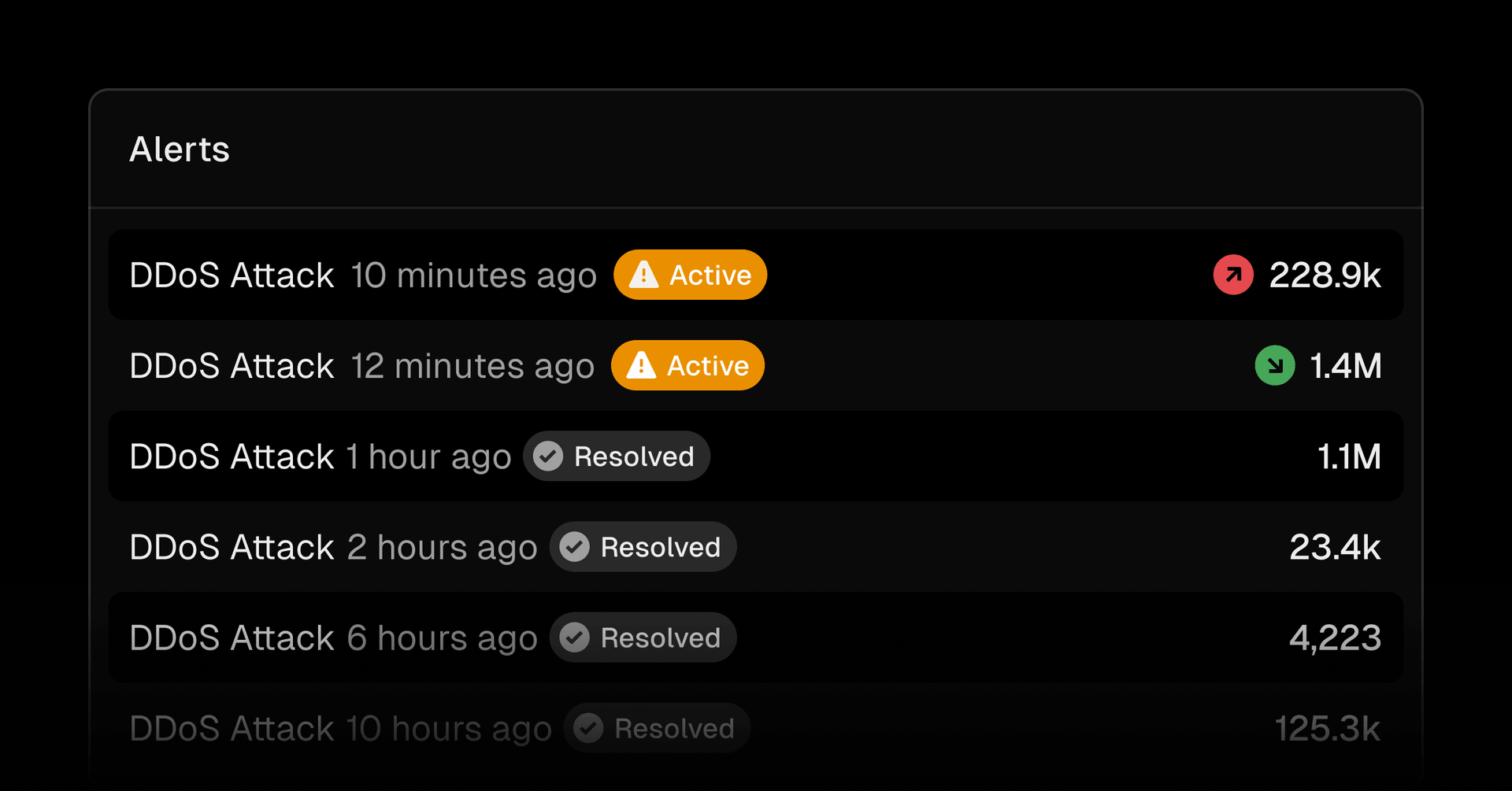
The new sidebar navigation groups the core Firewall functions—Overview, Traffic, Rules, and Audit Log—so each is reachable in a single click. The Overview page acts as the control center, keeping the traffic chart at the top while adding four tables that surface the most pertinent security events: mitigated DDoS attacks under Alerts, top rule activity by volume in Rules, mitigations the Firewall performed in Events, and blocked connections by client IP under Denied IPs.

That structure lets you get a high-signal read on your site's security posture immediately, then drill down where needed.
Traffic Intelligence Without the Noise
Dedicated traffic feeds now focus entirely on understanding activity across your site. Each feed—covering top IPs, JA4 digests, autonomous system names, user agents, request paths, and most-active rules—can be filtered by specific mitigation actions. That means you can isolate detection signals that matter most and spot trends before they escalate.

These filters help distinguish a broad scan from a targeted attack, reducing the time spent correlating data across multiple views.
Purpose-Built Spaces for Rules and Audit
Firewall Rules now have their own dedicated sidebar tab. From there you can manage all WAF custom rules, including Bot Protection, Managed Rulesets, and IP Blocking, without jumping across pages. The Audit Log similarly gets a dedicated home, giving you a complete record of every configuration change in one place.

This separation reduces clutter and makes it easier to distinguish between operational tuning and reactive security fixes.
Zero Context-Switch Investigation
Investigation workflow was a key focus. Clicking any alert or event now opens a detailed inspection panel directly in the page. You can trace a suspicious request or assess a DDoS event without leaving the current context, then immediately take action—whether that means adjusting a rule or blocking an IP.

Effective security isn't just about detection—it's about usability. When the tools are intuitive, teams keep protections enabled and respond faster, without sacrificing shipping velocity. The new Firewall experience is available now from the Vercel Dashboard.



