
What a dependency actually is
A dependency is another binary your software needs to run. That includes binaries required at build time (dev dependencies) and binaries that run as part of the application itself. Dependencies enter your environment when a developer declares them, usually in a manifest file or, for specific versions, a lockfile. They can also arrive transitively: if one of your dependencies specifies its own dependencies, those become part of your project too.
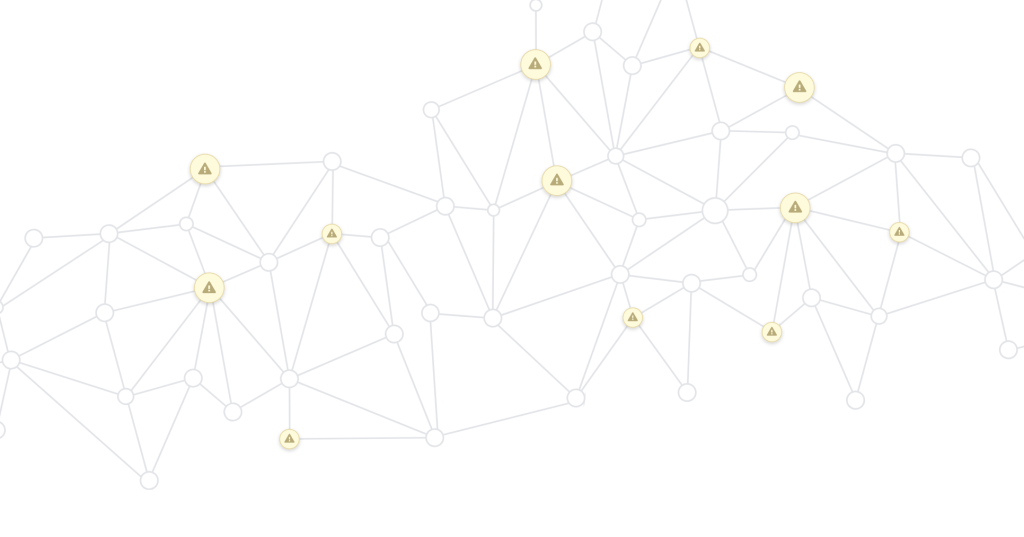
Because dependencies form a network, presenting them as an acyclic graph is common. The graph shows direct dependencies and all the layers beneath them. Understanding that structure matters for two reasons: security and compliance. You need to find vulnerabilities that might exist inside dependencies, and you need to know whether each dependency's license permits your use of it.
How the dependency graph is built
GitHub's dependency graph parses the manifest and lockfiles in a repository, using each ecosystem's standard format—package.json for npm, for example. When enabled, the graph automatically reads all known package manifest files and constructs a graph of dependencies with names and versions. New entries appear whenever you push a change to the default branch that modifies a manifest file.

The graph includes transitive dependencies, not just direct ones. If a lockfile specifies versions, those are used; otherwise versions are omitted and the transitive dependencies are inferred from each package's own manifest. This is a different approach from inspecting completed artifacts in a registry or from detecting dependencies during a build. Each method is imprecise in its own way, but parsing code manifests has a couple of advantages: the graph is independent of your build pipeline and requires no extra configuration.
The feature is on by default for public repositories. For private repositories it must be enabled, which grants GitHub read-only access. Visibility runs one way: if you enable the dependency graph for a private repository, the owners of your dependencies cannot see that you depend on them. However, public packages do expose their downstream dependents.
Maintaining your dependencies
Keeping dependencies healthy starts with declaring them explicitly in a manifest file instead of vendoring them. That makes upgrades straightforward—you change the declared version rather than recopying code—and reduces maintenance burden on your team.
If your ecosystem supports lockfiles, use them. A manifest may allow a range of versions, but a lockfile pins exact versions for direct and transitive dependencies alike. That ensures you're not silently pulling in new versions and that development and build environments use the same versions.
Review and update both file types regularly, especially when a new vulnerability is disclosed in something you depend on. GitHub offers Dependabot security vulnerability alerts for notifications and security updates to apply fixes, plus version updates for routine releases.
The hardest step is removal. A smaller set of dependencies means a smaller attack surface and fewer licenses to track. You do not have to patch or maintain anything that is not in your application.



