Timeline-based SVG animation in the browser
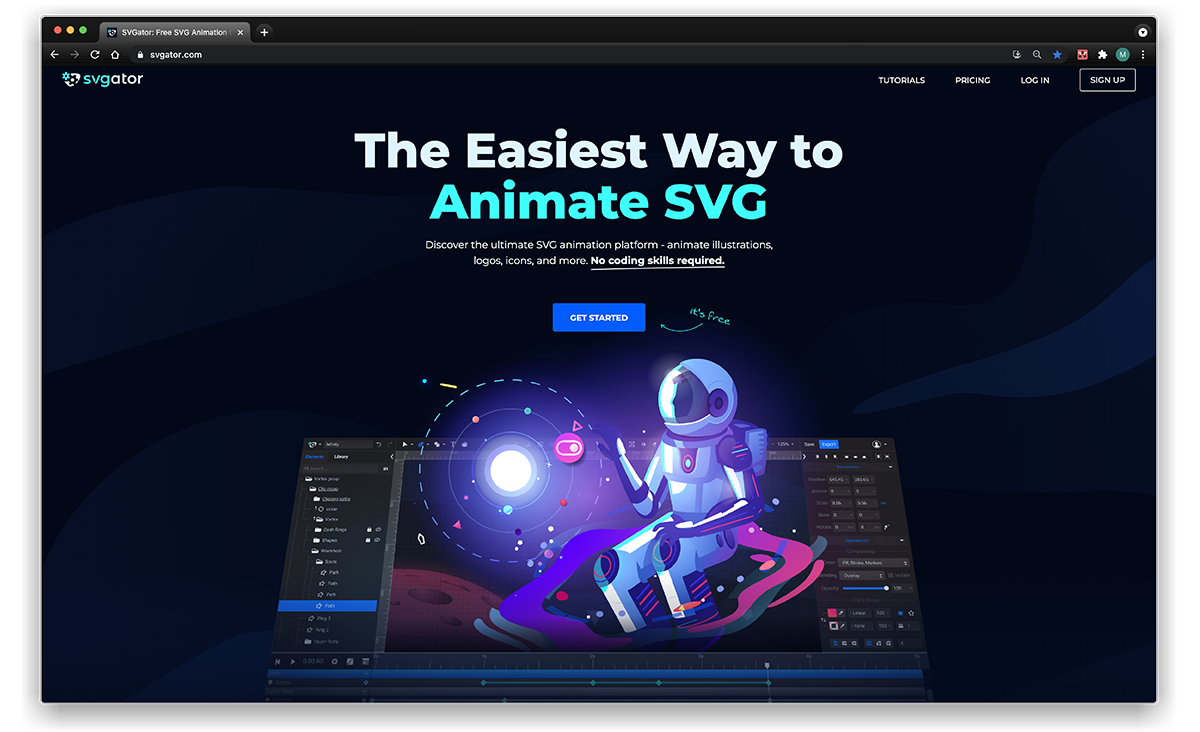
Complex scenes with many elements moving in concert are hard to hand-code, which is why timeline GUIs have long been the standard for motion work, from Flash to today's video editors. SVGator brings that model to vector graphics on the web without requiring coding skills, and version 3.0 extends it in two directions: a fuller animation toolkit and a complete SVG editor.
A familiar editing environment
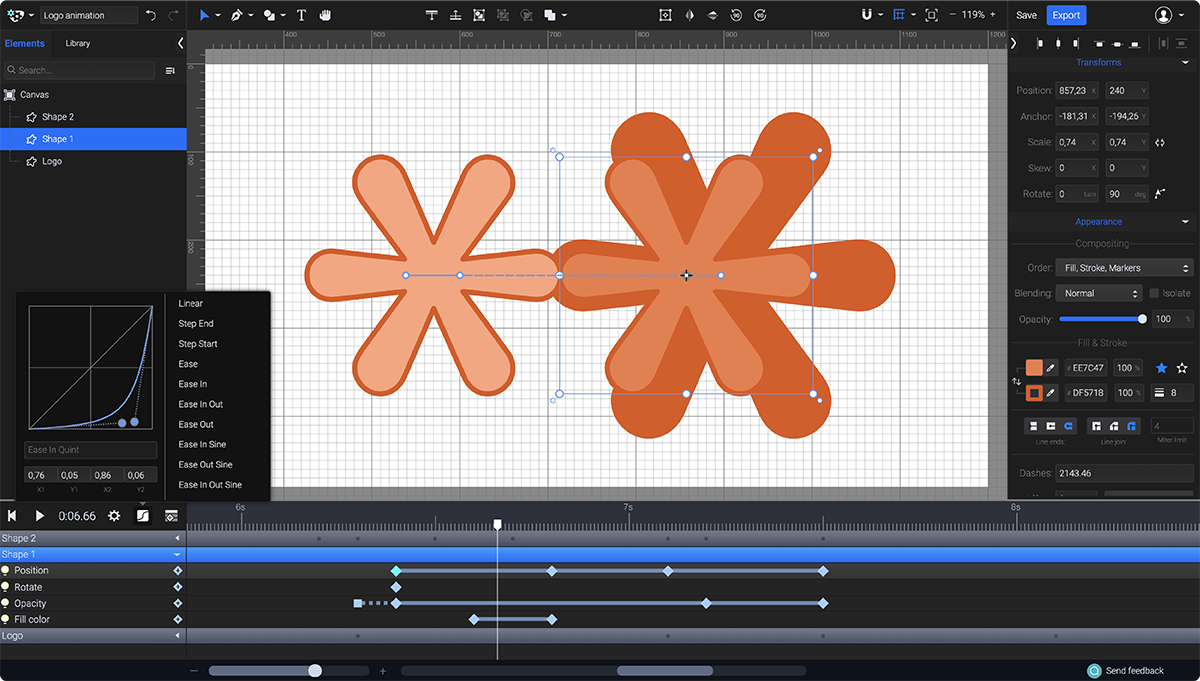
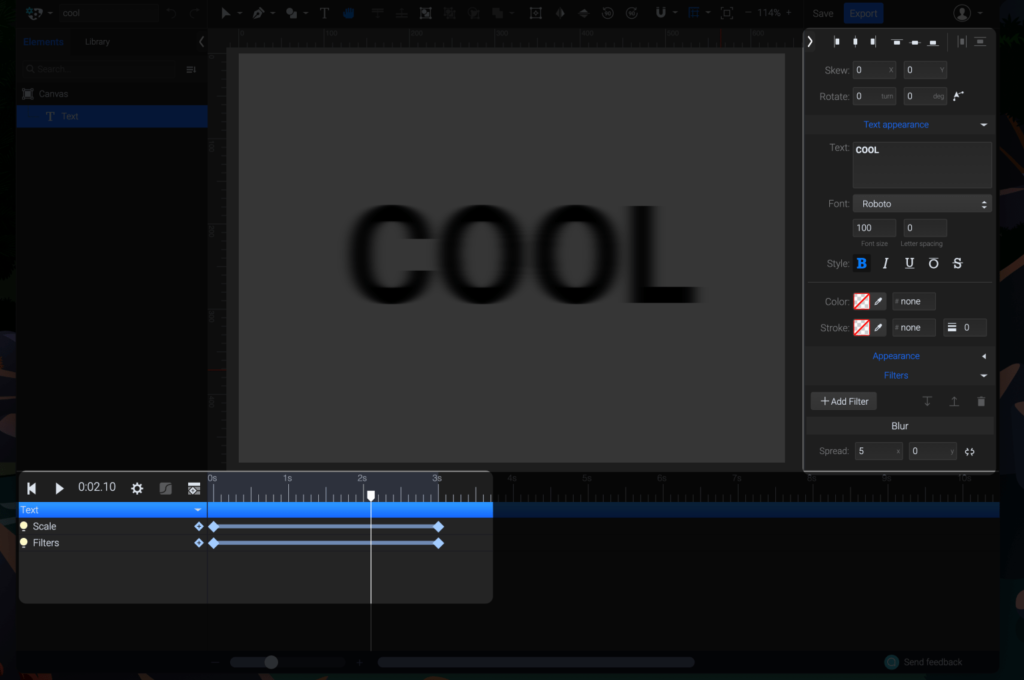
The tool runs in the browser, so projects live in the cloud. The layout follows the conventions of professional design software: elements and groups are listed on the left, editing tools sit along the top, properties are on the right, and keyframes on the timeline drive the motion. The 3.0 interface adds a sidebar of collapsible panels that expose every aspect of the design, from text and transforms to filters, each animatable through keyframes.
Output and file weight
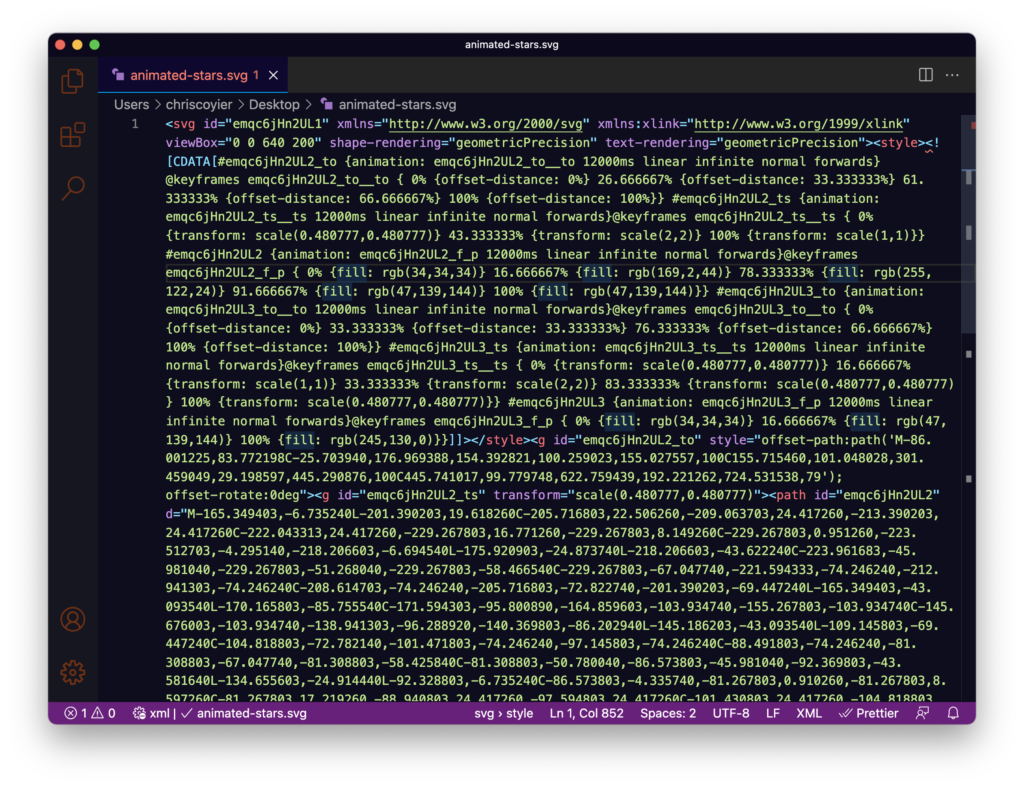
An animation of CSS-Tricks stars, assembled without consulting any documentation, exported as a single animation-stars.svg document that could be uploaded to a page directly. The output carries its animation as CSS inside the SVG, and the resulting file is 5 KB; both the SVG and its CSS animation are pre-optimized and compressed. A JavaScript-animation export option is also available for broader cross-browser compatibility and extra behavior, such as starting on view or on click.


Beyond animation: a vector editor
With 3.0, SVGator can be used to build SVGs from scratch or to open and edit existing ones, removing the need for a separate vector tool. The pen tool has fast editing options, shapes remain editable, and compound options are supported. Morphing tweens, which SVGator supports, benefit directly from having editing and animation in one place.

Pricing model
Vector editing is free: static vector graphics can be created and exported without limit on any plan. The Free tier also allows three animation exports per month, and a paid plan is required only for more advanced animation tooling or unlimited animated exports.




