SVG Gobbler is a browser extension by Ross Moody that scans the page you are viewing for vector content and offers to download, optimize, copy, view the code of, or export that content as an image.
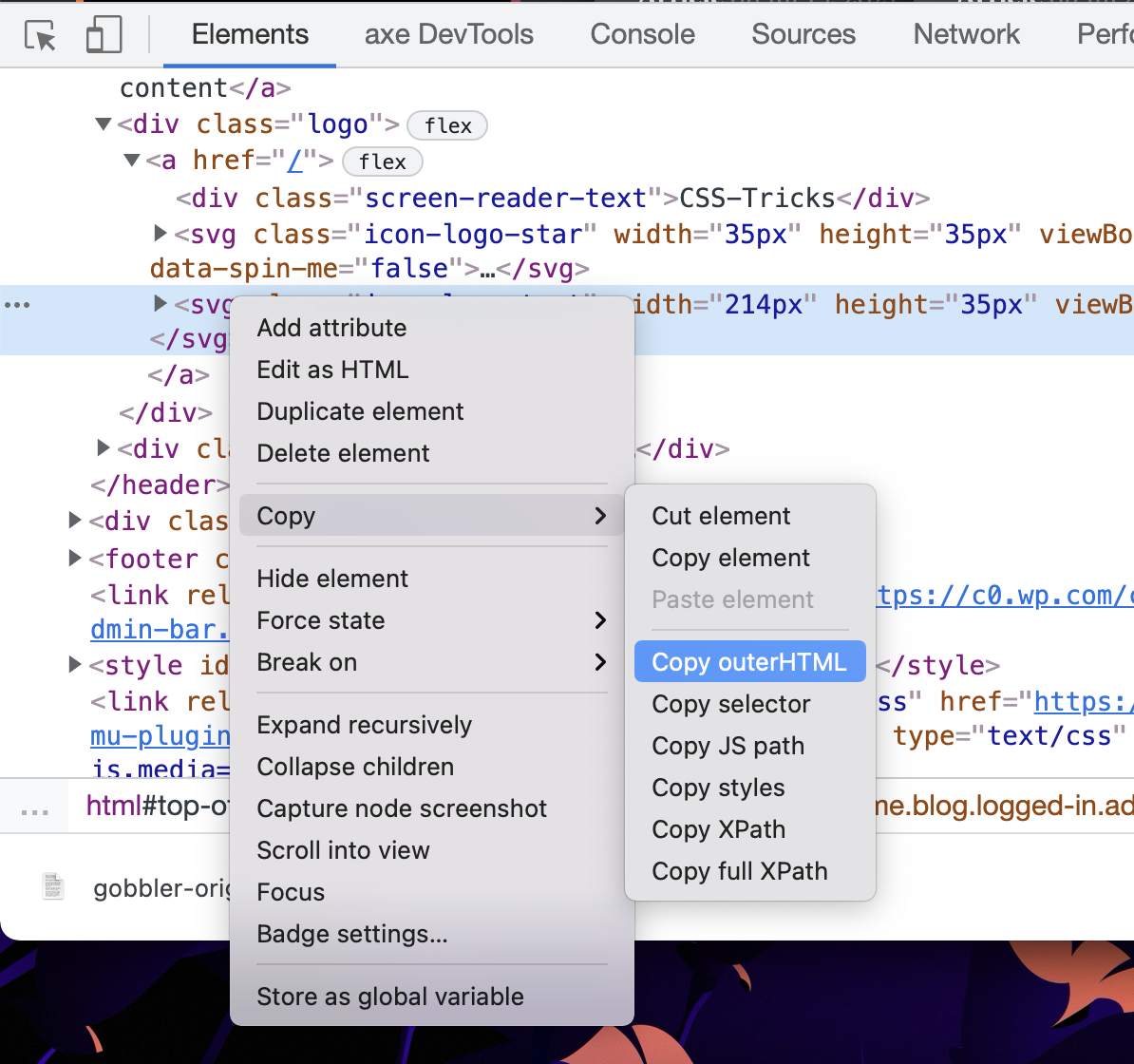
Grabbing an SVG is straightforward when a site serves it through an <img> element, since right-click and save-as work as they do for any other image. Inline <svg> markup is a different matter. Inline SVG is often the sensible choice for styling reasons, but extracting a copy by hand means opening DevTools, locating the <svg>, choosing Copy > Copy outerHTML, pasting into a text file, and saving it as whatever.svg.
Clicking the extension presents the found SVGs in a grid of options.

Downloading from that grid is quick, and the extension can also optimize the file or export it as a PNG instead.
Suggested improvements
The extension prompted a handful of feature requests:
- A way to set the size of the PNG export, so a very large image can be produced when needed.
- Export to newer formats such as WebP or AVIF, which may beat PNG on file size.
- SVGs filled with
whiteshould be previewed against a non-white background so their contents are visible. - Optionally allow the file to be named at download time, rather than always using
gobbler-original.svg.
Styles lost on export
A stretch goal would be to fold the CSS applied on the page into the extracted <svg>. Some SVGs look markedly different once exported, because the page was styling them with rules outside the SVG itself, and those rules do not survive the export.
One open question is whether recent changes to Safari extensions will make a Safari port easy, including a possible Mobile Safari version.




