
SVG Shape & Background Generators
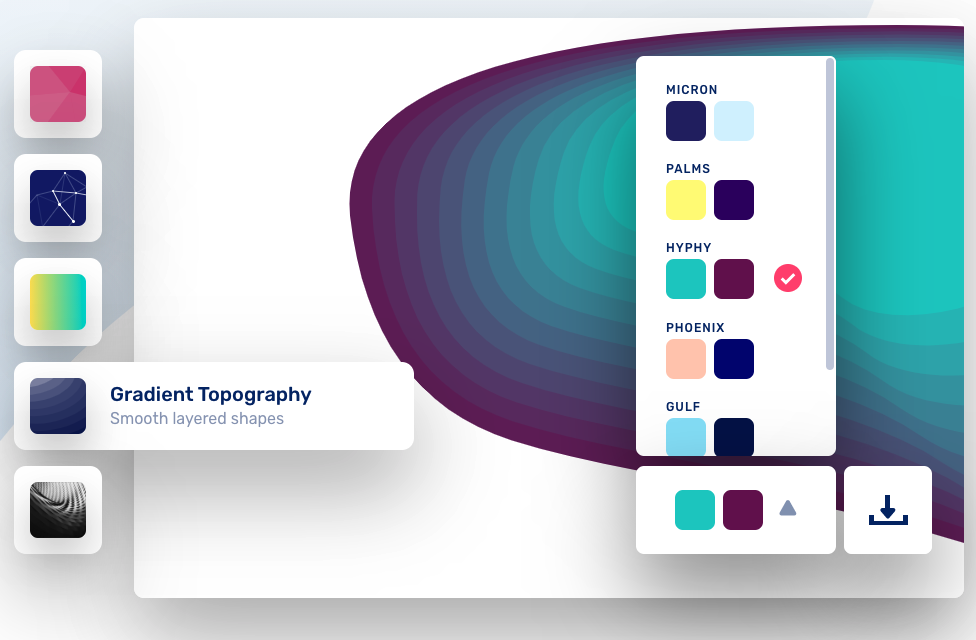
Creating abstract backgrounds and decorative shapes for projects has become easier with dedicated SVG generators. For colorful backgrounds, Moe Amaya's Cool Backgrounds combines several tools for creating and exporting SVG, PNG, or JPG backgrounds—an option well-suited for blog headers, social media graphics, or other surfaces needing visually appealing backdrops.

For those interested in patterns composed of geometric shapes, Sy Hong and Ye Joo Park created Tabbied, a tool for generating colorful geometric doodle patterns based on predefined presets.
With Tabbied, users select a preset first, then customize colors and adjust settings like pattern frequency, grid size, and colors. The final design can be exported as a PNG. More advanced alternatives exist as well, including Patternpad, Paaatterns, Repper, and MagicPattern.
Working with SVG Filters and Color Matrices
SVG filters are commonly applied to images for blurring or color adjustments, yet they can do much more. Filters are defined inside a <filter> element, which may contain one or more filter primitives. But because of their flexibility and power, finding the right combination of filter parameters for a specific visual result often requires experimentation.
The SVG Color Matrix Mixer by Rik Schennink helps with this task. It enables visually constructing complex color matrix filters for page elements, then applying the resulting feColorMatrix as a CSS filter property. The tool includes code snippets so the effect can be applied instantly. For more advanced effects, check out JustCode SVG Filters and the visual SVG Filters Builder, both capable of handling sophisticated use cases.
Repeating Patterns and Textures
When looking for seamless background patterns, there are several generators available. HeroPatterns offers dozens of repeatable patterns for use as background images, tiles, or textures, each adjustable through foreground and background color pickers.
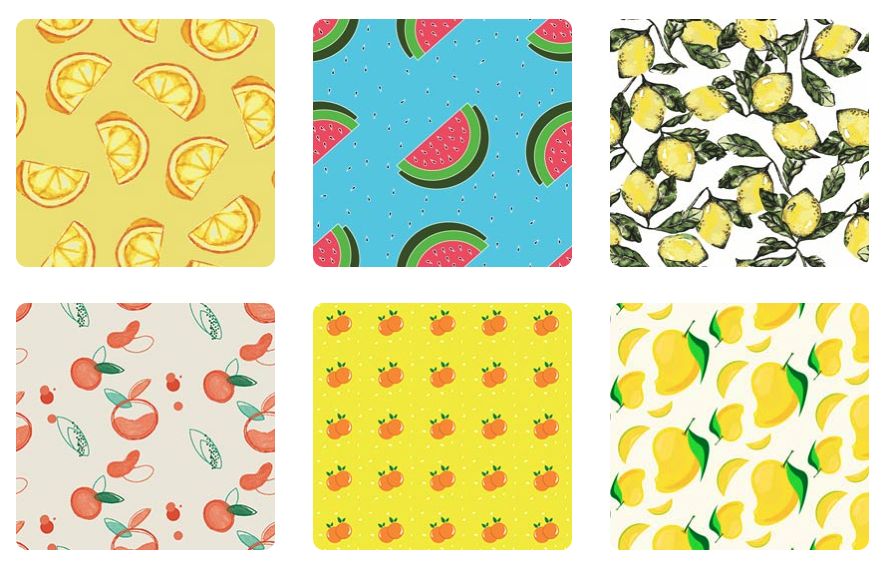
- Wowpatterns offers thousands of free vector patterns organized by themes such as animals, city, beach, florals, and more.
- PatternMonster contains 180 patterns with filters for mode and color, plus search.
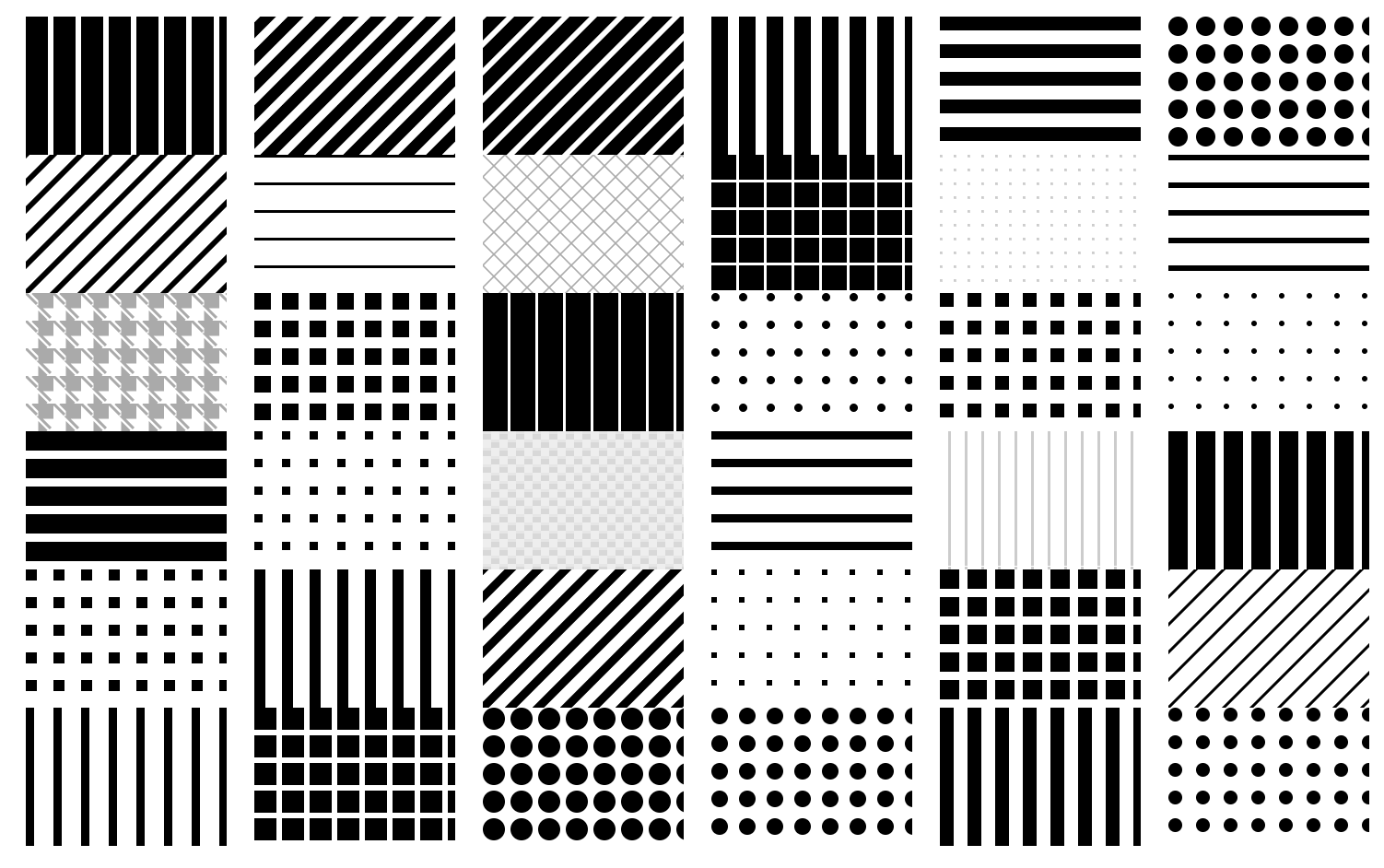
- PatternFills includes a large set of black-and-white patterns also available through the command line.
- Plain Pattern turns an uploaded (or existing) SVG shape into a repeating SVG pattern that can be exported.
- Patternify is a 10×10 grid-based CSS pattern generator producing downloadable PNG or CSS output.
- MagicPattern adds a library of pure CSS backgrounds, including diagonal and zigzag patterns.
- Generative SVG Noise Pattern Maker creates grid lines or dots, with settings for cell size, variance, and color.
Organics: Squircicles, Blobs, and Waves
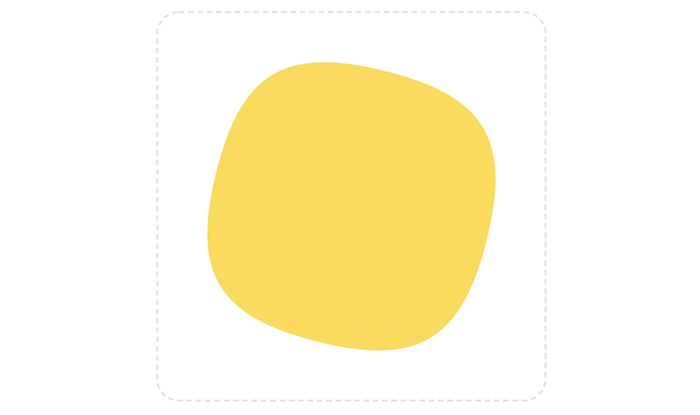
George Francis's Squircley is dedicated to generating "squircicles"—squarish organic shapes. Users control rotation, scale, curvature, fill color, and can export the results as SVG.
These exports can be inserted directly into CSS or HTML, or imported into a design application. Another option from the same style is available through GetWaves for wave shapes, plus the Blobmaker tool for random blob creation.
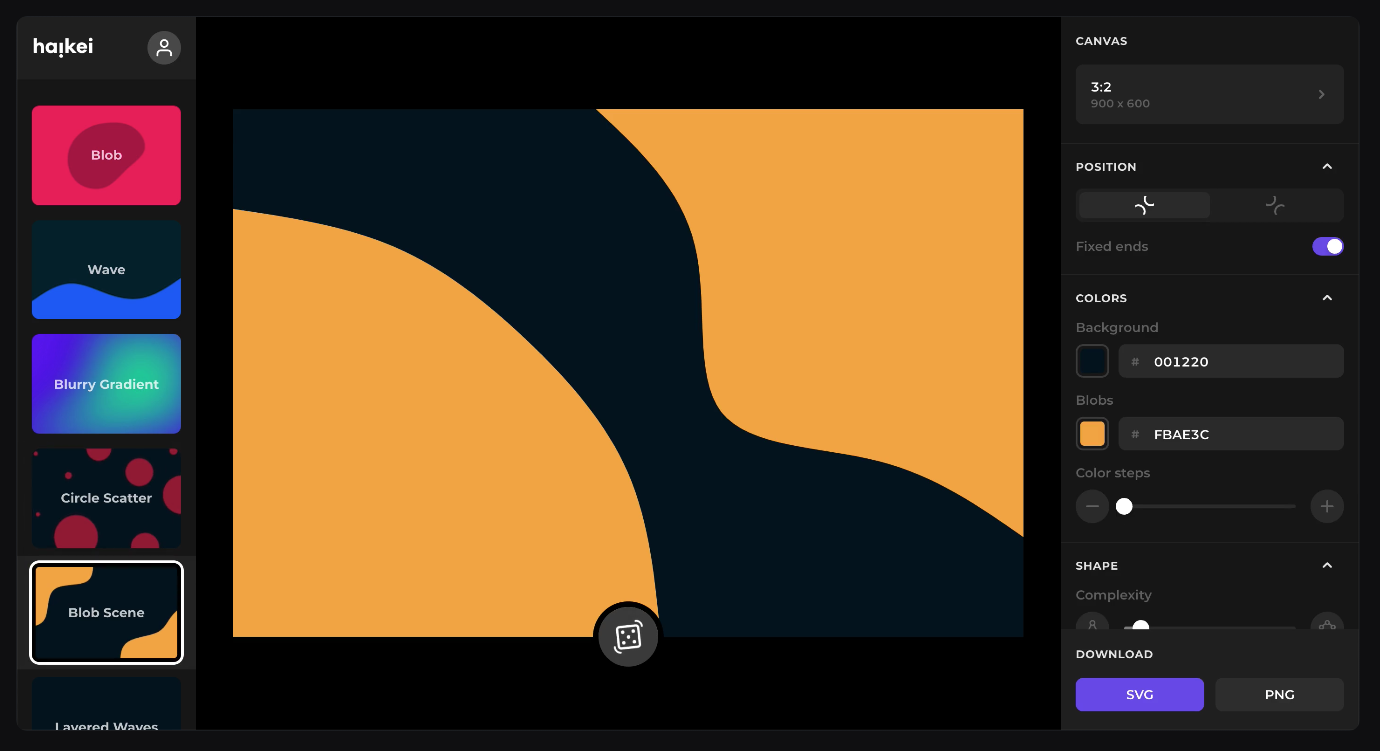
For heavier use, Haikei is a comprehensive generator offering multiple styles—layered waves, stacked waves, blob scenes, and more—with SVG and PNG export options.
Flow Lines and Geometric Shapes
Unique geometry can lend personality to digital projects, distinguishing a website through visual detail like irregular flow lines. For this purpose, the Flow Lines Generator produces random geometric compositions based on adjustable formulas and distances between drawn shapes. Outcomes can be exported as SVG, presenting a way to create one-off decorative variations for different pages or contexts.
Warping and Path Manipulation
Warping SVG text or graphics generally requires significant manual effort. Warp SVG simplifies this: it lets users adjust the number of anchor points and drag them to warp the shape. Smoothness controls make sure revisions remain clean, and pressing Space moves the text/canvas around.
Reading raw SVG paths isn't intuitive, but for quick fixes, understanding how SVG is drawn is just as crucial. If you need to tweak specific visual elements (for example, shape colors) without opening a full editor, the SVG Path Visualizer explains the meaning of the d attribute's contents in human-readable language.
For adjusting existing paths, an SVG Path Editor is suited for manual corrections. Programmatic work on SVG paths and Bezier curves, in turn, is commonly handled with svgpathtools, a Python toolset for analysis and manipulation.
Cropping SVG Files
SVGs from external sources often contain superfluous blank space that keeps artwork from aligning consistently across a design. SVG Crop by Steve Dennett removes such blank space automatically. It calculates the contents' dimensions and rewrites the viewBox.
The tool supports batch uploads, and results can be copied to clipboard or downloaded as a ZIP. While some have reported occasional artifacts, adjusting the viewBox is straightforward. For finer-grained cropping demands such as circles, polygons, or closed-path cleanup, Maks Surguy's SVG Cropper offers drag handles, optional closed-path and cleaning options, plus path simplification and lightening routines.
Section Dividers and Waves
Shape-based separators are a popular way to create visually distinct sections. The ShapeDivider generator offers ten presets, adjusting shape color, width, height, and previewing responsive layouts.
Waves continue to be an especially popular generator category. SVGwave offers random colors, layers, and additional settings supporting both SVG and PNG output, while Getwaves provides similar features with a higher degree of shape granularity. With Wavelry, there's support for sharp, linear, and smooth wave options, while the SVG Gradient Wave Generator further refines with amplitude, smoothness, saturation, and hue adjustments.
Finally, Loading.io's generator handles animated waves in addition to static ones, making the range of wave generators fairly comprehensive.
Specialty: Avatars, Polygons, and More
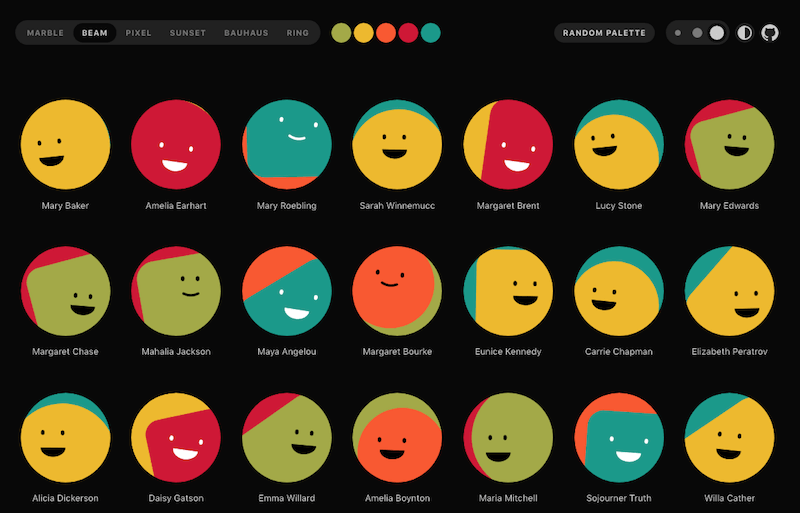
When avatars are needed, Boring Avatars provides a React library generating round, SVG-based avatars from a username and chosen color palette. Abstract art patterns and smiley options are among the six available styles, all driven procedurally with adjustable color schemes.
Polygon-based SVG work in comparison tends to involve more straightforward generation. The SVG Polygon Generator, for instance, takes side count, radius, and spacing, and outputs the corresponding <polygon> element. Meanwhile, Amelie Wattenberger's Kumiko Generator lets users form kumiko patterns—diagonal lattices from traditional Japanese joinery. After uploading an image, a number of presets can be tested, with SVG output available.
For further niche use cases such as isomorphic grids, mosaic patterns, ridge line charts, or city road layouts, Maks Surguy operates a collection of SVG generators that brings together many smaller tools of the sort.
Turning Data Into SVG Visualizations
If your dataset is getting unwieldy in spreadsheet form, RAWgraphs offers a bridge between raw data and graphical insight. Feed it your data, pick a visualization model — sunburst, circular dendrogram, multiple convex hull, or roll your own — configure the chart, and it outputs an SVG. The tool itself runs on D3.js.
The RAWGraphs team maintains video tutorials, a gallery of community visualizations, and a command-line utility for those who prefer terminal workflows.
From Bitmap to Vector
True bitmap-to-vector conversion isn't possible, but tracing tools come close by generating vector alternatives from raster images. Most vector editors include some form of this feature, often powered by Potrace or similar libraries. Standalone online tools fill the same need: PicSVG handles uploads up to 4 MB, while SVGurt adds granular controls for noise reduction, gap filling, and stroke refinement, plus a CLI version.
Tracing can also lead to dynamic SVG placeholders — small generated SVGs that animate and fade into the real image via CSS transitions. This pattern is available as a gatsby-image component. If that sounds heavy, Blurhash remains a lighter alternative.
Making SVGs React-Ready
SVG attributes don't always map cleanly to JSX, so transforming them requires dedicated tooling. SVG to JSX is a straightforward online converter that also runs offline as a PWA. SVG2JSX lets you choose between functional or class components, single or double quotes, and several other options.
For more flexibility, SVGR adds support for React Native and TypeScript, allows attribute replacement and prop injection, applies Prettier configurations, and optimizes the SVG in the process. It's also distributed as a CLI, Node module, Webpack loader, and VS Code extension. For deeper integration notes, this guide on SVGs in React covers the territory.
Quick Favicons and SVG Sprites
Building a simple letter-based favicon often takes longer than it should. The free Favicon Maker shortcuts that process, generating letter- and emoji-based favicons in SVG or PNG. You pick the character, choose from Google Fonts, set size, weight, and style, then configure background color and shape. Output can be copied as code or exported as a file. The favicon guide from 2021 covers broader favicon strategy.
CSS sprites may feel dated in an HTTP/2 world, but they still serve a purpose when your interface relies on dozens of icons and you want them loaded together. With SVG sprites, you can use <use> to avoid cluttering your markup with many SVGs. The svg spreact tool processes dropped SVG files, tidies and optimizes them, and generates a sprite along with markup and a CodePen demo. Alternatively, consider the Webpack svg-sprite-loader or the svg-sprite npm package.
Animations, Transitions, and Dedicated Editors
For morphing one SVG icon into another, the Icon Transition Generator uploads two icons and exports a single SVG containing the JavaScript required for the animation. You set the trigger (hover or click) and animation style (scale or rotation) to match the project context.
Because SVG is text-based, almost every aspect of it can be animated by working with the code directly, but tools reduce the effort. Vivus Instant is a minimal utility focused on stroke animation. SVGArtista by Sergej Skrjanec and Ana Travas builds on that with basic fill and stroke animation presets; adjustable easing, direction, duration, and delay; and minifiable output that runs through Autoprefixer by default.
For a full editor experience, SVGator includes panels for skewing, stroke paths, and filters, but its free version restricts the timeline to 10 seconds and limits animation controls to easing functions. If hand-coding is more your style, GSAP handles SVG animation as well as broader JavaScript animation needs, while SVG.js is a lighter library focused specifically on SVG manipulation and animation. For After-Effects-quality motion, Lottie supports web, iOS, Android, and React Native.
Lightweight Editors and Optimizers
Small fixes don't always justify launching a heavy editor. Boxy SVG and Editor Method are browser-based visual editors covering essential SVG editing tasks.
- Vecta goes further with team collaboration, diagram support, and compatibility with Autocad drawings and Vision stencils.
- MacSVG offers an open-source macOS app for SVG editing and animation.
- SVG-Edit is a more complete web-based editor for heavy SVG work.
Generated SVGs often carry unnecessary weight — empty elements, comments, hidden paths, and duplication. Jake Archibald's SVGOMG cleans these files with precision-level controls and granular options for what gets stripped or preserved.
From the terminal, SVGO brings those same optimizations to Node.js build pipelines, with each feature available as a default plugin of consistent compression. SVGO can plug into various other environments — it exists as a GitHub action, Webpack loader, VS Code plugin, Sketch plugin, and Figma plugin.
Managing SVG Assets
Finding a specific icon among hundreds of scattered files grows difficult quickly. SVGX is a free desktop asset manager for Mac and Windows that keeps your SVGs centralized. It bookmarks and searches icons, provides a live markup editor, previews dark mode appearances, and copies markup or CSS with a click — all while running SVGO upstream for optimization.
Alternatively, Iconset performs similar organization minus the code editing. From its interface, you can drag icons directly into Sketch, Figma, Adobe XD, or other applications without extra plugins. Iconset also syncs sets through Dropbox-style services and lets you share collections across platforms. If you're hunting for fresh icons rather than managing existing ones, SVGRepo, Iconfinder, and Vecteezy provide extensive libraries to browse.
Sharing Code Attractively
While it's not SVG-specific, Ray.so turns code snippets into polished PNG images. Choose from several visual presets, toggle dark or light mode, adjust padding, and let the tool auto-detect the language — then paste the output directly into Slack.
Additional Resources
- Accessible SVGs: Inclusiveness Beyond Patterns
- A Practical Guide To SVG And Design Tools
- SVG Circle Decomposition To Paths
- SVG Coding Examples: Useful Recipes For Writing Vectors By Hand
- Magical SVG Techniques