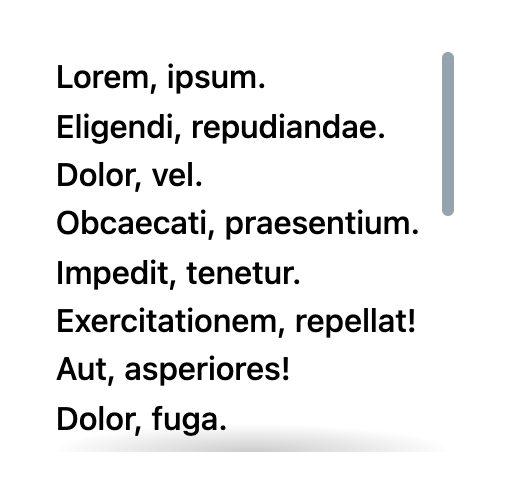
Scroll shadows are inset shadows that appear on a scrollable element only when content exists in that direction. When there is more to scroll toward an edge, that edge shows a shadow; once the edge is reached, the shadow disappears. The effect is widely considered good UX.
The classic solution is pure CSS, and it is impressive as a technique. It also fails on iOS Safari: it used to work there, broke in iOS 13 along with other useful CSS behaviors, and was not fixed for a long time — although as of July 2022 it apparently works again (credit to Ronald for the update). A pure CSS example shows the effect working across browsers.


The Intersection Observer approach
Jonnie Hallman wrote about the topic as a detail worth attending to back in May, and the idea keeps resurfacing. Some interfaces benefit from scroll shadows considerably more than others.
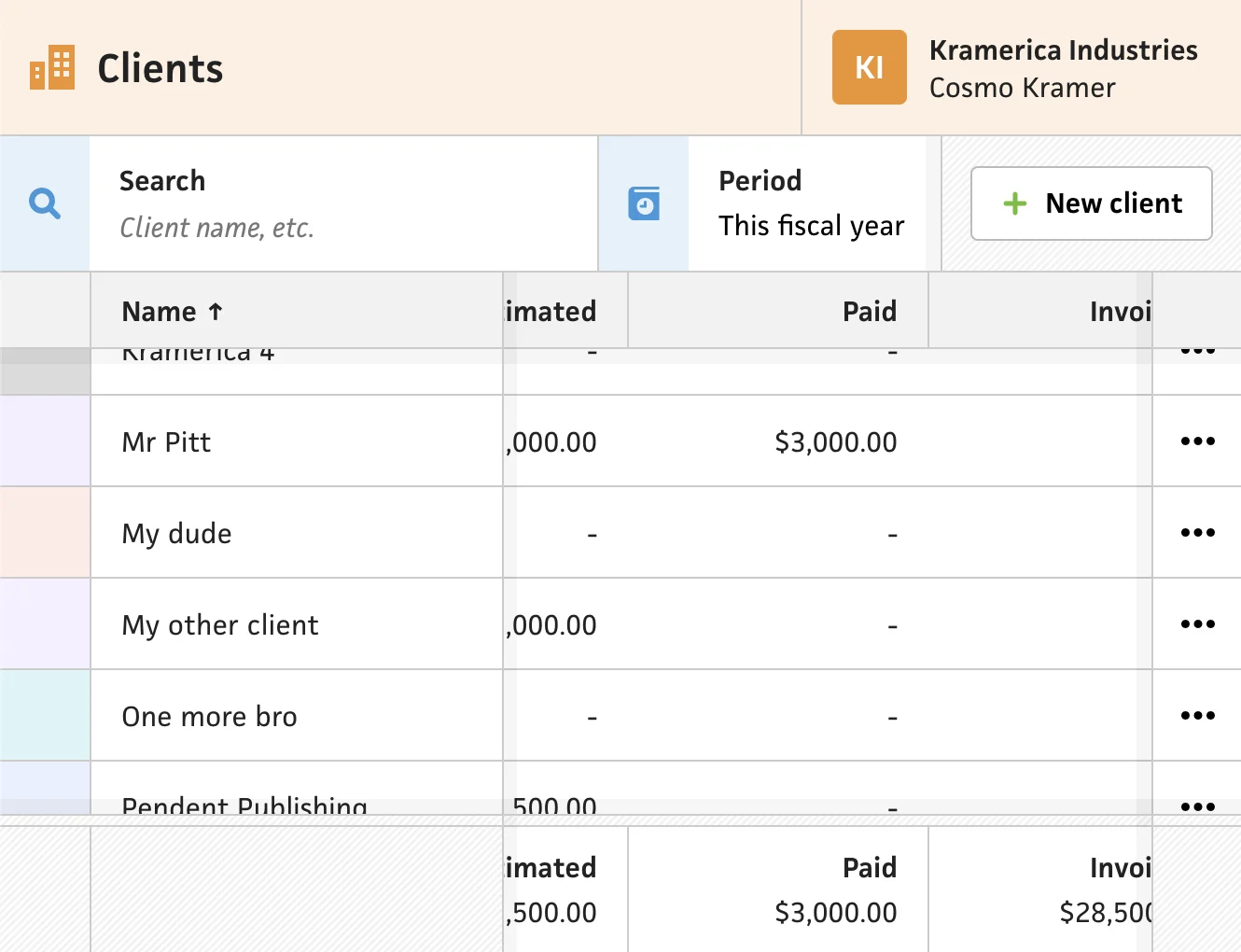
Starting from the scroll-event solution that already worked — show the top and left shadows when the scroll area has scrolled, show the bottom and right shadows when it isn't fully scrolled — Hallman searched for the least clever approach. He placed empty divs he calls "edges" at the top, right, bottom and left of each scroll area, then watched them with the IntersectionObserver API. If an edge is no longer intersecting the scroll area, the corresponding edge has been scrolled and its shadow should be visible; once that edge comes back into intersection, the scroll area has reached it and the shadow can be hidden.
Taking a step back, I thought about the solution that currently worked, using scroll events. If the scroll area has scrolled, show the top and left shadows. If the scroll area isn’t all the way scrolled, show the bottom and right shadows. With this in mind, I tried the simplest, most straight-forward, and least clever approach by putting empty divs at the top, right, bottom, and left of the scroll areas. I called these “edges”, and I observed them using the Intersection Observer API. If any of the edges were not intersecting with the scroll area, I could assume that the edge in question had been scrolled, and I could show the shadow for that edge. Then, once the edge is intersecting, I could assume that the scroll area has reached the edge of the scroll, so I could hide that shadow.
There is no live demo, but his post covers a few additional implementation details. For JavaScript-powered scroll shadows, IntersectionObserver is the option worth choosing.




