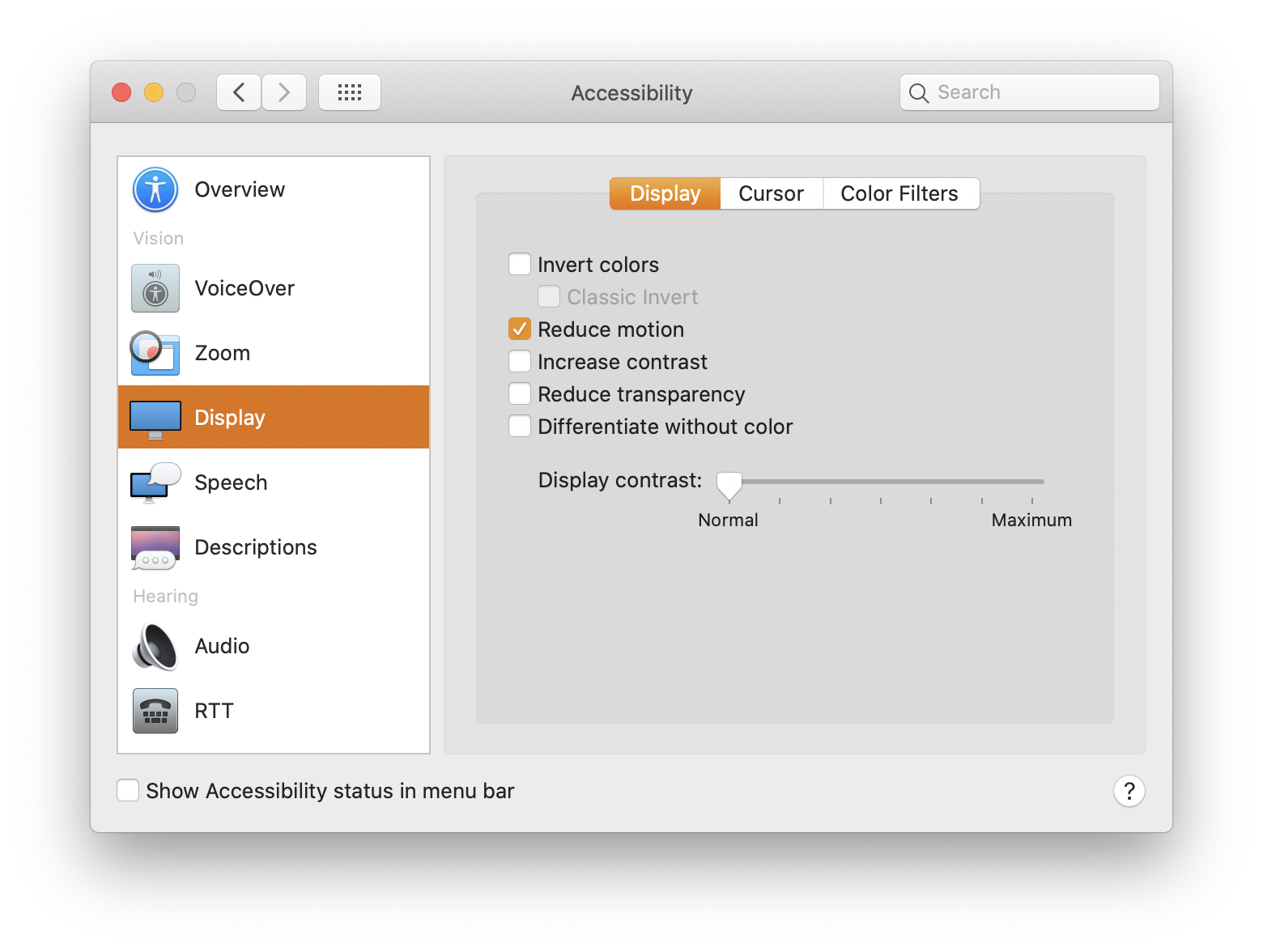
The prefers-reduced-motion media query is usually taught with a single snippet: a universal selector that strips every animation, transition and scroll behavior down to nothing. The intent is understandable, but treating the query as an order to delete all motion gets the accessibility story wrong, and in some cases makes things worse.
@media (prefers-reduced-motion: reduce) {
  * {
    animation-duration: 0.01ms !important;
    animation-iteration-count: 1 !important;
    transition-duration: 0.01ms !important;
    scroll-behavior: auto !important;
  }
}
Why the setting exists
The preference reflects a real medical need, not a stylistic one. Eric Bailey describes vestibular disorders as a condition in which the vestibular system cannot make sense of what is happening, producing loss of balance, vertigo, migraines, nausea and hearing loss — the same disorientation anyone feels after spinning too quickly. Such disorders arise from genetic and environmental factors, sit within the broader spectrum of accessibility conditions, and affect more than 70 million people.
In a follow-up piece, Bailey frames the browsing experience for these users plainly: for someone with a vestibular disorder or certain migraine or seizure triggers, navigating the web can resemble walking through a minefield, perpetually one click away from an unannounced animation — and that is before considering anything beyond casual browsing.
Reduced is not the same as removed
The universal reset treats animation as expendable, but as Bailey puts it, animation isn't unnecessary. Some of it can actively support accessibility. A transitional interface — a list that animates an opening so a new item can slide in, for instance — communicates context that would otherwise be lost.
Animation can be a great tool to help combat some forms of cognitive disability by using it to break down complicated concepts, or communicate the relationship between seemingly disparate objects. Val Head's article on A List Apart highlights some other very well-researched benefits, including helping to increase problem-solving ability, recall, and skill acquisition, as well as reducing cognitive load and your susceptibility to change blindness.
Wipe out all motion and those benefits disappear along with the problematic movement. The more productive response is to redesign the motion for the reduced case: make it less, slower or absent as motion, and lean on color and fading transitions instead.
A worked example: keeping the fade, dropping the scale
Ben Nadel's post "Applying Multiple Animation @keyframes To Support Prefers-Reduced-Motion In CSS" takes exactly this route. A modal normally enters with a combined fade-in and scale-in. Under prefers-reduced-motion, it keeps the fade-in and drops the scaling, because scaling introduces movement that fading does not.
/*
  By default, we'll use the REDUCED MOTION version of the animation.
*/
@keyframes modal-enter {
  from {
    opacity: 0 ;
  }
  to {
    opacity: 1 ;
  }
}

/*
  Then, if the user has NO PREFERENCE for motion, we can OVERRIDE the
  animation definition to include both the motion and non-motion properties.
*/
@media ( prefers-reduced-motion: no-preference ) {
  @keyframes modal-enter {
    from {
      opacity: 0 ;
      transform: scale(0.7) ;
    }
    to {
      opacity: 1 ;
      transform: scale(1.0) ;
    }
  }
}
The approach is worth copying as a habit of thought: investigate the problem and design a reduced-motion solution, rather than declaring that no movement is permitted at all.
The reset fails outright on JavaScript-driven animation
There is a further limitation to the universal snippet: it only does its job on sites where every bit of movement is CSS-driven. Josh Comeau reports that the reset can backfire when animations run in JavaScript, and that he has seen it produce the opposite effect, making animations super fast and dizzying. A blanket override can therefore deliver precisely the experience it was written to prevent, which argues for auditing each animation and handling the preference at the layer that actually drives it.