
Adding 3D content to the web gets easier with model-viewer 1.1
Three-dimensional models are becoming a standard part of the web experience, whether for virtual showrooms or museum collections. But putting a 3D model on a page in a way that loads fast and works well has typically required either specialized 3D knowledge or a third-party hosting service. The <model-viewer> web component was created to change that, and the project's 1.1 release builds on the 1.0 launch earlier this year with several significant additions.

The headline feature of version 1.1 is built-in AR support. On Chrome for Android, the component can use WebXR to place a 3D model in the user's physical space. Adding an ar attribute to the <model-viewer> tag is all that's needed to enable the experience.
<model-viewer> AR capability.
The AR mode is customizable through additional attributes, as shown in the WebXR example on modelviewer.dev. The snippet below demonstrates the basic setup.
<model-viewer src="Chair.glb"
  ar ar-scale="auto"
  camera-controls
  alt="A 3D model of an office chair.">
</model-viewer>
The release also introduces full control over the virtual camera. Developers can now adjust the camera target, set the orbit position relative to the model, and change the field of view. Auto-rotation is available, and you can impose limits on user interaction, such as minimum and maximum fields of view.
Annotations get an upgrade too. Models can be annotated with HTML and CSS, with labels attached to specific parts of the model that move along with it as the user rotates or zooms. Annotation appearance is customizable, as is the degree to which the model hides the labels. Annotations also work in AR.
<style>
  button{
    display: block;
    width: 6px;
    height: 6px;
    border-radius: 3px;
    border: 3px solid blue;
    background-color: blue;
    box-sizing: border-box;
  }

  #annotation{
    background-color: #dddddd;
    position: absolute;
    transform: translate(10px, 10px);
    border-radius: 10px;
    padding: 10px;
  }
</style>
<model-viewer src="https://modelviewer.dev/assets/ShopifyModels/ToyTrain.glb" alt="A 3D model of a Toy Train" camera-controls>
  <button slot="hotspot-hand">
    <div id="annotation">Whistle</div>
  </button>
</model-viewer>
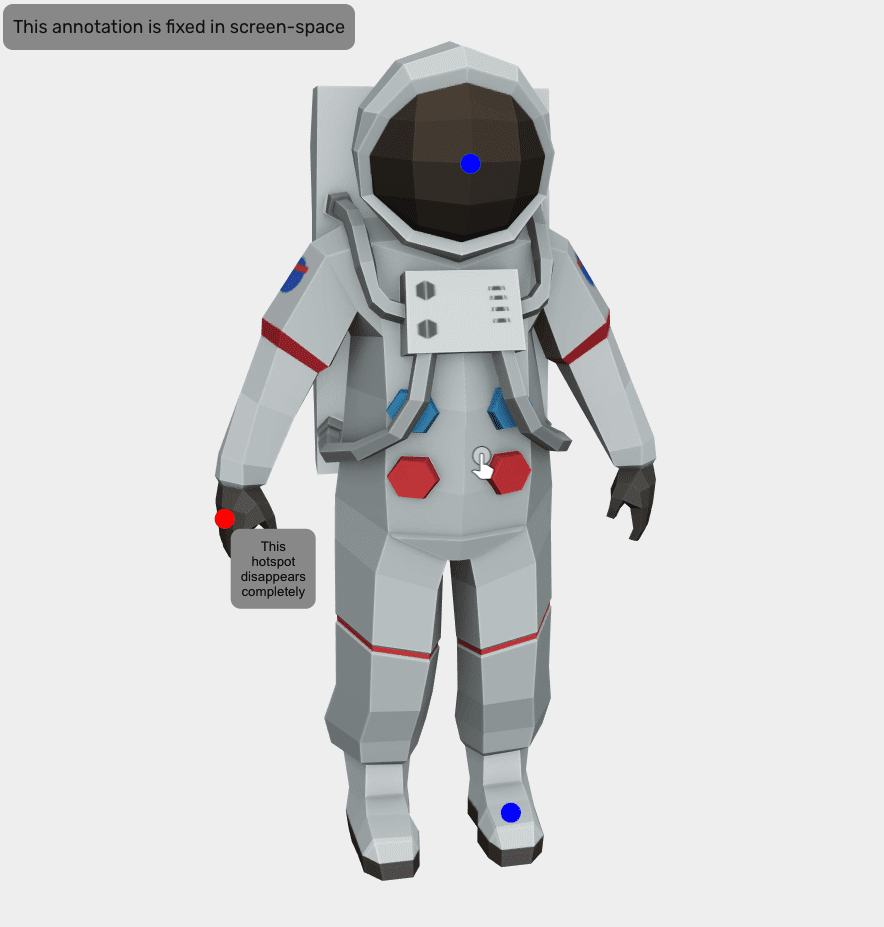
For developers, a hosted editor tool is now available at modelviewer.dev. It lets you preview models, experiment with configurations like exposure and shadow softness, generate poster images, and interactively obtain coordinates for annotations.
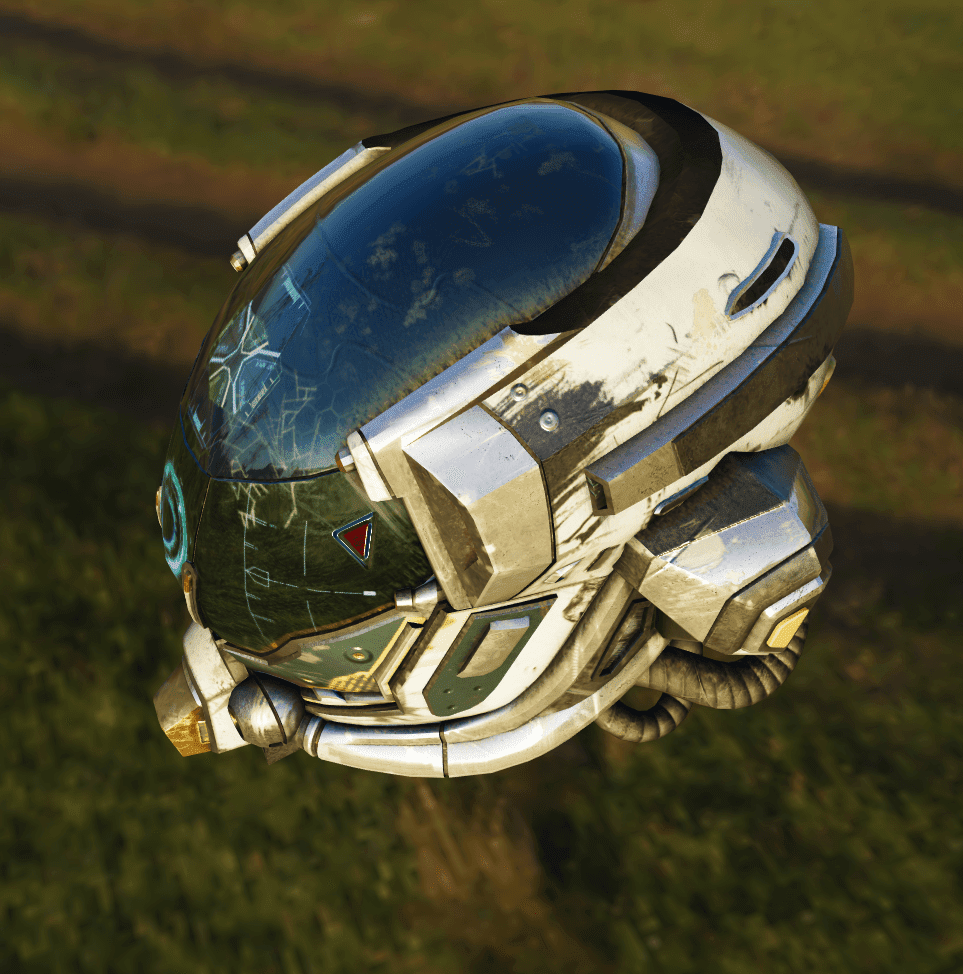
Behind the scenes, 1.1 includes rendering and performance work. Fidelity is notably better in high dynamic range (HDR) environments. The renderer now uses a direct rendering path when only one <model-viewer> element is visible, which improves performance, particularly on Firefox. Dynamic scaling of render resolution also produces markedly higher frame rates.
<model-viewer camera-controls
              skybox-image="spruit_sunrise_1k_HDR.hdr"
              alt="A 3D model of a well-worn  helmet"
              src="DamagedHelmet.glb"></model-viewer>
With the project at version 1.x, API stability is now a stated priority. The team says breaking changes will be avoided until version 2.0. Future work includes additional features plus continued improvements to performance, documentation, and tooling. Suggestions can be filed as issues on the project's GitHub repository, and pull requests are welcome.


