

Building Node.js Controller Functions with GitHub Copilot
Developers across roles—architects, QA engineers, tech leads, and more—can benefit from crafting controller functions in Node.js. In the Model-View-Controller (MVC) pattern, a controller acts as the intermediary between user interactions and application logic, much like a chef coordinating ingredients into a finished dish. It receives user input, processes it through the data model, and delivers an updated user interface.
GitHub Copilot can accelerate this process by generating controller code on the fly. Here is a practical workflow for using the AI pair programmer to build a controller:
- Install the GitHub Copilot extension in Visual Studio Code.
- Create a new Node.js project and write setup instructions for Copilot.
- Specify the controller function's expected behavior and inputs.
- Review Copilot's code suggestions as you type.
- Press
TABandENTERto accept and implement recommendations. - Fill in any missing function details.
- Improve error handling in the generated code.
- Define the API response structure.
- Validate the code for correctness and edge cases.
- Customize the output to fit your specific project requirements.
Real-World Example: Nutritional Content App
Developer advocate @LadyKerr used this exact approach to build a GPT-3-powered application that retrieves nutritional information for any recipe. The full source code and build instructions are available on GitHub.
For those who prefer watching over reading, the step-by-step walkthrough is available in video form:
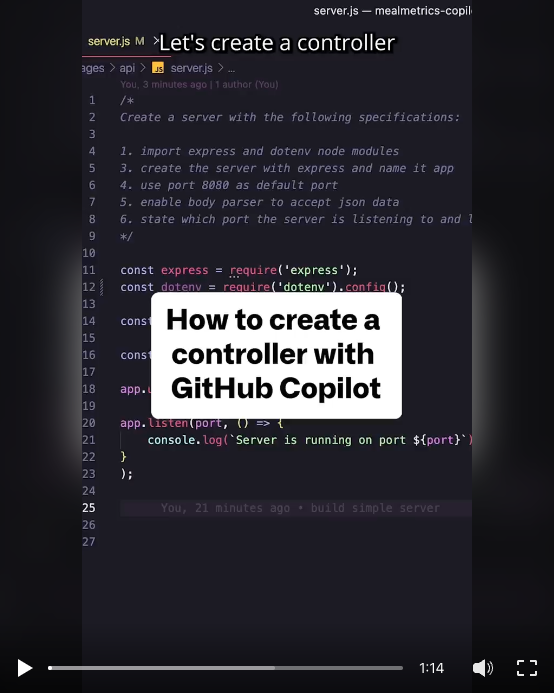
GitHub Copilot is available for sign-up now.
To get content like this delivered twice monthly, subscribe to the newsletter.


