
Why Draw with Skia in React Native?
@shopify/react-native-skia exposes Google's Skia 2D graphics engine to React Native, giving you drawing primitives that run on iOS, Android, macOS, Windows, Linux, and the browser. Shopify Engineering has sponsored its development for two years, and the community built around it keeps producing animation work that stretches what most people thought React Native could do.
For many developers, though, impressive demos create a barrier to entry: the library looks hard to start with. It isn't, once you understand its core model. A frequent question is why you'd reach for Skia over react-native-svg or react-native-reanimated alone. If you need to render static SVGs, the native SVG implementation is a solid fit. But Skia is built for custom interactions and visual effects — shaders, path operations, image filters — that don't map onto the standard View component or StyleSheet.
Skia is also heavily optimized for dynamic drawing. Anything on its canvas can be animated smoothly with react-native-reanimated as the animation driver, using an API that closely resembles what you'd use to animate layout. That makes the combination of Skia and reanimated a natural choice for ambitious UI work.
Drawing Basics
If you're coming from web development, you're used to flex and grid systems that position elements for you. Skia works differently: you get a canvas with a 2D Cartesian coordinate system and full control over each pixel. The mental shift is significant but straightforward.
Start with the simplest shapes — Circle, Rect, and RoundedRect — which just take x and y coordinates plus dimensions to appear on screen. But these alone aren't much more powerful than a styled View. For anything with real shape, you move to the Path component. You can create a path from Skia.Path.MakeFromSVGString with SVG notation to get things like arcs, as in 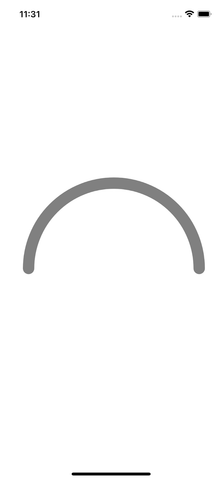 .
.
SVGs aren't your only path in, either. Skia provides imperative drawing commands such as addCircle, lineTo, addPoly, and addArc for use with paths created via Skia.Path.Make. The path documentation covers many more line and shape options; building your own custom shapes is the best way to see what's there.
Adding Motion with Reanimated
Static drawings are fine, but animation is where this library earns its keep. Skia and react-native-reanimated have full interop — you don't need createAnimatedComponent or useAnimatedProps. To follow along, install react-native-reanimated and react-native-gesture-handler, then copy the animation code into your project (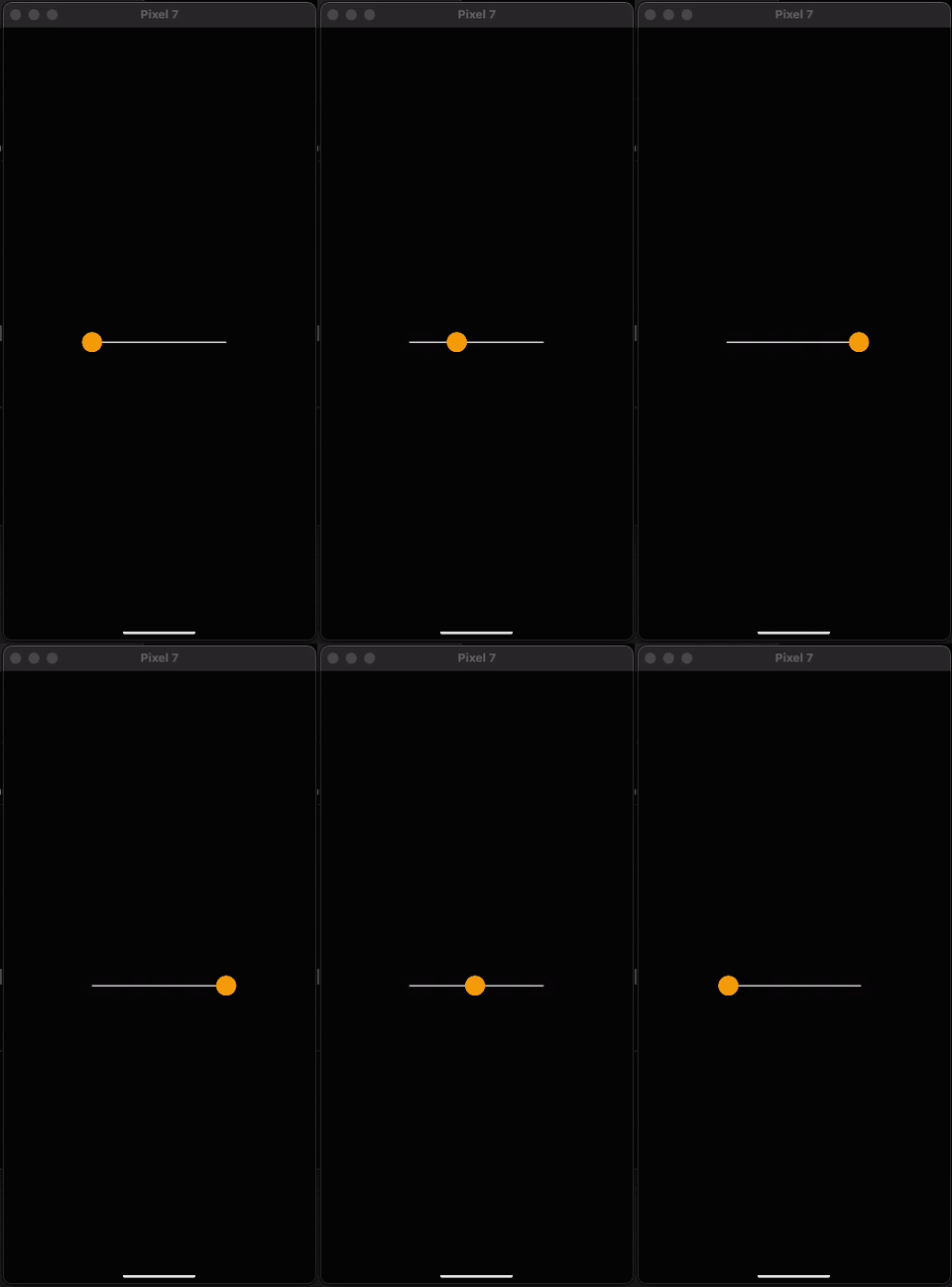 shows the resulting motion).
In that example, the circle's horizontal position is a shared value. Shared values stay on the UI thread, avoiding slow re-render cycles and keeping the animation between 60 and 120 frames per second. The dance between withRepeat and withSpring drives the motion: withSpring interpolates from the current value to a target, and withRepeat with arguments -1 and true makes the animation continuously run back and forth. The key insight: you hand a shared value straight to a Skia component's position prop, and it just works.
Gestures and Interaction
Movement doesn't have to come from animations. react-native-gesture-handler — another Software Mansion library — plugs into the same shared values. The setup is minimal: wrap the Canvas in a GestureDetector, create a gesture variable, and you're done (the result is 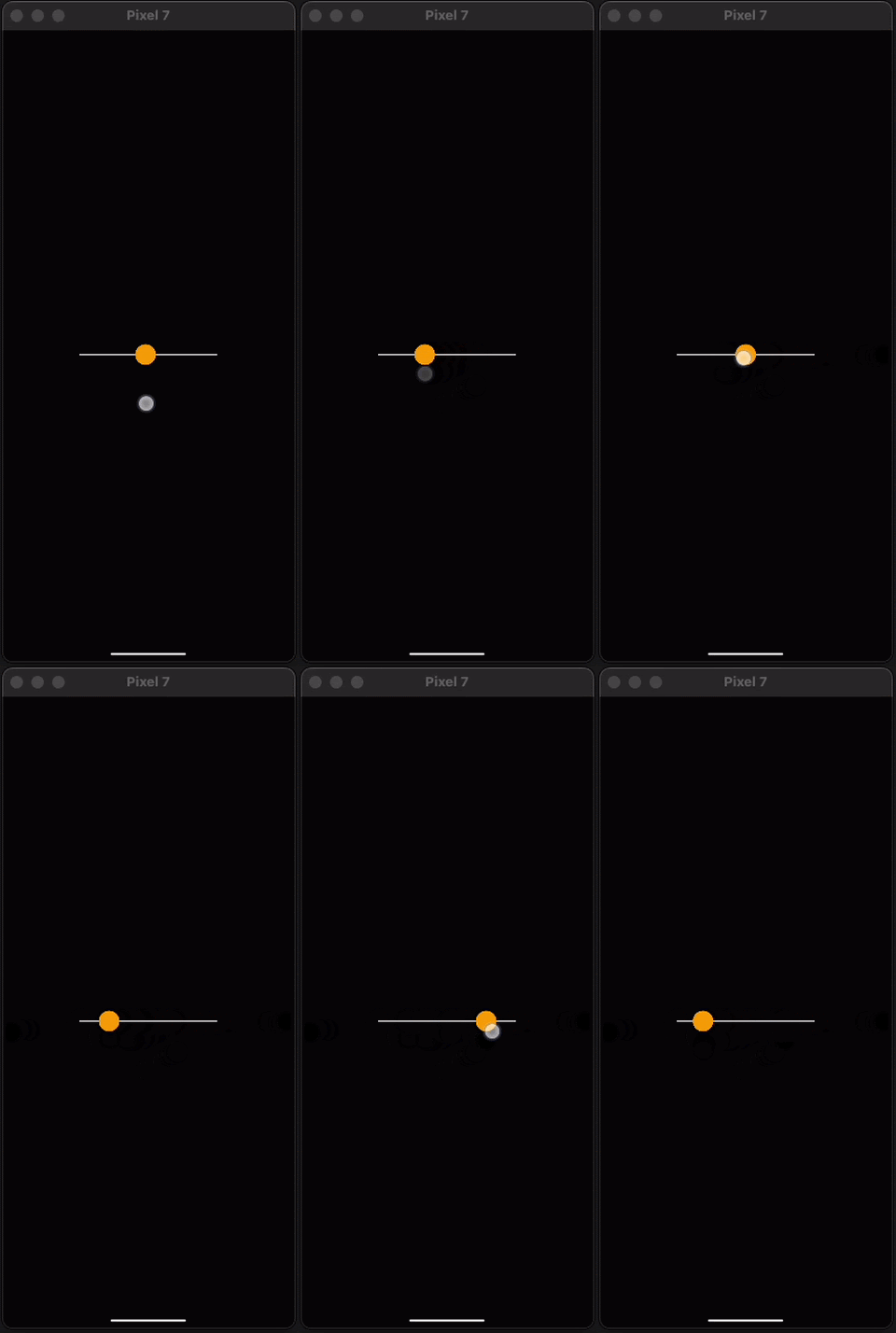 ).
).
The demo builds a drag interaction from Gesture.Pan(). The onChange callback fires multiple times per second as you drag, writing the finger position to the shared value. Because the gesture runs on the UI thread, you get the same smooth 60–120 FPS response as with the built-in animations without incurring React re-renders.
The pan gesture exposes much more than onChange: onBegin and onEnd mark gesture lifecycle events, and values like y-position and velocity can make interactions more expressive. The react-native-gesture-handler docs cover the wide range of available gestures.
Simple Effects
Visual effects are the next layer. Shaders and image filters could fill whole articles on their own, but Skia ships with some straightforward built-in options. In the gesture demo, you can use Blur and DashPathEffect as children of the circle and line components to change their appearance — just compute a derived value to drive blur as the circle moves along the line (see  ). The Filters section of the documentation lists other effects worth playing with.
Going Further with Community Resources
Learning a visual library like React Native Skia has a natural ceiling when you work in isolation. Just as musicians improve by playing with others, developers working with 2D animations benefit from seeing how peers solve interesting visual problems. The following community tutorials are good next steps for moving beyond the fundamentals.
- Telegram Dark Mode by William Candillon (@wcandillon) — A highly requested tutorial exploring whether this complex UI pattern can be recreated in React Native.
- Metaball Animation by Enzo Manuel Mangano (@reactiive_) — A tutorial covering the creation of metaball animations in React Native Skia, with source and video walkthrough available.
- Pixelated Image by Daehyeon Mun (@DaehyeonMun) — A first tutorial release demonstrating how to build a pixelated image effect, with full code provided.
Browser Support
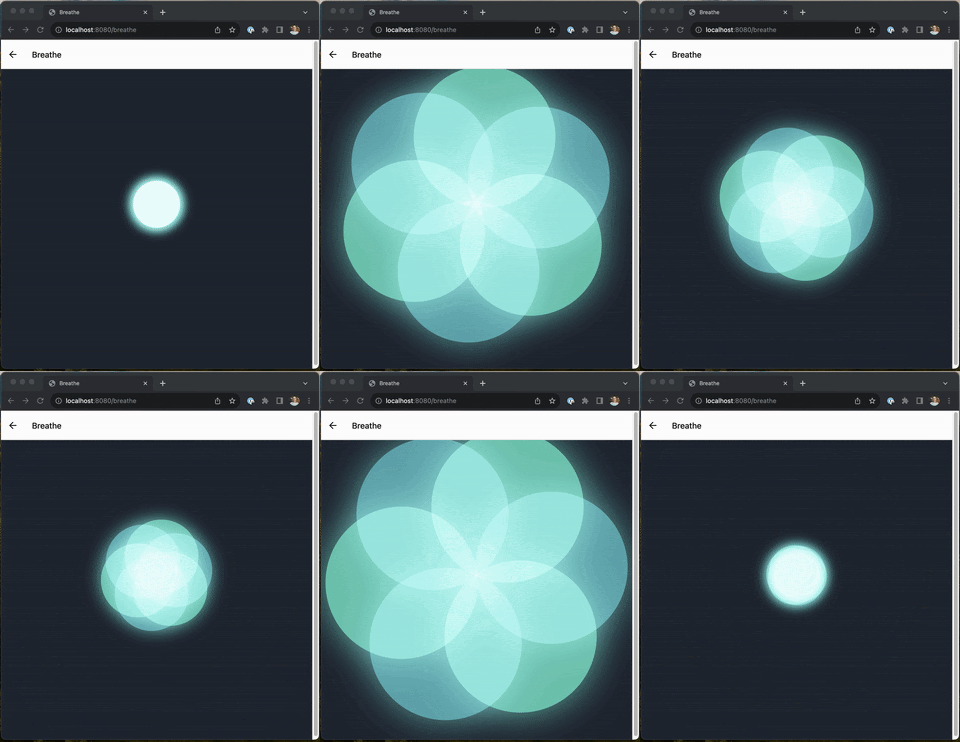
An often-overlooked capability of React Native Skia is its support for the web. If your project already has React Native Web configured, you can leverage Skia's rendering power directly in the browser without any additional platform-specific setup.
Closing Notes
React Native Skia offers a practical path to building custom 2D graphics and animations in React Native. The library has been a source of creative satisfaction for many developers, and the Shopify Engineering team is interested in seeing how you put it to use in your own applications.
Daniel Friyia is a Senior Software Engineer at Shopify working on the React Native Point of Sale Mobile App. You can find him on GitHub as @friyiajr or on X at @wa2goose.


