

Recreating Jekyll's layout conventions on top of Next.js
Jekyll remains a common entry point for people setting up a first blog, while still offering fine-grained control to advanced users. Next.js, powered by React and Node.js, provides a comparable path for static sites: it builds static pages from the file system with little to no configuration. The goal here is a static blog framework that mirrors Jekyll's directory structure, so posts and configs can be reused when migrating an existing blog.
A bare-bones Jekyll blog is organized like this:
.
├─── _posts/          ...blog posts in markdown
├─── _layouts/        ...layouts for different pages
├─── _includes/       ...re-usable components
├─── index.md         ...homepage
└─── config.yml       ...blog config
Familiarity with Jekyll's quick start guide and basic React knowledge are assumed.
Setup and project scripts
Install npm first, then add next, react and react-dom to the project.
mkdir nextjs-blog && cd $_
npm init -y
npm install next react react-dom --save
The next command must be added to the scripts section of package.json to run Next.js scripts from the command line.
"scripts": {
  "dev": "next"
}
Running npm run dev for the first time produces a compiler error about a missing pages directory in the project root, which leads to the next topic.
Routes, files and built-in behavior
Every page is a React component in .js or .jsx form, mapped to a route by its filename:
File                            Route
----                            -----
/pages/about.js                 /about
/pages/projects/work1.js        /projects/work1
/pages/index.js                 /
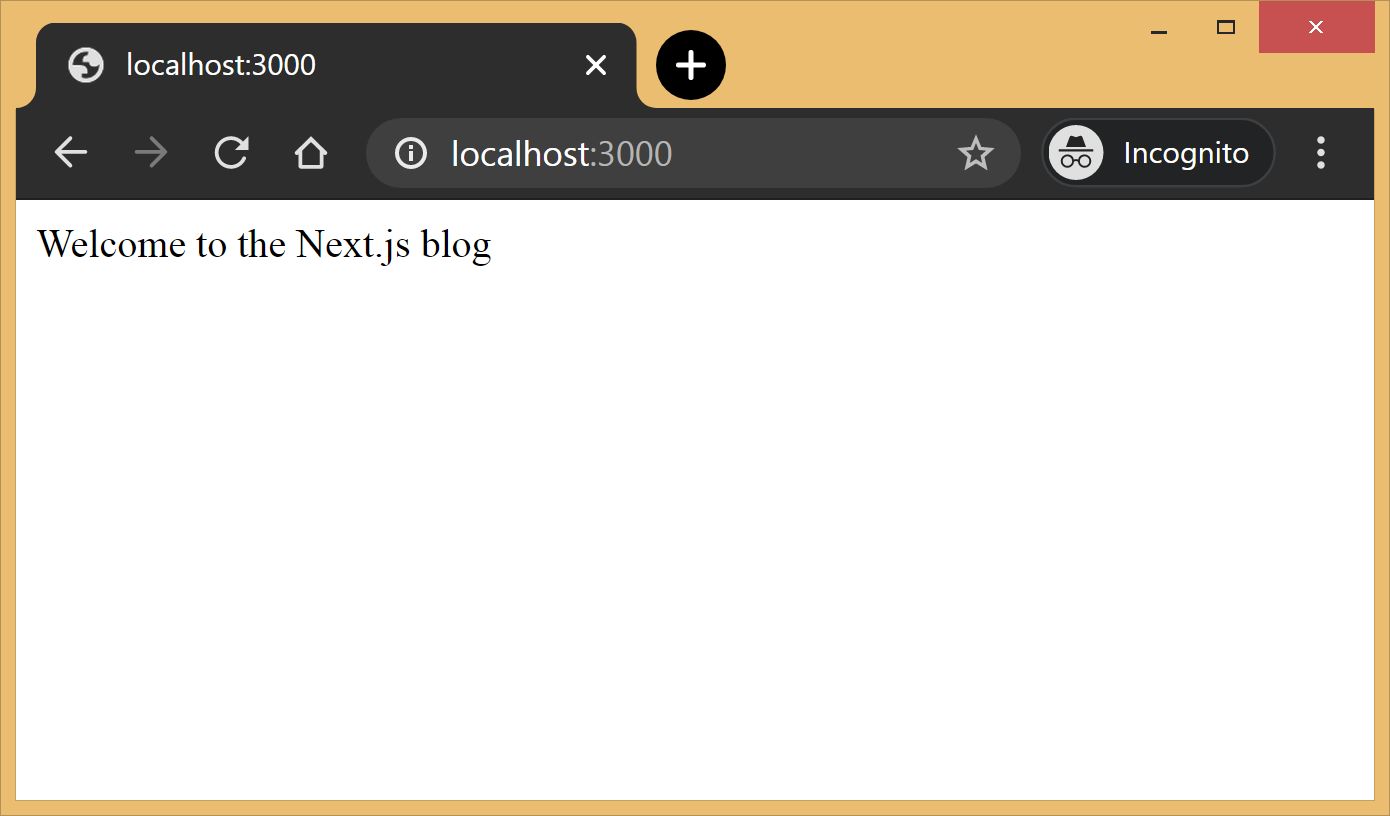
Creating pages/index.js with a basic React component gives the first page.
// pages/index.js
export default function Blog() {
  return <div>Welcome to the Next.js blog</div>
}
After restarting the server with npm run dev, http://localhost:3000 shows the blog for the first time.
Out of the box this includes:
- Hot reloading, so the browser doesn't need a manual refresh on every code change.
- Static generation of all pages under
/pages/**. - Static file serving for assets under
/public/**. - A 404 error page.
Visiting any random localhost path demonstrates the 404 page; the Next.js docs explain how to customize it.

Static routes cover the homepage, about page and similar. Posts instead rely on dynamic routes:
File                        Route
----                        -----
/pages/posts/[slug].js      /posts/1
                            /posts/abc
                            /posts/hello-world
Routes such as /posts/1 or /posts/abc are matched by /posts/[slug].js, and the slug arrives as a query parameter. That avoids one file per post: the slug alone can render the right post.
Framework anatomy and blog API
.
├─ api
│  └─ index.js             # fetch posts, load configs, parse .md files etc
├─ _includes
│  ├─ footer.js            # footer component
│  └─ header.js            # header component
├─ _layouts
│  ├─ default.js           # default layout for static pages like index, about
│  └─ post.js              # post layout inherts from the default layout
├─ pages
│  ├─ index.js             # homepage
|  └─ posts                # posts will be available on the route /posts/
|     └─ [slug].js       # dynamic page to build posts
└─ _posts
   ├─ welcome-to-nextjs.md
   └─ style-guide-101.md
Two API functions form the core: one fetches the metadata of every post in _posts, the other fetches a single post for a given slug along with its complete HTML and metadata. Optionally, a third function parses config.yml into a native object so the site configuration is available across all components.
Because Markdown (.md), YAML (.yml) and other non-JavaScript files are involved, the raw-loader library loads them as strings for easier processing.
npm install raw-loader --save-devImporting .md and .yml with raw-loader requires a next.config.js file in the project root (more info):
module.exports = {
  target: 'serverless',
  webpack: function (config) {
    config.module.rules.push({test:  /\.md$/, use: 'raw-loader'})
    config.module.rules.push({test: /\.yml$/, use: 'raw-loader'})
    return config
  }
}
Next.js 9.4 added aliases for relative imports, which cleans up import-path spaghetti. A jsconfig.json in the root declares the base path and every module alias the project needs.
{
  "compilerOptions": {
    "baseUrl": "./",
    "paths": {
      "@includes/*": ["_includes/*"],
      "@layouts/*": ["_layouts/*"],
      "@posts/*": ["_posts/*"],
      "@api": ["api/index"],
    }
  }
}
Layouts can then be imported simply as:
import DefaultLayout from '@layouts/default'All posts metadata
This function reads every Markdown file in _posts, parses the front matter at the top of each post with gray-matter, and returns an array of metadata for all posts.
// api/index.js
import matter from 'gray-matter'


export async function getAllPosts() {
  const context = require.context('../_posts', false, /\.md$/)
  const posts = []
  for(const key of context.keys()){
    const post = key.slice(2);
    const content = await import(`../_posts/${post}`);
    const meta = matter(content.default)
    posts.push({
      slug: post.replace('.md',''),
      title: meta.data.title
    })
  }
  return posts;
}
A typical Markdown post looks like this:
---
title:  "Welcome to Next.js blog!"
---
**Hello world**, this is my first Next.js blog post and it is written in Markdown.
I hope you like it!
The block delimited by --- is the front matter, holding post metadata such as title, permalink and tags. Its output:
[
  { slug: 'style-guide-101', title: 'Style Guide 101' },
  { slug: 'welcome-to-nextjs', title: 'Welcome to Next.js blog!' }
]
Install gray-matter before use: npm install gray-matter --save-dev.
A single post
Given a slug, this function locates the file in _posts, converts the Markdown with the marked library, and returns the HTML alongside the metadata.
// api/index.js
import matter from 'gray-matter'
import marked from 'marked'


export async function getPostBySlug(slug) {
  const fileContent = await import(`../_posts/${slug}.md`)
  const meta = matter(fileContent.default)
  const content = marked(meta.content)
  return {
    title: meta.data.title,
    content: content
  }
}
Sample output:
{
  title: 'Style Guide 101',
  content: '<p>Incididunt cupidatat eiusmod ...</p>'
}
Install marked before use: npm install marked --save-dev.
Configuration
To reuse the Jekyll config, the YAML file is parsed with the js-yaml library and exported for use across components.
// config.yml
title: "Next.js blog"
description: "This blog is powered by Next.js"


// api/index.js
import yaml from 'js-yaml'
export async function getConfig() {
  const config = await import(`../config.yml`)
  return yaml.safeLoad(config.default)
}
Install it with npm install js-yaml --save-dev.
Building the UI
_includes holds two basic React components, <Header> and <Footer>, used by the layout components in _layouts.
// _includes/header.js
export default function Header() {
  return <header><p>Blog | Powered by Next.js</p></header>
}


// _includes/footer.js
export default function Footer() {
  return <footer><p>©2020 | Footer</p></footer>
}
_layouts contains two components. <DefaultLayout> is the base every other layout is built on.
// _layouts/default.js
import Head from 'next/head'
import Header from '@includes/header'
import Footer from '@includes/footer'


export default function DefaultLayout(props) {
  return (
    <main>
      <Head>
        <title>{props.title}</title>
        <meta name='description' content={props.description}/>
      </Head>
      <Header/>
      {props.children}
      <Footer/>
    </main>
  )
}
<PostLayout> overrides the <DefaultLayout> title with the post title, renders the post HTML, and links back to the homepage.
// _layouts/post.js
import DefaultLayout from '@layouts/default'
import Head from 'next/head'
import Link from 'next/link'


export default function PostLayout(props) {
  return (
    <DefaultLayout>
      <Head>
        <title>{props.title}</title>
      </Head>
      <article>
        <h1>{props.title}</h1>
        <div dangerouslySetInnerHTML={{__html:props.content}}/>
        <div><Link href='/'><a>Home</a></Link></div>
      </article>
    </DefaultLayout>
  )
}
next/head is a built-in component that appends elements to the page's <head>; next/link handles client-side transitions between routes defined in the pages directory.
Homepage
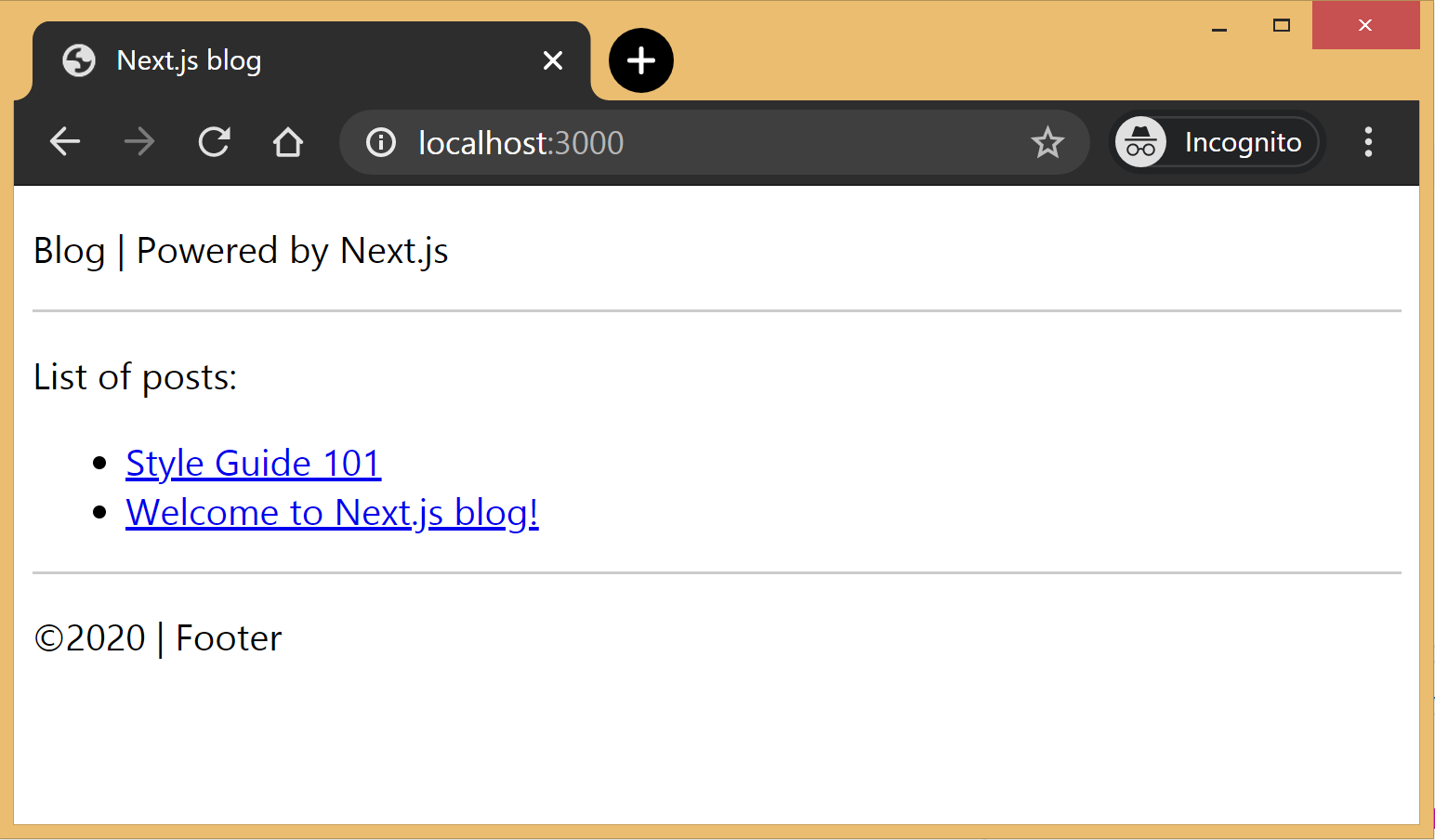
The index page lists every post in _posts, showing titles and permalinks to individual posts. It uses <DefaultLayout> and imports the config to pass title and description to the layout.
// pages/index.js
import DefaultLayout from '@layouts/default'
import Link from 'next/link'
import { getConfig, getAllPosts } from '@api'


export default function Blog(props) {
  return (
    <DefaultLayout title={props.title} description={props.description}>
      <p>List of posts:</p>
      <ul>
        {props.posts.map(function(post, idx) {
          return (
            <li key={idx}>
              <Link href={'/posts/'+post.slug}>
                <a>{post.title}</a>
              </Link>
            </li>
          )
        })}
      </ul>
    </DefaultLayout>
  )
}


export async function getStaticProps() {
  const config = await getConfig()
  const allPosts = await getAllPosts()
  return {
    props: {
      posts: allPosts,
      title: config.title,
      description: config.description
    }
  }
}
getStaticProps runs at build time and pre-renders pages by passing props to the default component; here it retrieves all posts so the homepage renders the archive.
Post page
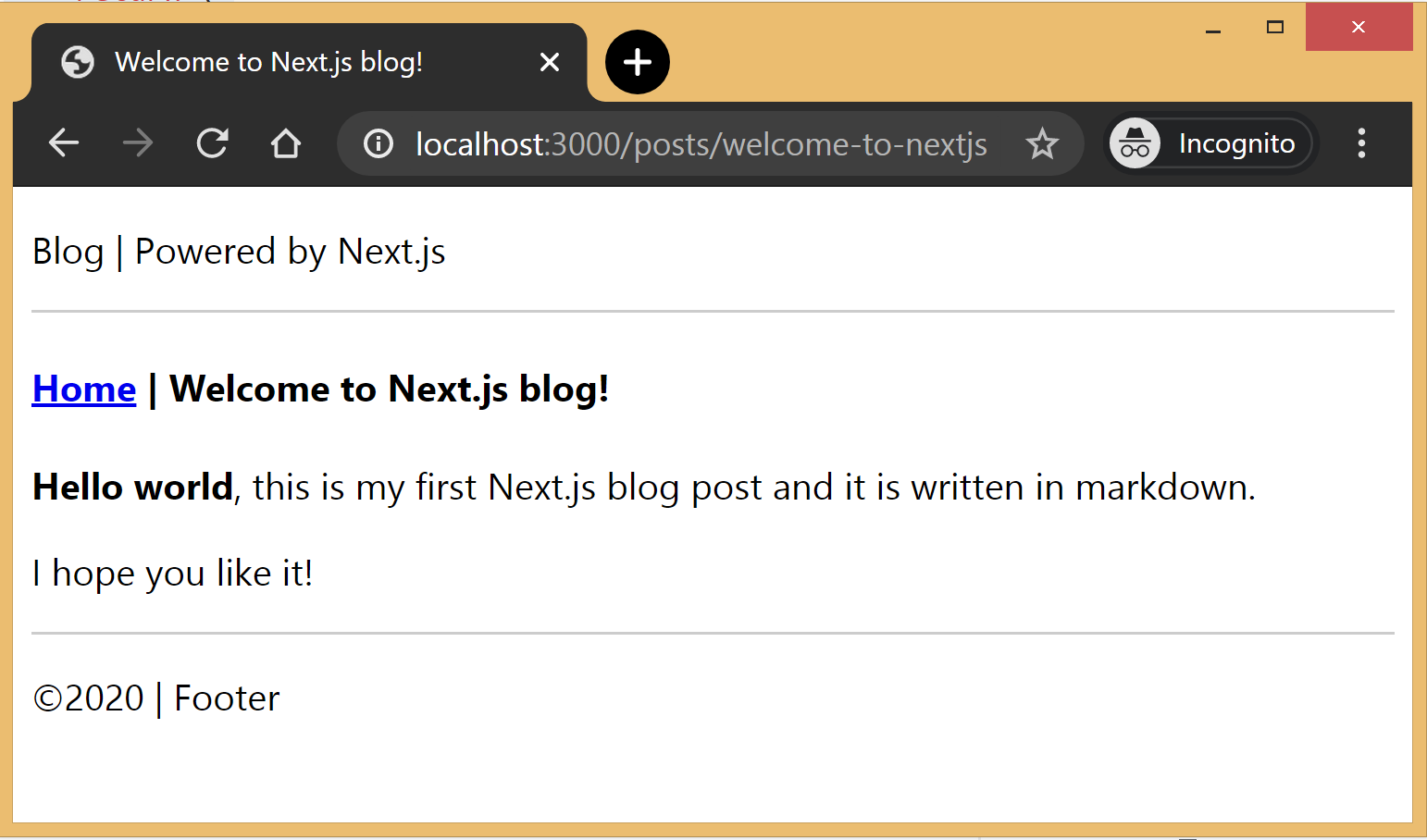
Using <PostLayout>, this page renders the title and contents of the post for the slug supplied in context.
// pages/posts/[slug].js
import PostLayout from '@layouts/post'
import { getPostBySlug, getAllPosts } from "@api"


export default function Post(props) {
  return <PostLayout title={props.title} content={props.content}/>
}


export async function getStaticProps(context) {
  return {
    props: await getPostBySlug(context.params.slug)
  }
}


export async function getStaticPaths() {
  let paths = await getAllPosts()
  paths = paths.map(post => ({
    params: { slug:post.slug }
  }));
  return {
    paths: paths,
    fallback: false
  }
}
For dynamic routes, Next.js needs every possible path at build time. getStaticPaths supplies the list of paths to render as HTML at build time, and the fallback property makes routes outside that list return a 404 page.
Build and deploy
Add build and start commands to the scripts section of package.json, then run npm run build followed by npm run start to build the static blog and launch the production server.
// package.json
"scripts": {
  "dev": "next",
  "build": "next build",
  "start": "next start"
}
The complete source is available on this GitHub repository, which also includes basic placeholders for applying CSS to the blog.
Limits and next steps
The result is functional but too basic for most average cases. Possible extensions, or patches to the repository, include pagination, syntax highlighting, categories and tags for posts, and styling. Beyond this framework, Next.js's ability to export static HTML makes a fully standalone app possible without a server.




