
Dimming every item in a group except the one under the cursor is a common gallery pattern, and it does not require JavaScript. CSS selectors alone can achieve it, including in grid layouts where gaps between tiles previously caused the effect to fire at the wrong moments.
The original JavaScript approach attached and removed a class on mouseenter and mouseleave events to trigger the dimming rules. But a pure CSS alternative exists: style the siblings of the hovered element rather than the hovered element itself. Applied to a grid feed, though, that approach broke — because of the gaps between the elements — when moving the mouse between tiles caused all children to fade out.
Markup and base layout
The structure is a grid-based <ul> list:
.gridis the list container..grid__childelements are the<li>children the interaction applies to.
<ul class="grid">
  <li class="grid__child"></li>
  <li class="grid__child"></li>
  <li class="grid__child"></li>
</ul>
.grid {
display: grid;
grid-template-columns: repeat(auto-fit, 15rem);
grid-gap: 1rem;
}
.grid__child {
background: rgba(0, 0, 0, .1);
border-radius: .5rem;
aspect-ratio: 1/1;
}This example produces three list items occupying three columns in a grid.
The selector approach
The interactivity works in two steps:
- Hovering on the container changes the styles of all elements inside…
- …except the one currently under the cursor.
First, grab every child while the cursor is over the container:
.grid:hover .grid__child {
  /* ... */
}
Then exclude the hovered item and reduce the opacity of every other child:
.grid:hover .grid__child:not(:hover) {
  opacity: 0.3;
}
For containers without gaps between children, this is enough:
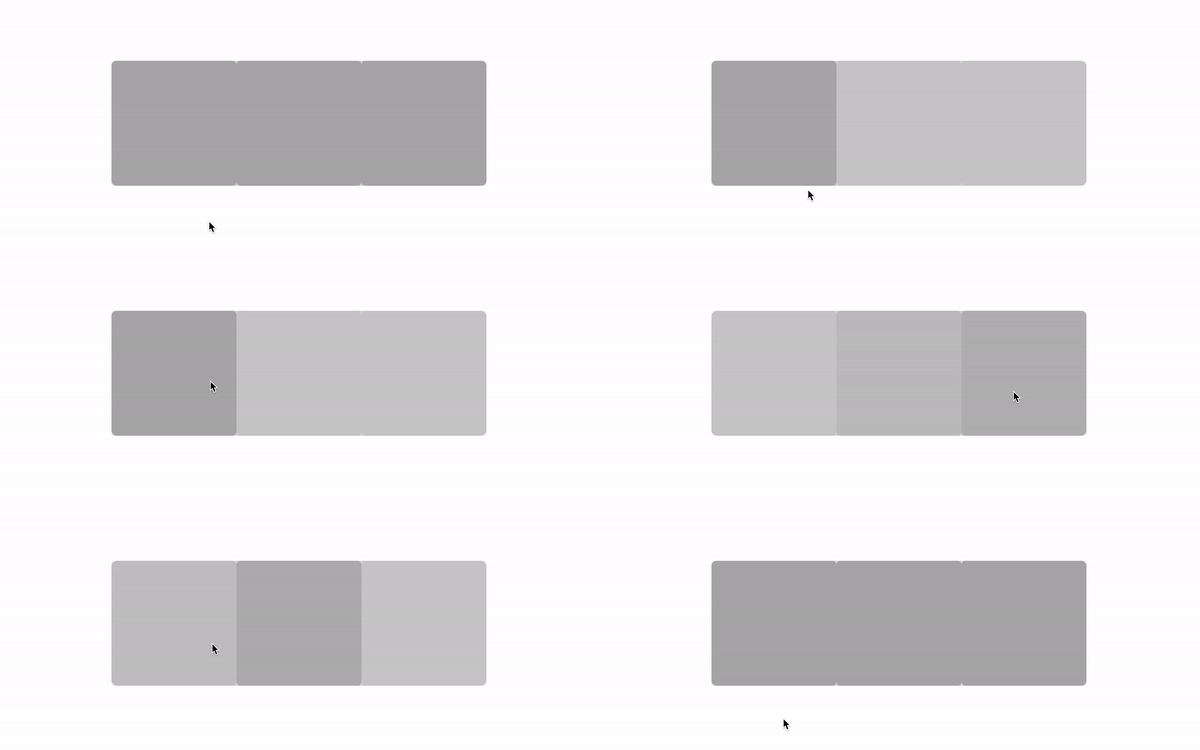
With gaps, however, the behavior breaks:
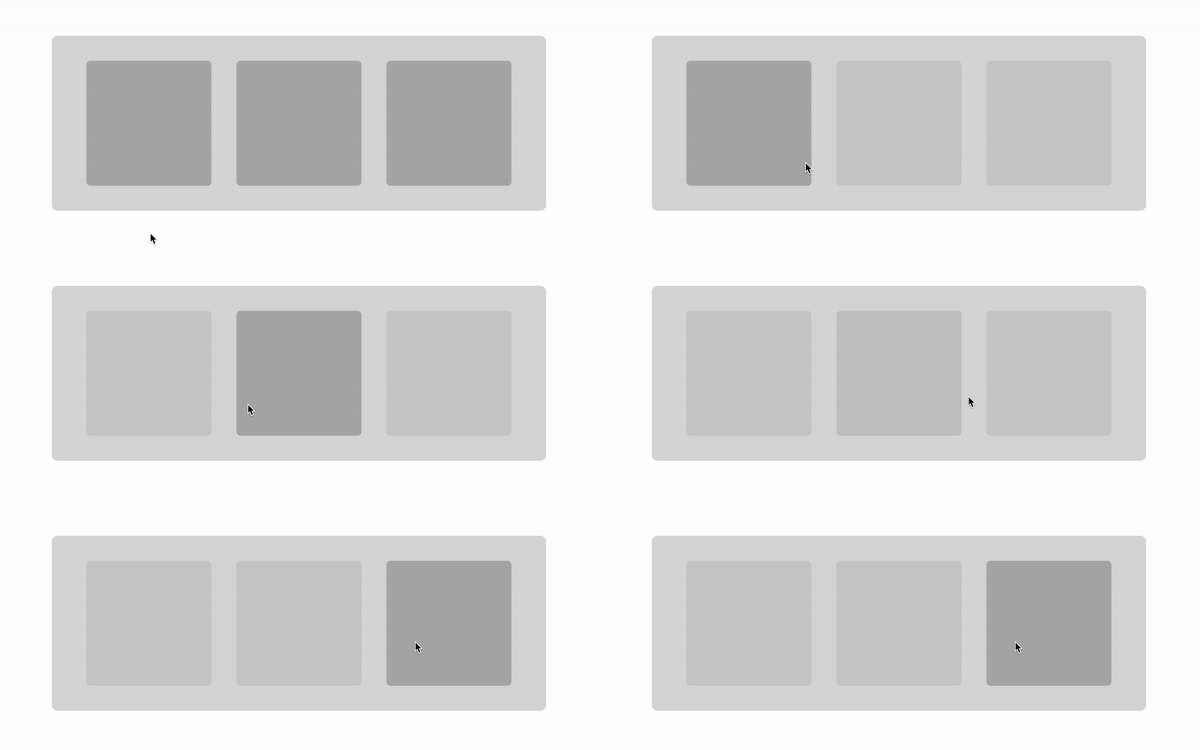
Moving the mouse between tiles faded out all child elements, because the cursor was passing over the container rather than over any child.
Making the gaps inert
Gaps can be treated as parts of the container not covered by its children. The effect should run when the cursor hovers a tile, not merely when it enters the container. Setting pointer-events: none on the .grid container and restoring them with pointer-events: auto on its children makes the gaps ignore the cursor:
.grid {
  /* ... */
  pointer-events: none;
}

/* ... */

.grid__child {
  /* ... */
  pointer-events: auto;
}
Adding a transition on opacity completes the component, and more tiles can be used to build a two-dimensional layout. The final CSS:
.grid {
  display: grid;
  grid-template-columns: repeat(auto-fit, 15rem);
  grid-gap: 3rem;
  pointer-events: none;
}

.grid:hover .grid__child:not(:hover) {
  opacity: 0.3;
}

.grid__child {
  background: rgba(0, 0, 0, .1);
  border-radius: .5rem;
  aspect-ratio: 1/1;
  pointer-events: auto;
  transition: opacity 300ms;
}
Two extra lines of code are all it takes to overcome the gap problem.
Where the trick does not apply
The technique fails when the container needs to be scrollable, as in a horizontal slider. pointer-events: none ignores not only hover but every other pointer event as well. The workaround is to wrap .grid in another container:
<div class="container">
  <ul class="grid">
    <li class="grid__child"></li>
    <li class="grid__child"></li>
    <li class="grid__child"></li>
    <li class="grid__child"></li>
    <li class="grid__child"></li>
    <li class="grid__child"></li>
    <li class="grid__child"></li>
  </ul>
</div>



