

Proportion as a calculation problem
Scaling an office building means deciding on dimensions that people will find pleasant to look at, and architecture has long answered that question with mathematics. The golden ratio, 1.618, has two convenient properties: inverting it yields roughly the value minus one, and squaring it yields roughly the value plus one. Splitting a line using 1 : 1.618 reads as more beautiful than an arbitrary split such as 1 : 1.8976. PostgreSQL is enough to turn that into a workable plan.
Extending the ratio to two dimensions produces a rectangle:
|
1 2 3 4 5 6 7 |
test=# SELECT 1.618 AS constant, round(1 / 1.618, 4) AS inverted, round(pow(1.618, 2), 4) AS squared; constant | inverted | squared ----------+----------+--------- 1.618 | 0.6180 | 2.6179 (1 row) |
Applying that to the new building gives a basic layout of 16 x 26 meters, which satisfies the required mathematical proportions.
Adding a semi-circle, and how CTEs get optimized
A semi-circle appended to the rectangle needs an ideal diameter, which comes from the same formula:
|
1 2 3 4 5 |
test=# SELECT 16.07, 16.07 * 1.618; ?column? | ?column? ----------+---------- 16.07 | 26.00126 (1 row) |
The query relies on a CTE, and PostgreSQL 13 can inline such expressions. Inspecting the plan shows the inlining happening:
|
1 2 3 4 5 6 7 |
test=# WITH semi_circle AS (SELECT 16.07 * 0.618 AS size) SELECT size, size / 2 FROM semi_circle; size | ?column? ---------+-------------------- 9.93126 | 4.9656300000000000 (1 row) |
The rewritten form is:
|
1 2 3 4 5 6 7 |
test=# explain WITH semi_circle AS (SELECT 16.07 * 0.618 AS size) SELECT size, size / 2 FROM semi_circle; QUERY PLAN ------------------------------------------- Result (cost=0.00..0.01 rows=1 width=64) (1 row) |
After that, constant folding removes everything but a result node that displays the answer — the CTE no longer appears in the execution plan.
Deriving a series of usable numbers
To keep the front of the building from looking dull, the acceptable and unacceptable dimensions have to be identified. Recursion does this job:
|
1 |
SELECT 16.07 * 0.618, SELECT 16.07 * 0.618 / 2 |
Starting from 26 meters, the query computes the long and short sides and feeds that output into the next iteration, producing a family of valid numbers in which every component relates correctly to every other one. PostgreSQL supports this in ANSI-compatible form: the first SELECT inside the WITH supplies the starting values, the part after UNION ALL performs the recursion, and the WHERE clause terminates it.
Sometimes the iteration number matters as well:
|
1 2 3 4 5 6 7 8 9 10 11 12 13 14 15 16 17 18 19 20 21 22 23 24 25 26 27 |
test=# WITH RECURSIVE x AS ( SELECT 26::numeric AS base, 26*0.382::numeric AS short, 26*0.618::numeric AS long UNION ALL SELECT round((base * 0.618)::numeric, 4), round((long * 0.382)::numeric, 4), round((long * 0.618)::numeric, 4) FROM x WHERE base > 0.5 ) SELECT * FROM x WHERE base > 0.5; base | short | long ---------+--------+-------- 26 | 9.932 | 16.068 16.0680 | 6.1380 | 9.9300 9.9300 | 3.7933 | 6.1367 6.1367 | 2.3442 | 3.7925 3.7925 | 1.4487 | 2.3438 2.3438 | 0.8953 | 1.4485 1.4485 | 0.5533 | 0.8952 0.8952 | 0.3420 | 0.5532 0.5532 | 0.2113 | 0.3419 (9 rows) |
Here row_number() simply returns a number identifying the line being examined.
Square roots and composite return types
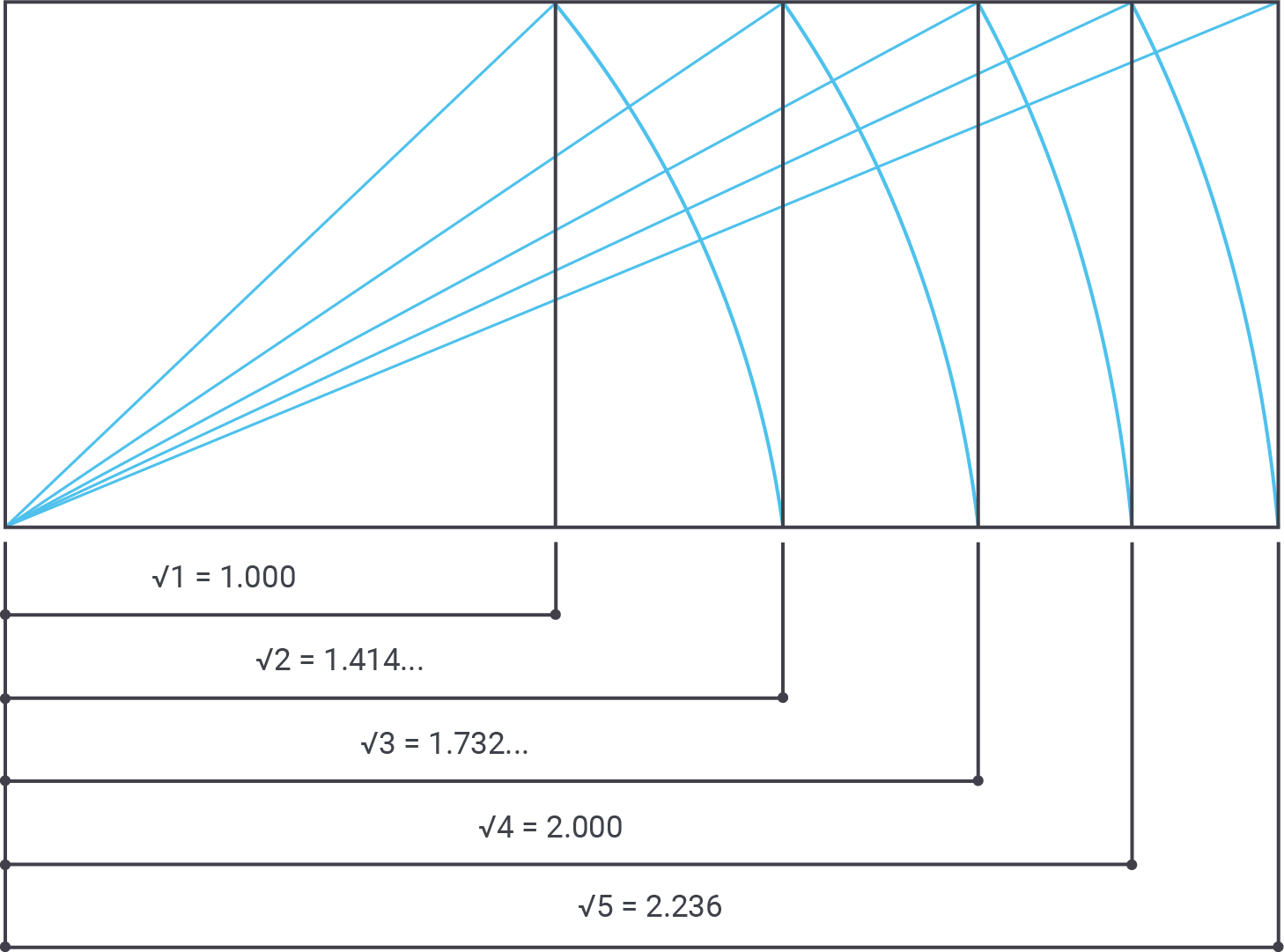
Golden proportions are not the only acceptable source of dimensions. Looking at great buildings such as the Pantheon, architects also worked with square roots, cubic roots and similar values. PostgreSQL handles those through a function:
|
1 2 3 4 5 6 7 8 9 10 11 12 13 14 15 16 17 18 19 20 21 22 23 24 25 26 27 28 |
test=# WITH RECURSIVE x AS ( SELECT 26::numeric AS base, 26*0.382::numeric AS short, 26*0.618::numeric AS long UNION ALL SELECT round((base * 0.618)::numeric, 4), round((long * 0.382)::numeric, 4), round((long * 0.618)::numeric, 4) FROM x WHERE base > 0.5 ) SELECT row_number() OVER (), * FROM x WHERE base > 0.5; row_number | base | short | long ------------+---------+--------+-------- 1 | 26 | 9.932 | 16.068 2 | 16.0680 | 6.1380 | 9.9300 3 | 9.9300 | 3.7933 | 6.1367 4 | 6.1367 | 2.3442 | 3.7925 5 | 3.7925 | 1.4487 | 2.3438 6 | 2.3438 | 0.8953 | 1.4485 7 | 1.4485 | 0.5533 | 0.8952 8 | 0.8952 | 0.3420 | 0.5532 9 | 0.5532 | 0.2113 | 0.3419 (9 rows) |
22, 27m and 35m are examples of correct numbers that support the desired aesthetic.
Working from several dimensions is a different problem. To return more than one field, the function uses a composite data type:
|
1 2 3 4 5 6 7 8 9 10 11 12 13 14 15 16 17 18 19 20 21 22 23 24 25 26 27 |
BEGIN; CREATE TYPE good_number_type AS ( base numeric, golden_short numeric, golden_long numeric, sqrt2 numeric, sqrt3 numeric, sqrt4 numeric, sqrt5 numeric ); CREATE OR REPLACE FUNCTION good_numbers(numeric) RETURNS good_number_type AS $ SELECT ($1, 0.382 * $1, 0.618 * $1, sqrt(2) * $1, sqrt(3) * $1, 2 * $1, sqrt(5) * $1 )::good_number_type; $ LANGUAGE 'sql'; COMMIT; |
A composite value in the target list is awkward to read on its own, but its columns can be expanded:
|
1 2 3 4 5 6 7 8 9 10 11 |
test=# x Expanded display is on. test=# SELECT * FROM good_numbers(16); -[ RECORD 1 ]+----------------- base | 16 golden_short | 6.112 golden_long | 9.888 sqrt2 | 22.6274169979695 sqrt3 | 27.712812921102 sqrt4 | 32 sqrt5 | 35.7770876399966 |
Expanding the columns also makes it possible to compute results for an entire series of numbers by passing the id into the function:
|
1 2 3 4 |
test=# SELECT a FROM good_numbers(16) AS a; -[ RECORD 1 ] ------------------------------------------------------------ a | (16,6.112,9.888,22.6274169979695,27.712812921102,32,35.7770876399966) |


