Handwriting code is not a novelty reserved for interview rooms and exam halls, even if those settings make it unavoidable. An interview typically offers no computer at all, just a blank sheet and a pen; students likewise live or die by the lines they squeeze into an answer sheet. Experienced developers keep their own stake in the practice, peeling A4 sheets off the office copier to scribble out a stubborn algorithm. What follows applies equally to paper and to any language: it is a planning method, not a literal transcription technique.
Planning, not producing
No one expects handwritten code to be production-ready, and it should not compile straight out of a notebook. If perfect output were the goal, the computer would be sitting in the interview room. The point is to work through logic ahead of time — the same logic that makes hand sketching valuable in design, where a low-fidelity medium invites fast experimentation and cheap mistakes.
Getting syntax and semantics right is always welcome, but it is not the focus of the exercise. The focus is the thinking that precedes keystrokes.
Establish the result first
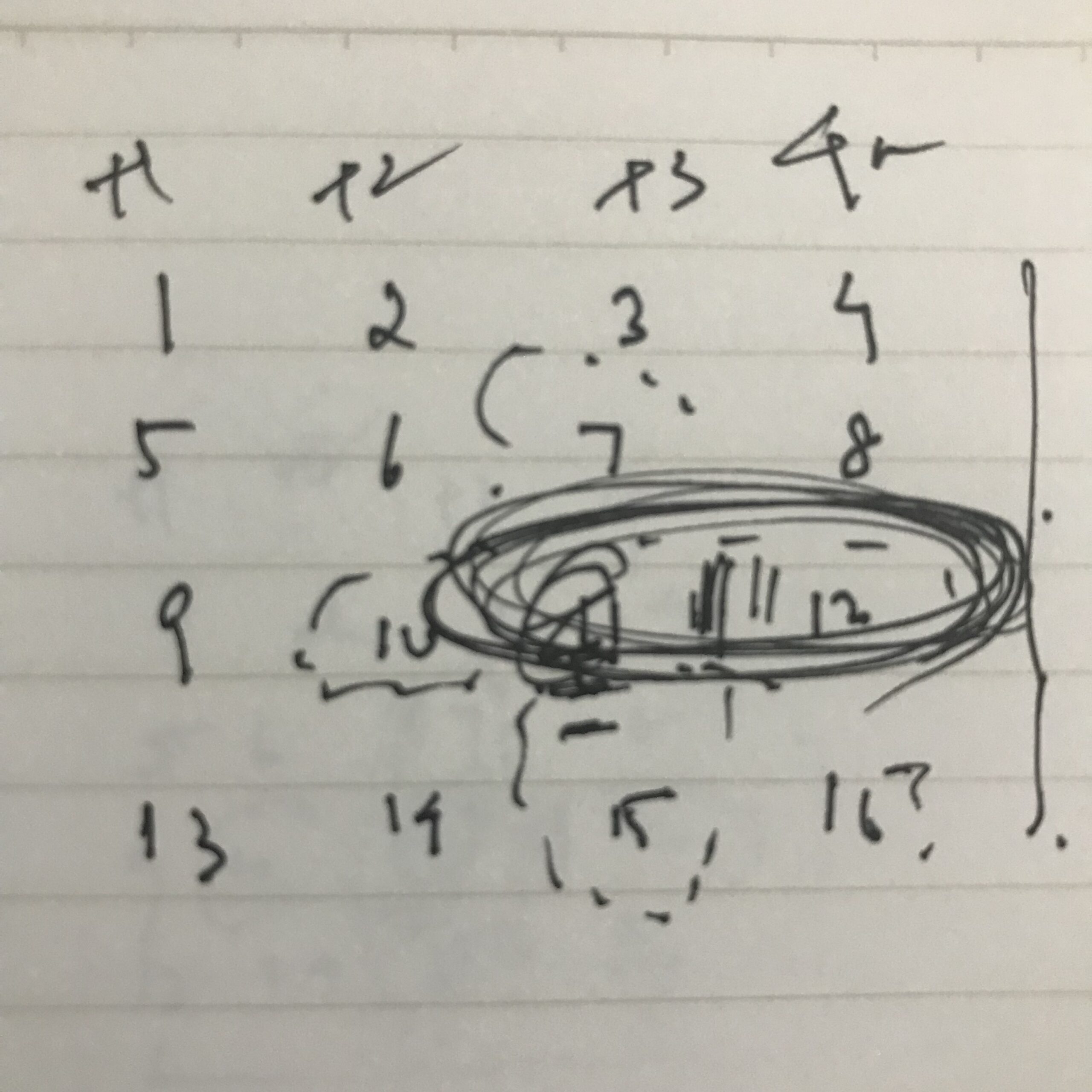
In my final year of college, health reasons kept me from internships and campus interviews, which made my first real interview a high-stakes affair. The first programming question asked me to output an inverted triangle of asterisks — trivially a for loop, but my anxiety was through the roof. So I drew the triangle itself on the paper. That drawing was how I found my footing.
Our problem is not the physicist's or mathematician's. A physicist is handed parameters and hunts for the missing values; we are handed the result and must find the path to it. Because the question and the result are the same thing, failing to grasp the question fully is a common reason otherwise strong developers go wrong. Writing out or drawing the desired output anchors the work: it is both a starting point and a reference you can check against at every step. Tuck it in a margin or a corner if you don't want it part of your graded answer — just keep it where you can see it.
Outlines: useful, but time-boxed
Outlining is a double-edged tool. If the scope is small, skip it — asking for every way to center an element in CSS calls for short snippets, not a roadmap. Ask instead for a web app that captures signatures through a touchscreen and stores them on a server, and a rough sequence pays off:
- UI for capturing signature — HTML Canvas? WebGL?
- Disable pointer events on the rest of the web page when the user is signing
- Convert and save the captured image to a PNG file — JS
- Then convert it to blob (maybe) and save it to the visitor's log data table.
For client work, write such outlines alongside your user requirements or on the back of printed wireframes. The bullet list doubles as a map, a to-do list, a verification checklist at the end, and even a template for the next similar project. Under exam or interview time pressure, keep it minimal: if you don't know where to start, jot three essential functions, or five if time allows. Spend as little time as possible and don't sweat details — the outline earns no extra points, it only keeps you honest.
Longhand versus shorthand
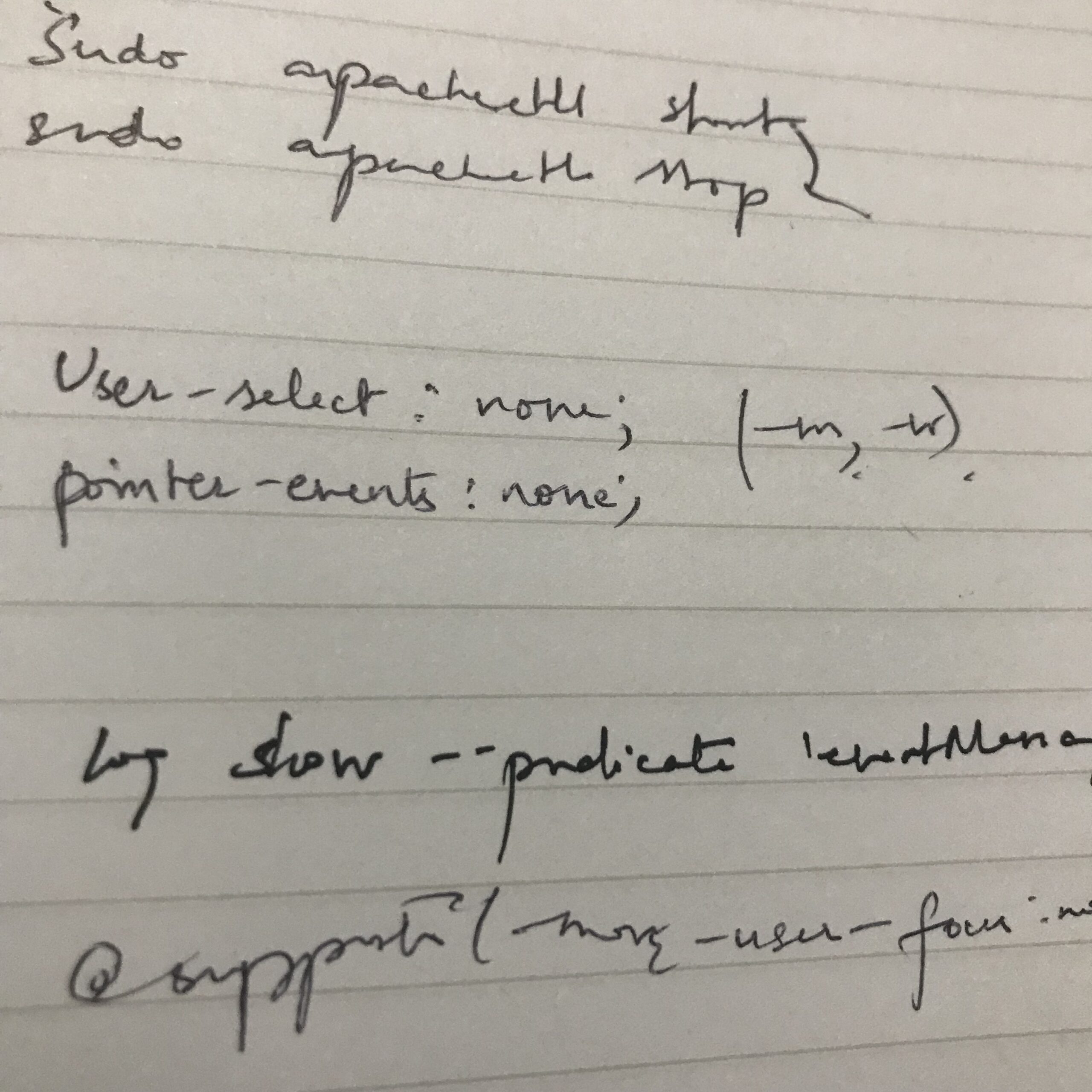
When you start writing, the dilemma is "Bdrs" versus border-radius, div -> p versus <div><p></div></p>, pl() versus println(), q() versus querySelector(). If someone else grades your work, shorthand is out: no abbreviations, pseudo-code, Emmet shortcuts, or anything a reader couldn't decode. For your own notes it is your call — but going fully longhand gets tedious if you're out of practice with pen and paper, and too much frugality means old notes become unreadable.
I keep snippets in a note-taking app file and on a lined notepad, unorganized, a long stream. When I browse old entries I'm grateful for clear writing, because I forget syntax constantly. I've used JavaScript arrow functions since they were introduced, yet asked to define one with the function keyword I might misplace the parentheses or the name and trigger a syntax error. Notes meant for future reference deserve clarity.
Start at the heart of the problem
Because most languages define functions early and execute them later, exam takers can attack the critical logic first. Consider finding the nth Fibonacci number. The outline — get the input, calculate the number, summarize the output, print the output — mixes steps of unequal weight: 1, 3 and 4 are obligatory but not the point. Wrap the calculation in a function, write that first, then fill in the sequential code and a call at the right place.
Professionals can skip further ahead. Given a triangle with two sides and an opposite angle, and the task of finding the third side, I draw the triangle, note sample lengths and angles, look up the formula, and jump straight to the function. In production I'd still need the obligatory steps, and on an exam sheet I'd still have to include them — but I'd still start with the formula code.
Pseudo-code as a compromise
Developers who doubt the pencil-and-paper approach may find pseudo-code the balance they want. Like an outline, it is briefer and reads like shorthand coding; it is sometimes called skeleton code. A quick sketch of a CSS grid layout takes very little room:
Grid
5 60px rows
6 100px columns
Given the small volume, jotting pseudo-code directly into whatever program you already use is just as effective and cheap as writing it on paper.
Spacing and comments
Code is mostly keywords with a little whitespace, and withoutspacesthereadabilityofwordsdecreases. Handwritten code needs indentation too, but the paper's width limits you — use spaces judiciously.
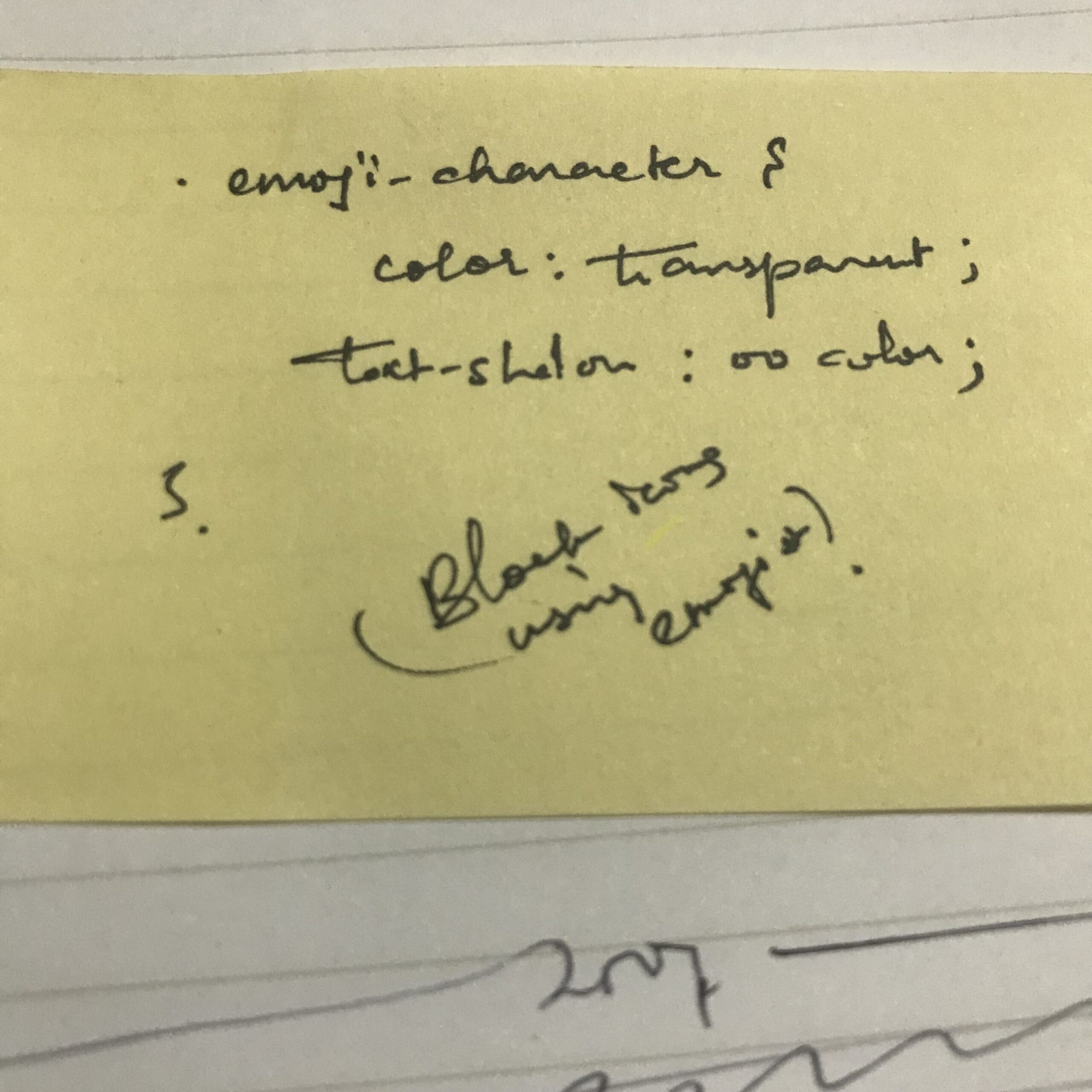
If you're writing for yourself and have already recorded the output and the outline on the page, comments may be unnecessary; they largely restate what the outline already says. If your judgment says to add one, put it to the right of the code, since you cannot insert it between written lines as in VS Code, and mark it with slashes, brackets or arrows. Examinees unsure of a syntax should comment: it tells the grader what the badly formatted code was meant to do. Use only the correct delimiters — forward slashes for JavaScript, for example.
Nothing here is scientific or an exact art. It is one developer's way of planning code, offered so you can weigh it against your own.
Paper, screen, or something more visual
All of this works in a note-taking application instead of a physical notebook. If you go digital, though, prefer visual tools — flow diagrams, mind maps, wireframes — over plain text notes, because they help you see the result, the outline and the code together. My own habits are analog apart from web work and a recent conversion to e-books; I stick to physical notebooks. Any pencil and paper will do, though my regulars are a Staedtler Pigment Liner 0.3mm (black), a Mitsubishi JETSTREAM 101 0.7mm (black), a MUJI A5 6mm-rule notebook of 30 sheets for portability, and a yellow MUJI Twin-Tip Highlighter.
The condensed checklist
- Begin by writing down the output, with sample data if it helps.
- Write an outline, kept to three steps for smaller or simpler projects.
- Use longhand when others will read it; shorthand is fine for yourself if it stays legible and meaningful later.
- Under time pressure, write the code at the heart of the problem first, then add the call in the right place within your sequential code.
- If you feel confident, sketch pseudo-code of the main idea.
- Indent and space properly, keeping the paper's width in mind.
If nothing else, the practice is worth trying as an experiment against your existing habits — and during an exam or interview, as a way to keep your attention on getting the question right.