
Docs at scale: tracking GitHub's knowledge base
GitHub Docs serves more than 100 million developers, with 18,545 articles spanning all languages and versions. That content base isn't static—it grows by roughly 50 new articles per product launch, with daily operations involving 15 to 20 pull requests and multiple updates. Behind that output sits a 42-person, fully remote team distributed across North America, Australia, Europe, and Africa. Coordinating that work requires a project management system that can handle versioning complexity, cross-team visibility, and rapid release cycles.
Managing versioning complexity through workflows
Docs articles don't map one-to-one to GitHub.com. Some articles exist only for GitHub Enterprise Server, while others apply across all versions. Even within a single article, individual paragraphs or words may be relevant only to certain versions. The team tracks that granular detail using GitHub Projects, pairing it with GitHub Actions workflows and built-in automation.
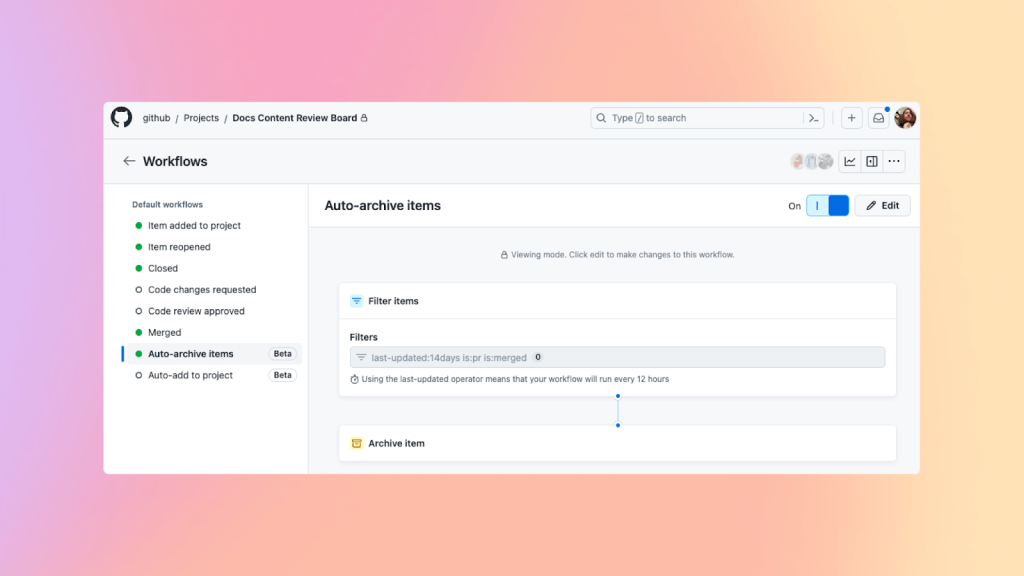
Workflows are especially critical during launches, when the team may need to create more than 50 new articles. Automated processes ensure that each new piece of content is captured, tagged, and moved through the pipeline without manual oversight.
Labels drive triage and review
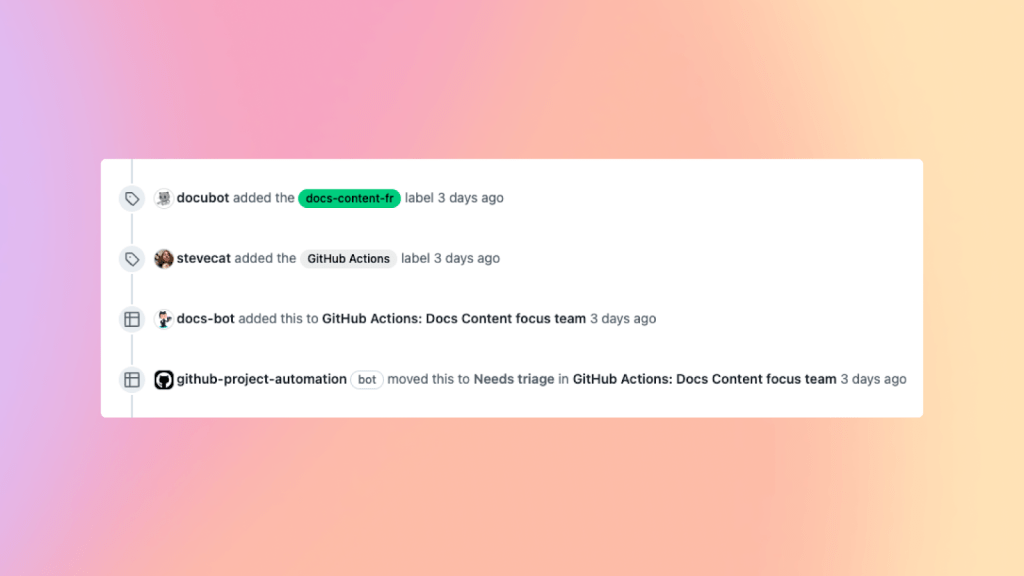
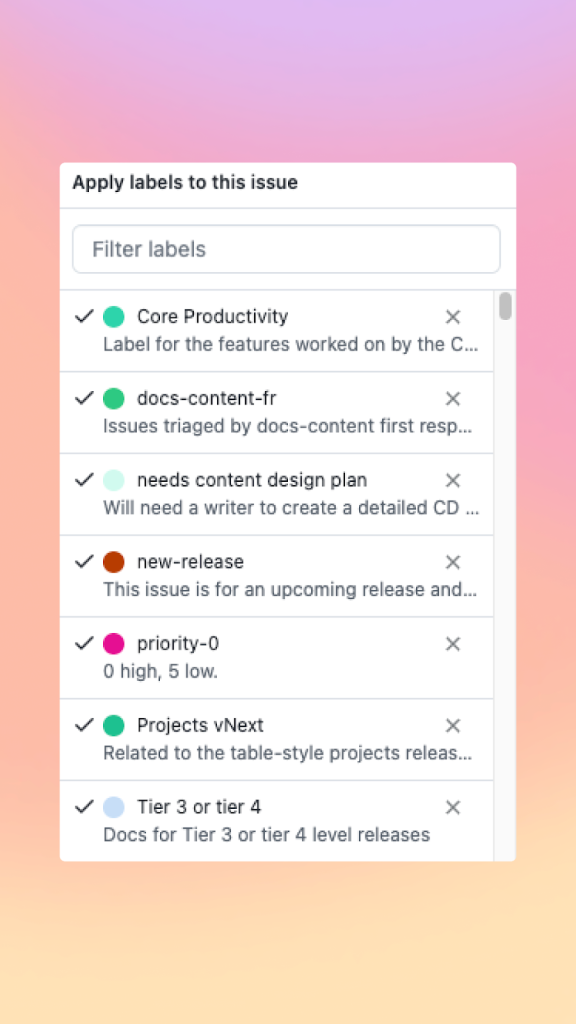
Labels serve as the team's at-a-glance signal for what an issue tracks and what it requires. Contributors are distinguished by label—external versus internal—and the label set triggers GitHub Actions workflows automatically. Adding a "ready-for-review" label, for instance, pushes a pull request onto the review board without anyone having to move it manually.
Individual team members also build personal views and insights from labels without disturbing shared workflows.
Views tailored to roles
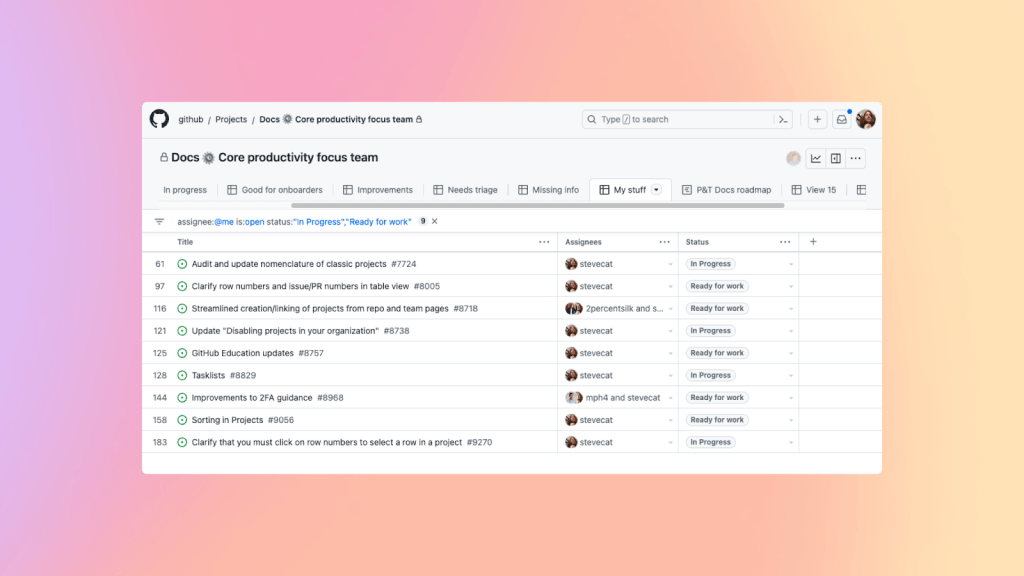
The Docs team includes large groups of managers and writers, and they don't need to see the same information. GitHub Projects supports custom board views, so managers and writers each get the perspective that fits their work. Subset teams like Docs content, Docs engineering, or Docs strategy can triage issues using their own workflows, and team members from other parts of the company can instantly survey what's relevant to them.
The @me filter lets each person surface only the tasks assigned to them, reducing the noise of a board tracking hundreds of open articles.
Extending Projects with Actions and the API
GitHub Projects integrates with the broader GitHub platform, which is where its real power emerges for this team. GitHub Actions combined with the Projects API gives them programmatic control over project state. This lets the team assign levels to tracking issues and route triage through role-specific automation. Since Projects, Actions, and the API live on the same platform, capabilities are available without stitching together external tooling.
Low-friction project management
The goal is to minimize time spent managing work so the team can focus on writing. GitHub Projects provides that experience natively—the team can track biweekly cycles, plan releases, and make work visible across the organization without switching contexts. For a globally distributed team managing one of the largest technical documentation repositories on the web, that degree of built-in coordination is essential.



