Why Pair Dropbox with an Automation Platform?
Dropbox is built for content collaboration, and its API supports direct integrations. But some workflows are better served by an automation layer that can react to events and coordinate actions across multiple applications. Workato fills that role by using the Dropbox API to connect content stored in Dropbox with the other tools your team already uses.
Workato can either poll for Dropbox events or receive them in real time through webhooks. Once an event is captured, the logic defined in a Workato recipe determines what happens next. For instance, a new CSV file landing in a Dropbox folder can trigger an upload of that data to Redshift. Or, when a Jira issue gets attachments, Workato can create a dedicated Dropbox folder, move the files there, and post a shared link back to the issue. The same connector also supports scheduled batch jobs, such as periodic bulk transfers from Dropbox to Amazon S3.
Workato provides a prebuilt Dropbox connector, and you can start from any of the 225K+ publicly available recipes and adjust them for your own needs rather than building automations from scratch.
Keeping Bug Reports and Support Tickets in Sync
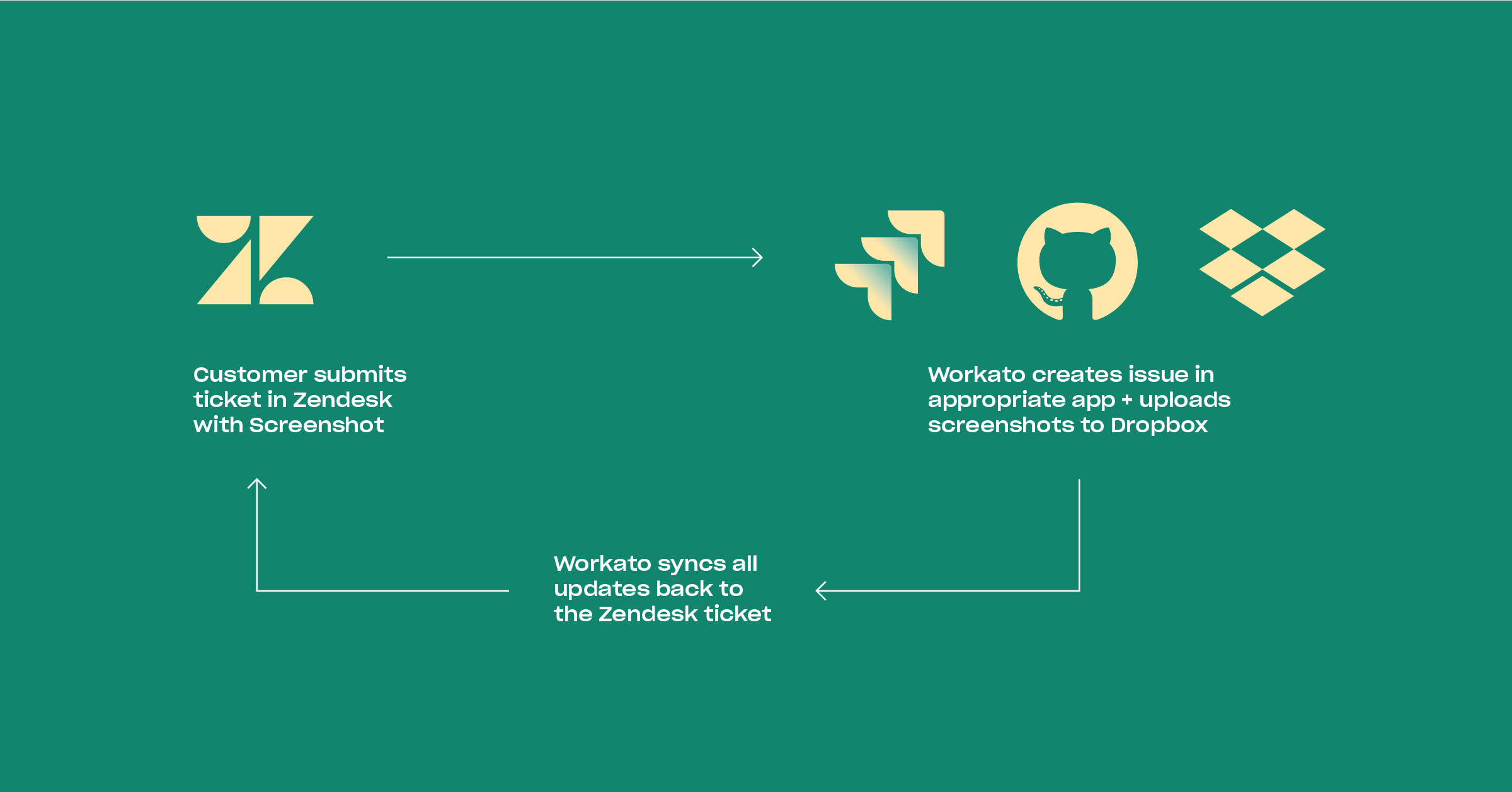
Development teams typically juggle several systems: a ticketing app like Zendesk, a project tracker like Jira or GitHub, and file storage where customers drop screenshots or logs. Manually stitching those together means switching contexts and slower resolutions.
Workato can bridge the gap. When a customer submits a Zendesk ticket with attachments, Workato can create a corresponding issue in Jira or GitHub, weighted by the ticket’s priority, and file the screenshots into a fresh Dropbox folder. As the Jira ticket evolves or new solution screenshots appear in Dropbox, Workato pushes those updates back to the original Zendesk ticket so everyone sees the same state of the case.
Approval Chains Without Leaving Slack
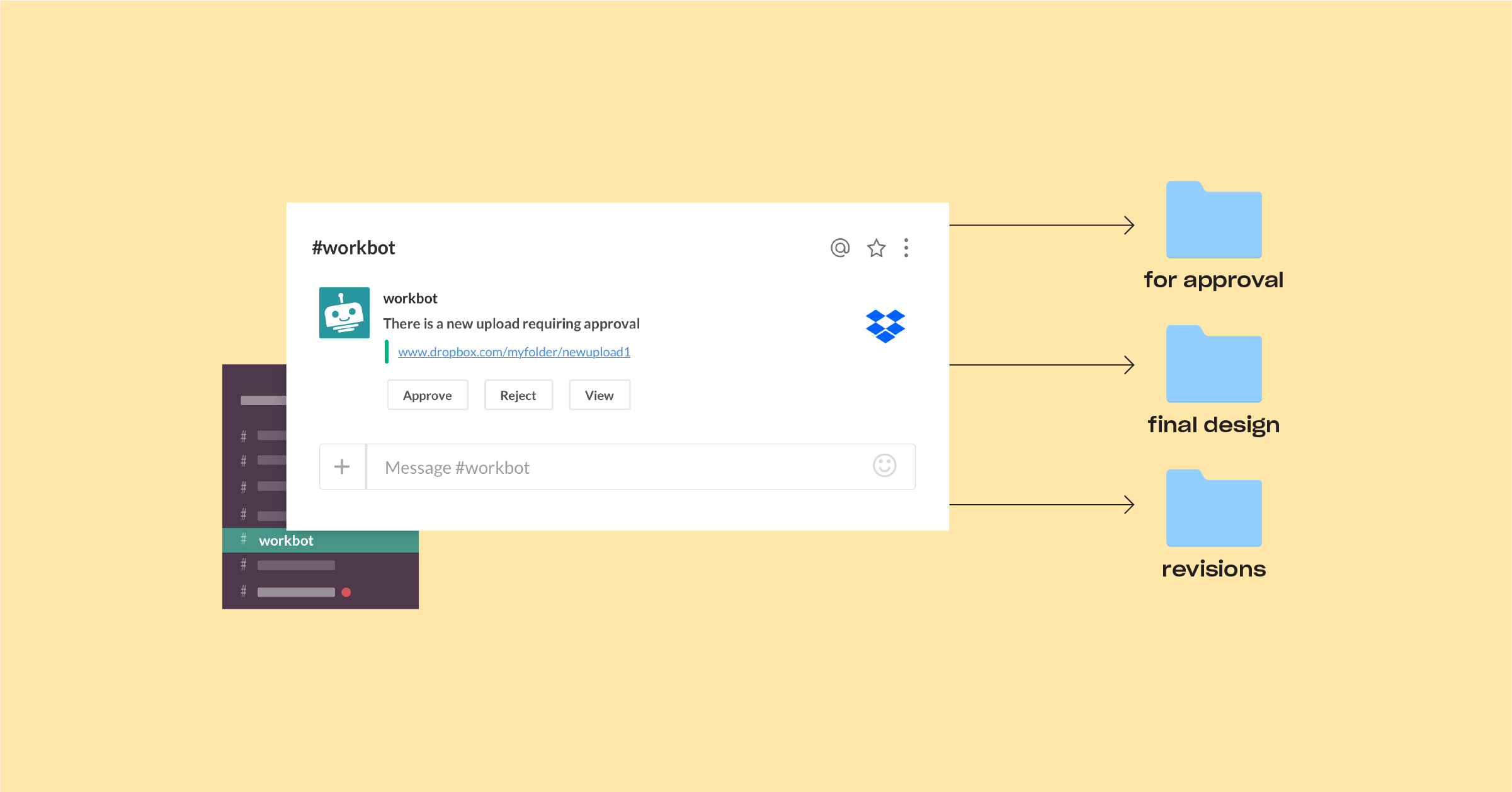
Design mockups, architecture docs, and similar artifacts usually need sign-off before they move forward. Rather than chasing approvers, you can route those files through an approved workflow in Slack using Workato and Workbot, an enterprise bot designed for secure approvals in Slack.
When someone uploads a new version to a Dropbox folder marked for approval, Workato detects it and pings the designated approver in Slack. The approver clicks a button to approve or reject. An approval moves the file to a different Dropbox folder, such as “final design.” A rejection moves it to a folder for revisions. Either way, the person who uploaded the file is notified in Slack with the status.
Onboarding and Offboarding Access, Automatically
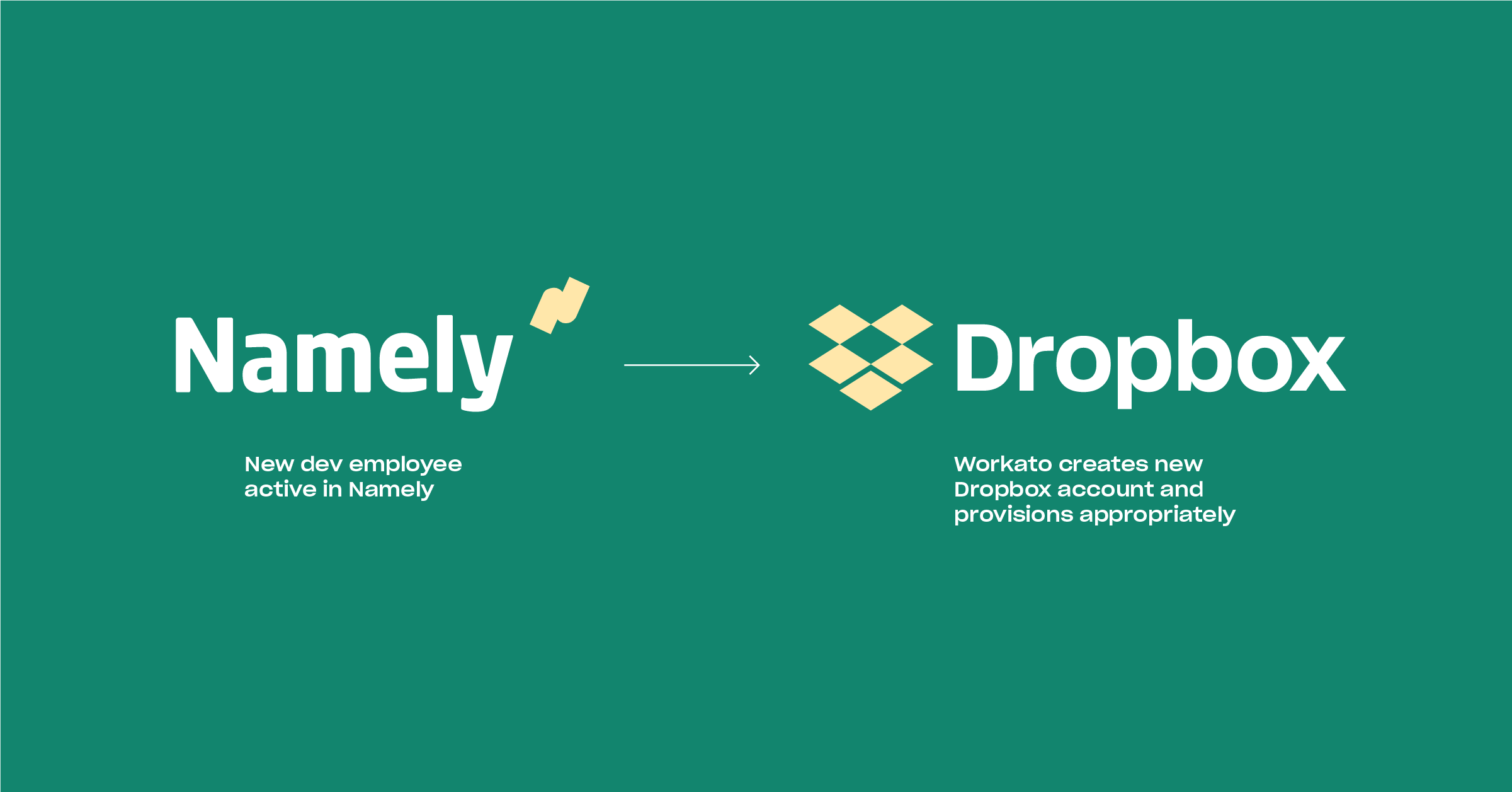
New developers need immediate access to documentation, product images, and other shared content in Dropbox. Workato handles provisioning based on updates in your HR system of record, like Namely.
Once a developer is marked active in the HR app, Workato creates their Dropbox account with the correct access level. Likewise, when someone changes teams or leaves the company, Workato revises or revokes folder permissions automatically to keep access aligned with their current role.