

A Code Search Engine That Understands Code
Reading code is as important as writing it. Developers constantly browse, navigate, and search through source code—whether they're planning a feature, debugging an issue, or reviewing a pull request. GitHub’s new code search and code view experience is built around this reality, with an indexing pipeline that now covers over 10 billion documents across more than 30 million repositories.
The effort builds on a technology preview that drew over 100,000 developers. Feedback from that preview shaped the final beta, which was unveiled at GitHub Universe. The result is a search interface designed to get developers to relevant code quickly, then let them dig into context without losing momentum.
Search Built for Precision and Speed
The new GitHub.com search interface is a departure from the previous experience. It includes query suggestions and completions, plus filtering across dimensions like repository, language, symbol, and owner. Queries can use boolean expressions, qualifiers, and even regular expressions, all backed by a search engine built from scratch with performance as a primary goal. Most queries return results in a few hundred milliseconds.
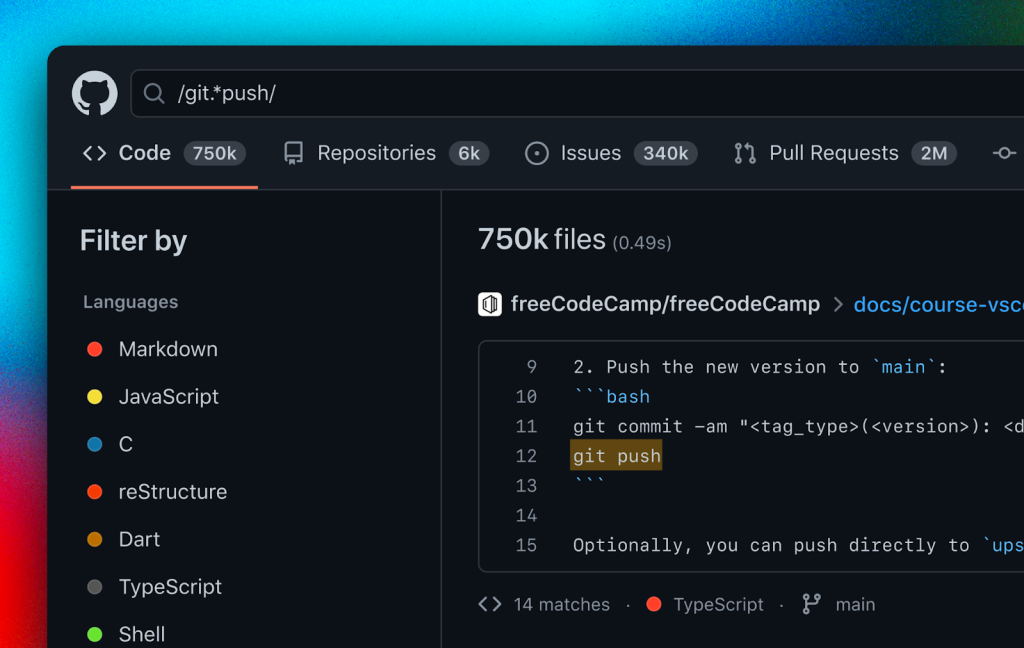
The engine goes beyond simple keyword matching—it processes code structurally, which lets it rank results by actual relevance rather than surface text. That means answers buried deep in a codebase surface before noise.
A Redesigned Code View
Search results are only the starting point. Once you land on a file, the code view has been redesigned to integrate browsing, search, and navigation into a single flow. A file tree now sits on the left side of the code view, showing how the current file fits into the broader repository structure and enabling quick jumps between files.
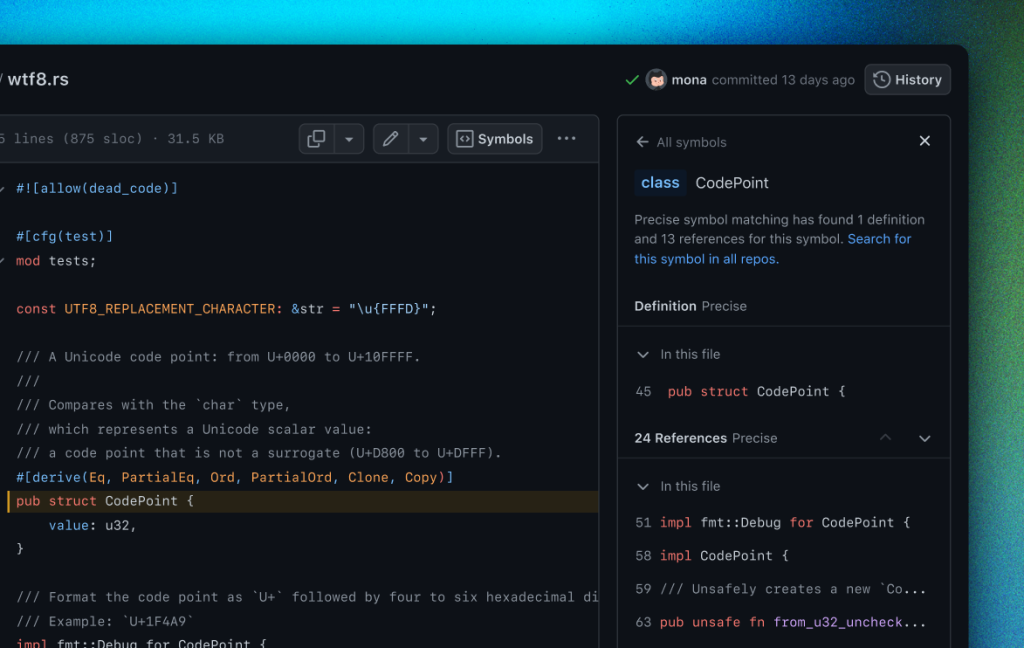
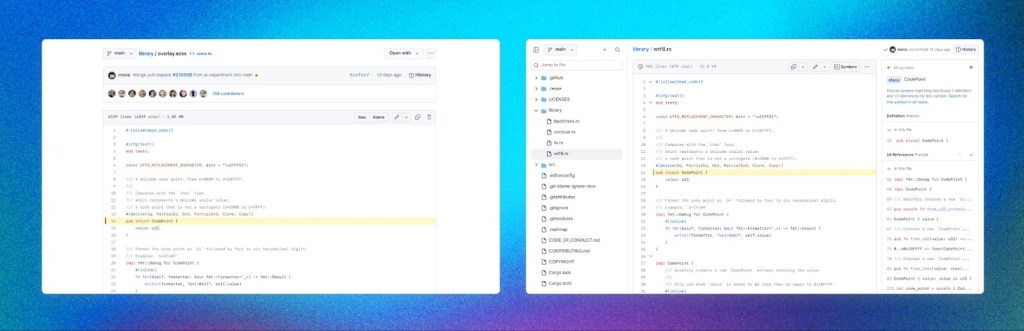
The combination of a structured search index, fast query execution, and richer file browsing is aimed at one outcome: developers spending less time hunting for code and more time building with it.



